


Use APKPure App
Get V380 Pro old version APK for Android
V380 Pro is a security camera app that enables remote monitoring and playback.
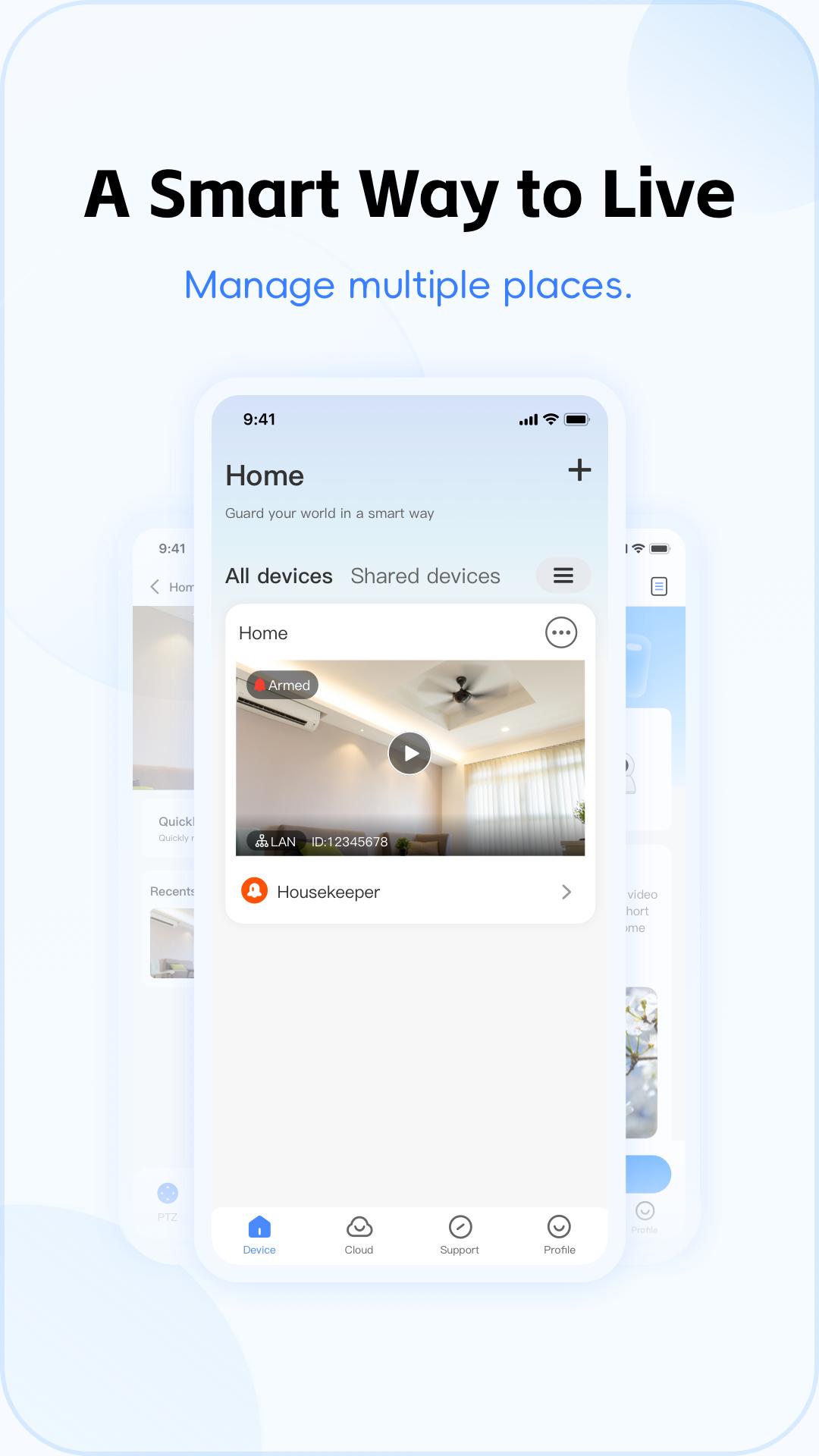
V380 Pro helps you check cameras at home or work from your phone whenever needed. It fits apartments, villas, small shops, and larger sites like factories and offices. Through video and alarm services, it keeps you aware of activity and lets you review what happened later. It works with a range of V380 cameras and supports mobile and desktop viewing for flexible setups. For Android users, the V380 Pro APK offers a direct way to install and manage supported devices.
Remote live view and playback
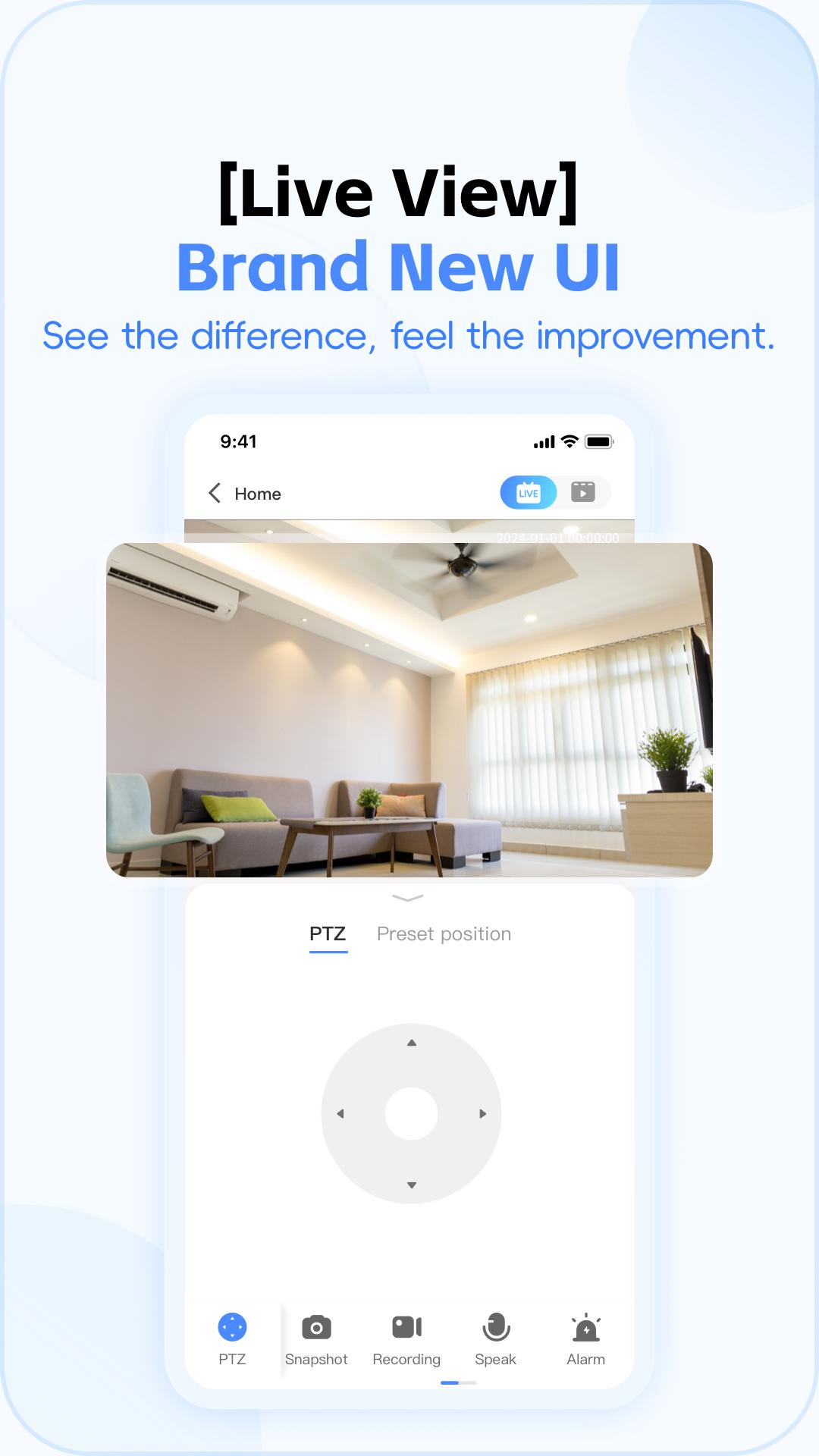
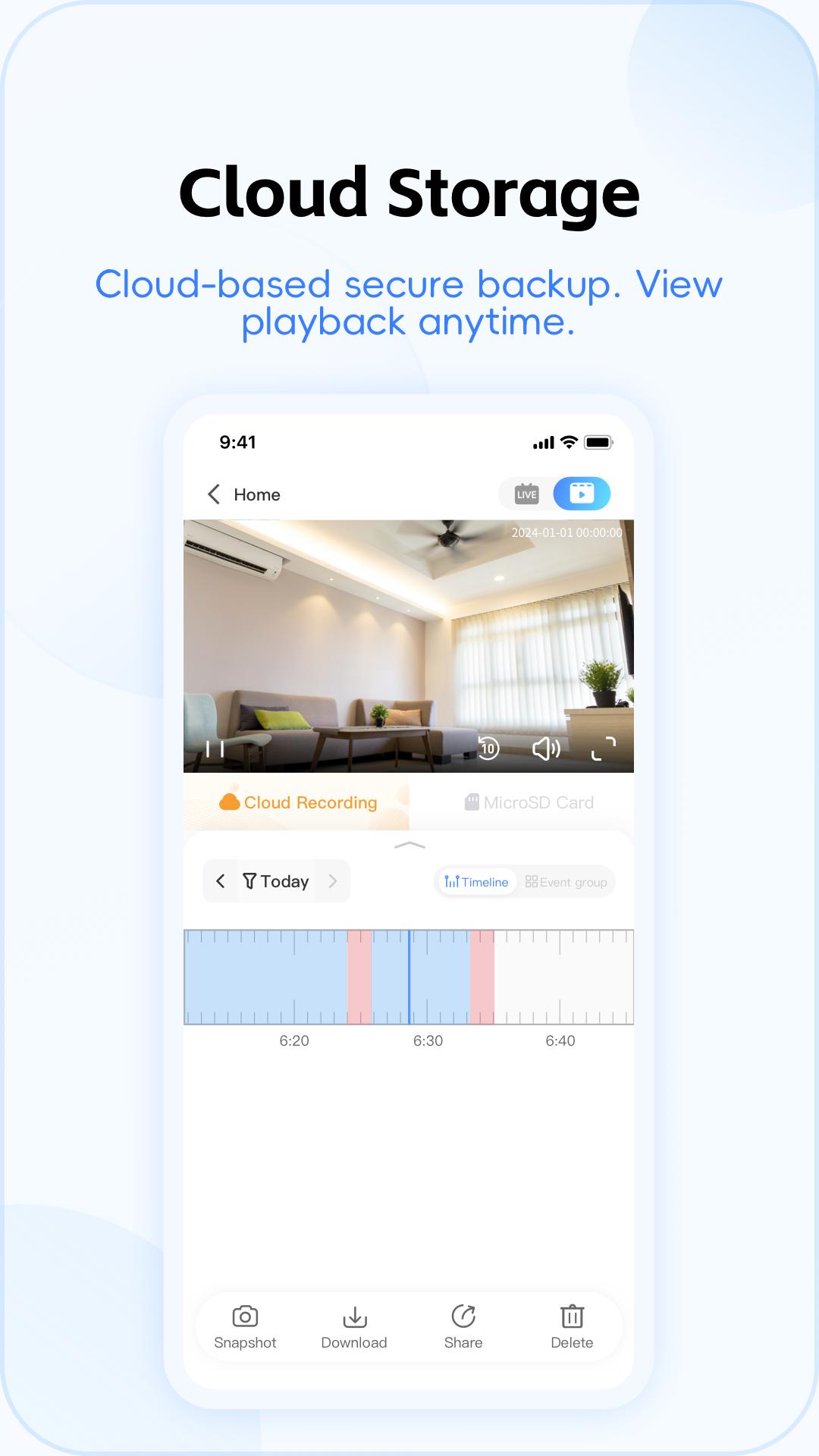
V380 Pro lets you watch real time streams and quickly return to past recordings when you need context. You can switch between cameras and view timelines with simple taps. This helps you confirm events without leaving the app.
Motion alerts with trajectory tracking
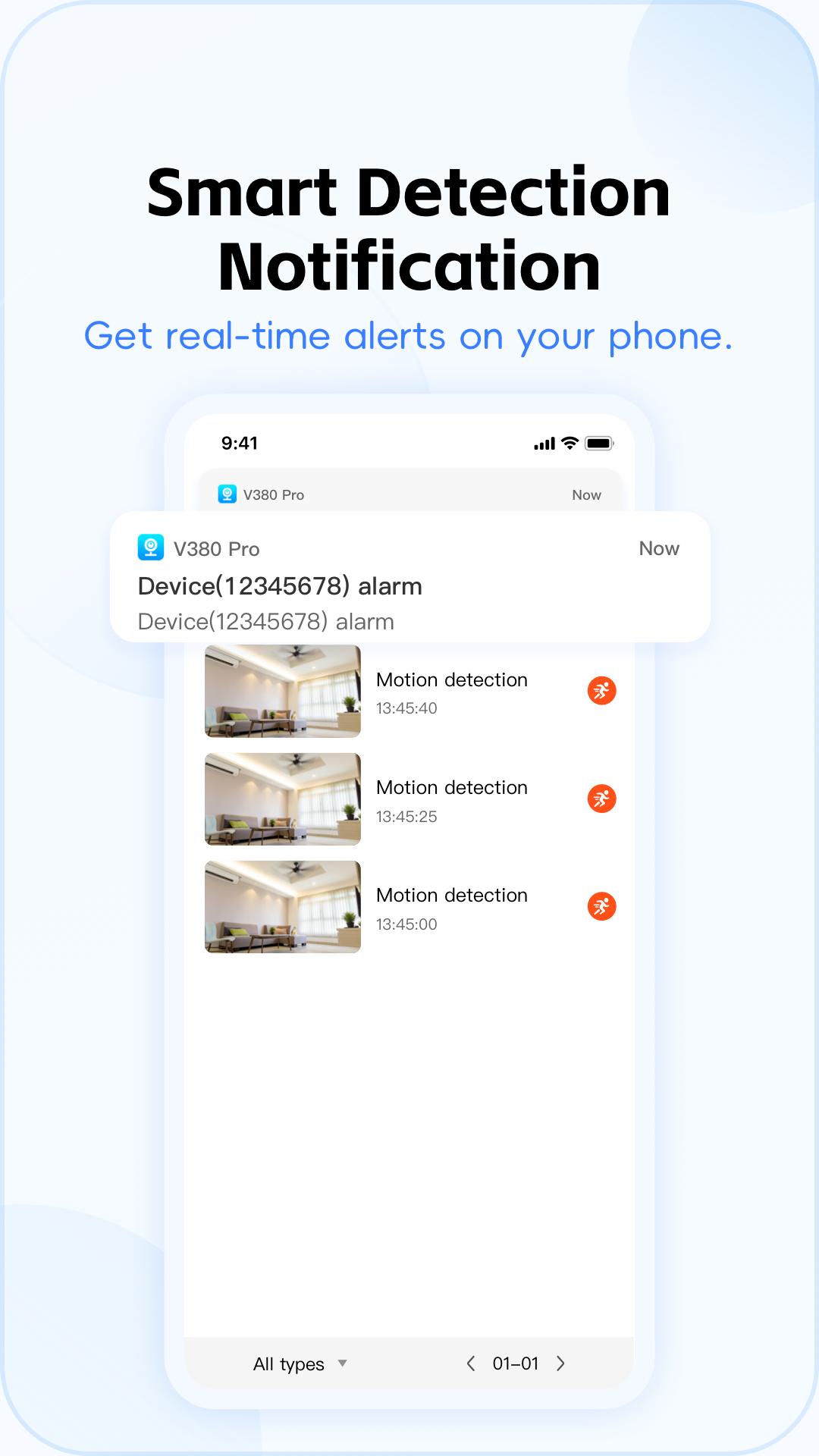
When movement is detected, V380 Pro sends alerts with instant snapshots so you can see what triggered the event. Motion trajectory tracking draws a clear path of activity, which helps you trace how a person or object moved through the frame. As a result, you can follow events more intuitively without scrubbing through long videos.
Two way audio talkback
You can speak through the camera and hear what is happening on site. This helps you greet family, guide deliveries, or deter intruders in real time. With quick access to the microphone, communication stays simple during live view.
Device sharing for co management
V380 Pro lets you share cameras with family members or coworkers so multiple people can view and manage devices. You can grant access to selected cameras and keep control over who sees what. This is useful for homes, small businesses, and teams that need coordinated monitoring.
Encrypted cloud recording
Cloud storage in V380 Pro uses high level encryption to protect saved videos. Your recordings remain accessible even if a device is lost or damaged. This offers a secure way to retain important footage over time.
V380 Pro works with a wide range of V380 branded IP cameras, including mini indoor cameras, PTZ dome cameras, bulb cameras, and outdoor auto tracking AI cameras. This coverage makes the V380 camera app suitable for varied layouts and monitoring angles across home and business scenarios. If you prefer desktop viewing, the Windows client supports multi device setups and complements mobile access for V380 Pro for PC use. Users searching for V380 Pro app download options can plan a setup that combines phones and a computer for consistent coverage.
To begin, install the app, create an account, and get the camera online. For convenience, download V380 Pro before powering up your device so everything is ready.
V380 Pro focuses on reliable live viewing, clear motion alerts, and secure cloud recording across common home and business setups. To stay current with improvements, get the V380 Pro latest version and keep your cameras connected.
For official resources and device information, visit the developer’s site.
Last updated on Apr 3, 2026
1. Optimized the subscription process
2. Fixed known issues
Latest Version
 2.2.51
Uploaded by
Roqueline Marinho
Requires Android
Android 7.0+
Available on

Category
Report

Discover what you want easier, faster and safer.
