


Use APKPure App
Get USB Camera old version APK for Android

USB Camera is a camera utility app that connects Android devices to USB webcams and capture cards.
USB Camera helps users who need to plug a USB webcam or HDMI capture card into a phone for monitoring, recording, or streaming. It works through USB OTG and turns the device into a viewer and recorder, while also offering a wireless IP camera mode for flexible setups. You can mix audio sources or overlay visuals when needed, so it fits home, studio, and field use. For a quick setup, download USB Camera and follow the on screen guidance.
Broad USB device support
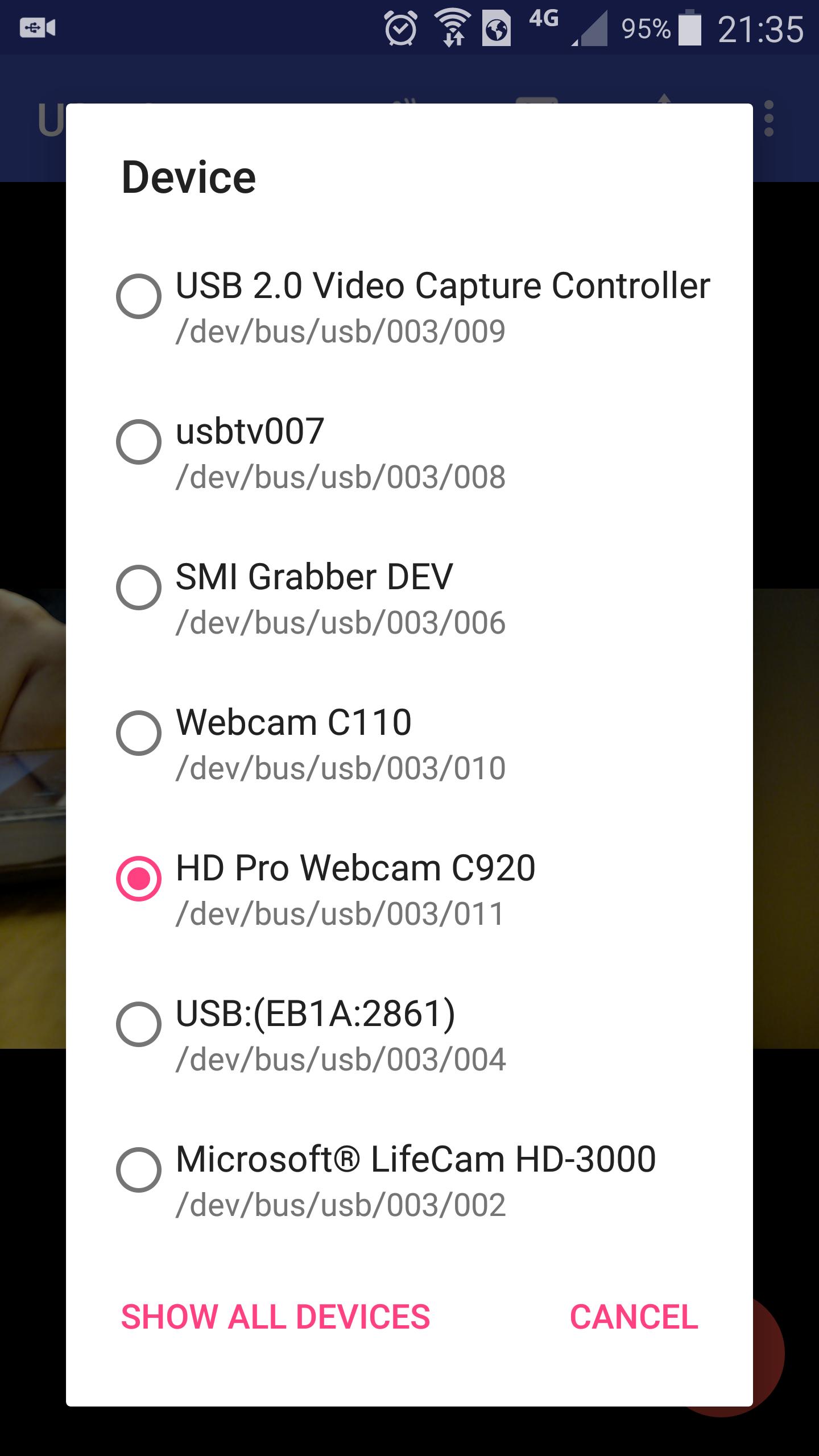
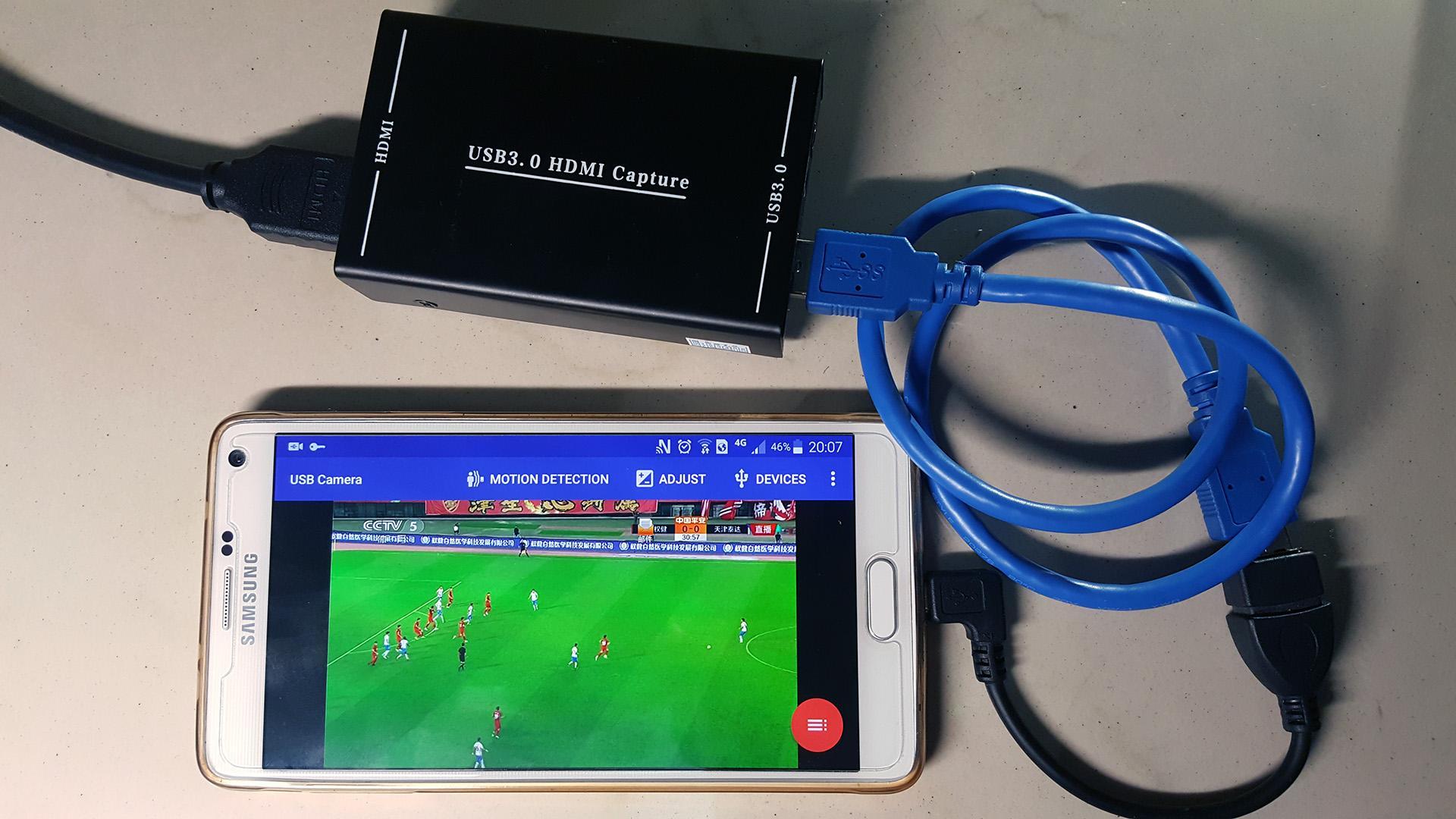
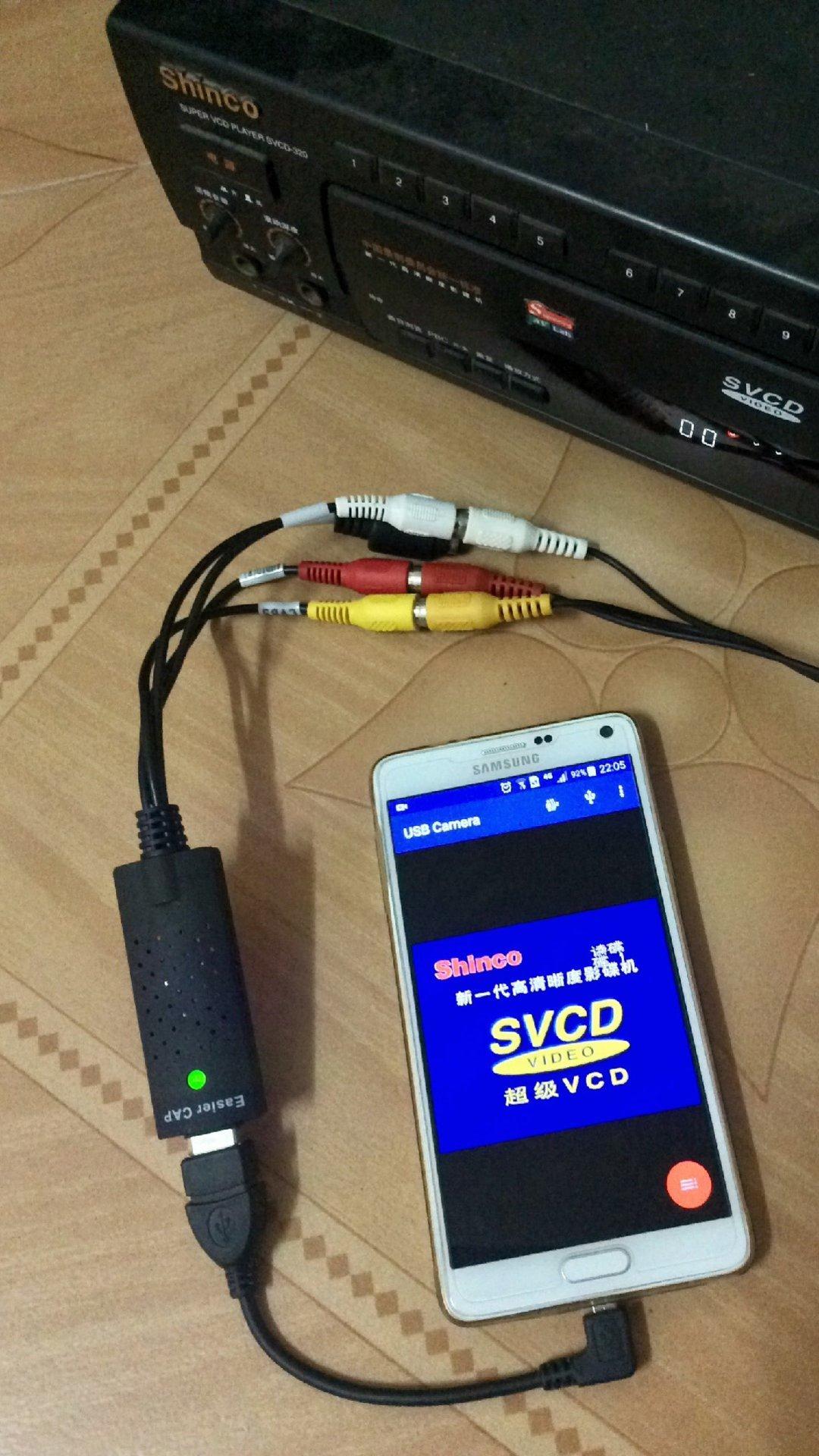
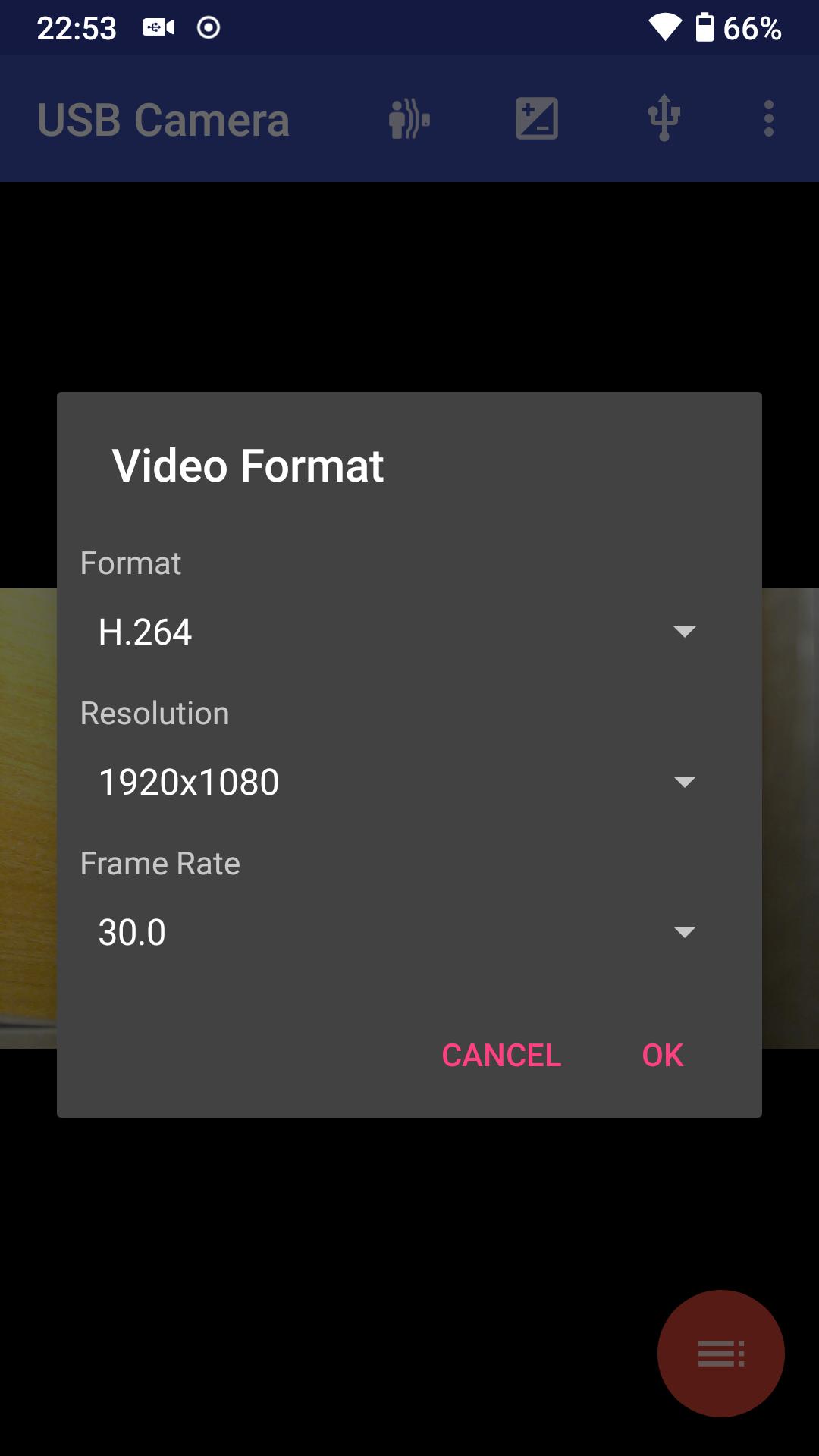
USB Camera connects to UVC webcams and video grabbers via OTG. It supports inputs up to 4K over HDMI on compatible capture cards and common formats such as H.264 and H.265 HEVC. It also works with Windows Hello and IR cameras, plus some non UVC devices like certain USB endoscope and EasyCap units. Use a quality OTG cable and stable power.
Recording, IP camera, and display
You can record video or capture snapshots from the connected source. USB Camera can turn the phone into a wireless IP camera using built in RTSP and HTTP servers with bi directional audio when paired with the companion IP Camera app. It offers SBS for FPV goggles and Picture In Picture. Add timestamp, GPS, and speed overlays, enable loop recording with auto segment and auto delete, and keep recording in background. Motion detection can upload clips to FTP with email alerts.
Live streaming and requirements
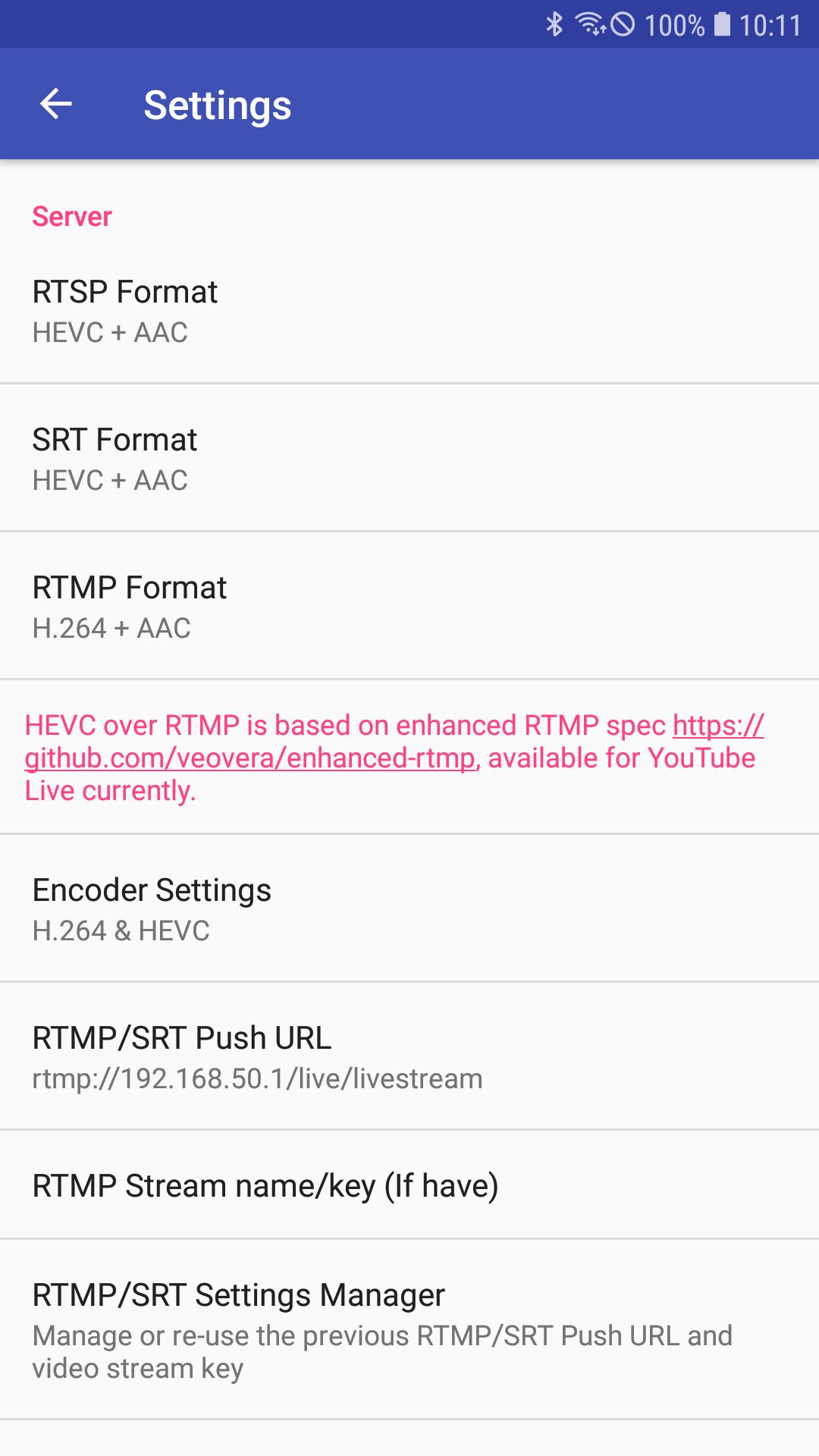
USB Camera pushes video and audio to RTMP and SRT servers, supports rtmps for secure delivery, and can stream to multiple servers at once. On supported devices, HEVC and AV1 over RTMP are available. HEVC streaming requires Android 5 or above. AV1 streaming needs Android 10 or above. On Android 9 or above, camera permission is required; the driver runs in userspace and works only inside the app.
USB Camera provides a practical way to use USB video hardware on Android for recording, monitoring, and live streaming. Check device and codec requirements before setup. Install the USB Camera APK to get current support and fixes, then follow the in app steps to connect.
Last updated on May 25, 2026
* Improve video render performance and quality
* Can animate long text
* Can custom background color of text overlay
* Video Overlay can be shown on Video Preview, you can turn it off from Settings
* Supports overlaying animated image (GIF or Webp) as watermark on video frames
* You can overlay the screen and internal camera video onto USB video at the same time
Latest Version
 12.1.1
Uploaded by
ՙՙՙՙՙ ՙՙՙՙՙ ՙՙՙՙՙ
Requires Android
Android 6.0+
Available on

Category
Report



Discover what you want easier, faster and safer.
