


Use APKPure App
Get Titanium Backup old version APK for Android

Titanium Backup is a backup and restore app that safeguards apps and data on rooted Android devices.
Titanium Backup helps users who change phones, try custom ROMs, or need a safety copy before system tweaks. It focuses on saving installed apps and their data so you can bring them back when needed. The interface groups tasks clearly, and you can review logs after each run to confirm results. Root access is required for core operations, so prepare your device first. Users who prefer manual installation can use the Titanium Backup APK on supported, rooted devices.
Reliable app and data backups
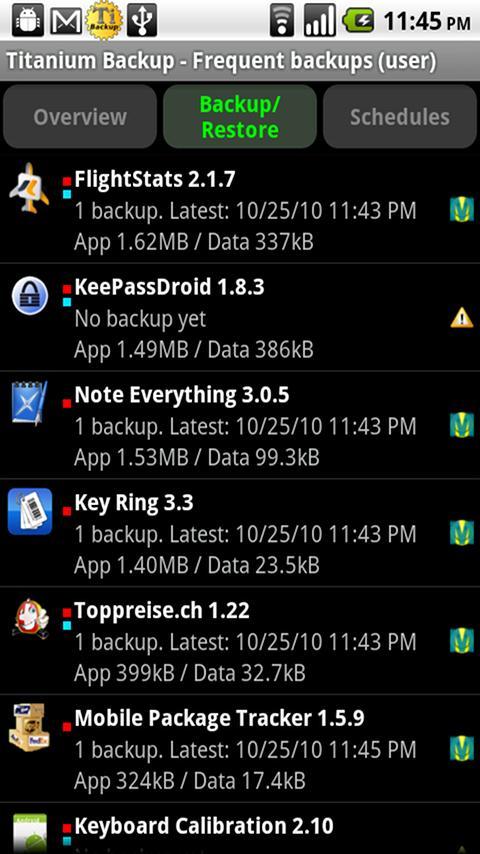
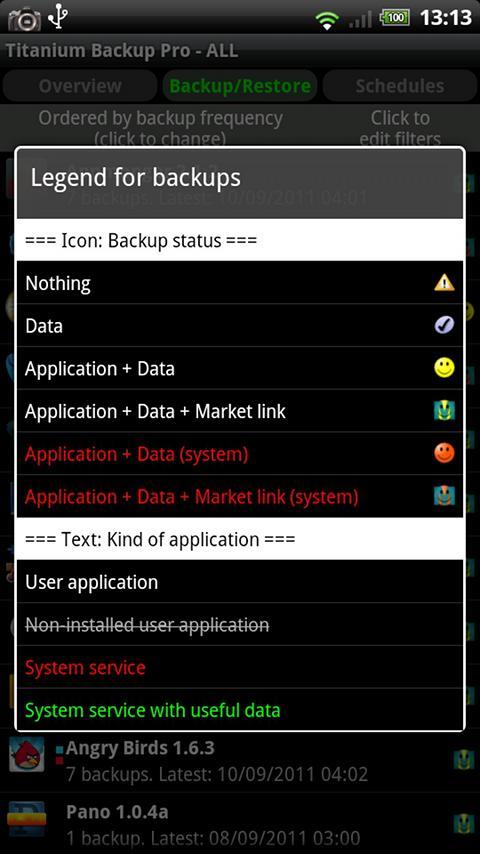
Titanium Backup creates backups of user and system apps together with their data. External app data on your SD card can be included. Batch jobs and schedules help automate routine tasks, so you spend less time managing backups. With the Titanium Backup latest version, you can run operations on rooted devices with clear status feedback.
Storage and migration tools
Beyond backup basics, these tools help you move and inspect data.
Advanced controls in Pro
For users who need more control, the Pro key adds options for maintenance and troubleshooting. You can freeze or defrost apps, keep multiple backup versions per app, and protect backups with encryption. Cloud sync options to Dropbox, Box, or Google Drive and the built in web server make sending or retrieving a ZIP backup simple.
Titanium Backup focuses on backing up and restoring apps and their data on rooted devices. Check root access, review settings, and run a small test backup before larger jobs. When ready, you can download Titanium Backup and set it up on a compatible device.
Last updated on Nov 24, 2019
• Fixed built-in MENU action not appearing on some devices (+ added GUI setting to forcibly hide it).
• Updated translations.
Latest Version
 8.4.0.2
Uploaded by
Marin Perić
Requires Android
Android 1.5+
Available on

Category
Report




Discover what you want easier, faster and safer.
