


Use APKPure App
Get Super Backup old version APK for Android

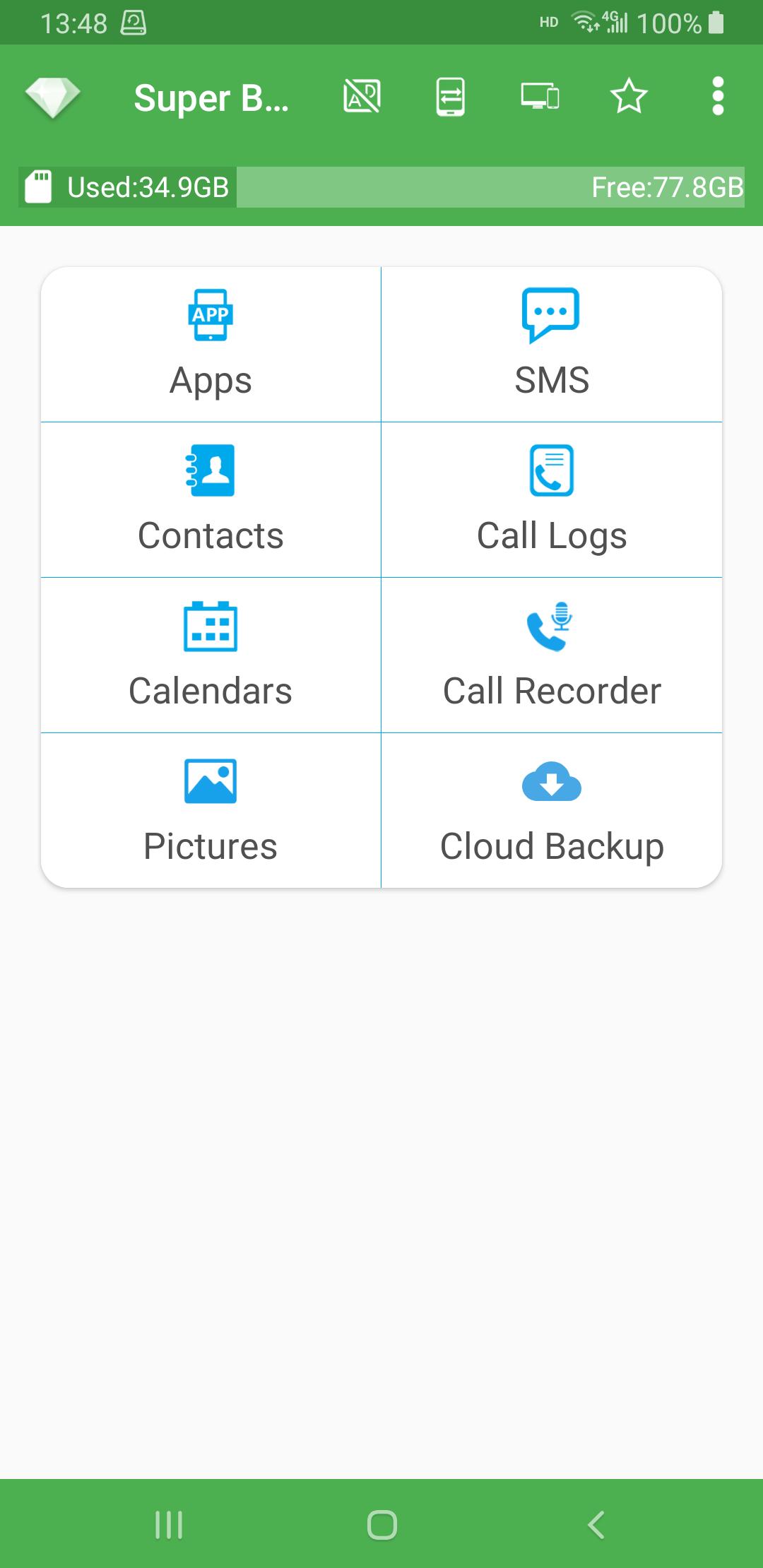
Super Backup is a data backup app that lets you quickly save and restore phone data.
Super Backup helps when you change phones, reset a device, or need copies of contacts and messages. It stores backups on internal or external storage so you can bring them back later. You can keep essentials safe and move them with a memory card if needed. Additionally, the app keeps things simple with clear sapce and direct options. The Super Backup latest version focuses on stability and straightforward controls for everyday use, so setup is quick and you can see what is saved before running a task.
Backup and restore to SD card
Super Backup lets you save apps, contacts, SMS, call logs and calendars to an SD card and restore them when needed. You can choose specific SMS conversations before creating a backup. If you plan a factory reset, set the backup folder to external SD card first to keep your copies available after the reset.
App installers, sharing and transfer
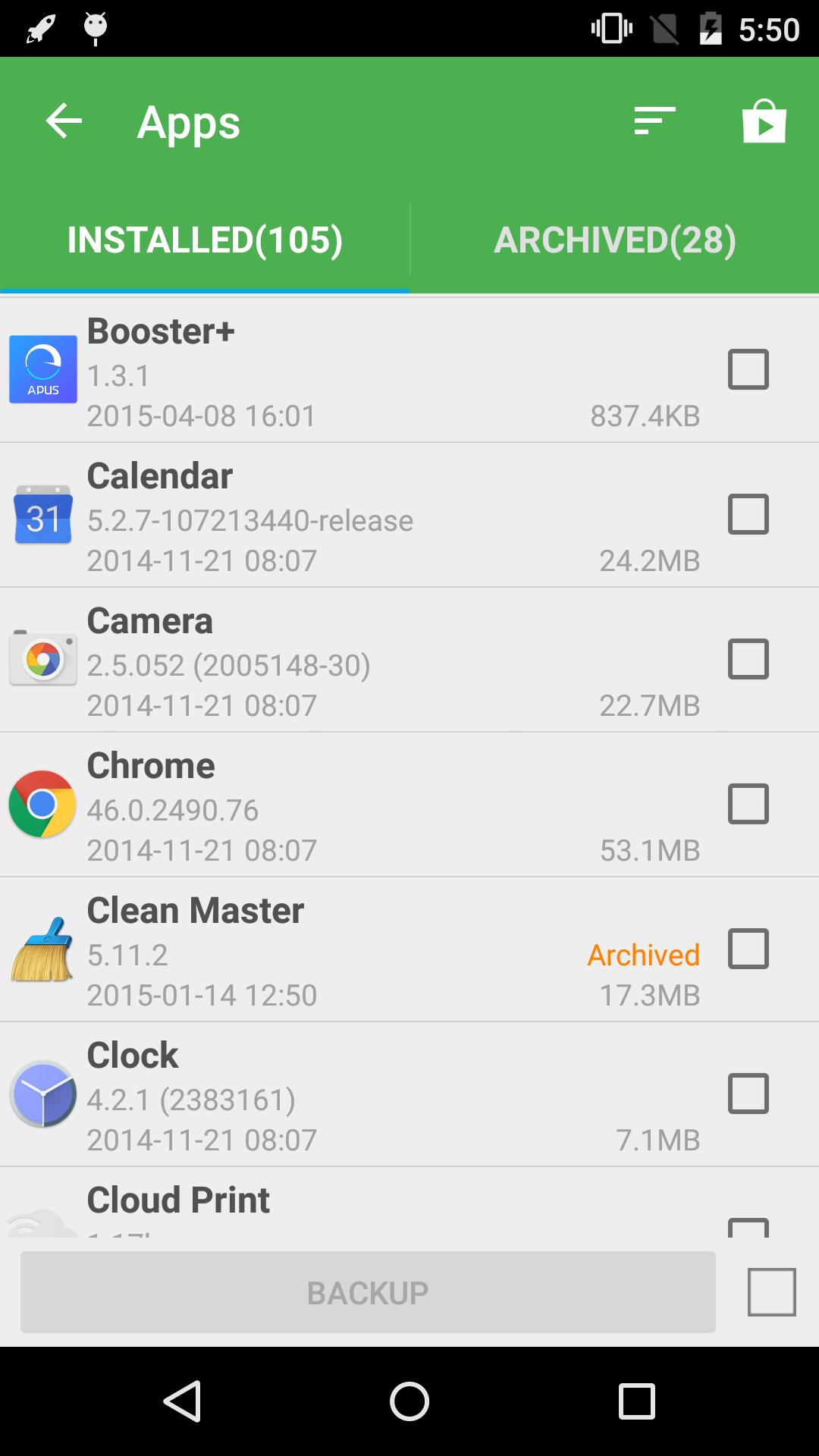
After you download Super Backup, you can back up app installers and the download links of installed apps. Super Backup also lets you share APK installers with others. You can change the backup folder to an external card to manage storage. You can transfer backup files between devices using Wi Fi peer to peer. On Android 8 and above, the system requires location permission for Wi Fi peer to peer.
Automation and important limits
PSA>Super Backup provides straightforward tools to save and restore phone content to storage with minimal setup. Review the notices, choose a folder and run a first backup to protect important items. To begin, install the Super Backup APK and confirm the folder location before making major changes to your device.
Last updated on Sep 18, 2025
Fix bugs
Support Android 15
Latest Version
 2.4.06
Uploaded by
Bruno De Lucas
Requires Android
Android 6.0+
Available on

Category
Report




Discover what you want easier, faster and safer.
