


Use APKPure App
Get SPIN old version APK for Android

Fast web filter blocks adult content, enforces safe search & ensures web safety.
Integrated Web Filter & Adult Content Blocker
SPIN Safe Browser is a fast web browser with a built-in internet filter. It automatically blocks millions of inappropriate websites and enforces strict safety standards to ensure a secure browsing experience on Android devices.
Zero Configuration Safety
Protection starts the moment you install the app. SPIN filters content across all networks—Wi-Fi, 4G, and 5G—without requiring a VPN or complex setup.
Core Web Filtering Safety Features:
✔ Adult Content Blocker: Automatically filters pornography, nudity, and explicit websites.
✔ Enforced Safe Search: Forces strict Safe Search on Google, Bing, DuckDuckGo, and Ecosia.
✔ Restricted Mode for YouTube: Automatically filters inappropriate video content based off Google's filters.
✔ No Incognito Mode: Private browsing is disabled to maintain accountability and prevent filter bypass.
✔ No VPN Required: Filtering is handled directly within the browser, ensuring faster speeds and stable connectivity.
Personal Wellness & Accountability
SPIN is a dedicated tool for users focused on digital wellness and habit-building. Because the security features are hard-coded and cannot be bypassed via private tabs or proxy sites, it is frequently used by those seeking a more disciplined and secure online environment.
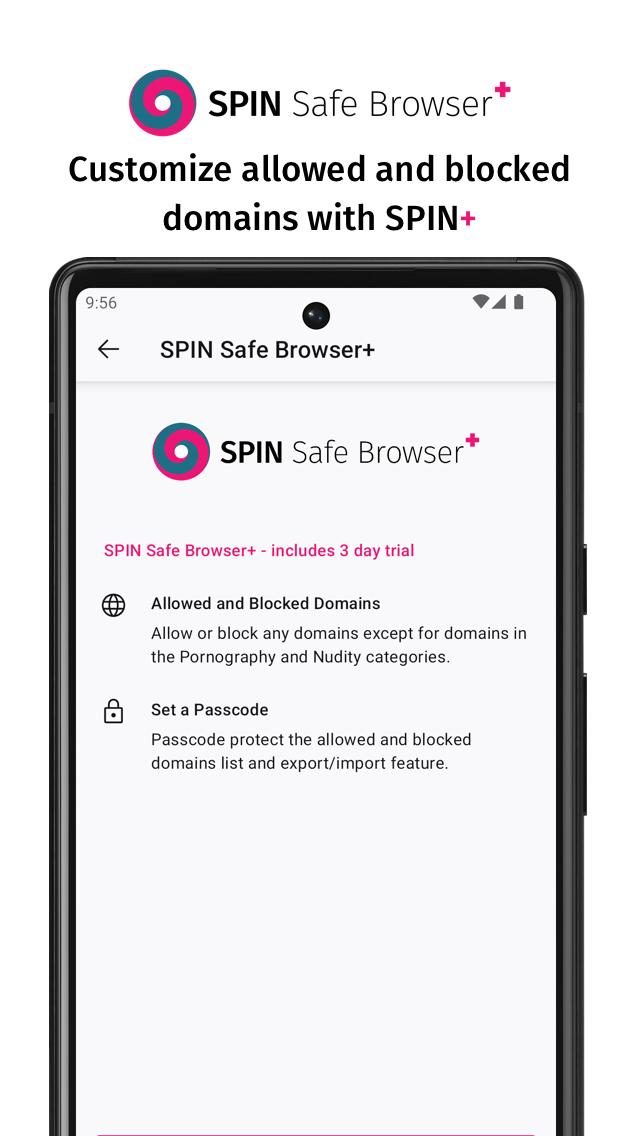
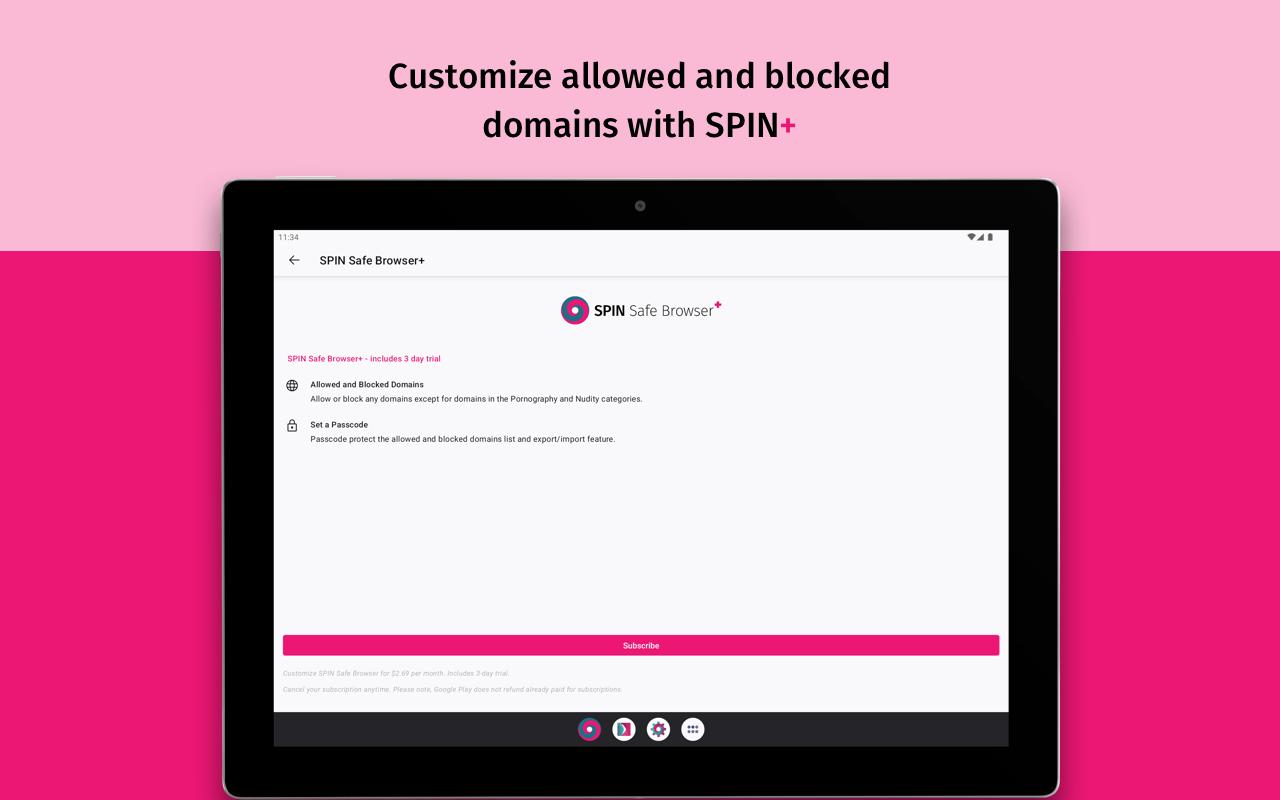
Customization with SPIN+ (Optional Subscription)
Personalize your filtering experience with these advanced features:
✅ Edit Allow List: Allow specific websites (Note: Explicit categories remain blocked).
🛑 Custom Block List: Add any specific domain to your restricted list.
🔑 Passcode Protection: Secure your browser settings with a private code.
⬇️ Save your Settings: Save and restore your bookmarks and settings across your devices.
Automatically Filtered Content Categories:
✔ Pornography and Adult Content
✔ Nudity
✔ Unsafe Search Engines
✔ File Sharing / Peer-to-Peer Sites
✔ VPN and Proxy Sites
✔ Community-reported "Gray Area" sites (Prone to Bad Content)
Technical Specifications
Built on modern browser technology, SPIN provides a lightweight and responsive experience. It is optimized for Android phones and tablets, ensuring high-speed page loads while maintaining strict content security.
How to Set SPIN as Your Default Browser:
1. Open your device Settings.
2. Navigate to Apps > Default Apps.
3. Select Browser App and choose SPIN.
Support & Resources
Website: https://spinsafebrowser.com
Technical Support: [email protected]
Community Help: https://community.useboomerang.com
Note: SPIN Safe Browser is a standalone web filter. For device-wide app blocking and screen time limits, see our companion apps: Web Filter for SPIN & Chrome or Boomerang Parental Control.
Last updated on Jun 14, 2025
Bug fixes, extensions fixed and more under the hood improvements. Thanks for your patience and feedback!
Latest Version
 70.3.0
Uploaded by
Tatiana Laura
Requires Android
Android 5.0+
Available on

Category
Report





Discover what you want easier, faster and safer.
