


Use APKPure App
Get Speedtest old version APK for Android

Speedtest is a network performance app that measures internet speed and checks connectivity.
Speedtest helps you identify slow connections, streaming hiccups, and gaming lag in everyday use. It brings internet performance checks into one place so you can quickly confirm how your WiFi or mobile network is doing. Built on a global server network and backed by 55 billion tests, it focuses on practical results that are easy to understand. Users searching for Speedtest APK will find a straightforward tool for verifying a connection before streaming, working, or traveling.
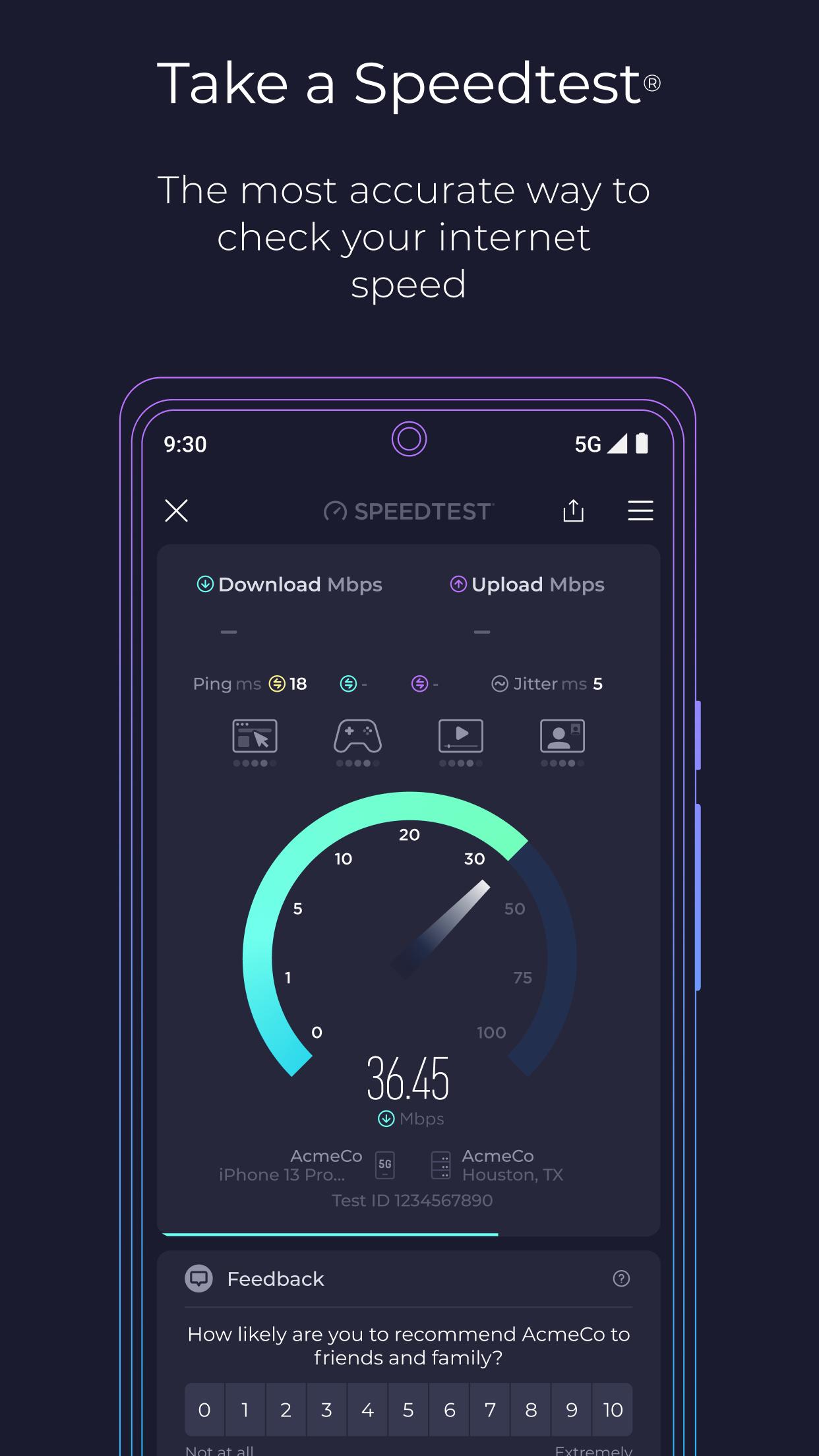
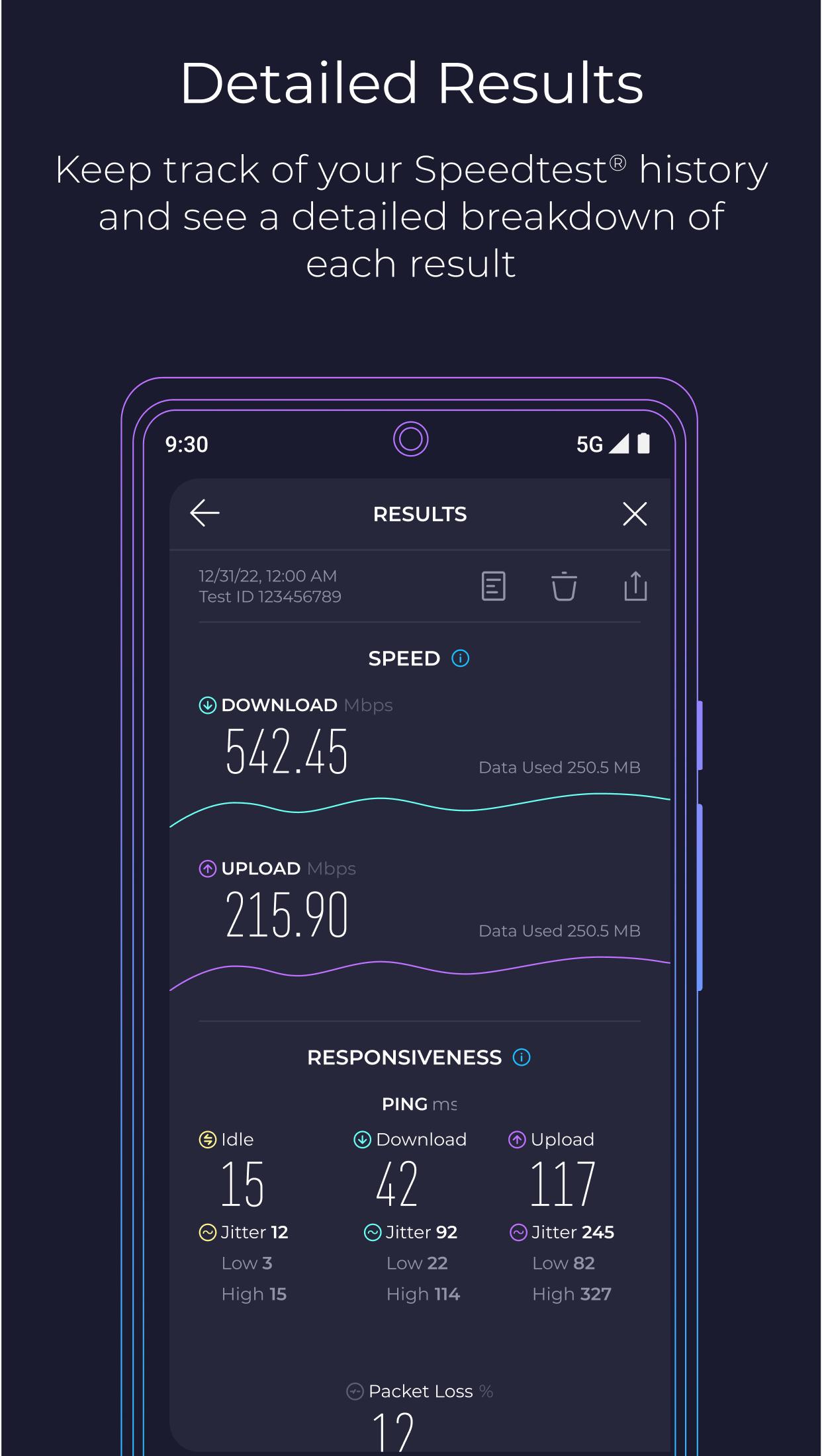
Speedtest runs an Internet speed test with one tap and shows download, upload, and ping results on WiFi or cellular. Results appear clearly so you can see how a connection handles browsing, calls, and gameplay. A massive global server network helps produce stable measurements for everyday checks and side by side comparisons.
Real time outage tracking with DowndetectorSpeedtest includes integrated Downdetector to monitor service status as you test. You can track favorite apps and providers, see live outage maps, and report issues when services appear down. This view helps you separate local connection problems from broader service disruptions, which adds context to your results in Ookla Speedtest.
Coverage Maps and 5G availabilityMobile Coverage Maps show strong and weak signal areas by carrier. You can explore nearby neighborhoods and routes to understand where your phone may perform better, including where 5G is available. This makes it easier to compare carriers in your area before switching plans or troubleshooting reception.
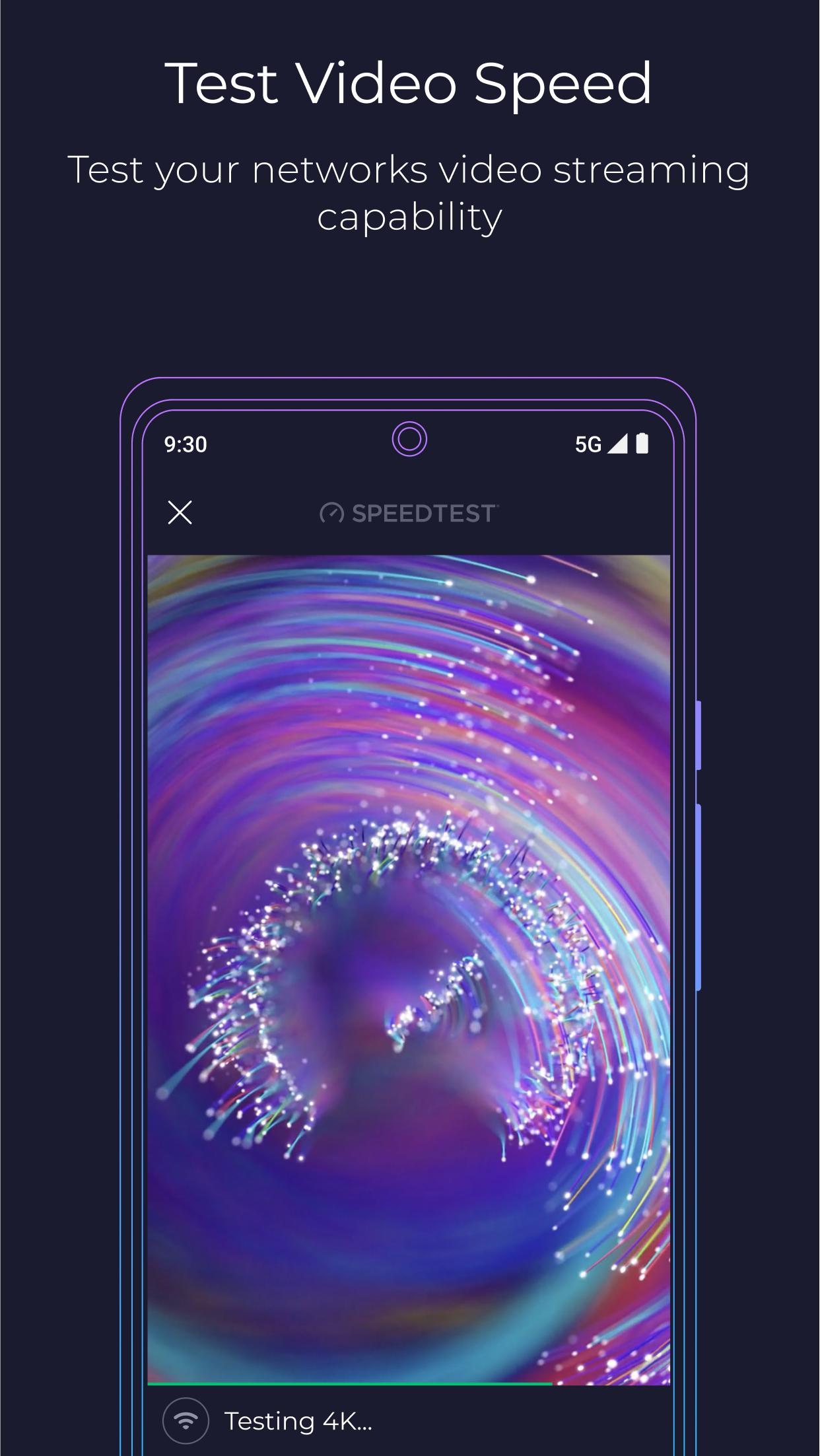
Video test for streaming readinessThe video test grades current streaming quality and flags buffering risk. Speedtest then suggests practical steps you can try, like testing again on a different network or moving closer to your router. This focused check helps you confirm whether a connection is ready for your preferred resolution before you hit play.
Built in VPN for private testingSpeedtest VPN offers private, secure connections while you browse or test. You get 2GB free each month, with unlimited data and ad free use available with Premium. This option helps you evaluate performance both on a normal connection and through a VPN, which can be useful for travel or public WiFi.
Download shows how quickly data arrives to your device, which affects streaming and general browsing. Upload measures how fast your device sends data, which matters for video calls, cloud backups, and online gaming. Ping reflects connection response time and is important for real time activities like competitive play or voice calls. Checking these three values together gives a fuller picture of your network performance.
Results can change with time of day, network congestion, and distance from your router or cell tower. Device limits, background apps, and older cables can also reduce speeds. To get a consistent view, run several tests in different spots and compare WiFi speed test readings with mobile data. If numbers vary widely, try testing near your router or switching bands to see how conditions change.
Speedtest is available on mobile, desktop, TV, and command line tools for a consistent experience at home or on the go. Test history sync and simple sharing make it easy to track performance over time and send results when you need support. Some users may know it as Speedtest by Ookla, but the functions remain the same across platforms.
This quick guide shows how to run a test on Android with Speedtest. If you plan to download Speedtest, these steps cover the basics.
Speedtest offers clear measurements and useful context so you can understand everyday network performance. For the most stable experience, consider running a few tests and comparing results across locations. To stay current, look for the Speedtest latest version when installing updates.
For official information and support, visit:
Last updated on Apr 14, 2026
We've added a few updates to make the Speedtest app even better. Please give us a star rating or write us a review to let us know what you think.
We’ve made some updates to the test experience for better readability.
New Speedtest Articles
Bug Fixes
Thanks and happy testing!
Latest Version
 7.0.3
7.0.3
Uploaded by
Ookla
Requires Android
Android 7.0+
Available on

Category
Report





Discover what you want easier, faster and safer.
