


Use APKPure App
Get Snes9x EX+ old version APK for Android

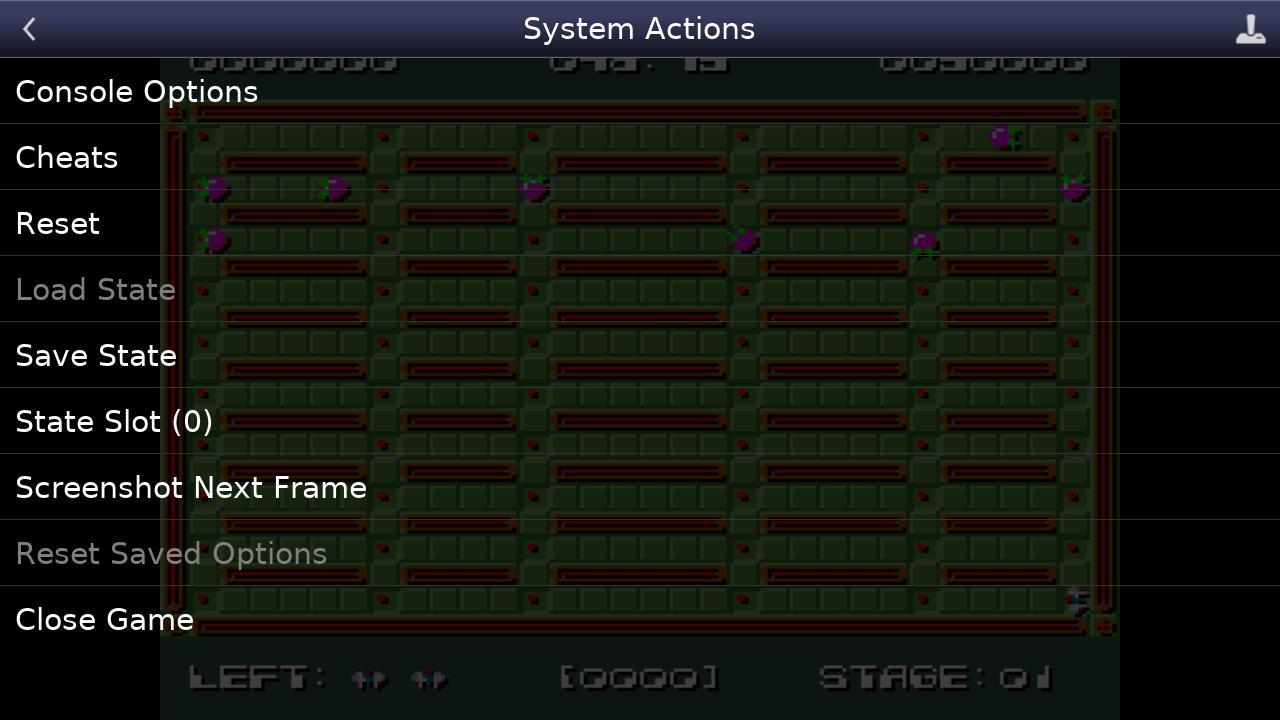
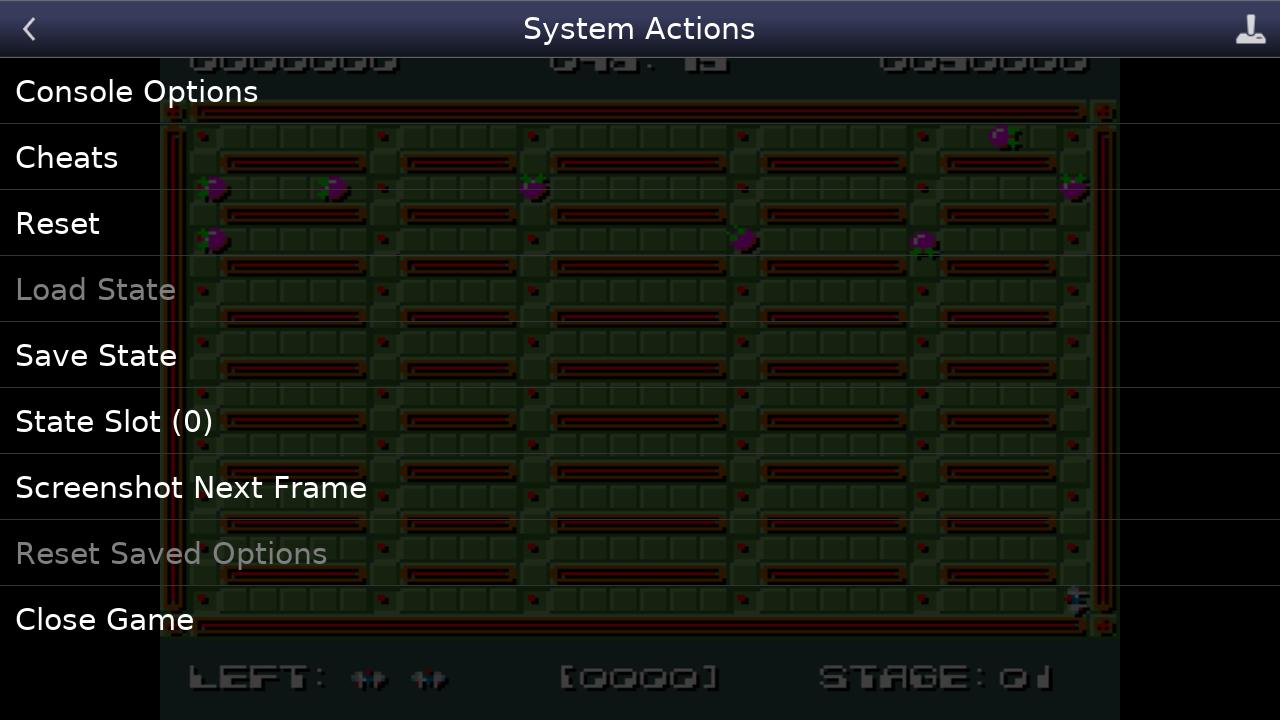
Snes9x EX+ is a SNES emulator app that runs classic Super Nintendo games on Android with low latency.
Snes9x EX+ addresses a simple need for players who want a straightforward way to enjoy Super Nintendo titles on phones, tablets, and even select set-top devices. It focuses on responsive performance and a clean interface so you can get into a game without extra setup. You bring your own ROM backups and open them with Android’s system file picker, which keeps file management familiar. As a result, Snes9x EX+ APK suits users who prefer an open source approach and a minimalist design on mobile.
Wide ROM and archive support
Snes9x EX+ reads standard Super Nintendo formats such as .smc and .sfc. It also opens games stored inside ZIP, RAR, and 7Z archives, which can reduce the need to unpack files on your device. This flexibility helps you keep collections organized while still loading titles directly from storage.
Cheat code compatibility with .cht files
You can use cheat files in the .cht format to modify gameplay where supported. Snes9x EX+ recognizes these files so you can apply codes without extra converters. This gives users a simple path to adjust difficulty or experiment with game behavior.
Configurable on screen controls and hardware input
You decide how to play. Adjust on screen buttons to match your layout, or connect a Bluetooth or USB gamepad and keyboard that Android recognizes as a standard HID device. Popular controllers such as Xbox and PS4 gamepads typically work when properly paired or connected through the system.
File access through Android’s Storage Access Framework
Snes9x EX+ uses the built in file picker on Android so you can browse and open content from internal memory, SD cards, and USB drives. This approach keeps storage access consistent across different devices and brands. It also means you can move ROM backups between locations without changing how you load them.
Minimalist interface and low latency focus
The app centers on responsive input and a clean layout so play feels direct and uncluttered. Menus and overlays stay simple to keep attention on the game screen. By keeping overhead low, Snes9x EX+ helps maintain consistent performance across a wide range of Android hardware.
Snes9x EX+ does not include game ROMs. You must provide your own backups for titles you own and load them through the Android file picker. Only use content you have the right to use in your region. The emulator reads .smc and .sfc files and can also open ROMs stored inside common archive formats.
This project is open source and based on the Snes9x core. The developer maintains official information on the website listed below, where you can find documentation and contact details. Users who prefer transparent development and community feedback may appreciate this structure. If you encounter issues, reporting them through official channels helps improve future builds.
Getting started is straightforward and works with the system file picker on most devices. To keep things simple, prepare your ROM backups in supported formats before you begin. If you plan to use a controller, pair it through Android first, then return to Snes9x EX+ to test input. For reference, this SNES emulator Android setup process usually takes only a few minutes.
Snes9x EX+ focuses on clean controls, responsive input, and straightforward file access across internal and external storage. Bring your own backups, open them with the Android file picker, and start playing with touch input or a connected controller. To keep current, consider installing the Snes9x EX+ latest version when available.
For official details and support, see the information below.
Last updated on Mar 18, 2026
* Rename Extended 239/478 Lines option to Overscan Mode and enable by default
* Save currently set manual save slot per content
* Minor optimizations
Latest Version
 1.5.85
Uploaded by
Ahmad Azhar
Requires Android
Android 5.0+
Available on

Category
Report



Discover what you want easier, faster and safer.
