


Use APKPure App
Get SMS Backup & Restore old version APK for Android

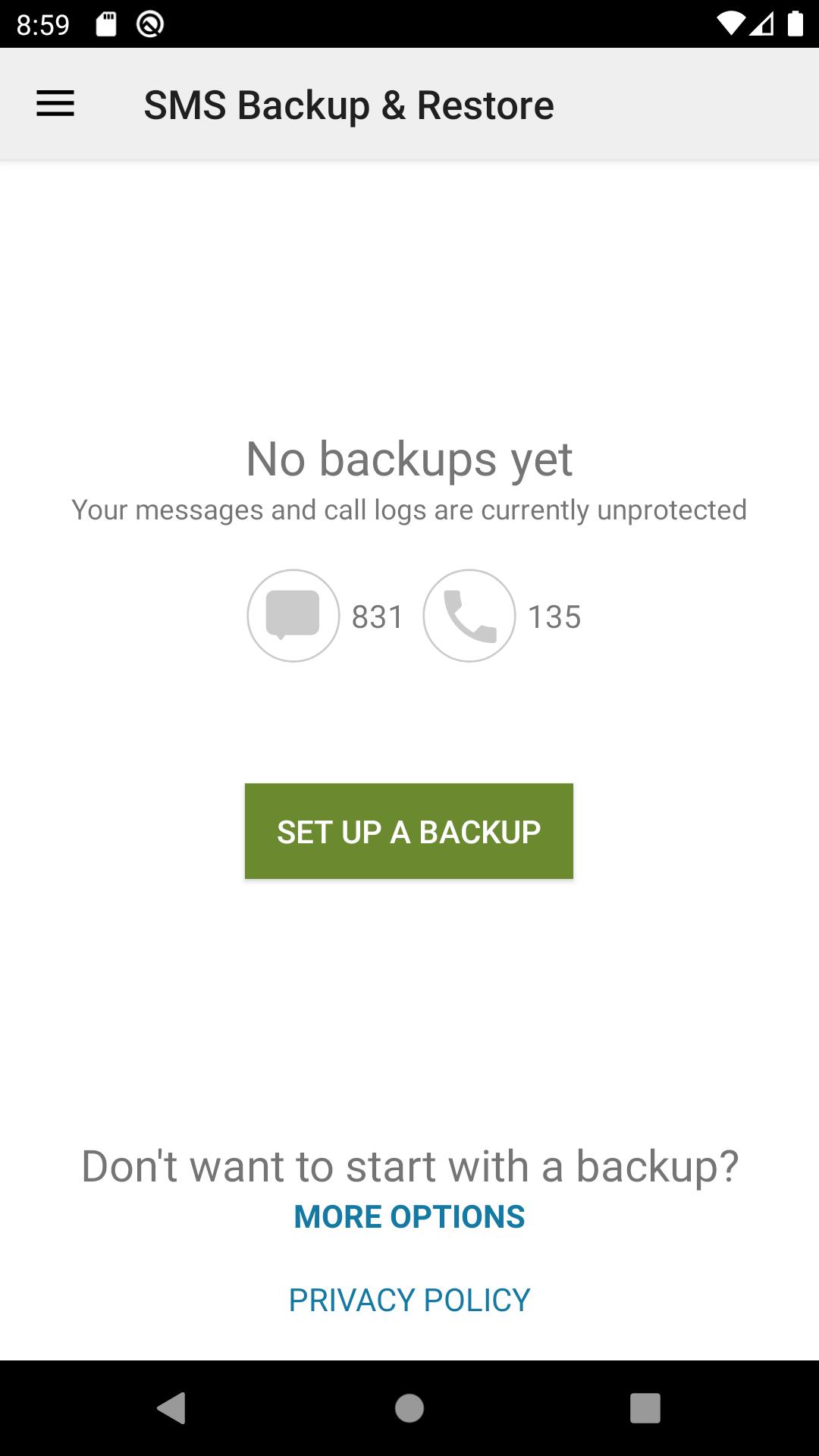
SMS Backup & Restore is a backup utility app that saves and restores your SMS, MMS, and call logs.
SMS Backup & Restore helps when you change phones, clear space, or need a reliable copy of your conversations. It creates backups on your device first, so you decide if and where to upload them later. With simple scheduling and transfer tools, it suits both quick moves and regular backups. Your files remain under your control, and you can restore them when needed. Review the details below before you download SMS Backup & Restore.
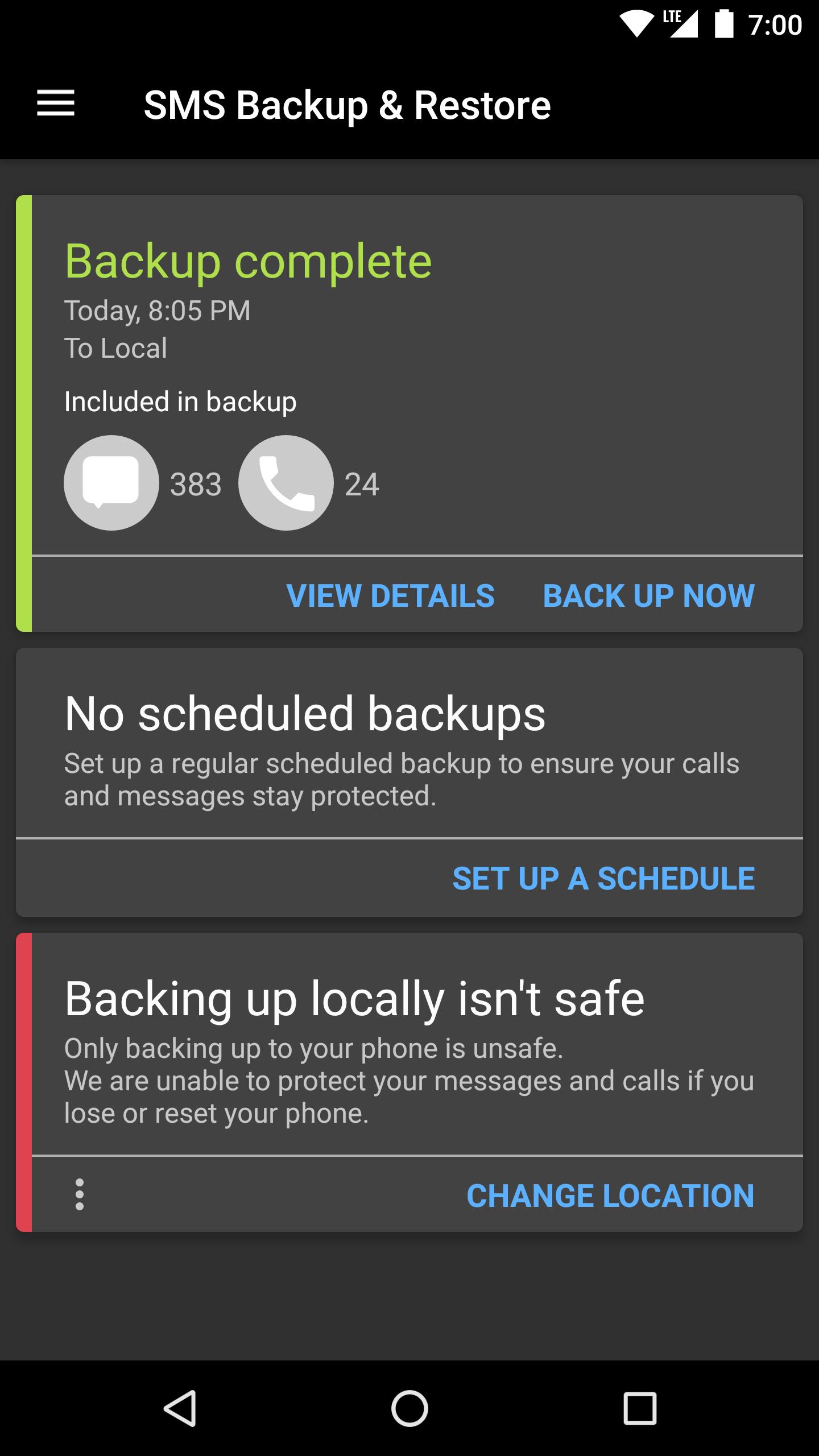
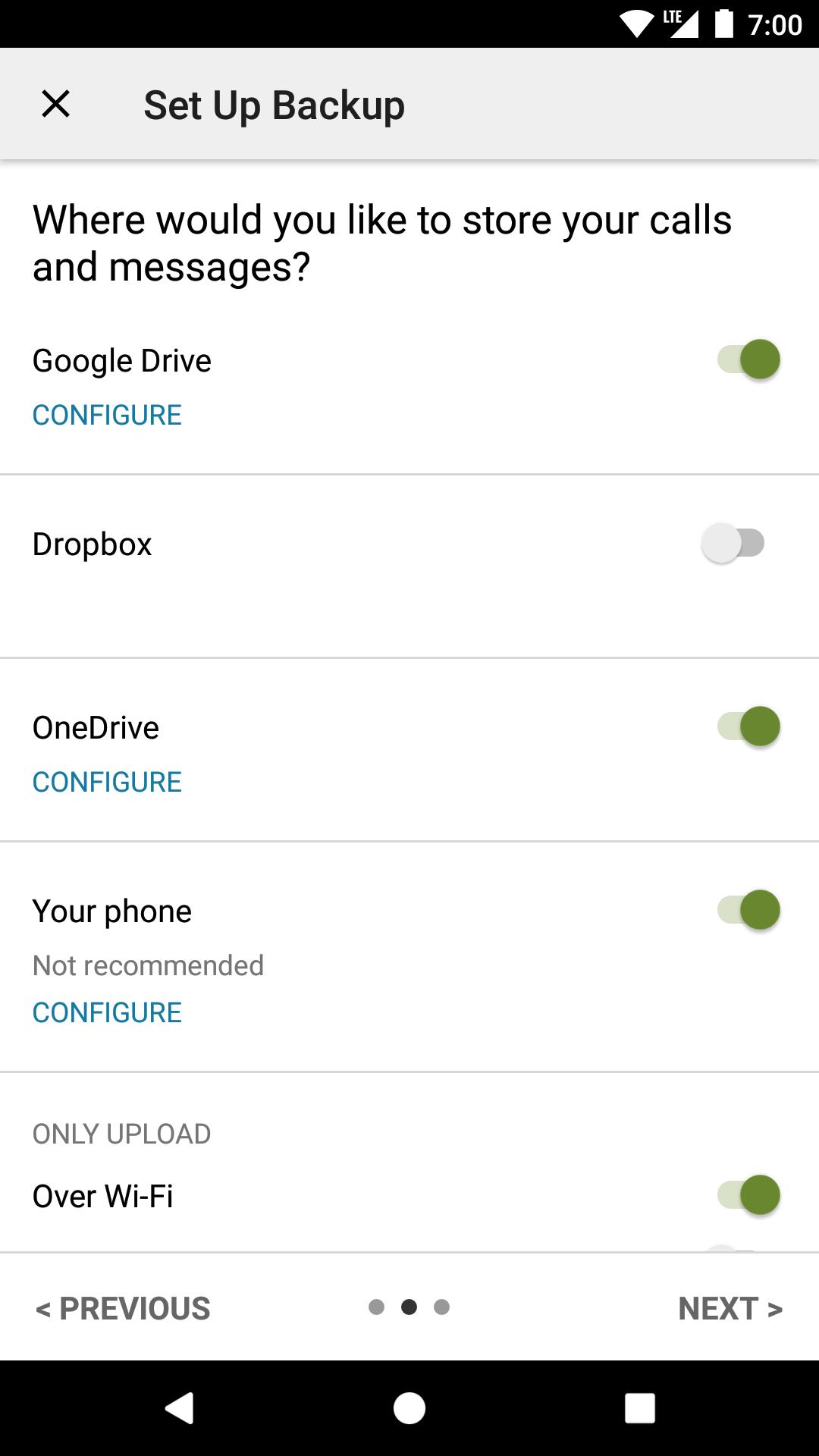
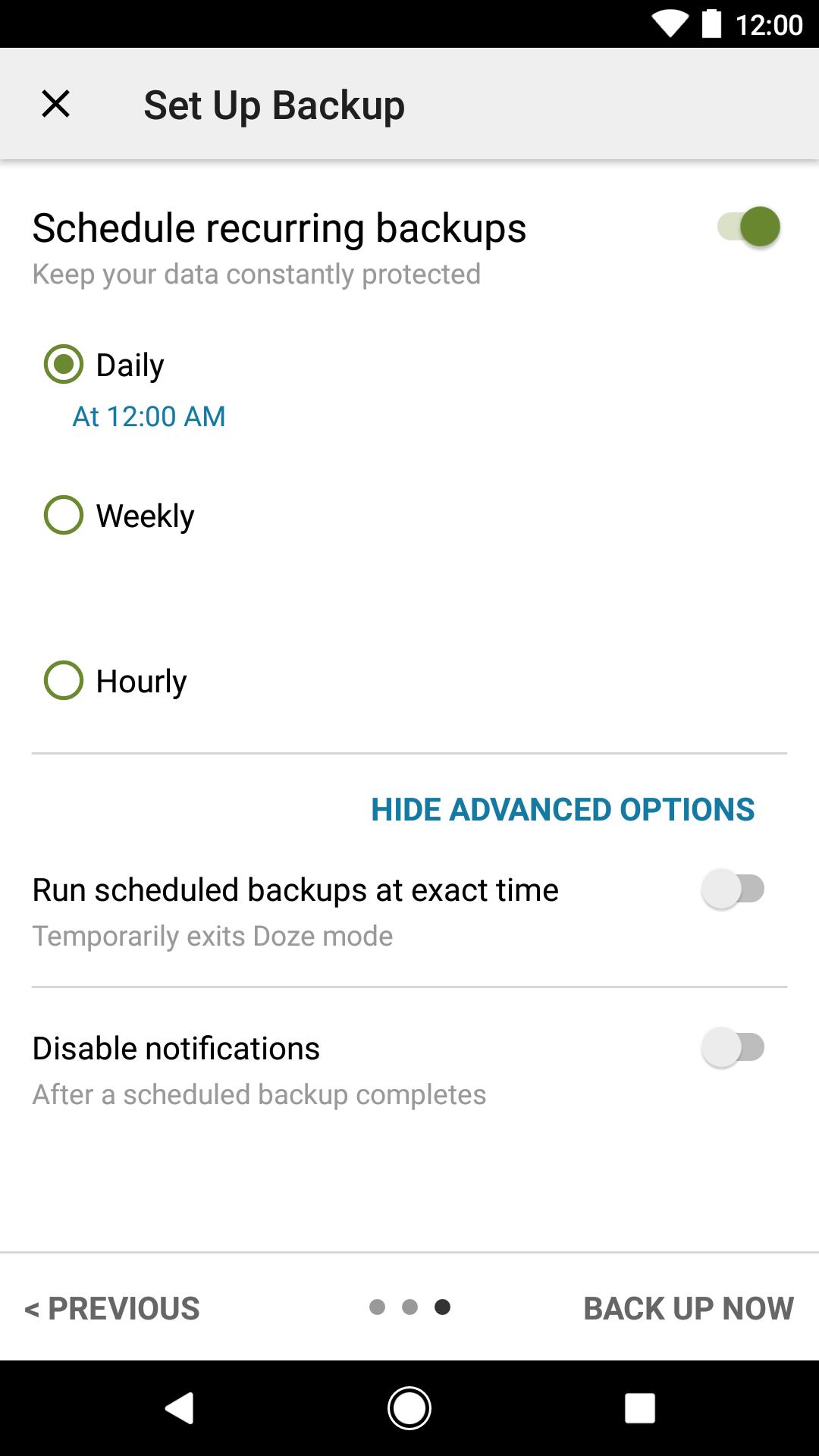
SMS Backup & Restore saves SMS, MMS including media, and call logs into XML files on your phone. You can enable automatic uploads to cloud services such as Google Drive, Dropbox, OneDrive, or send backups by email for off-device storage. Flexible scheduling lets you run backups on a routine that fits your usage. On supported models, the app can include RCS or Advanced messages as well, so your backups cover more of your conversations where possible.
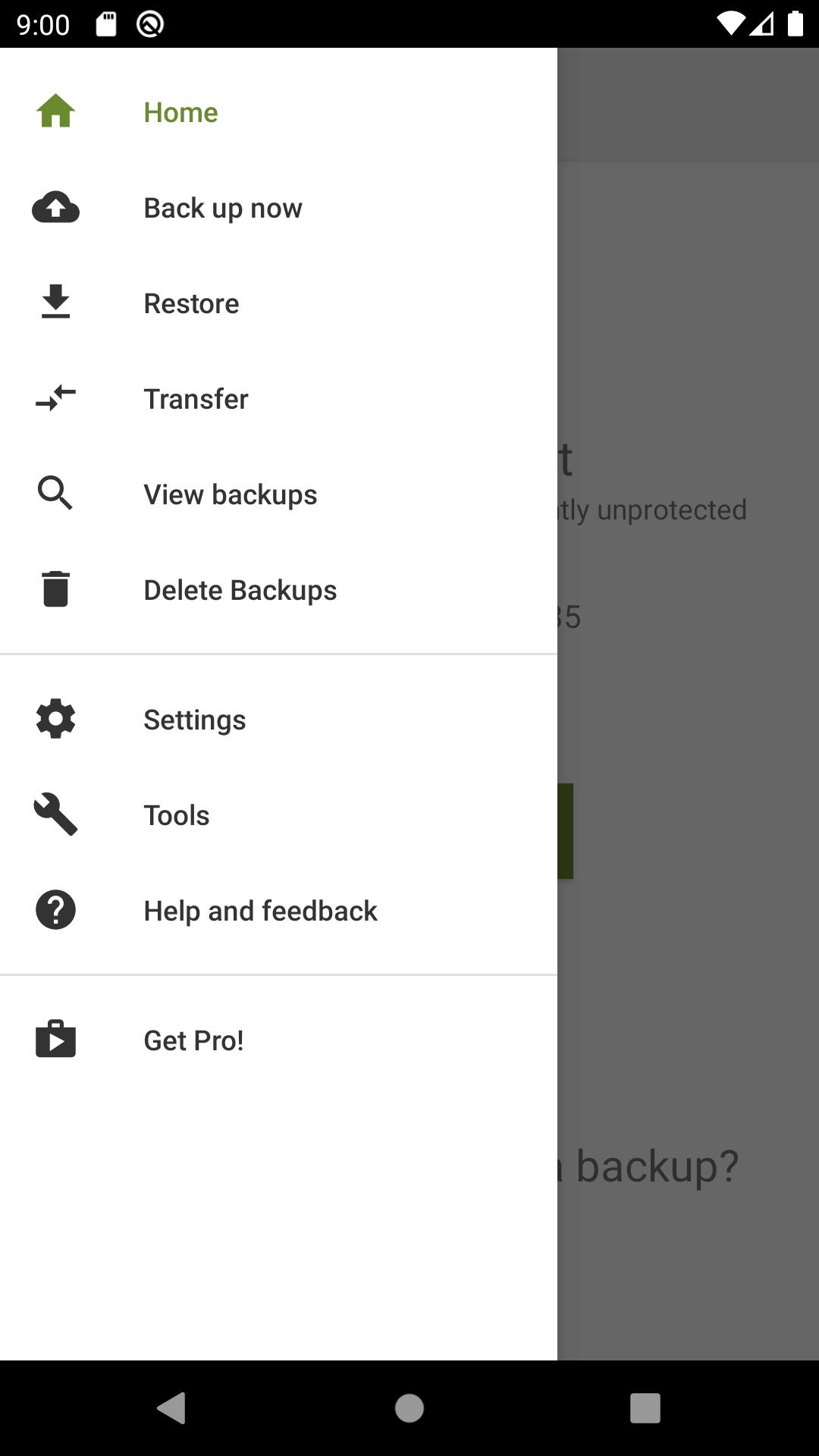
Selective restore and backup browsingYou can choose specific conversations to include in a backup or to restore, which helps avoid importing everything at once. The app lists available backups from local storage or your linked cloud and allows you to view and search them before restoring. Restores work only when a valid backup exists, so the app cannot recover messages that were deleted before a backup was created. When you are ready, you can restore from either your phone or the cloud without extra steps.
Phone-to-phone transfersSMS Backup & Restore supports direct transfers between phones using Wi-Fi Direct or a local network. You can send a brand-new backup or select an existing one and move your messages and call logs to the receiving device. The XML format is designed for easy migration across different Android versions, which helps when switching between devices. The transfer flow guides you through pairing the phones and confirming what to move, so the process stays clear from start to finish.
Storage management and compatibility notesAfter securing a backup, SMS Backup & Restore can delete messages or call logs from your device to free space if you choose. The platform-agnostic XML format keeps data portable for future restores using this app. Restores are limited to backups made with SMS Backup & Restore, which prevents issues with incompatible formats. RCS or Advanced message support depends on your device and messaging app, so results may vary across models.
Transparency and viewing toolsYou can read your backup files on a computer using the online viewer available on the official website. There is also documentation that explains the fields used in the XML backups for troubleshooting and review. Backups start locally on your device and are only uploaded to the cloud accounts you choose. Files are not sent to the developer, which keeps your data path direct and predictable.
An optional Pro upgrade is available for advanced needs. It adds AES 256-bit encryption for backups, ZIP compression, WebDAV support for compatible servers, and removes ads. The core backup and restore functions work without the upgrade, so you can decide based on your requirements.
The steps below show how to move your SMS, MMS, and call history between Android phones using Wi-Fi Direct or a cloud backup. This guide covers both nearby transfers and remote restores. Make sure the SMS Backup & Restore APK is installed on both devices.
SMS Backup & Restore provides a straightforward way to back up, move, and restore your messages and call logs. Keep your data in local XML files and optionally upload them to your chosen cloud for extra safety. For new features and fixes, consider installing the SMS Backup & Restore latest version when it becomes available.
For official resources and tools, visit the website below.
Last updated on Nov 30, 2025
- Updated Google Ads library in an attempt to fix the blank screen issue reported by some users.
- Updated to latest Dropbox library for upcoming Dropbox certificate changes.
Latest Version
 10.24.003
Uploaded by
SyncTech Pty Ltd
Requires Android
Android 6.0+
Available on

Category
Report




Discover what you want easier, faster and safer.
