


Use APKPure App
Get SiBrowSer old version APK for Android

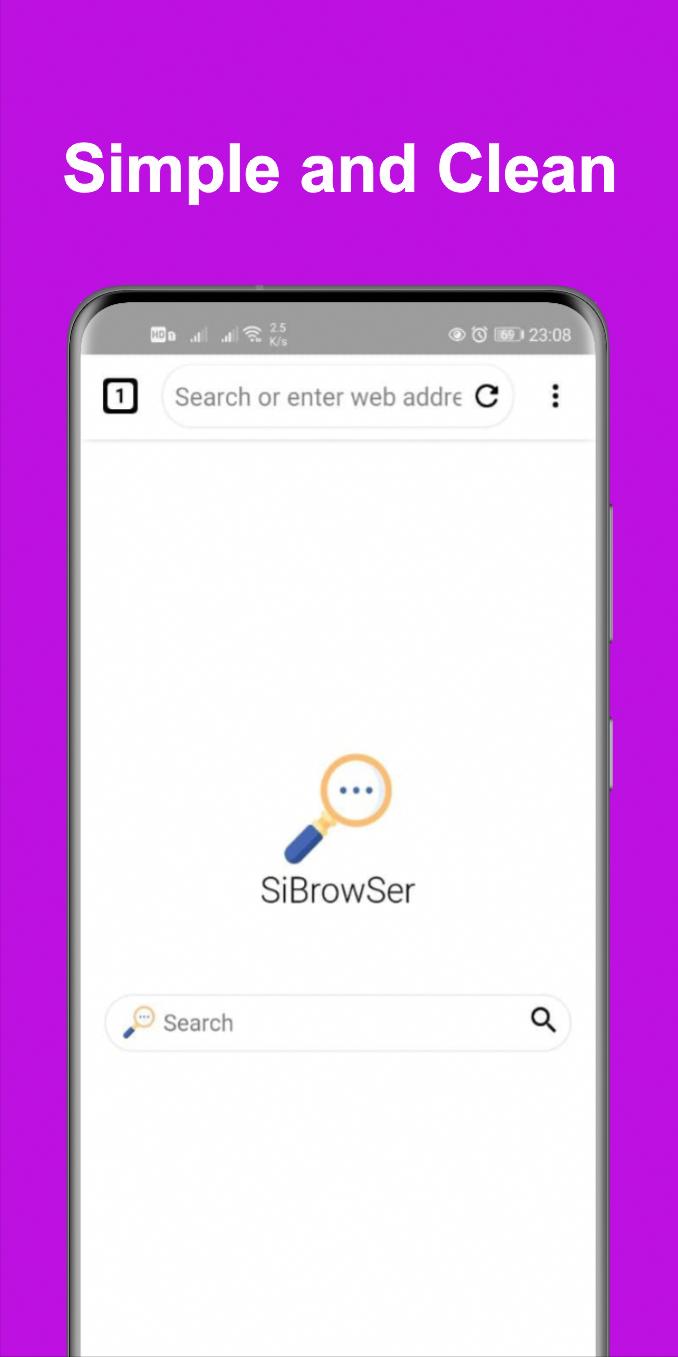
SiBrowSer is a privacy first browser app that offers fast, unlimited, secure browsing.
SiBrowSer helps users who need unrestricted browsing and simple privacy control on phones and TVs. It focuses on fast access to websites without usage caps while keeping personal data in your control. Navigation stays clear on touch devices and larger screens, so reading, searching, and watching content feel consistent. With familiar controls, everyday tasks like checking news and handling accounts remain straightforward. When you prefer direct installation and management, the SiBrowSer APK provides a convenient way to set up the app.
SiBrowSer does not limit speed, time, or traffic. You can browse during long sessions and load pages as often as needed. This reduces interruptions and keeps your focus on the site in front of you. It is helpful for study, research, or extended viewing on a TV.
Incognito mode and data protectionSiBrowSer places privacy at the center of the experience. Turn on incognito when you do not want history saved. That session will not store page visits on your device, which is useful on shared phones or living room screens. This gives you control over what stays on the device and what does not.
Smooth multitasking with tabsOpen several pages and switch between them with simple controls. This makes comparing information and moving between research, shopping, and news more direct. SiBrowSer keeps the layout clear so you can track each tab. As a browser app for Android, these tab controls help your workflow stay simple.
Multi language supportSet the language that fits your daily use. Menus and labels follow your choice, so navigation feels familiar. This is practical for bilingual users or households where different people use the same device. It also helps you understand settings and actions without guesswork.
TV friendly controls and viewing optionsSiBrowSer works well with a USB keyboard and mouse. Remote or gamepad input is supported, so you can move through pages from the couch. You can zoom and switch page layout to make text and images more comfortable on a TV. These options help large screen reading and video pages feel organized and clear.
The setup takes only a moment and the interface is easy to learn. Follow these steps to start browsing on your phone or TV. For a stable experience, use the SiBrowSer latest version.
SiBrowSer centers privacy and unrestricted access, with tools that fit phones and TVs. Tabs, language choices, and big screen controls support daily browsing with fewer steps. To begin, download SiBrowSer and follow the quick guide above.
For support and official resources, use the following contacts.
Last updated on Dec 23, 2025
- API 35
- Proxy Browser
Are you tired of bugs? Don't get tired since we've kicked them so far to the moon 🌛 Download and update your app now!! 🤩
Latest Version
 1.1.2
1.1.2
Uploaded by
Hoang Anh
Requires Android
Android 5.0+
Available on

Category
Report




Discover what you want easier, faster and safer.
