


Use APKPure App
Get Screen Shift old version APK for Android
Screen Shift is a display customization app that changes resolution, overscan, and density.
Screen Shift helps when your default display settings do not fit testing or gaming needs. It focuses on adjusting visual parameters to suit each task, which can make layouts easier to verify and gameplay smoother. Additionally, it can apply changes based on the app in use. Root access is required on Android 4.3 and above, and built in fallbacks reduce lockout risk. To get started, locate the Screen Shift APK and follow the setup prompts inside the app.
Display controls
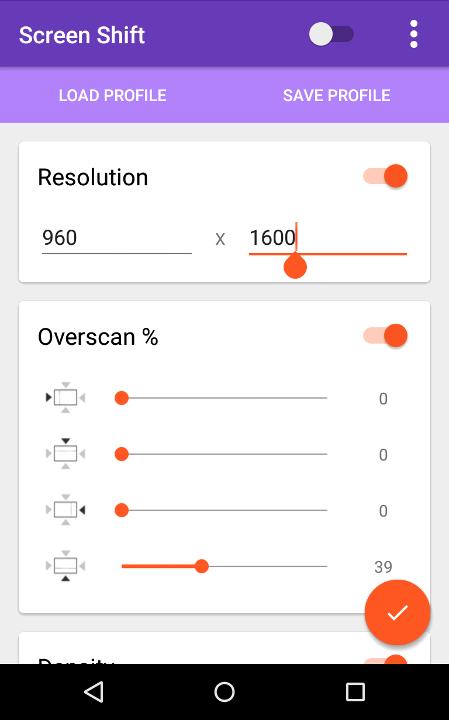
Screen Shift lets you change screen resolution, overscan, and density. These adjustments apply system wide and help you tune visuals for different tasks.
Profiles and app based switching
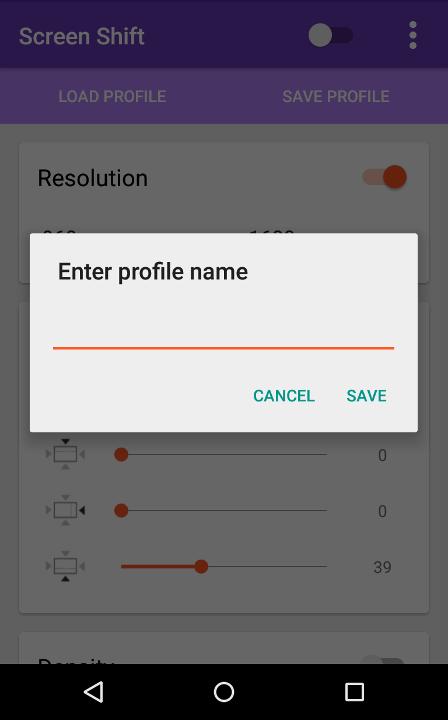
Next, you can save multiple profiles and use device presets that are included by default. Screen Shift can switch resolution and density based on the foreground app to match each use case.
Safety fallbacks and requirements
Screen Shift offers practical control over display behavior for testing and gaming, including per app switching and saved setups. All features are free and ad free, with optional donation that does not unlock new features. To set it up safely, download Screen Shift and follow the in app prompts.
Last updated on Oct 14, 2015
v2.1 beta:
Fixed some bugs with per-app profiles in certain devices with Android 5.1.
v2.0:
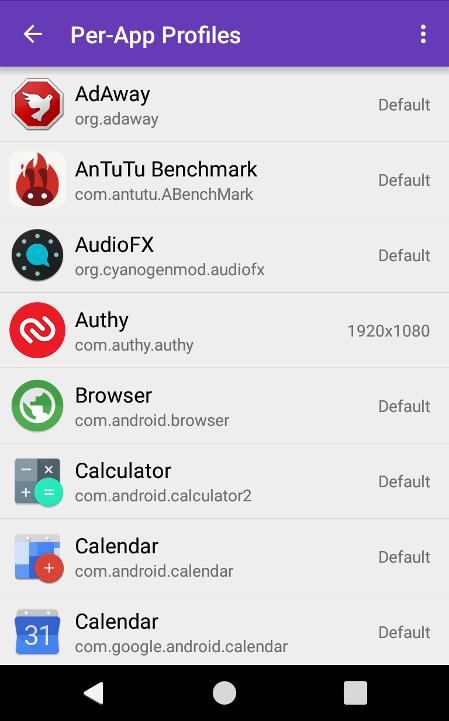
Added per-app profiles - You can now set automatic resolution switching based on which app you're using at the moment. Find it under 'Per-app Profiles' in the menu.
Please note that you might have to grant root permissions again after the update.
Latest Version
 2.1 beta
Uploaded by
Maulana Arsy
Requires Android
Android 2.3.2+
Category
Report



Discover what you want easier, faster and safer.
