


Use APKPure App
Get RustDesk old version APK for Android
RustDesk is a remote desktop app that provides secure access and support across devices.
RustDesk focuses on privacy and control for remote access, support, and administration. It is open source and works across Windows, macOS, Linux, Android, and iOS, with an optional web client. Organizations can self host the relay and ID servers to keep data on their own infrastructure. This approach supports compliance and internal security policies while keeping connections reliable and quick. The interface is straightforward so teams can start sessions, share files, and communicate with minimal setup. If you need to download RustDesk for Android, the RustDesk APK is available below. You can also get the RustDesk APK latest version on APKPure when updates arrive.
Privacy with self hosting
RustDesk supports hosting your own relay and ID servers so your traffic stays under your control. This helps organizations meet data sovereignty needs, and it reduces reliance on external services. It also simplifies audits and internal policies.
Cross platform and mobile control
RustDesk connects desktops and mobile devices across major platforms. You can access a computer from your Android phone and you can control an Android device from a desktop. Moreover, teams can optionally host a web client on their own domain.
Security and dependable connectivity
RustDesk uses end to end encryption and password protection to secure sessions. Connections traverse NAT and firewalls without complex port setup, which makes remote help fast to start. In addition, session prompts help prevent unwanted access.
Tools for support workflows
RustDesk includes remote control, file transfer, chat, session recording, and multi monitor viewing. These tools help IT support handle tickets and guide users in real time. Therefore your team has what it needs for daily operations.
Easy deployment and customization
RustDesk offers a simple server rollout with Docker Compose and built in network configuration. More than 90 options let you tune behavior for your environment. In addition, you can apply custom branding such as name, icon, and logo.
Reliable at scale
Running on premises improves uptime and consistency for distributed teams. RustDesk fits IT support, administration, remote work, and industrial scenarios where stable access matters. As your fleet grows, you can expand capacity on your own servers.
For security, the only official RustDesk website is rustdesk.com. Always verify domains carefully before downloading clients or server packages. For Android users, get the RustDesk APK on APKPure to install and update safely. This helps prevent tampered builds and ensures you use a trusted package.
RustDesk serves a broad audience based on survey insights. IT Support teams account for about 37 percent of users who need quick sessions and file transfer. IT Administration represents around 25 percent, and they benefit from server control and policy alignment. Remote Work makes up about 29 percent, while industrial use cases are close to 9 percent for on site maintenance and monitoring.
RustDesk is open source with an active global community. The project has more than 96 thousand stars on GitHub and millions of client and Docker downloads across platforms. It offers translations in more than 50 languages to help teams roll out worldwide. Also, community feedback continues to refine performance and features.
RustDesk makes self hosting straightforward. A three step Docker Compose setup can bring relay and ID services online quickly. Managed service providers and enterprises can enable white label options to align the client with company branding. This keeps support consistent for end users and partners.
This quick guide explains how to start a secure remote session from your phone. It also covers the permission needed for full control on Android.
RustDesk delivers private remote access, cross platform support, and the tools teams need for daily helpdesk work. Get the RustDesk APK latest version on APKPure to install, update, and manage the app on Android.
Official information:
Is RustDesk free to use?
Yes, RustDesk is free and open source. You can use the client at no cost and you can self host the relay and ID servers to keep data in your own environment.
Can you use RustDesk on a phone?
Yes, RustDesk runs on Android and iOS so you can access desktops from your phone. You can also control an Android device from a desktop when AccessibilityService is enabled. To get started on Android, download RustDesk on APKPure.
Which is better, RustDesk or AnyDesk?
Neither is universally better because needs differ. RustDesk focuses on privacy and self hosting for data control, while competitors are proprietary services. If data sovereignty and on premises control matter, RustDesk is a strong fit.
Is RustDesk free forever without limitations?
RustDesk offers its core remote access features as an open source project with no trial period. You can use and self host it without time limits. Feature availability can vary by build and configuration.
AnyDesk feels more performant. How can I improve RustDesk performance?
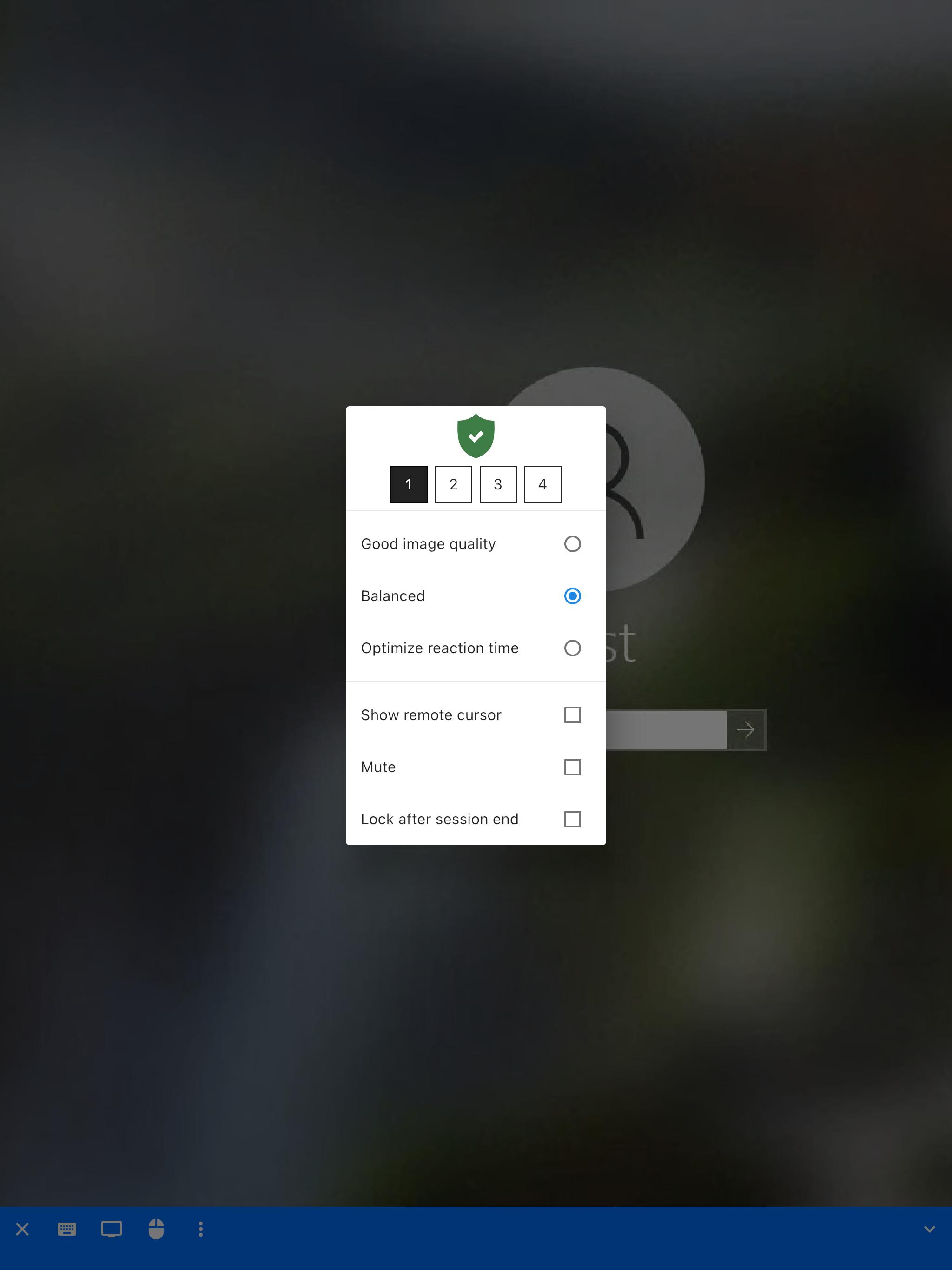
RustDesk performance depends on network path and settings. Place your self hosted relay close to users, prefer wired or stable networks, and adjust image quality in the session toolbar. Hardware acceleration and direct connections can also improve responsiveness when available.
Last updated on Sep 6, 2025
Minor bug fixes and improvements. Install or update to the newest version to check it out!
Latest Version
 1.4.2
1.4.2
Uploaded by
CarrieZ Studio
Requires Android
Android 5.0+
Category
Report



Discover what you want easier, faster and safer.

RustDesk
Remote Desktop1.4.2 by CarrieZ Studio
Sep 6, 2025