


Используйте приложение APKPure
Историческую версию Assistive touch можно получить на Android
Easily use your android smart phone with a small panel on the screen.
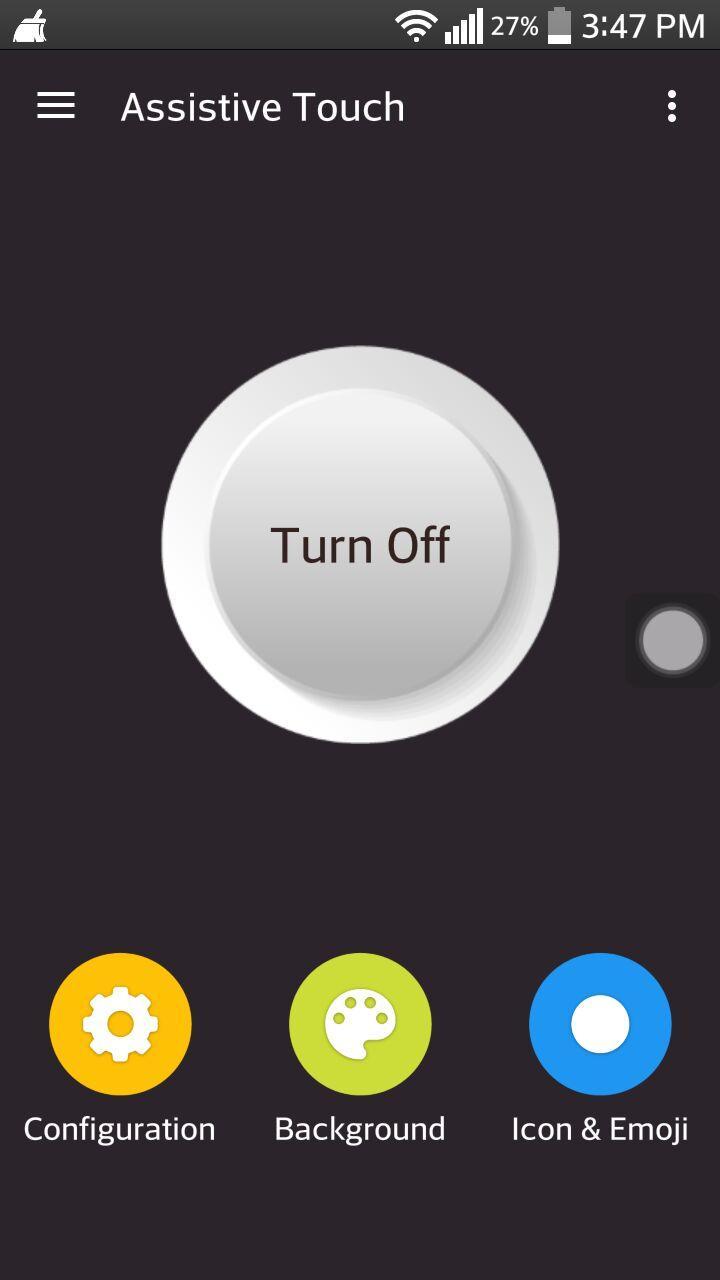
Assistive touch is an easy tool for android devices. It's fast, it’s smooth, and it’s completely FREE.
With a small panel on the screen, you can easily use your android smart phone. Just need a touch, you can quickly access to all your favorite apps, games and settings .We provide smart ram cleaner to help you clean running background apps, help your phone faster. To protect you physical buttons we also have virtual home button and volume button .You will see assistive touch is good app.
Assistive touch for android
- Virtual home button, easy touch to lock screen.(protect your physical buttons)
- Virtual Volume button, quick touch to change volume and change sound mode
- Clean ram, boost speed, one tap ram booster.
- Disable or enable important settings like wifi, location, bluetooth, potrait, airplane, flashlight.
- Just config shortcut and you can launch all applications or games on your device
Assistive touch setting include:
- WiFi
- Bluetooth
- Location (GPS)
- Screen rotation
- Volume up & down
- Airplane mode
- Flashlight
- Launch all applications or games on your device
★ Assistive touch Ram Booster feature - Clean Memory
With Ram Booster button you can boost your phone, free up memory (RAM), speed up your device and save battery. This is a fast and use full booster feature to clear unnecessary apps running background, smart clean ram memory. Using this when you want charging your phone , may help your phone charging faster.
★ Assistive touch Customize
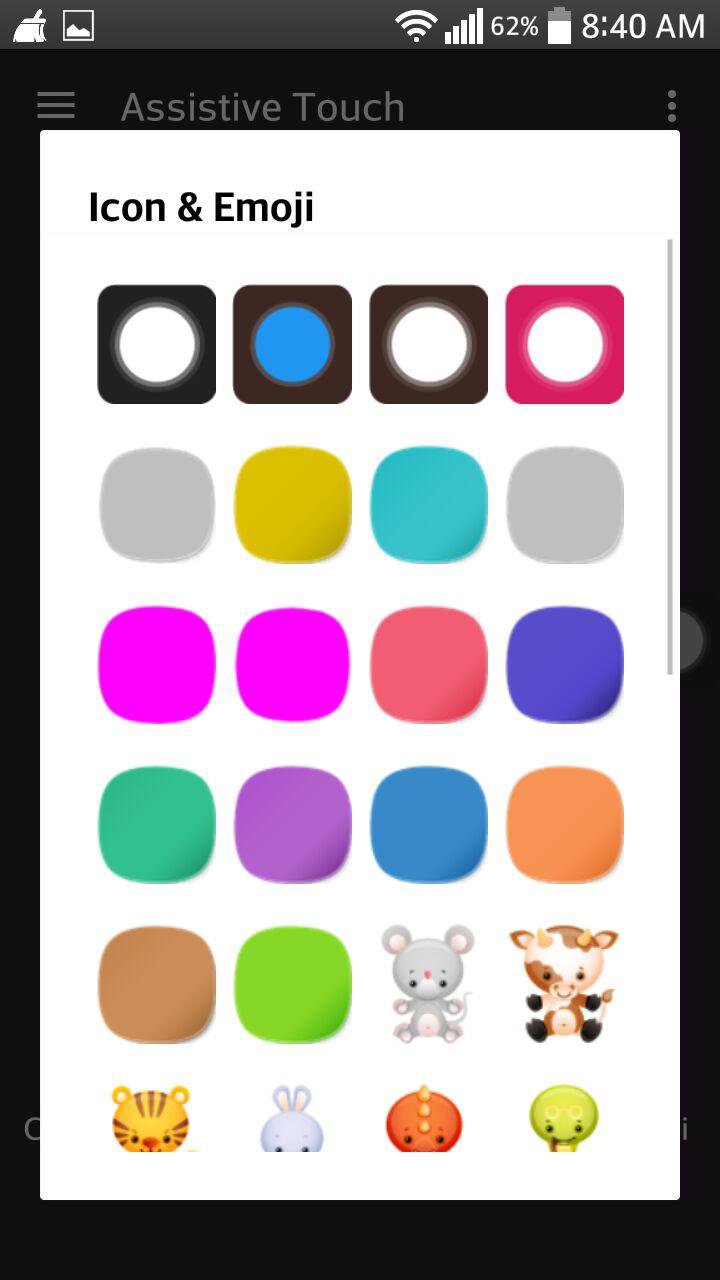
- You can change color of background with your favorite color
- You can change icon of Assistive touch easy with many pretty icon, totally free
- Gesture Setting for Floating Button (One tap, double tap, long press)
Feedback
- If you like Assistive touch please review and give us 5 start
- If you have any problem with this app please give us feedback for your problem, we will fix it quickly
How to uninstall this app?
- If you use lock screen function, it require turn on Device Administration so If you want to uninstall this Assistive touch, please open app and go to general setting -> security -> phone administrators and uncheck assistive touch, after that you can uninstall Assistive touch.
Thank for your support
Last updated on 01/05/2017
Minor bug fixes and improvements. Install or update to the newest version to check it out!
Последняя версия
 1.1
1.1
Загрузил
Alex Hall
Требуемая версия Android
Android 2.3.2+
Категория
Жаловаться



Discover what you want easier, faster and safer.

Assistive touch
1.1 by hegostudio
01/05/2017