


Use APKPure App
Get PRIME TV old version APK for Android
PRIME TV is an IPTV app that delivers live channels with flexible time-shift viewing.
PRIME TV fits users who want operator-managed live TV with simple controls on Android. It serves PRIME INTERNET customers and requires an operator-provided login to access channels and program data. You can watch live television, revisit recent broadcasts, and manage what to keep for later without complex setup. To get started, download PRIME TV and sign in with the credentials from the internet operator, then move through the guide and archive as needed.
Live TV with Start Over
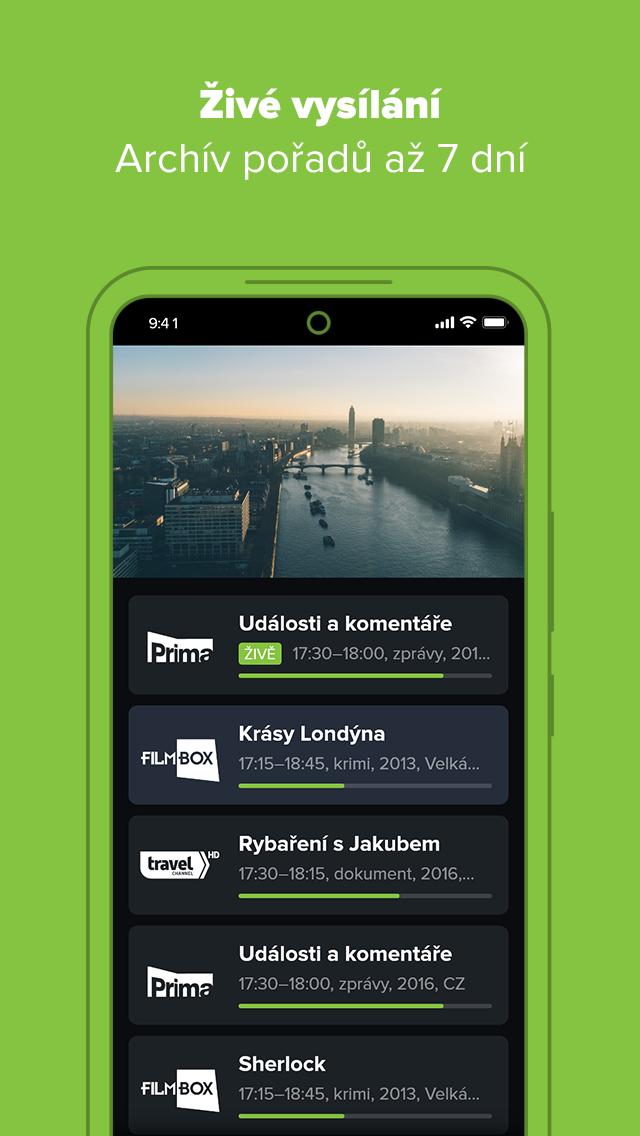
PRIME TV lets you restart the current broadcast from the beginning using Start Over. This helps when you join a program late and want to catch every minute. Live viewing covers more than one hundred channels, including HD where available, and the exact lineup depends on your selected package.
Catch-up archive for recent programs
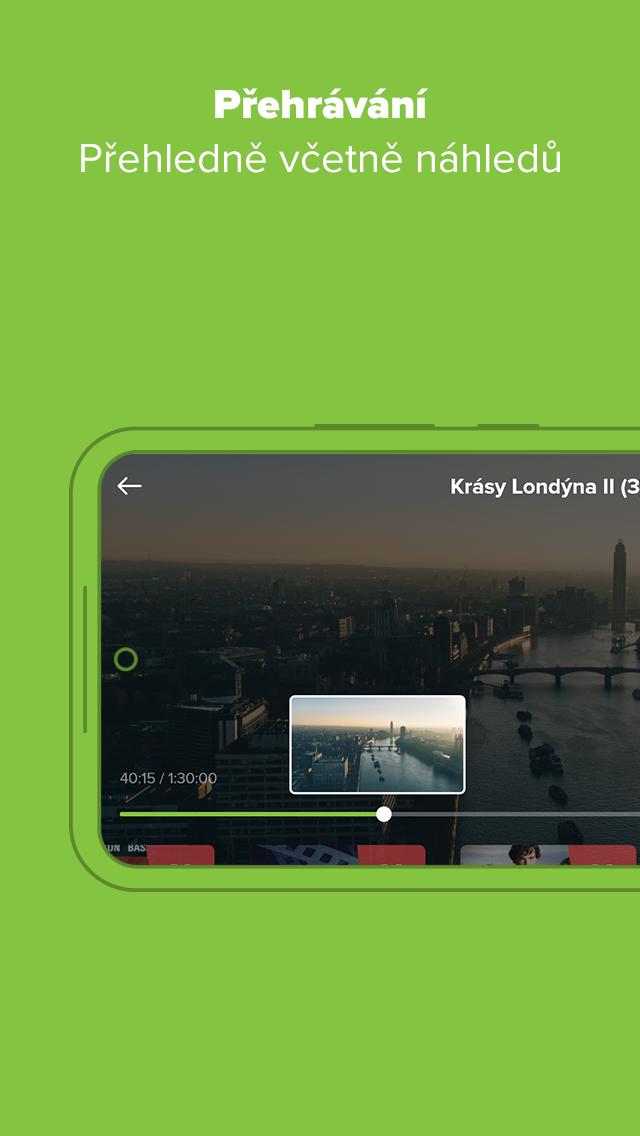
When you miss a show, the archive allows viewing of previously aired programs for up to seven days. You can browse by channel and date to find what you need. This approach keeps recent content within reach and links smoothly with search and guide details for quick decisions.
Personal recordings saved for thirty days
Set recordings directly from program information and keep them accessible for up to thirty days. This gives you time to watch or rewatch without rushing. You can return to your recordings list at any point, play what you saved, and remove items when you are done to free space.
Clear program guide with extended details
The electronic program guide presents channels and times in a clear, readable layout. Extended program info helps you evaluate before tuning in or setting a recording. As you move through the guide, related descriptions and timing details make planning straightforward and reduce guesswork.
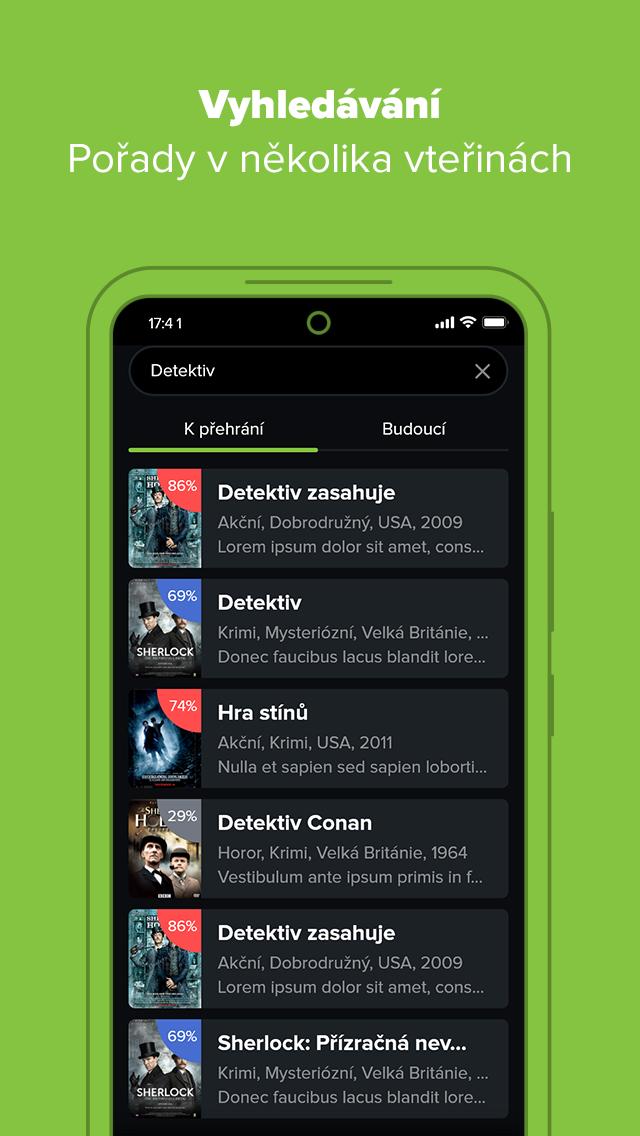
Smart archive search
Use smart search to quickly find shows and episodes in the archive. It shortens the path to a specific title or broadcast without scrolling through multiple days. This works well alongside the guide and recordings list, so you can locate content and act on it in one flow.
PRIME TV is exclusive to PRIME INTERNET network customers and requires an operator-provided username and password. Accounts from other services do not grant access, and this app is not affiliated with Amazon Prime Video. Even if you install the PRIME TV APK on your Android device, full use depends on the active PRIME INTERNET subscription and the correct login supplied by the operator.
Channel counts and HD availability vary by package on your PRIME INTERNET service. Some channels may appear in standard definition while others are offered in HD, and the mix can change with your plan. Check your current package details to understand which channels and HD options are included, then use the guide to see what is available in your lineup.
Getting started takes only a few steps, and installation is similar to other Android apps. After installing the PRIME TV APK, the app opens to a login screen where operator credentials are required. Once signed in, you can move between live TV, the archive, and recordings without complicated setup.
PRIME TV provides live channels, recent broadcasts, and recordings in one consistent interface for PRIME INTERNET customers. Sign in, choose what to watch, and manage your viewing across live, archive, and saved items. For stable access and the newest controls, install the PRIME TV latest version on your Android device.
Last updated on Mar 10, 2026
* oprava výběru audio stop a titulků
Latest Version
 3.3.34
Uploaded by
Ipan Diperitiwa Regea
Requires Android
Android 5.0+
Available on

Category
Report





Discover what you want easier, faster and safer.

PRIME TV
3.3.34 by 4NET.TV solutions a.s.
Mar 10, 2026