


Use APKPure App
Get Plus old version APK for Android

Plus Messenger is a messaging client app that adds advanced organization and customization on top of Telegram.
Plus Messenger helps users who manage busy chats, channels, or groups keep everything under control without extra effort. It is an unofficial Telegram client that uses Telegram’s API, so it connects to the same network while focusing on tools that save time and reduce clutter. The app is built for heavy chatters and admins who need clear separation of conversations and fine‑tuned behavior. With flexible layouts and extra controls, it adapts to different daily routines. If you prefer direct installs, some users look for a Plus Messenger APK to set up the app on Android devices.
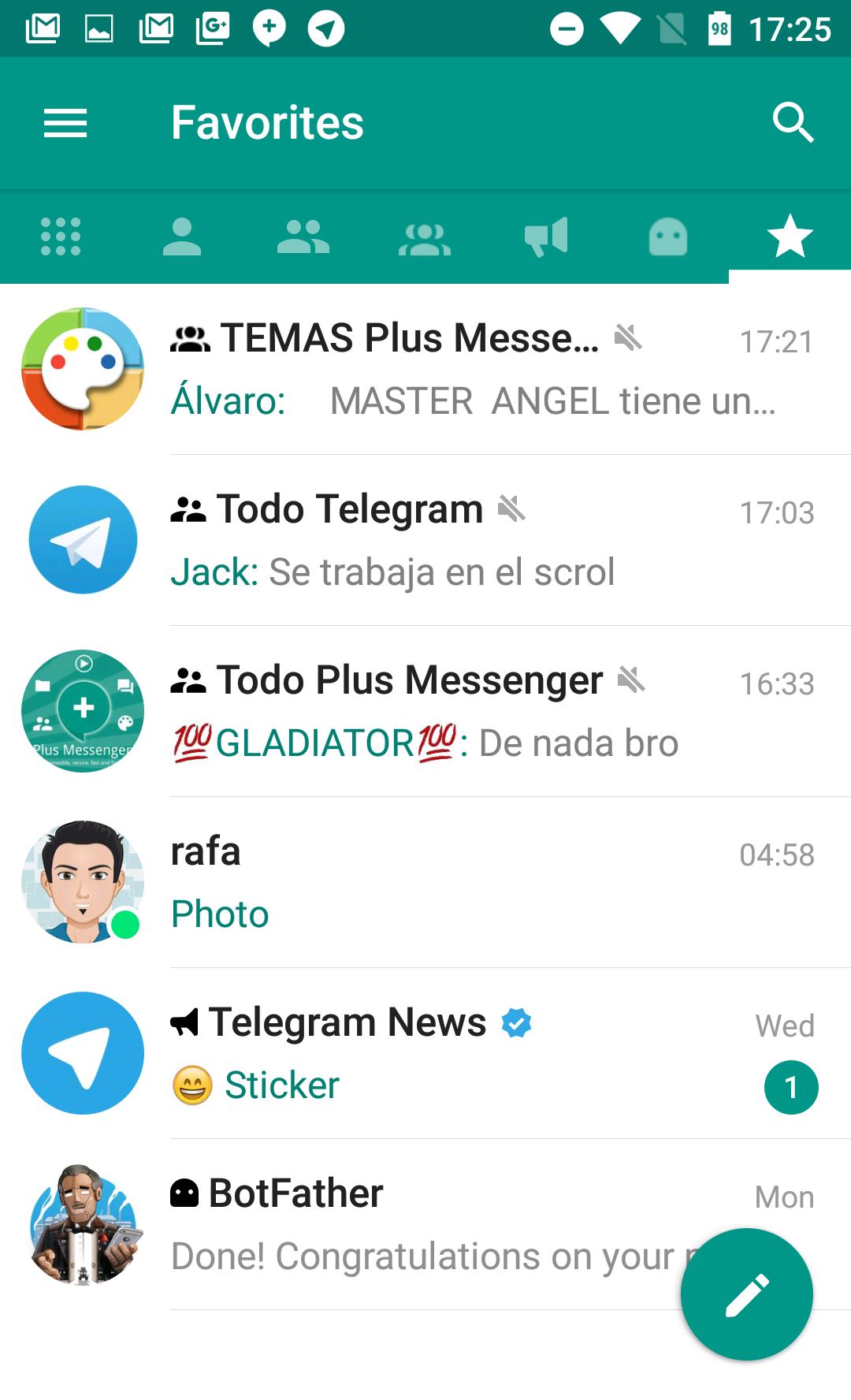
Plus Messenger lets you split your inbox into tabs for users, groups, channels, bots, favorites, unread, and admin or creator roles. You can sort lists in different ways, pin up to 100 important chats, and keep fast access to the conversations that matter most. It also supports custom Categories that group chats by your own rules, and you can save and restore these groups whenever needed. This structure helps keep a crowded inbox readable at a glance.
Multiple account supportYou can add and manage up to 10 accounts in Plus Messenger. Quick switching helps you move from personal to work or community conversations without logging out. Notifications and lists follow the active account, so you stay focused on the right context. This approach cuts down on mistakes and keeps each account’s activity clear.
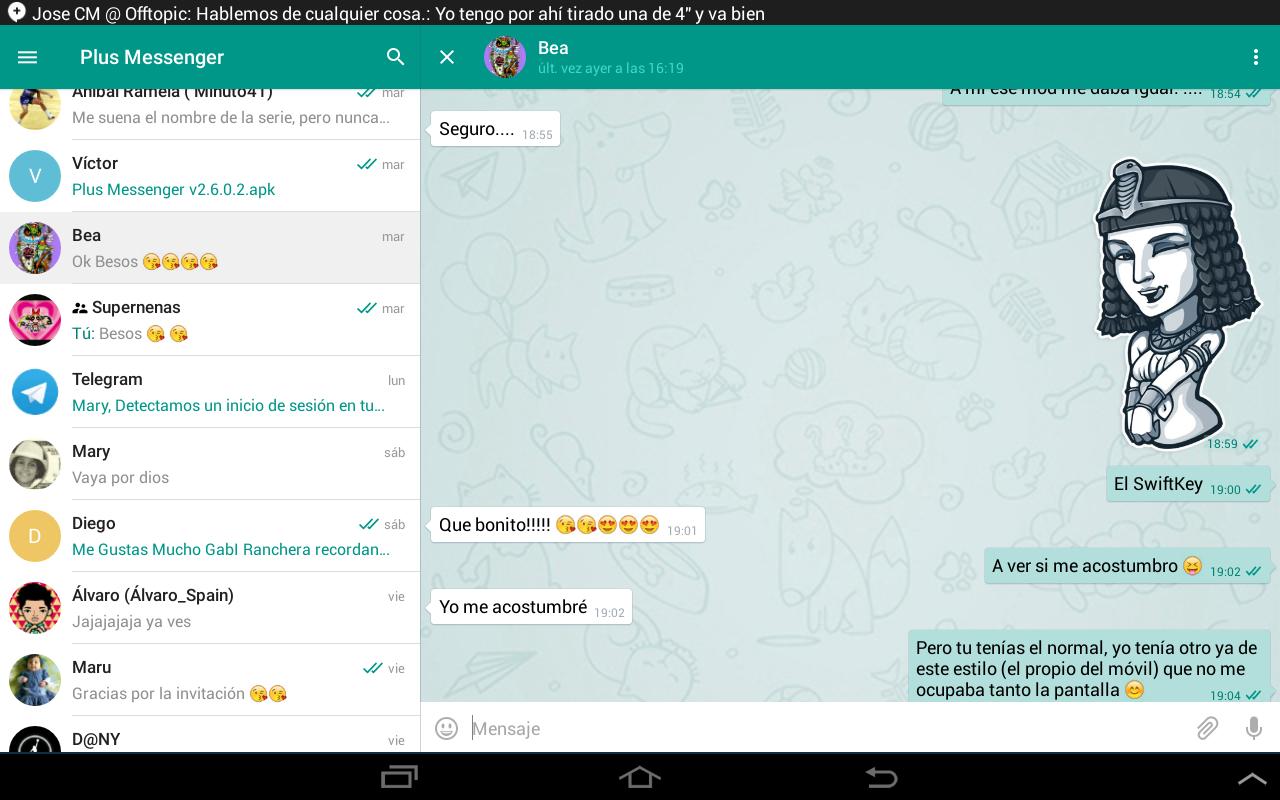
Deep customizationPlus Messenger gives you control over how tabs behave and how chats look. You can choose from many bubble and check styles, use your phone’s emojis and fonts, and enable night mode for comfortable viewing. It also works with dedicated theme apps made for Plus and Telegram, so you can match the interface to your taste. These options help align the app with how you prefer to read and reply.
Advanced messaging controlsWith Plus Messenger, you can forward messages without quoting, or edit text before forwarding when you need to clarify context. It lets you set photo quality before sending, preserve original file names when saving, and copy selected parts of a message instead of the entire text. You can also start a round video using the main camera. These small but practical controls reduce friction during daily chats.
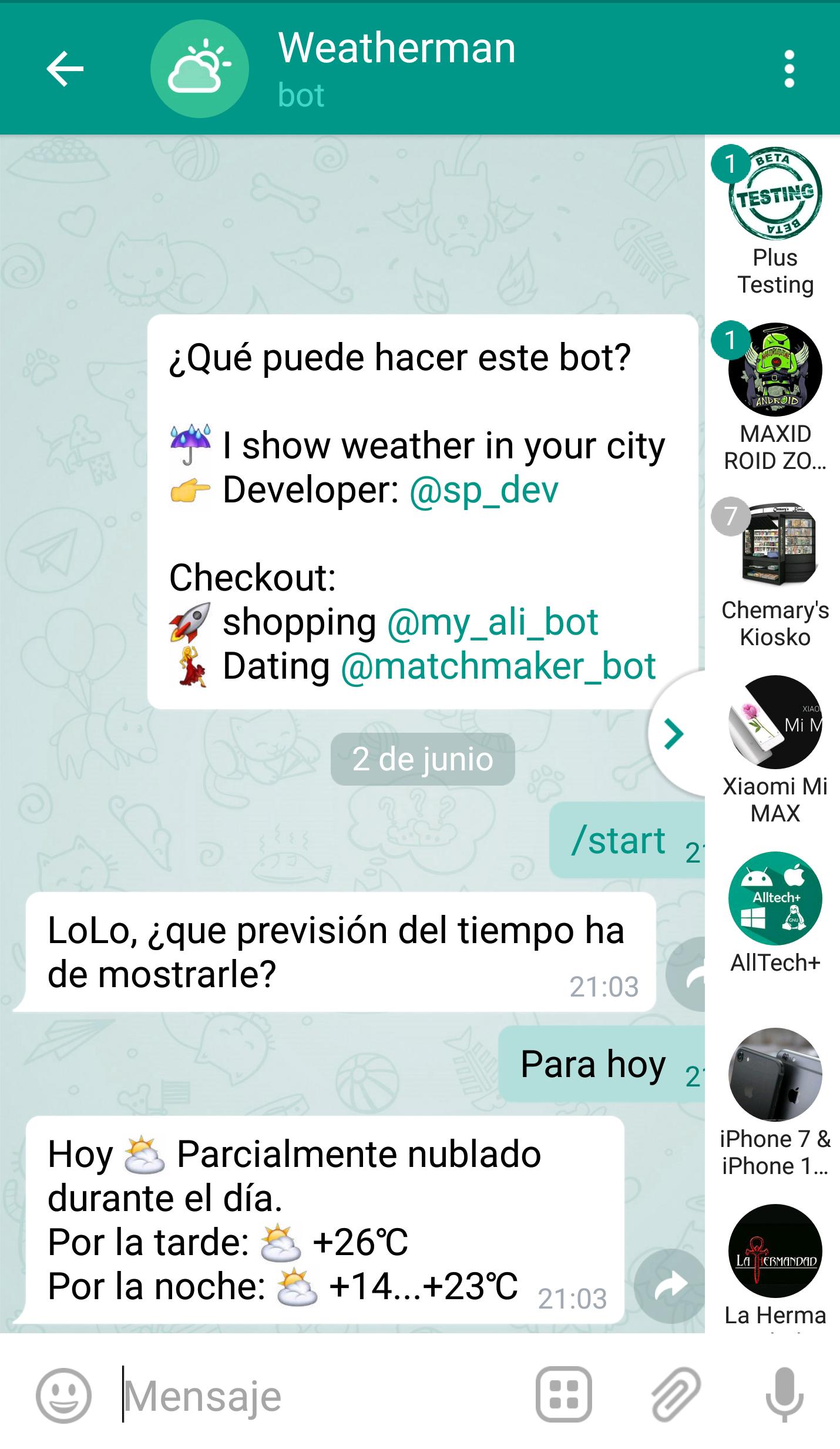
Faster navigation and smart signalsA quick bar helps you hop between chats without losing track. Floating indicators show when contacts are online or typing, and you can see download progress right where you need it. Bios can appear inside chats for easy reference, and you can show or hide interface elements like the mute button or bottom bars. These details keep information visible without adding clutter, which is useful in a busy Telegram client.
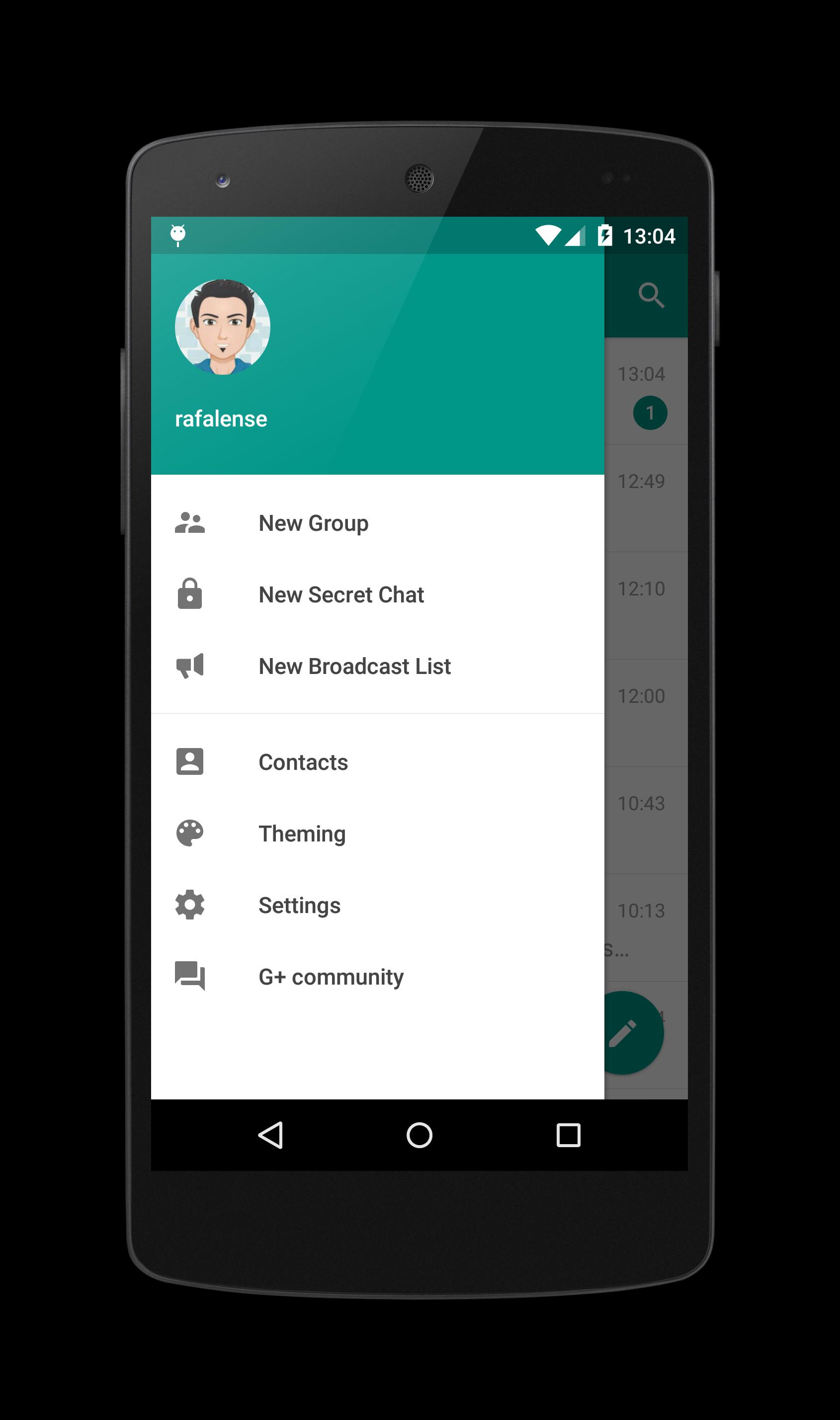
Privacy and convenience optionsPlus Messenger lets you hide your mobile number in menus and display your username instead. Settings can be saved and restored, which is helpful when you move to a new device or try different layouts. The developer states that no data is collected or shared, and that data is encrypted in transit. These notes provide clarity on how the app handles your information.
Plus Messenger is an unofficial client that uses the Telegram API to access Telegram’s network and features. The core difference from the official app is the added focus on organization with tabs and categories and the wider range of visual and behavioral customization. Users who manage many chats often choose Plus Messenger to keep conversations clearly separated and easy to navigate. If you mainly need the standard experience, the official client may be enough, while Plus Messenger adds more control for busy setups.
The developer indicates that the app does not collect or share user data and that data in transit is encrypted. These statements are provided by the developer to explain how the app handles information during use. For best results, review your in‑app privacy and security settings and apply the options that match your needs. Staying mindful of account settings helps align the app’s behavior with your preferences.
Getting started takes only a few minutes, and the layout is simple once you see the tabs and options. If you plan to install outside standard channels, some users search for Plus Messenger latest version as an APK to set up the app on Android. After installation, you can adjust layout and tools to match your routine.
Plus Messenger focuses on clear chat organization, flexible looks, and small controls that make daily messaging easier. It suits users who handle many conversations and want a layout that adapts to their workflow. To try these tools, download Plus Messenger and set up the tabs and categories that fit your routine.
For official information or support, use the contacts below.
Last updated on Apr 24, 2026
• Bug fixes and minor improvements.
Latest Version
 12.6.4.1
Uploaded by
Phu Kub
Requires Android
Android 5.0+
Available on

Category
Report




Discover what you want easier, faster and safer.
