


Use APKPure App
Get PDF Reader old version APK for Android
PDF Reader is a lightweight PDF viewer app that quickly finds and opens files on Android.
PDF Reader suits moments when you need to open a document fast and move on. It keeps things simple so you spend less time waiting and more time reading. The app focuses on essential viewing, works smoothly on a wide range of phones, and avoids heavy extras that slow down older devices. If you plan to download PDF Reader, expect a small footprint and straightforward behavior without setup. As a result, everyday tasks like checking invoices, manuals, or forms feel quick and uncomplicated.
Ultra lightweight install
With an install size around 2.3 MB, PDF Reader uses very little storage and starts quickly. This helps older or budget phones and keeps space free for documents. In everyday use, the app opens files fast and keeps navigation simple.
Auto scan of local PDFs
PDF Reader automatically searches your device storage and lists all PDFs in one place. You can browse a single library instead of digging through folders and different apps. This makes it easier to find recent downloads and attachments when you need them.
Open PDFs from email, web, or apps
PDF Reader works with the Android Share and Open With menus, so you can launch documents from email, browser links, file managers, and more. You tap the attachment or link, choose PDF Reader, and the file opens right away. This reduces steps when files arrive through different sources.
Smooth viewing of core content
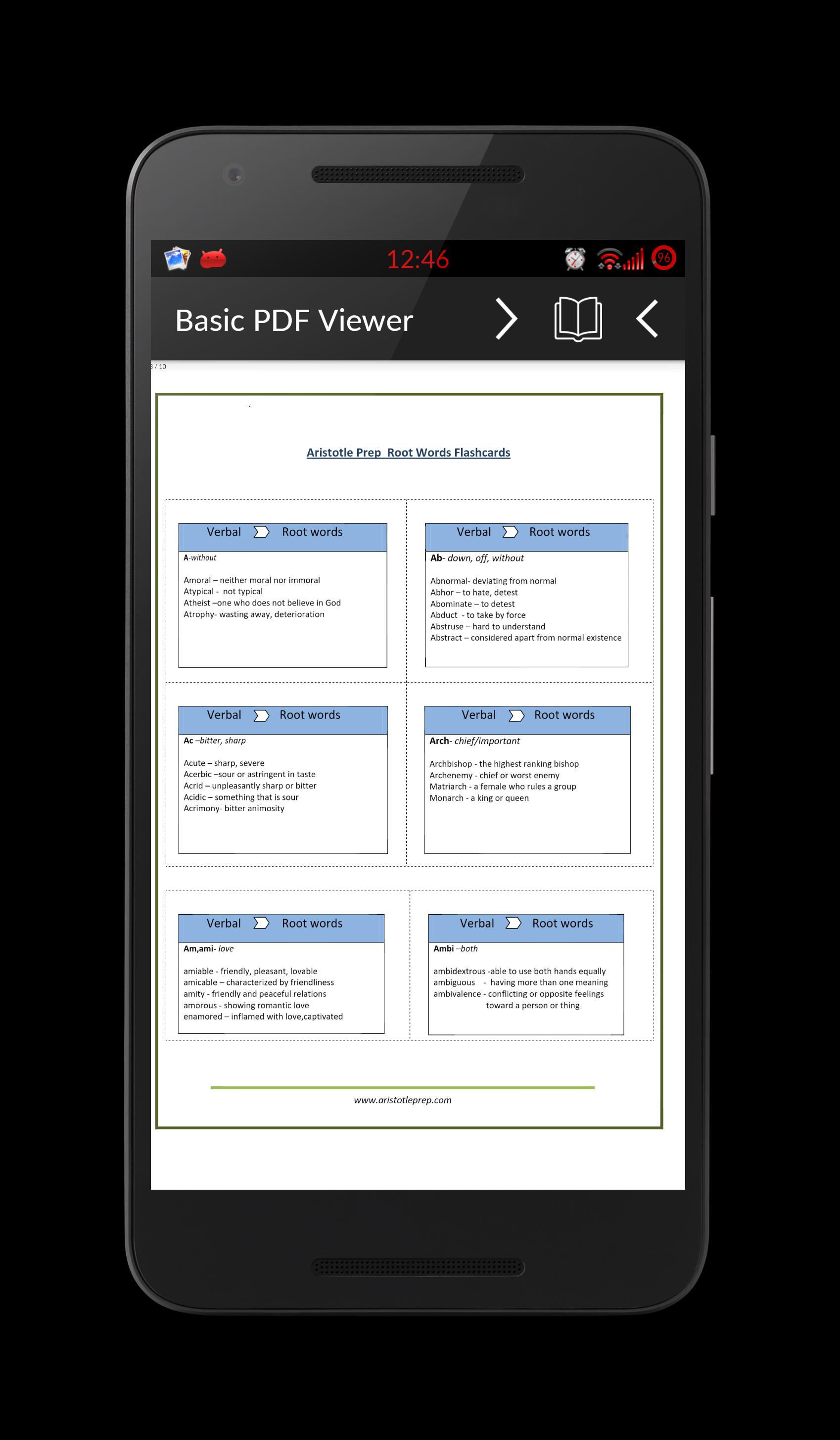
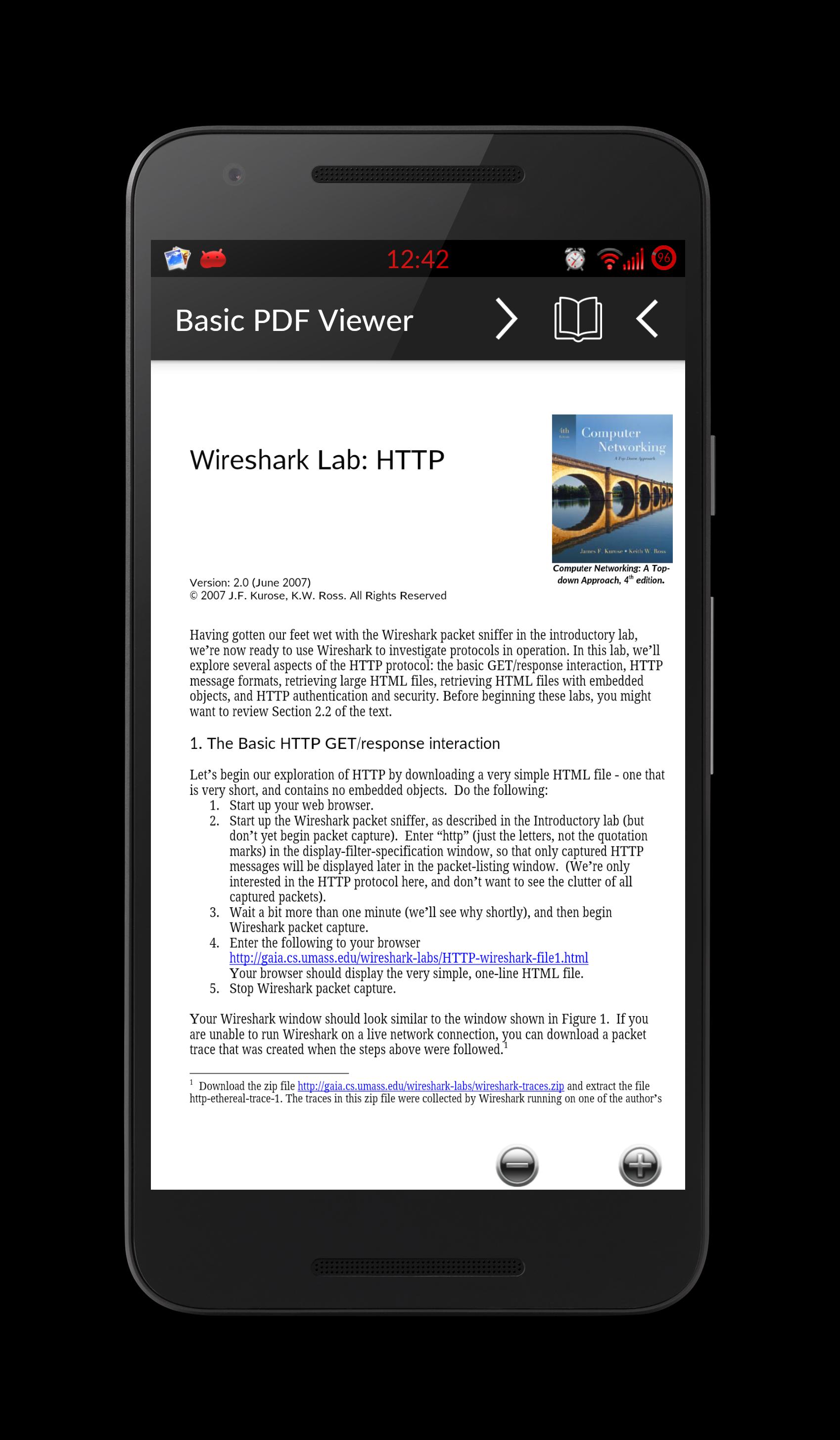
PDF Reader supports key PDF elements such as text, images, tables, and lists. You can read invoices, reports, manuals, and simple forms in their original layout. Pinch to zoom and scroll to check details without unnecessary controls getting in the way.
Easy sharing to other apps
After viewing a document, PDF Reader lets you share the file to email, messaging, or storage apps using the native Android options. The app passes the original file without altering content. This helps you forward, store, or back up paperwork in your usual services.
Choose PDF Reader if your priority is quick viewing with minimal setup and a small storage footprint. The app focuses on reading rather than editing, annotation, or cloud sync, which keeps performance straightforward on many devices. If your workflow relies on advanced tools like form filling, markup, or custom themes, consider that PDF Reader is built around the essentials. For simple, offline reading of everyday documents, this approach is practical.
Users who prefer stability and broad device support can pick the PDF Reader latest version when completing a PDF Reader app download. Installing the current build helps maintain consistent behavior across different Android devices. If you manage APK files directly, check that the package name and version match your update plan before installing the PDF Reader APK. This keeps your setup predictable across work and personal phones.
Getting started is quick and does not require extra configuration. After installing the PDF Reader APK, the app opens to a simple library view. From there, you can access local files or launch documents from other apps.
PDF Reader provides a tiny, efficient way to open and view everyday documents on Android. To keep things simple and fast, download PDF Reader and start reading files from your library or other apps. The focused design supports common content and helps you move through PDFs without distractions.
Last updated on Jan 7, 2023
Minor bug fixes and improvements. Install or update to the newest version to check it out!
Latest Version
 1.25
1.25
Uploaded by
$@pp Labs
Requires Android
Android 4.4+
Available on

Category
Report




Discover what you want easier, faster and safer.
