


Use APKPure App
Get Packet Capture old version APK for Android

Packet Capture is a network traffic sniffer app that captures and decrypts SSL traffic for debugging.
Packet Capture is built for developers and testers who need clear visibility into app network activity on Android. It helps you observe requests and responses during development, which supports quick troubleshooting and verification. Additionally, it works on device, so setup stays simple for everyday testing. If your app restricts SSL inspection, review your network security configuration for Android 6.0 guidelines before testing. To begin, download Packet Capture and monitor traffic while you build, fix, or validate features.
Capture and record packets
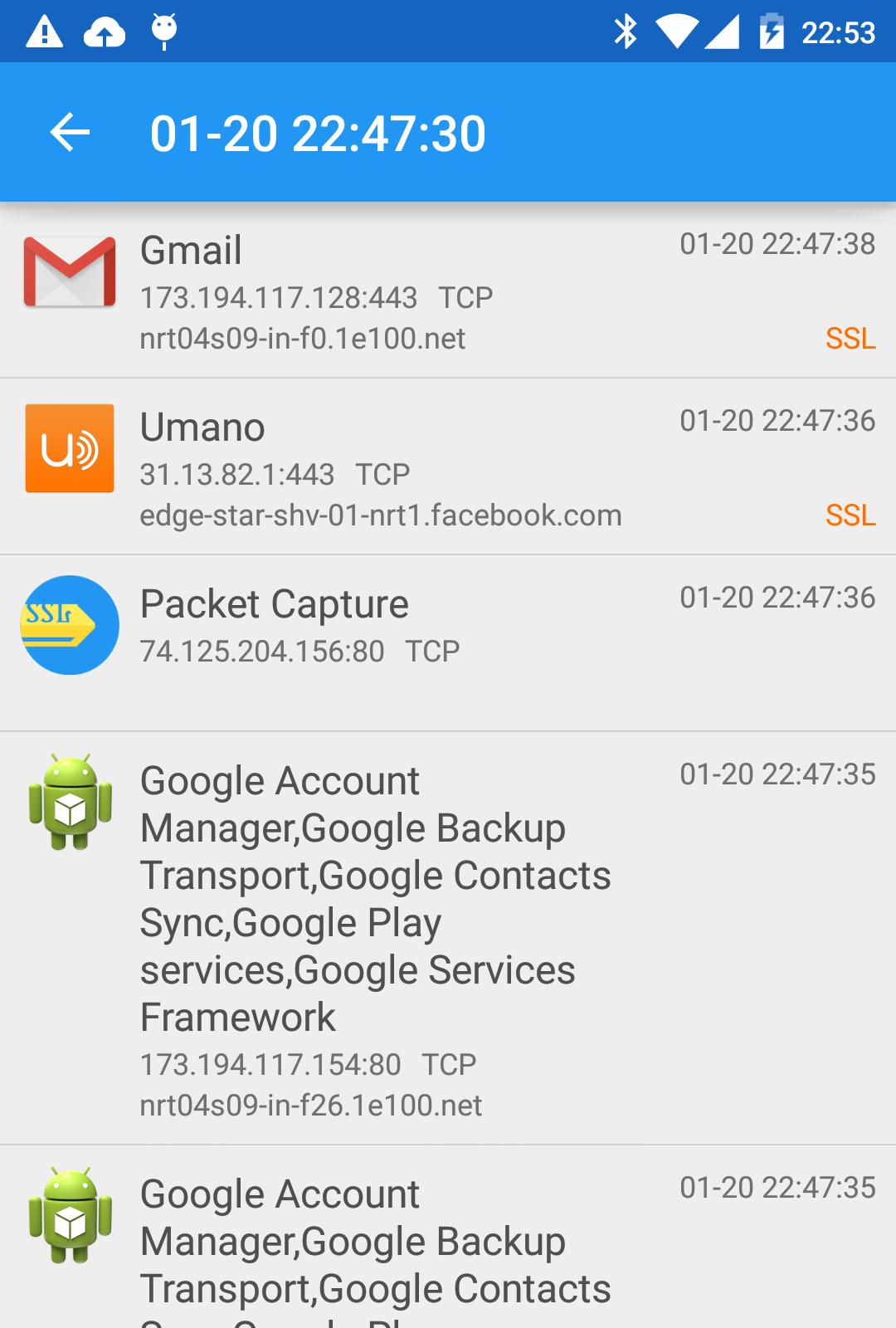
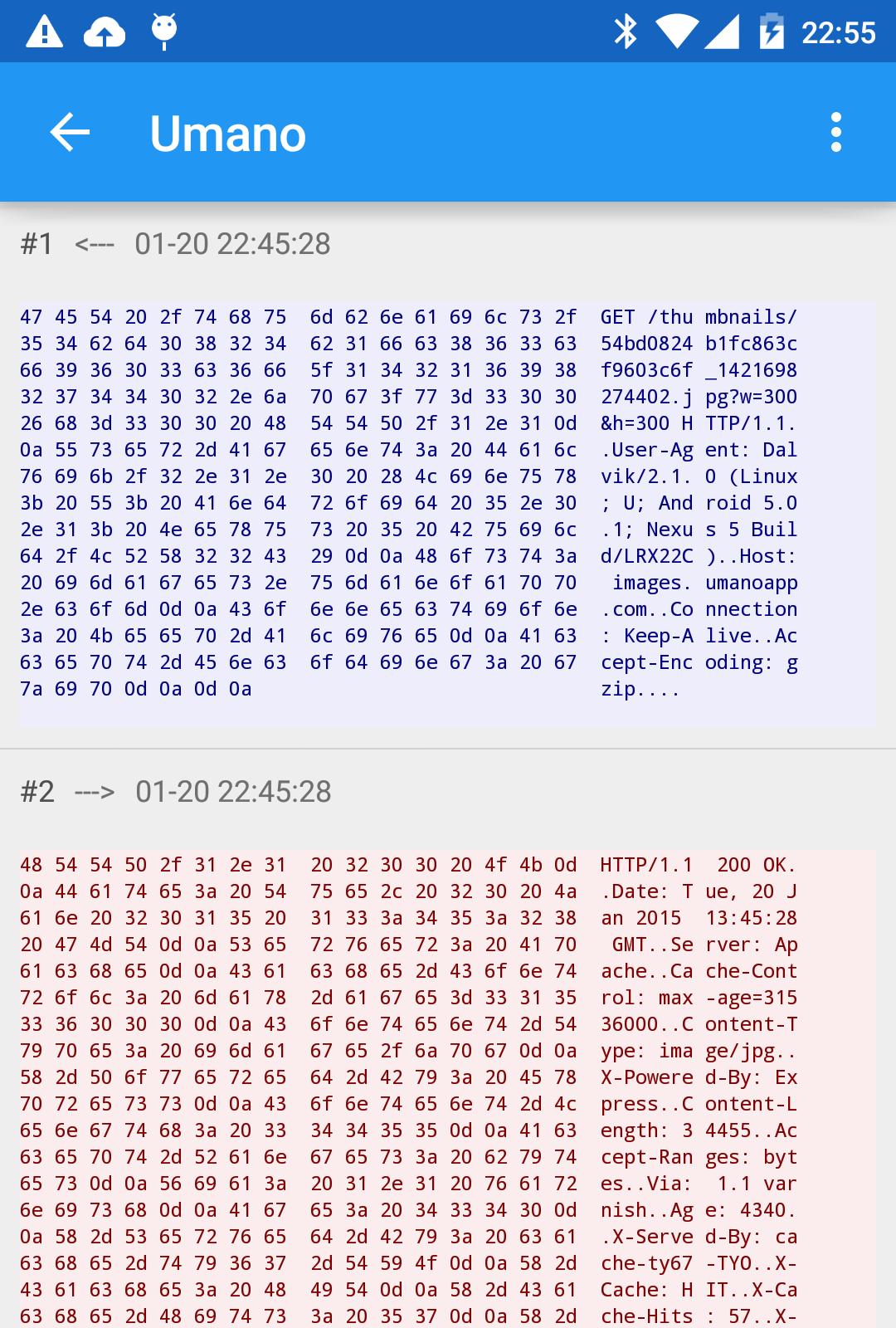
Packet Capture logs network activity from apps on your device. You can review each packet and examine contents in human readable text or hexadecimal view for deeper analysis. Captured sessions can be recorded, so you can revisit details during analysis.
SSL decryption without root
Packet Capture uses a local man in the middle technique to inspect SSL traffic and decrypt data from secure connections. Root access is not required, and you do not need a desktop proxy setup. This approach is useful when validating API calls and headers under secure transport.
Tips for capturing SSL packets during development
These adjustments help when your app blocks inspection of secure traffic. These settings align your test builds with Android defaults that permit inspection during development.
Credential storage cleanup after uninstall
After uninstalling, you may still be asked for a PIN on the lock screen. To remove this prompt, clear credential storage in system settings:
Clearing credentials removes items added during testing and restores normal lock screen behavior.
Packet Capture offers practical tools for inspecting requests and SSL activity during app development. Install it on your test device and follow the tips above for consistent results. Check the Packet Capture latest version to stay current with fixes, protocol updates, and compatibility improvements. This helps ensure monitoring aligns with your app’s network behavior.
Last updated on Jan 5, 2020
Minor bug fix.
Latest Version
 1.7.2
1.7.2
Uploaded by
Gabriel Fernandes
Requires Android
Android 5.0+
Category
Report


Discover what you want easier, faster and safer.
