


Use APKPure App
Get OTT Navigator old version APK for Android

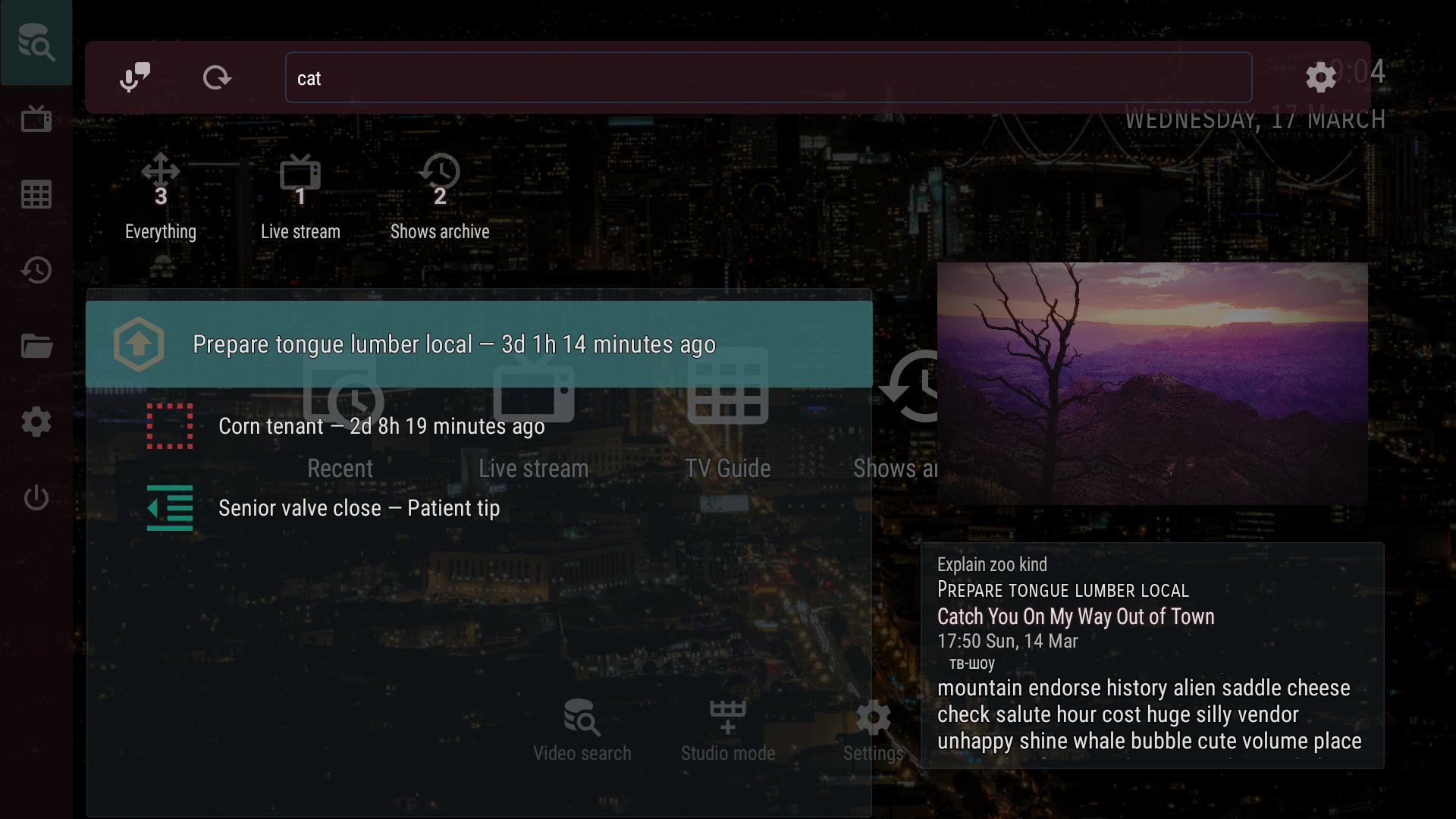
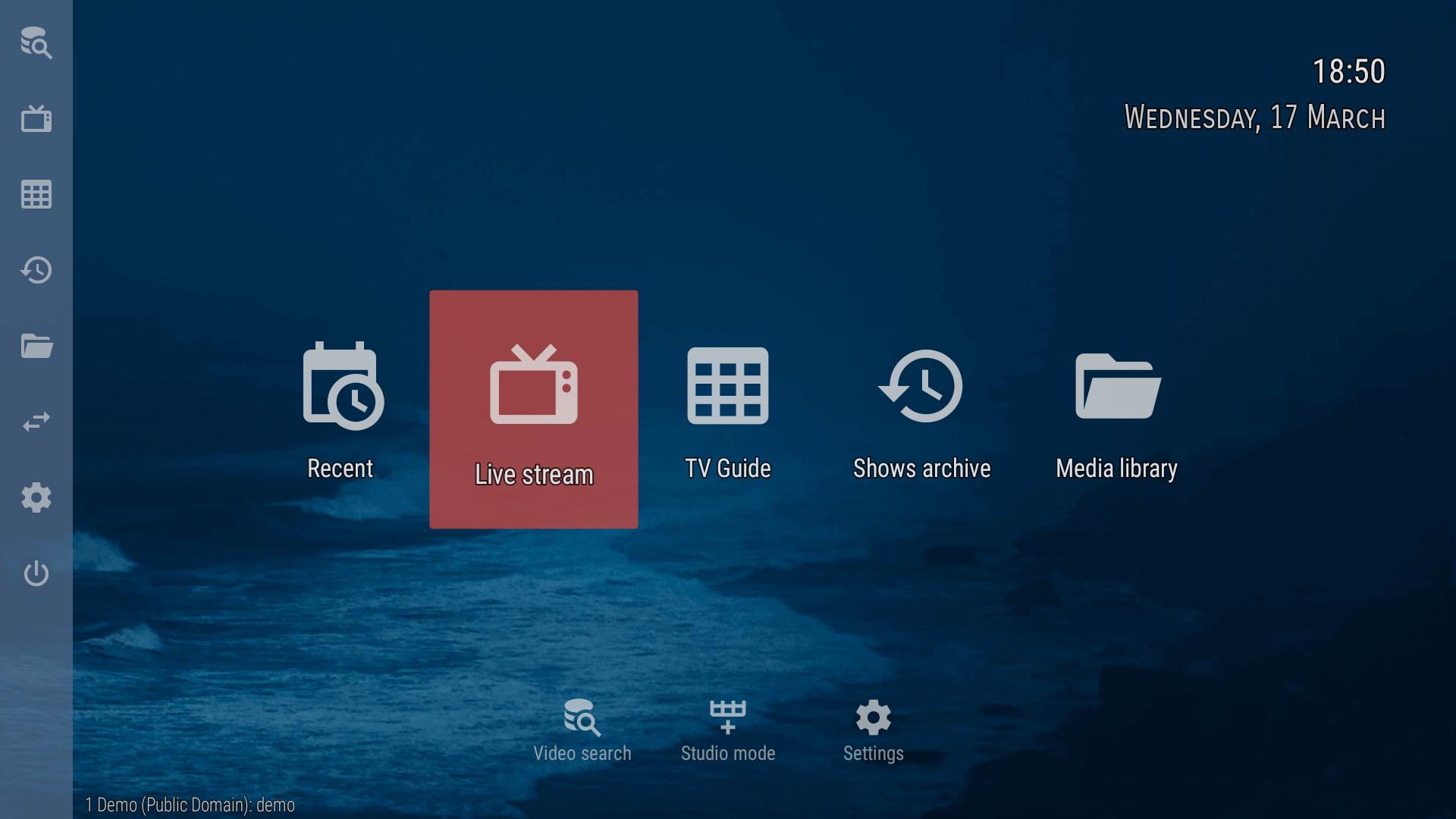
OTT Navigator is an IPTV player app that streams content from your provider on Android devices.
OTT Navigator helps users view their IPTV provider content on phones, tablets, TVs, and TV boxes. To start, download OTT Navigator, then add your provider playlist or another source you trust. The app does not supply channels or videos, it relies on the data you link. However, once configured, it presents live streams, archives, and program details from available EPG sources in a clear layout that suits daily viewing. Setup involves adding a playlist and optional EPG links provided by your service.
Live TV and multi stream viewing
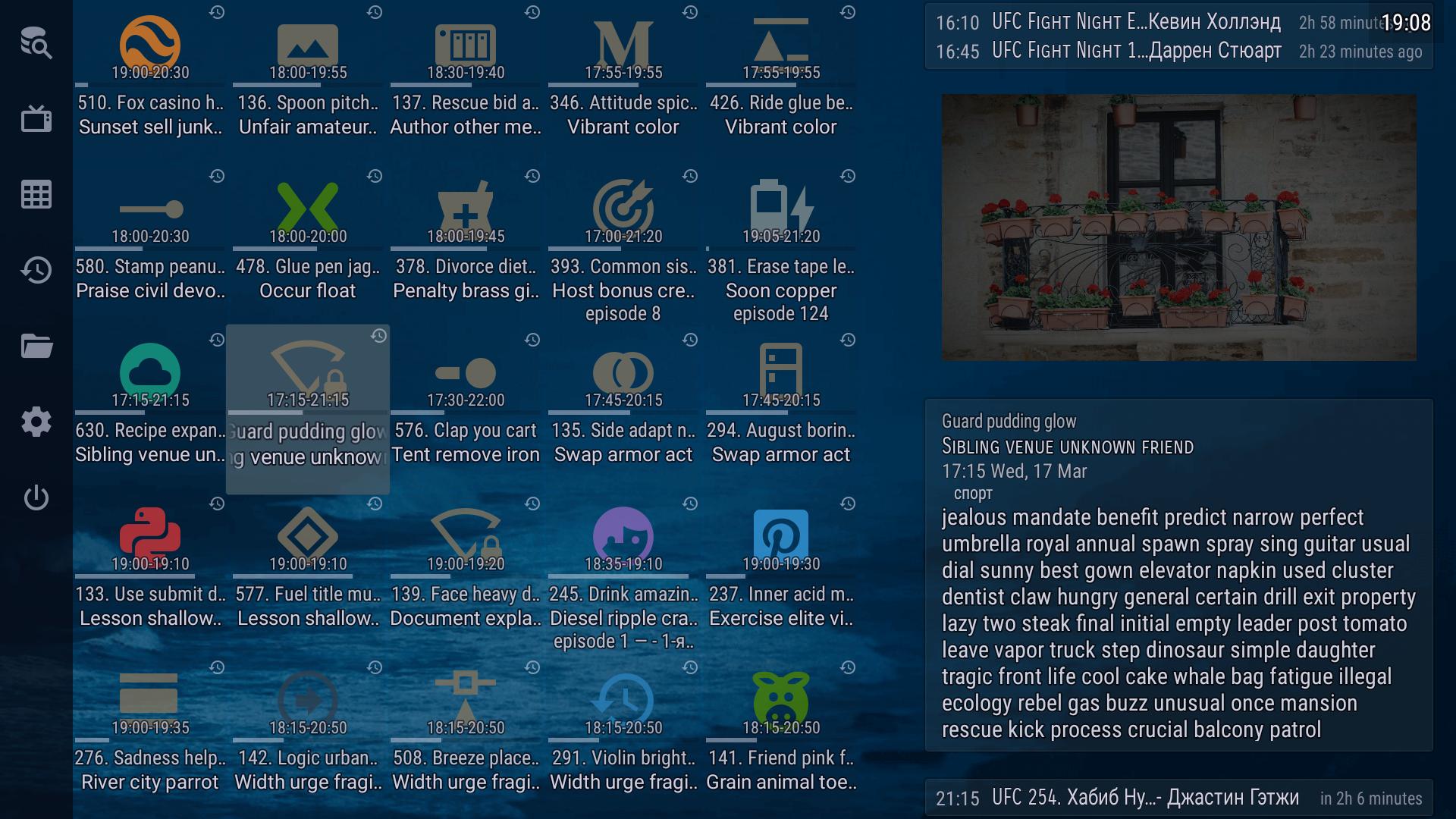
OTT Navigator plays live channels from your provider playlist. It can start the last watched channel on launch. Timeshift is supported when your provider offers archives. Picture in picture and studio mode let you watch multiple streams at once for quick checking and comparison.
Channel organization and reminders
You can mark favorite channels, and the app groups channels and categories automatically. It also reminds you about shows you find interesting, so you can return on time without hunting through the guide.
Archive and catch up controls
Network playback and program data
Beyond provider streams, you can browse and play local network files via UPnP or DLNA, then add them to a media library. Program details come from several EPG sources, including links you provide. AFR and DRM support, plus recommendations, help the app fit different setups.
OTT Navigator centers on your own IPTV sources and keeps viewing simple across devices. Before installing, check the OTT Navigator latest version to match your provider and features. Add your playlist and EPG, then start watching live channels and catching up when archives are available.
Last updated on Feb 11, 2024
Minor bug fixes and improvements. Install or update to the newest version to check it out!
Latest Version
 1.7.0.2.4
Uploaded by
SIA Scillarium Studio
Requires Android
Android 6.0+
Category
Report





Discover what you want easier, faster and safer.
