


Use APKPure App
Get ODialer old version APK for Android

ODialer - A handy tool for recording calls, managing contacts and more.
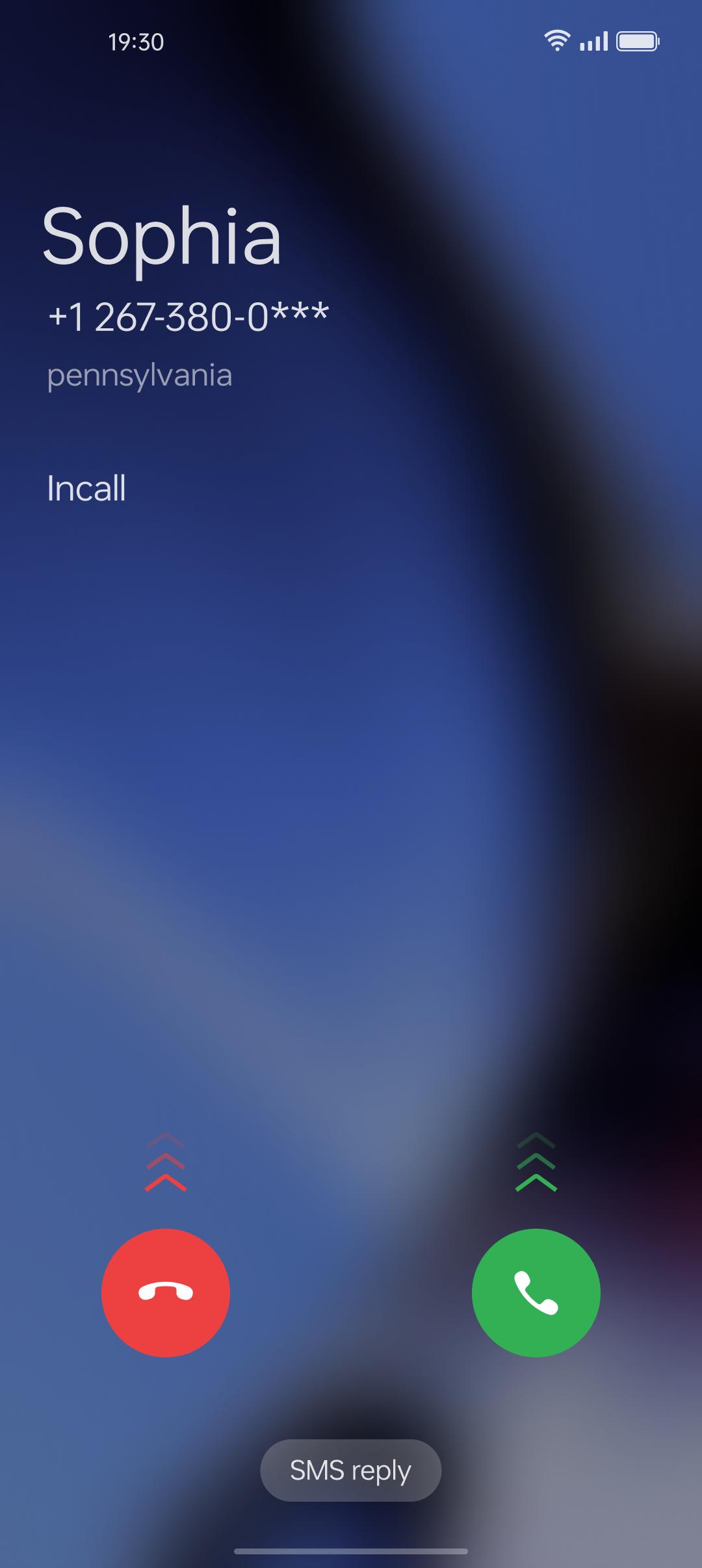
ODialer is a communication application developed by ColorOS for Android devices. It is designed to provide users with a comprehensive call management tool that allows them to manage their calls, contacts, and recordings all in one place.
【Call Management】
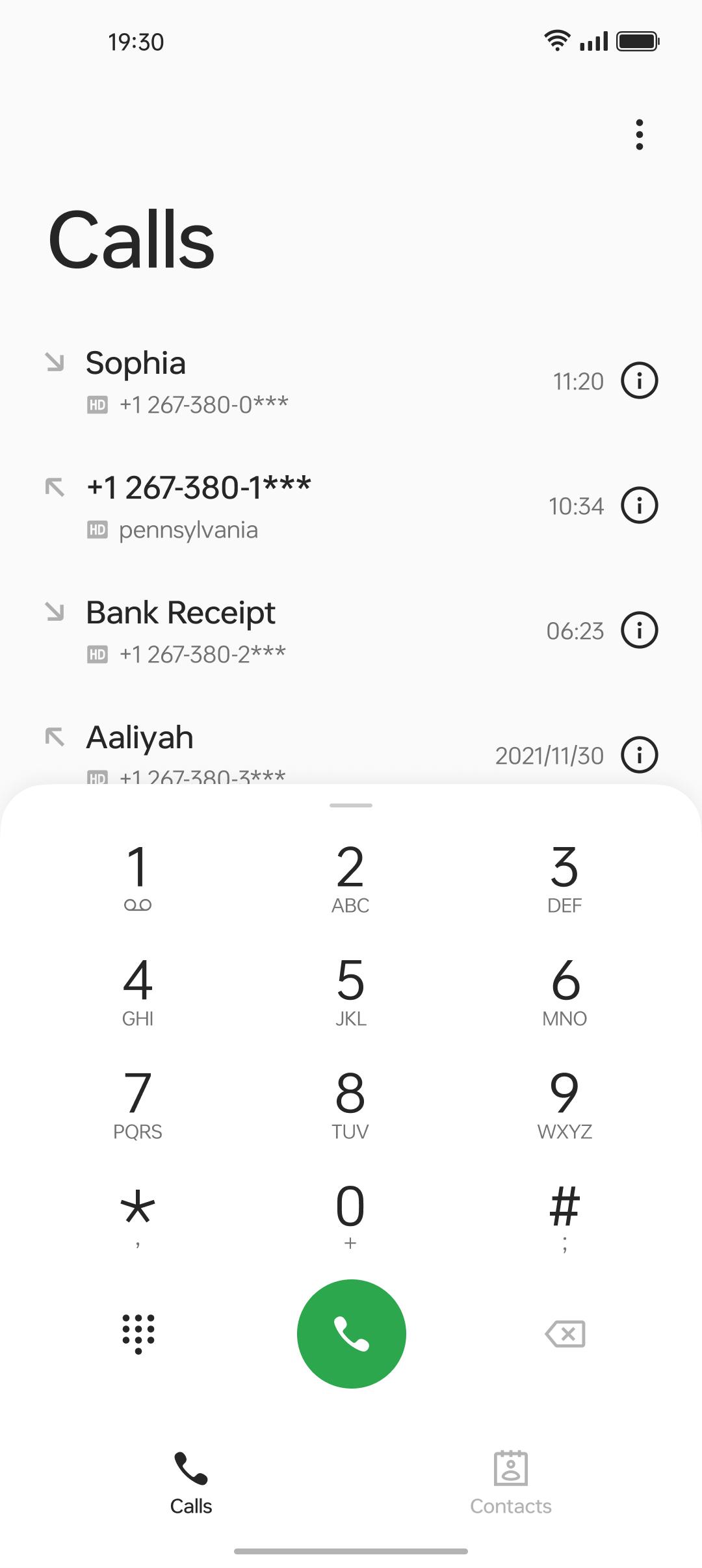
Users can view their recent calls, which are organized into groups for easy access and convenience.
This feature allows users to quickly find and call their contacts without having to search through their call history.
【Dial Pad】
A dial pad with speed dial is also available in this app. This basic feature enables users to make phone calls quickly and easily.
【Call Recording】
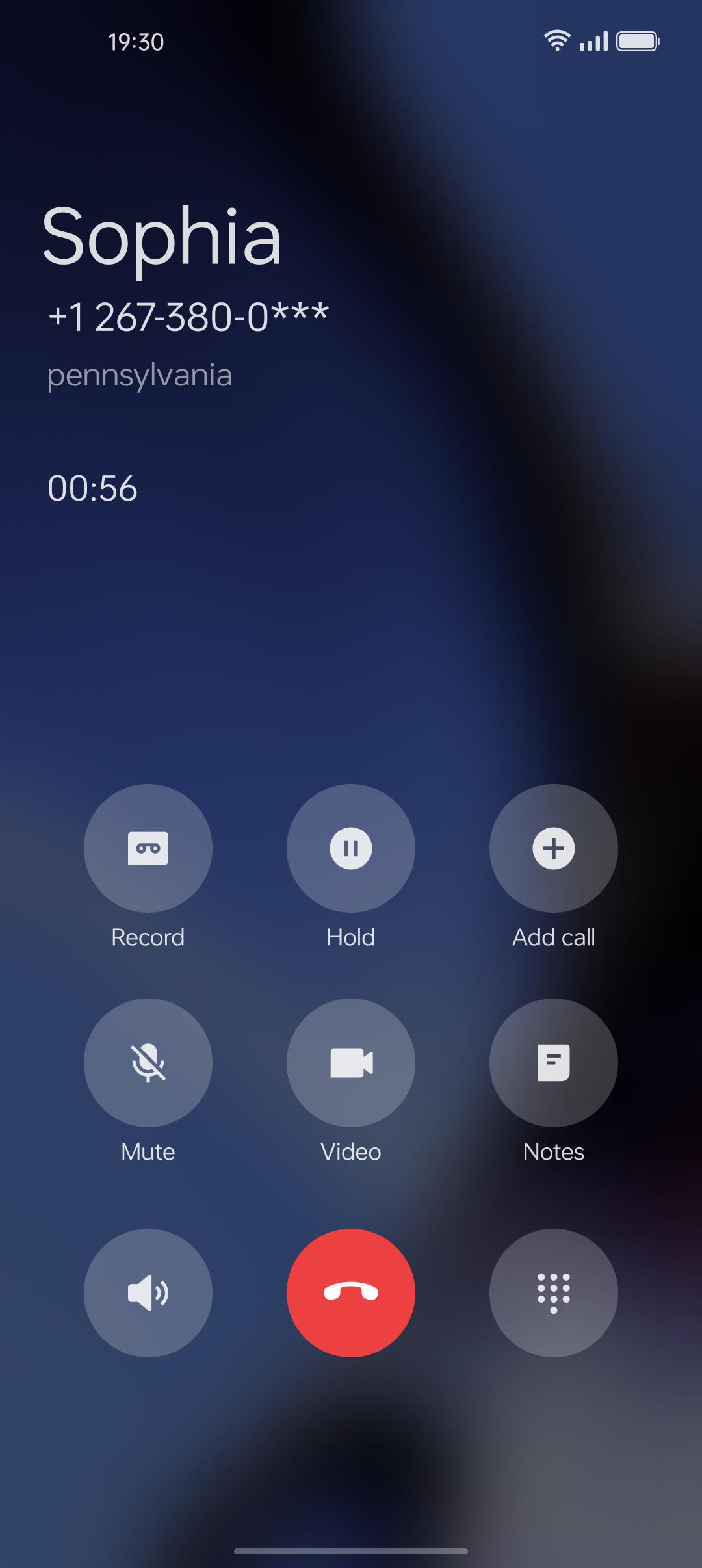
Users can record their calls manually or automatically, which is a useful feature for people who need to keep track of important conversations or meetings. The app also allows users to manage their recordings, making it easy to find and listen to specific recordings.
【Contact Management】
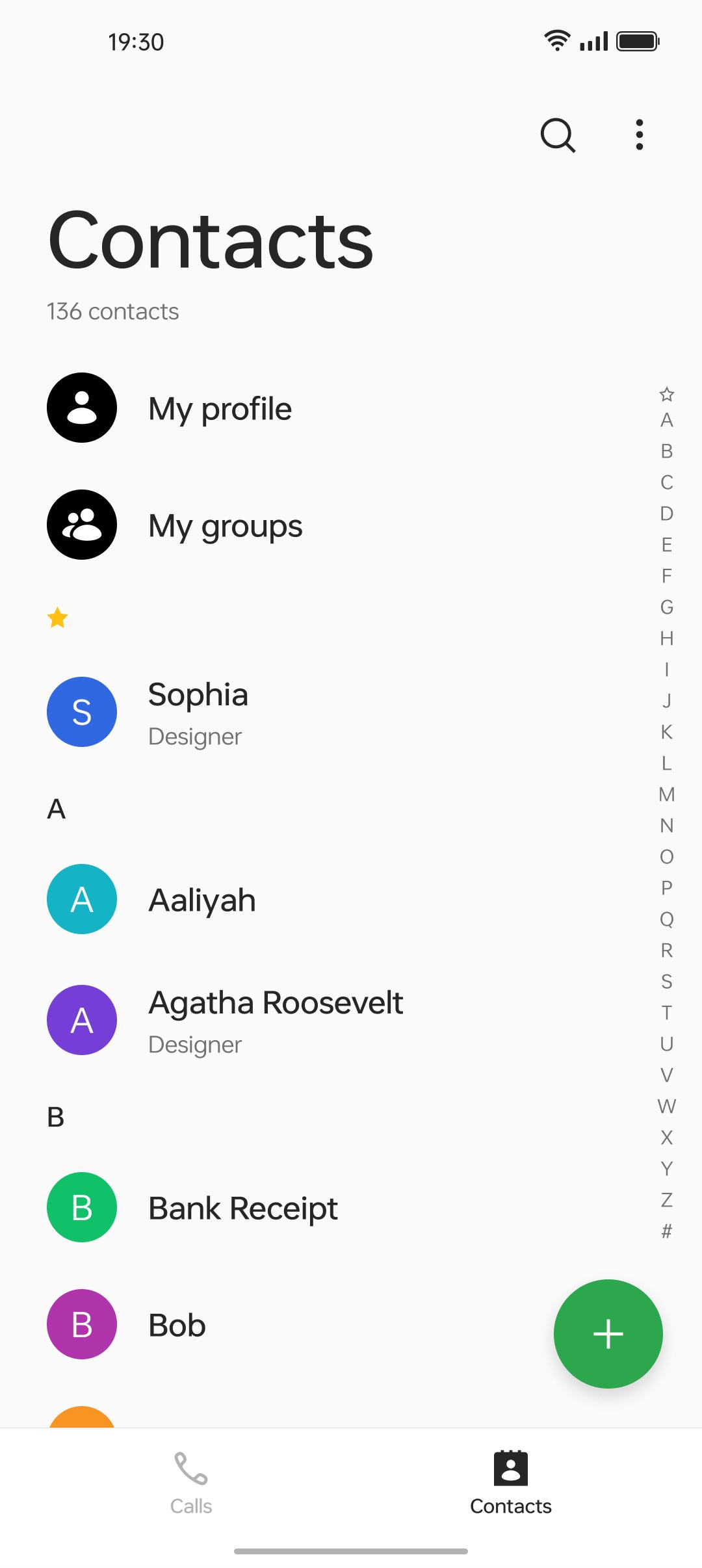
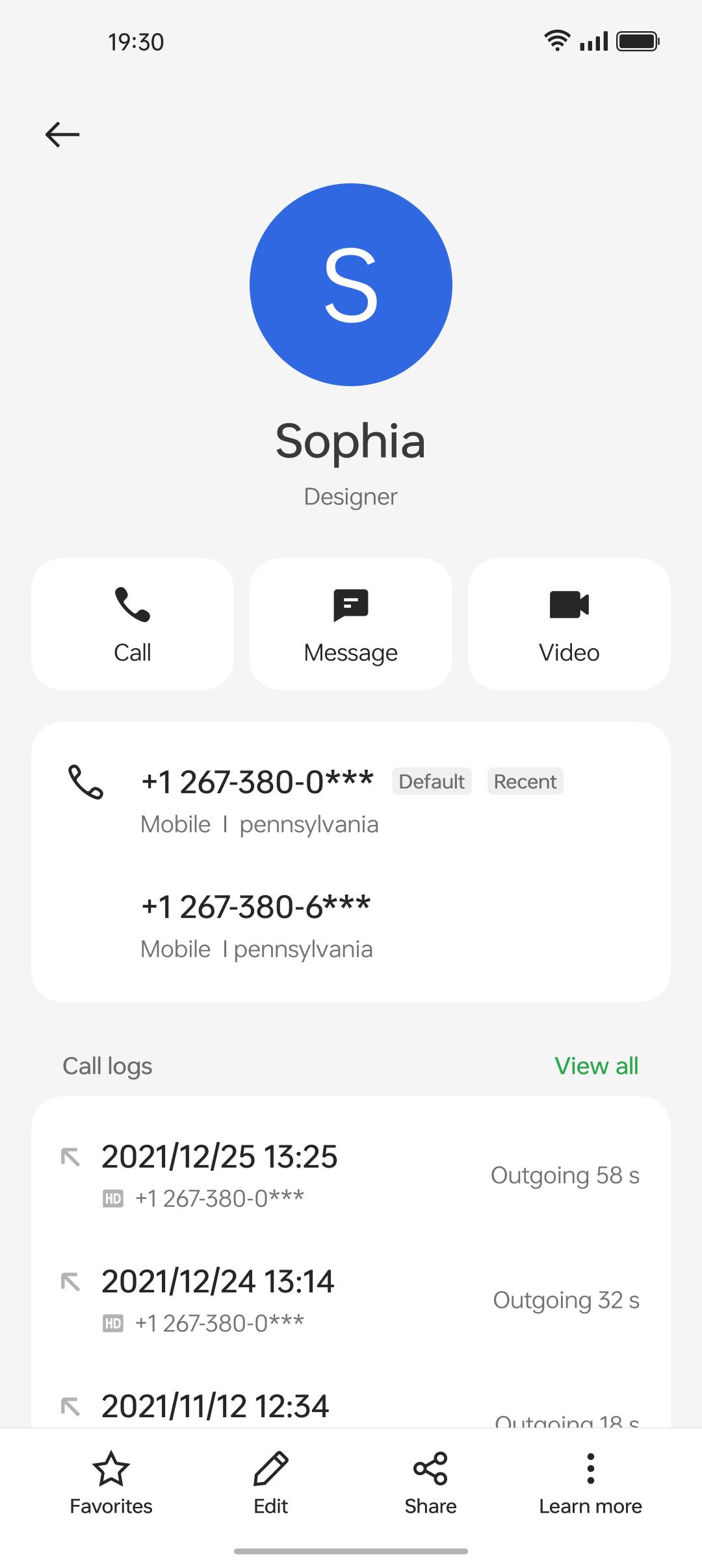
ODialer also offers contact management features that allow users to manage their contacts in one place. Users can add, edit, and delete contacts, as well as import and export contacts from other devices or applications. This feature makes it easy for users to keep their contacts up-to-date and organized.
Many additional features of ODialer:
**The app requires Android 12+ to run
**The current version is 13.2.2, which is the latest and most optimized version.
**This app is suitable for many different devices
**Users can always download the latest version or other history of ODialer directly from the APKPure.
**There is no registration or login required.
**The app is completely free to download.
ODialer is compatible with over 2000 different devices, including:
Samsung phone
Xiaomi phone
Huawei phone
Oppo phone
Vivo phone
Motorola phone
LG phone
Google phone
OnePlus phone
Sony phone
and Tablets
This makes it easy for users to find a version of the app that is compatible with their device, even if there are country restrictions or other limitations on the Google App Store.
ODialer is a comprehensive communication app that offers users a range of features for managing their calls, contacts, and recordings.
It is easy to use and compatible with a wide range of devices, making it a useful tool for anyone who needs to manage their communication needs on their Android device.
Last updated on May 26, 2025
Minor bug fixes and improvements. Install or update to the newest version to check it out!
Latest Version
 15.0.20
Uploaded by
ColorOS
Requires Android
Available on

Category
Report


Discover what you want easier, faster and safer.
