


Use APKPure App
Get Notch Design old version APK for Android
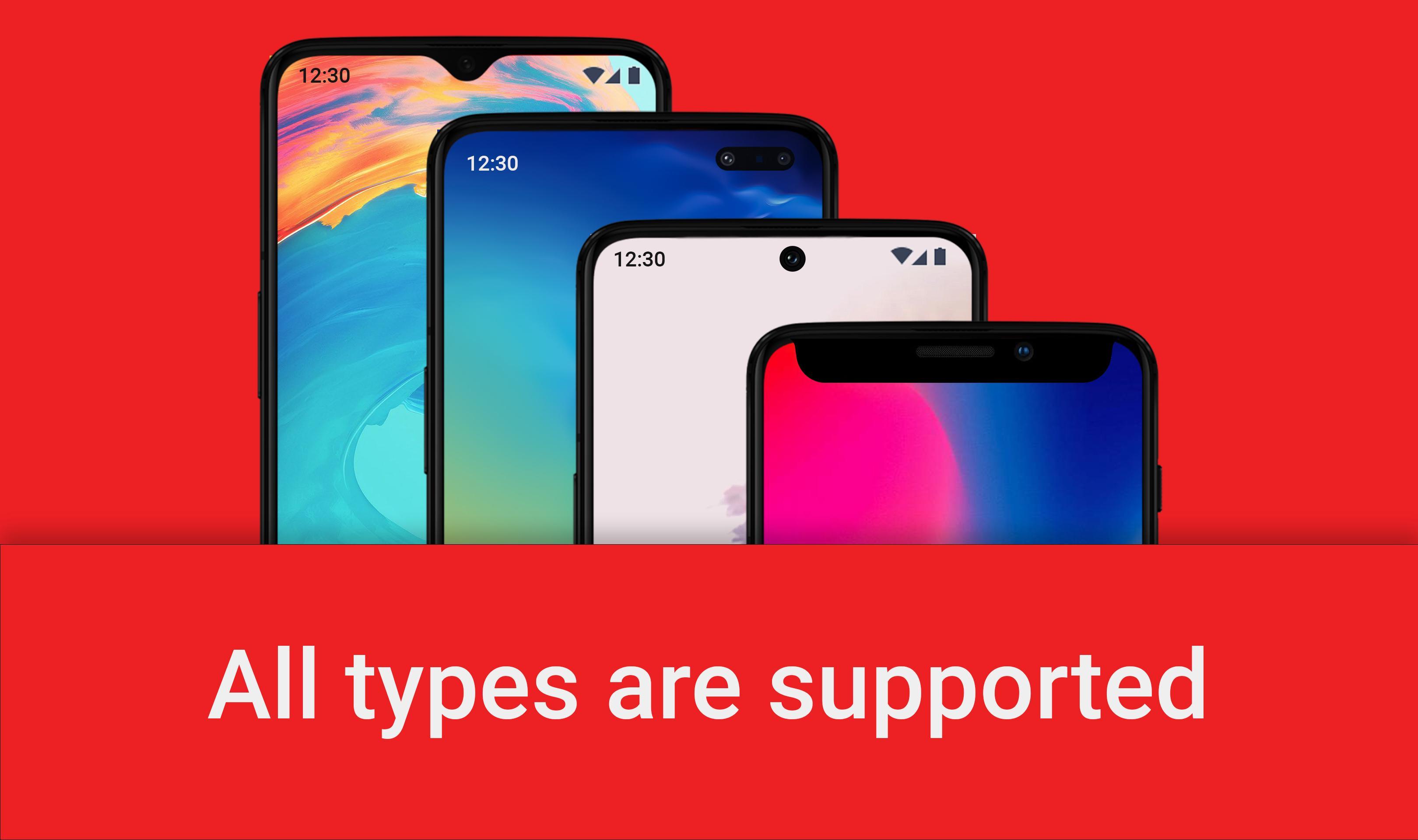
Redesign your notch. Tap it to launch 26+ actions, shortcuts and wallpapers.
Your camera notch doesn't have to sit there doing nothing.
Notch Design & Actions turns it into the most personal part of your phone — styled to match your wallpaper and smart enough to respond to your touch.
✦ DESIGN YOUR NOTCH
Choose from dozens of styles — circle, pill, teardrop, dynamic island-inspired and more. Resize, reposition, add a glow, animate it, or match the color to anything on screen. Every change previews live before you apply it.
• Multiple notch shape styles
• Full color picker with transparency support
• Width, height, position and border controls
• Glow and animation effects
• Auto-hide in landscape mode
• Lock screen wallpaper integration
⚡ NOTCH ACTIONS
Tap, double-tap, long-press or swipe your notch to instantly trigger 26+ actions — no unlocking, no app switching, no extra steps.
System & Display
• Flashlight · Screenshot · Home · Recent apps
• Lock screen · Split screen · Expand notifications
Media Controls
• Play/Pause · Next/Previous · Volume up/down · Mute
• Launch your music app
Camera
• Quick camera · Selfie · Start video recording
Apps & Utilities
• Google Search · Voice search · Quick dial a contact
• Open any app · Launch any website
• Wi-Fi · Bluetooth · Battery settings · Downloads
Set exactly where the touch zone sits, how sensitive it is, and block it per app with the built-in blacklist.
🖼 WALLPAPER GALLERY
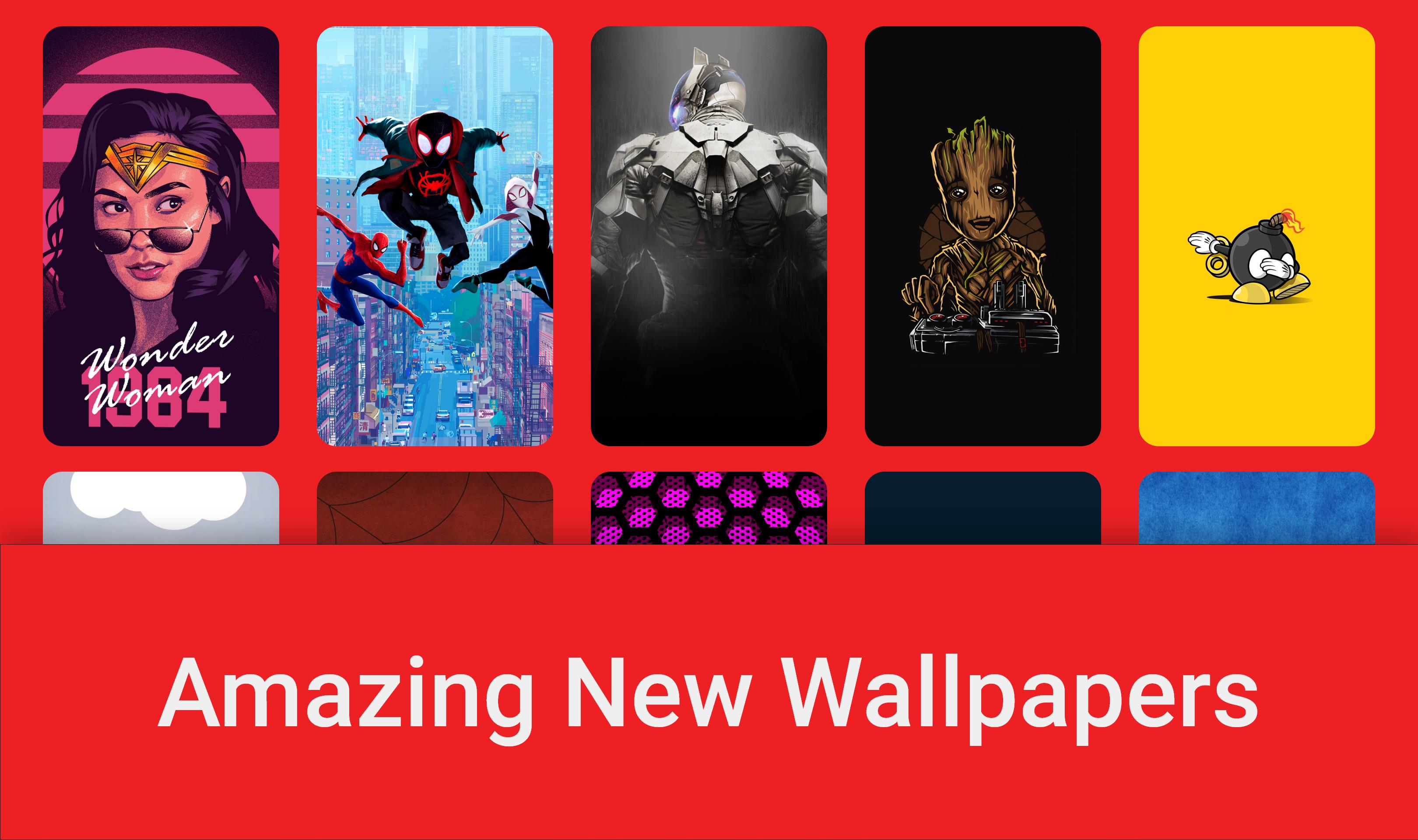
Browse a curated collection of wallpapers built to complement your notch style. Trending picks, category filters and full-screen previews — all inside the app.
👑 NOTCH DESIGN PRO
Unlock exclusive designs, advanced gesture types and an ad-free experience. Choose monthly, yearly or a one-time lifetime purchase.
🔒 PERMISSIONS — WHAT WE USE AND WHY
Notch Design & Actions uses "display over other apps" to draw your notch overlay on screen. Gesture shortcuts optionally use Android's Accessibility Service to detect taps in the notch zone and trigger the action you pick. We never read typed text, capture passwords or access personal content.
The app runs as a foreground service to keep your notch visible across all apps. Android will show a status bar notification while it is active.
⚙ COMPATIBILITY
Notch overlay and gesture shortcuts work across all Android devices. Lock screen customization depends on your device manufacturer — some systems handle wallpapers differently. A built-in compatibility check guides you before you enable that feature.
Questions or issues? Settings → Feedback and we will get back to you.
Last updated on May 26, 2026
Bug fixes and stability improvements.
The app is now available in 10 new languages: Spanish, French, German, Portuguese, Italian, Hindi, Arabic, Indonesian, Korean and Japanese.
Latest Version
 8.0.3
8.0.3
Uploaded by
ضرغام الموسوي
Requires Android
Android 6.0+
Available on

Category
Report



Discover what you want easier, faster and safer.

Notch Design
& Actions8.0.3 by SYNECORE INTERACTIVES
Jun 2, 2026