


Use APKPure App
Get My Android old version APK for Android

My Android is a device information and utility app that helps you manage your phone at a glance.
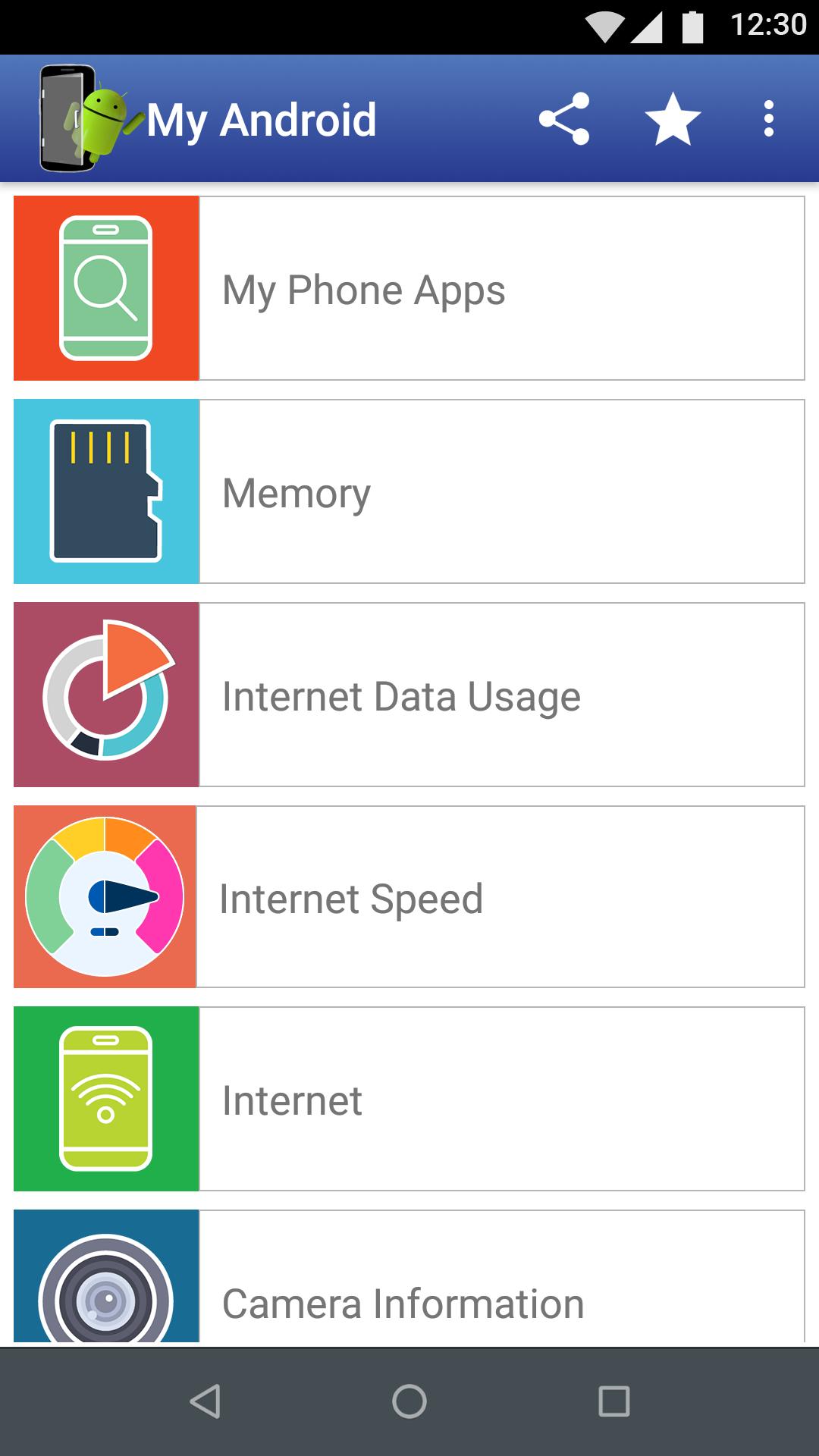
My Android makes it easy to see what is happening on your phone without digging through settings. It brings everyday stats into a clean dashboard, which is helpful when you want a quick check before installing or deleting apps. You can review essentials in one place and avoid jumping between multiple menus. If you prefer a simple toolkit, installing My Android APK offers a direct way to view status and learn practical tips for daily use.
My Android shows a complete list of installed apps with an instant total count. You can quickly scan what is on your device and spot apps you no longer need. This overview helps you audit your phone before making changes. It also provides a simple starting point when you need to tidy up your app inventory.
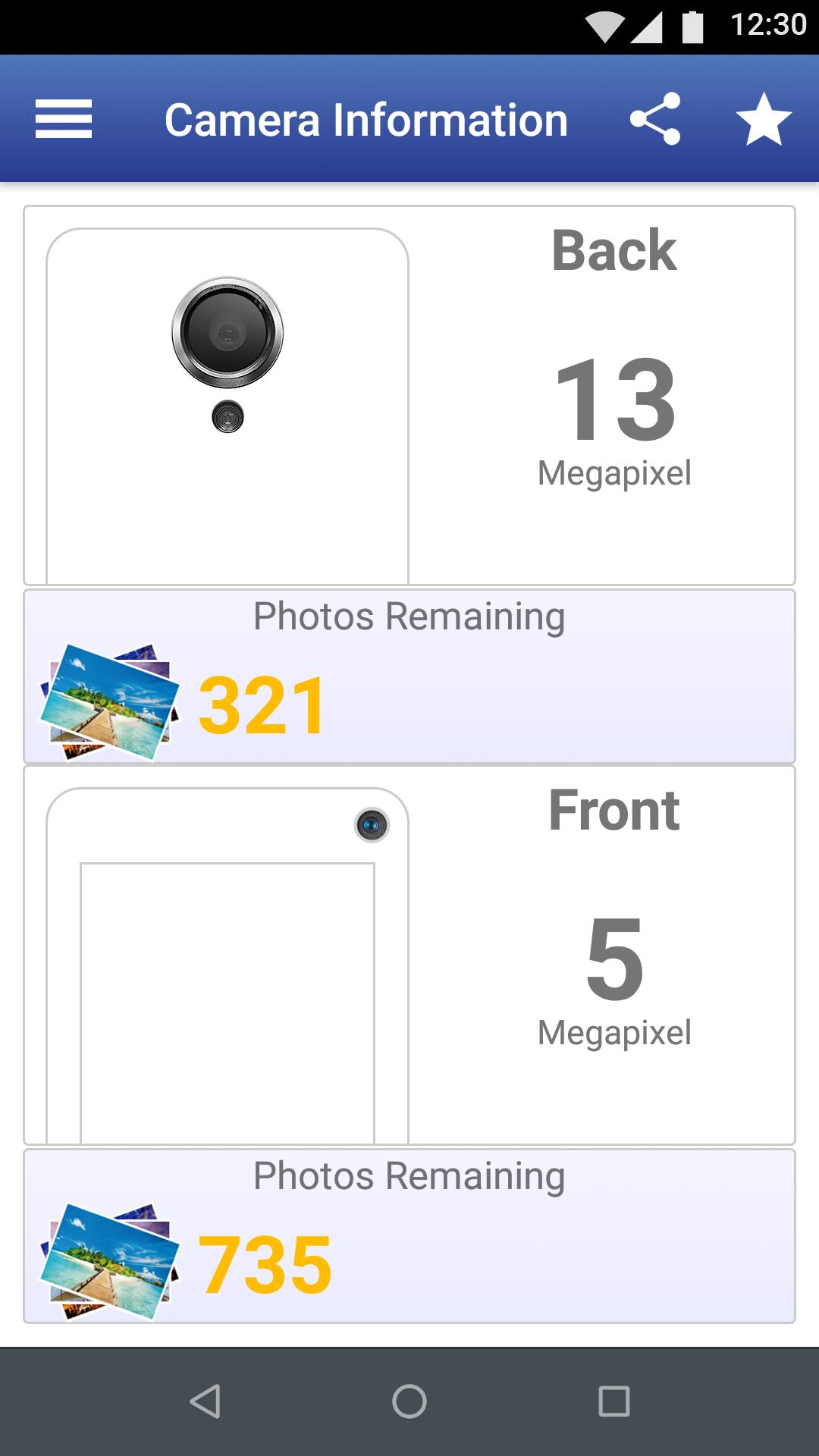
Storage overview with photo estimateNext, My Android summarizes storage for both internal memory and SD card in a clear view. It also estimates how many photos you can still take based on your camera megapixels and free space. This gives you a practical idea of capacity before a trip or event. You can plan ahead and avoid running out of room at the wrong time.
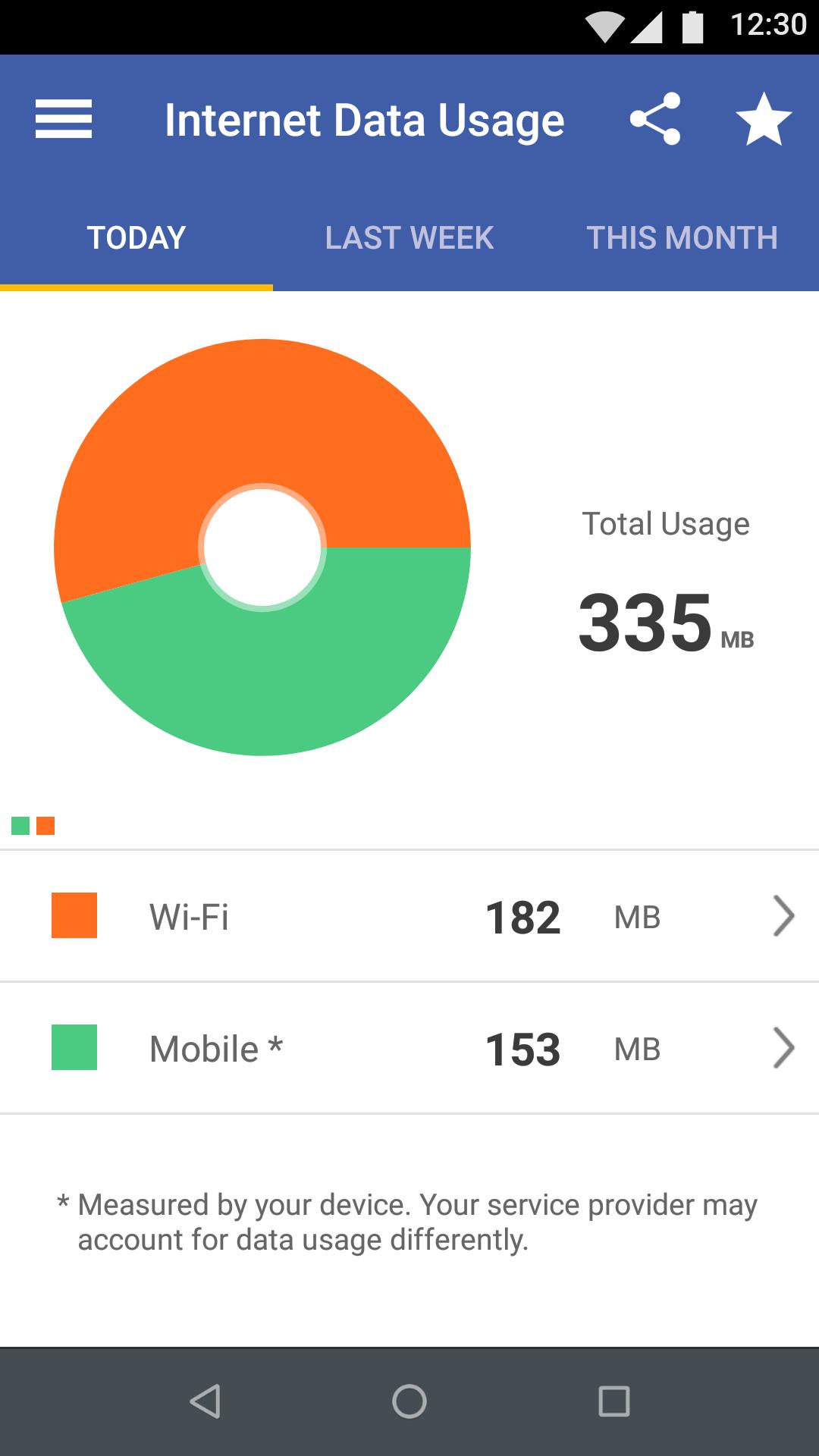
Data usage for mobile and WiFiAdditionally, you can track data usage for mobile networks and WiFi. My Android presents consumption so you can check trends and stay within your plan. Regular checks help you spot unusual spikes early. This way, you can adjust habits and reduce the chance of overages.
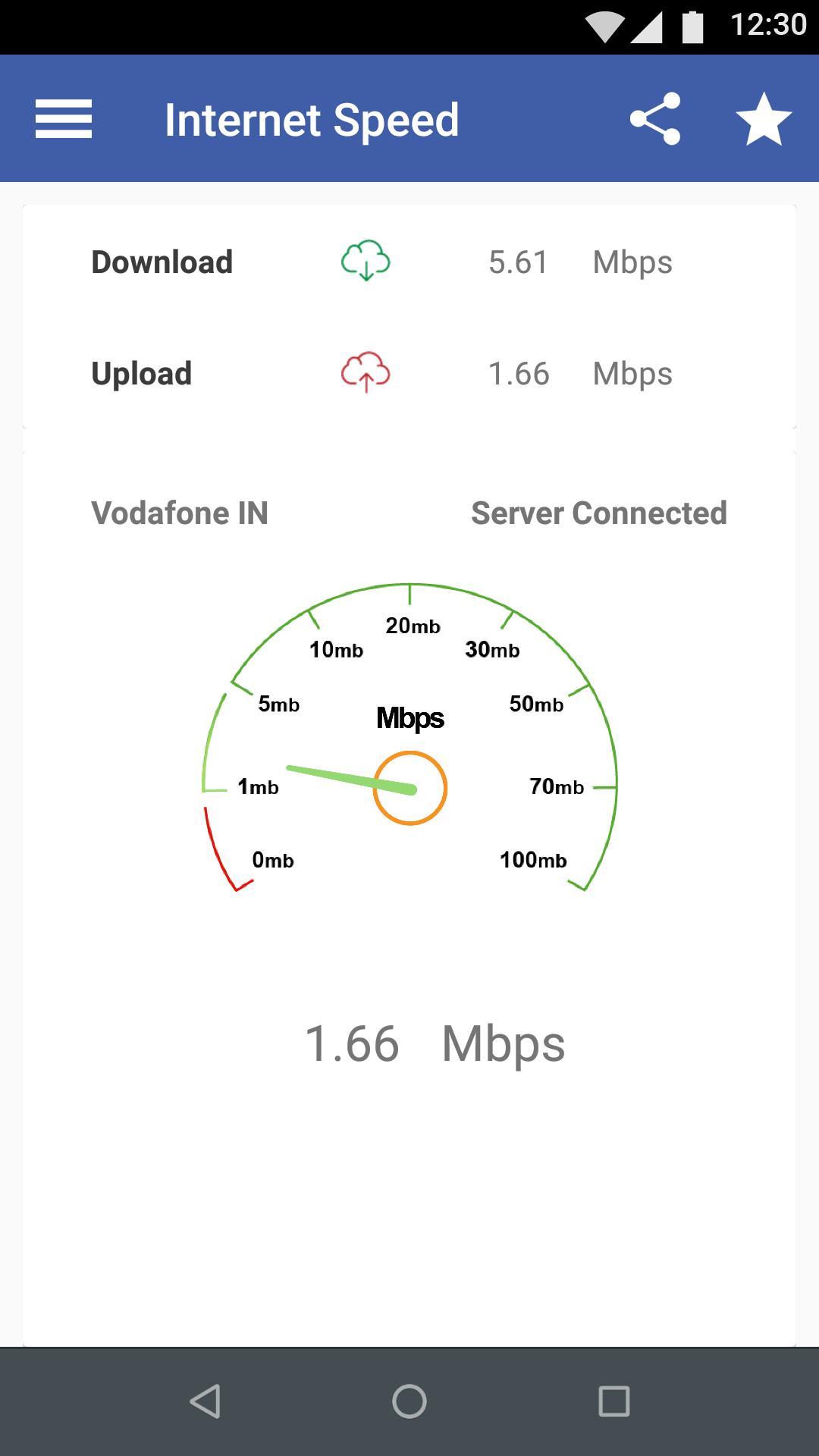
Internet speed test and connection typeThen, run a quick internet speed test with one tap to see how your provider is performing. My Android also shows your current connection type, so you know whether you are on mobile data or WiFi. This is useful when a page feels slow and you want to confirm the cause. It provides a simple check before restarting your router or switching networks.
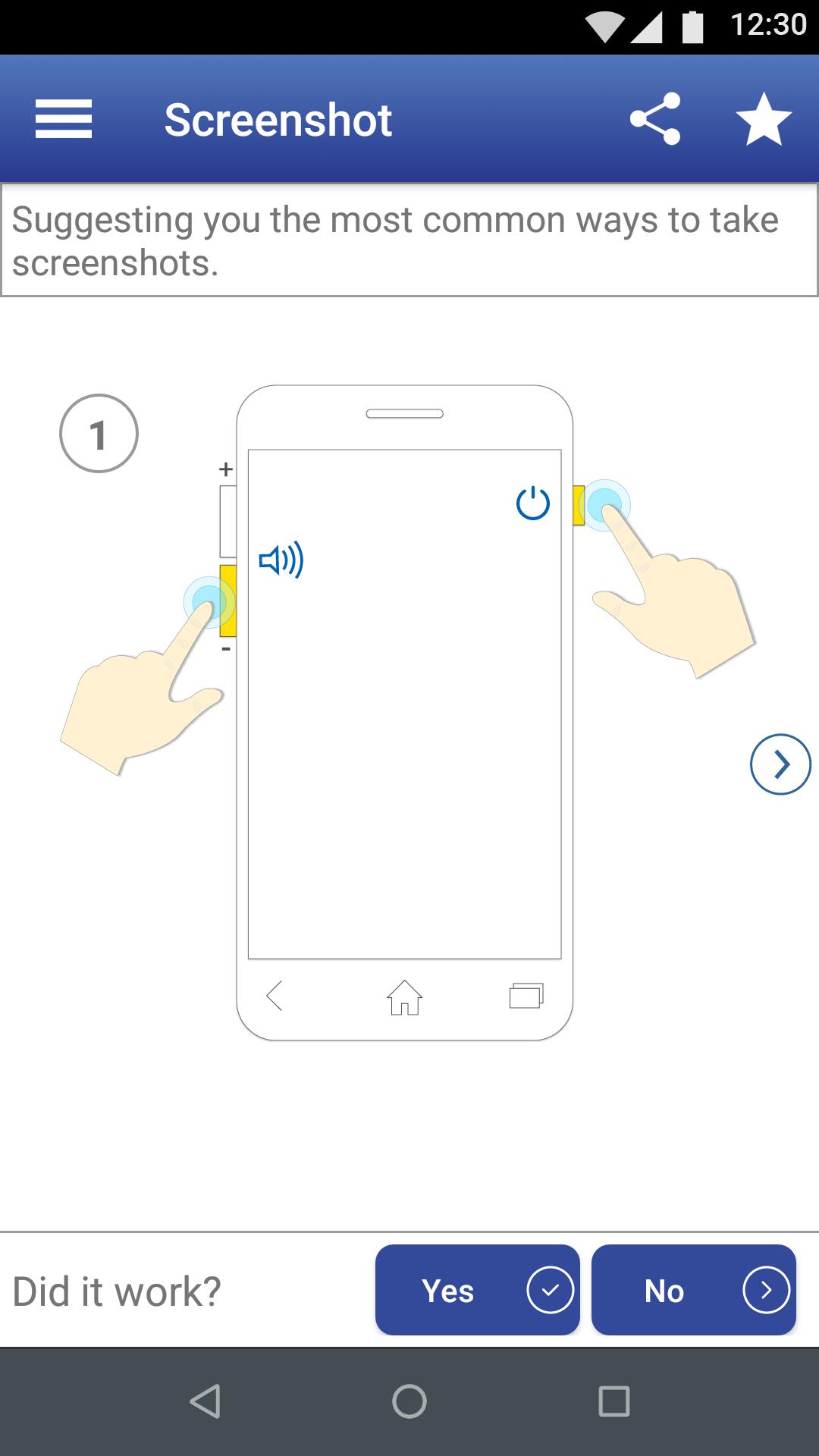
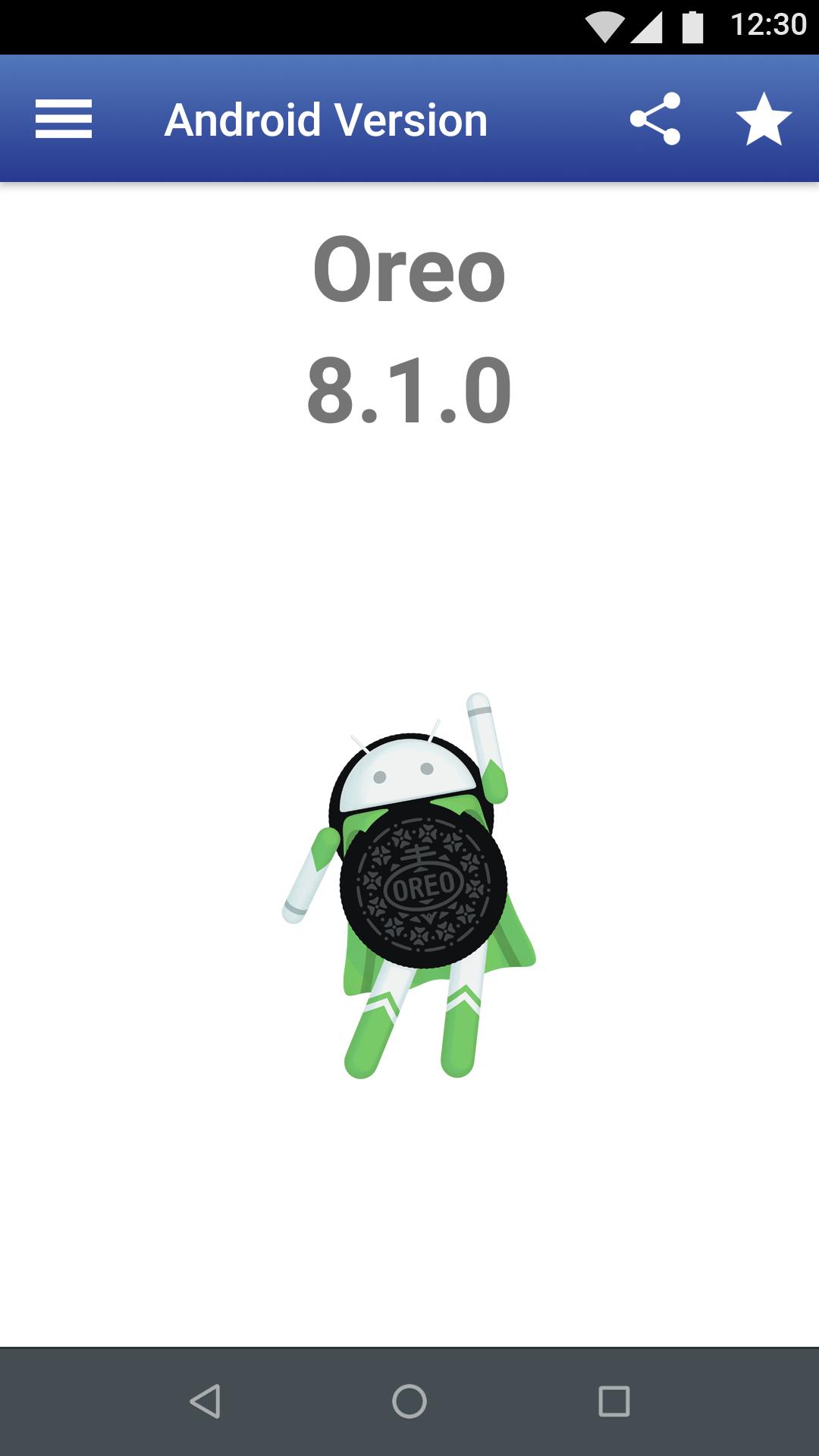
Device specs and practical tipsFinally, My Android gives a full device profile at a glance, including screen size, resolution, density, RAM, Android version name and number, manufacturer, and model. It also includes practical tips and guides, such as how to take a screenshot and small ways to use your phone more effectively. This information is handy for troubleshooting, resale listings, or comparing devices. It keeps key facts within easy reach when you need them.
This app is a device information and utility dashboard. It is not a phone locator and it is not an app store. If you are searching for “Where is my Android mobile” or “Where is my app store,” this tool focuses on showing what is already on your device and how it is used.
After you download My Android and open it, the dashboard groups key phone details into clear sections. You can move between them to check apps, storage, data, speed, and device information without searching through settings.
My Android gathers everyday device stats in one place, making checks and basic upkeep straightforward. To get the most stable experience, consider installing the My Android latest version when it becomes available.
Last updated on Oct 11, 2025
Minor bug fixes and improvements. Install or update to the newest version to check it out!
Latest Version
 11.4.0
Uploaded by
InnovationM
Requires Android
Android 6.0+
Available on

Category
Report



Discover what you want easier, faster and safer.
