


Use APKPure App
Get Millimeter old version APK for Android
Full screen ruler app with inch and millimeter units. NO POP-UP ADs.
Millimeter is a simple free screen ruler app. You can measure small objects that fit the device screen with this ruler. There are NO ADs in the app for the best experience and real full-screen measurements (with subscription).
☛ ANY DEVICE can be calibrated for accurate measurements in Calibration Mode, where common standard objects (coins, credit cards, etc) can be used as a reference.
You can also customize your app by purchasing extra features or modes.
📏 What you can do in the free version of the on-screen ruler:
- Calibrate Millimeter with custom or standard objects
- Ruler Mode for the measure in metric units.
💳
You can upgrade your free version to Pro by subscribing and unlocking extra modules and features that add the following functionality:
- Units: millimeter (mm), inch (in).
- Additional vertical ruler for 2D measurements (📐)
- Area measurement for 2D measurements (⬛)
- Calculate W/H ratio of the rectangular objects in 2D
- Spirit / bubble level for checking incline or tilt angle 🔮
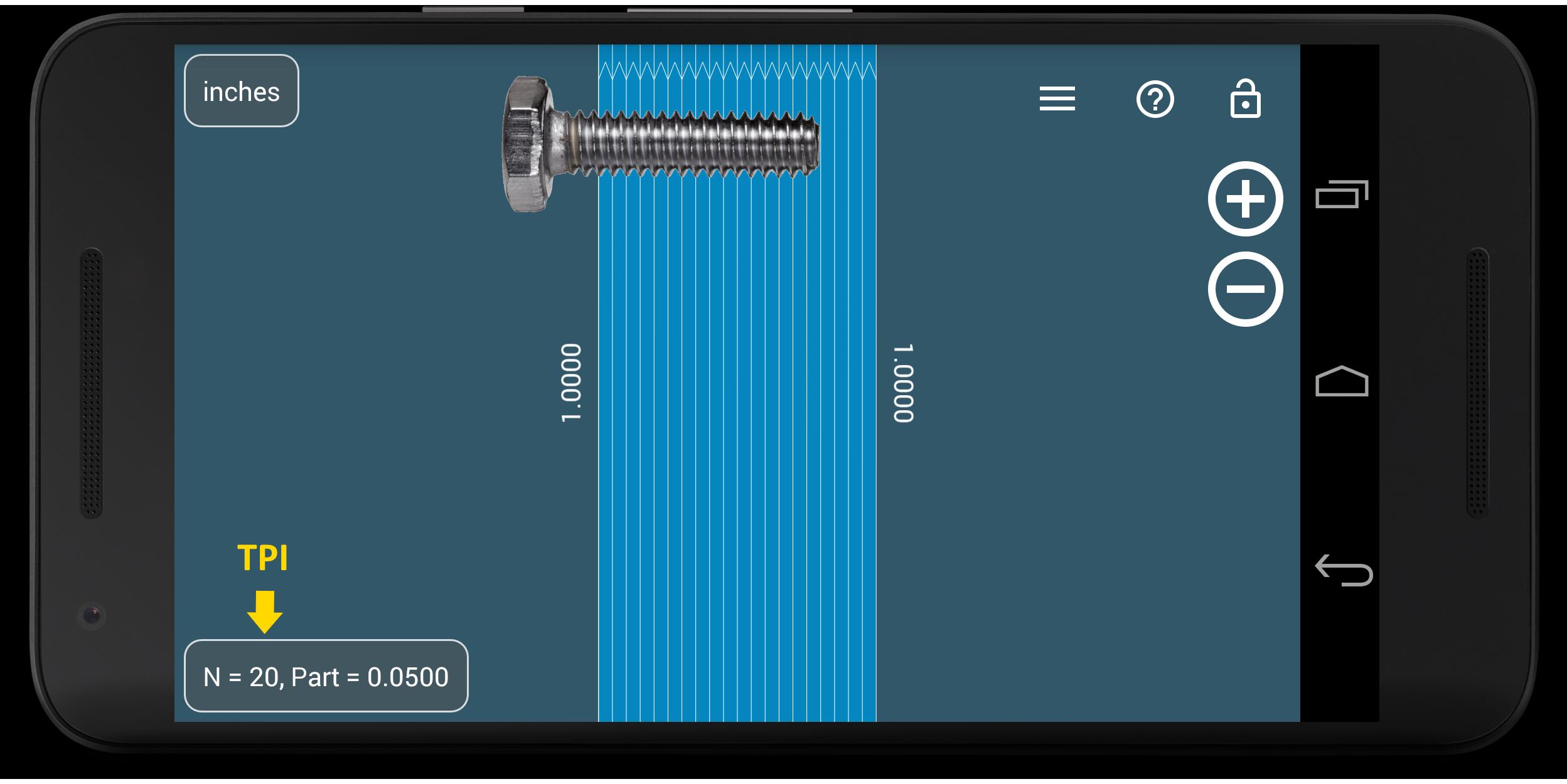
- Parts Mode to split length or objects in equal parts
- Thread per inch ( TPI ) measurement pattern (🔩) in Parts mode (https://youtu.be/M1Qrbs2bgCY)
- Circle Mode to measure circular objects (🔴)
- Split circle into equal sector / angle
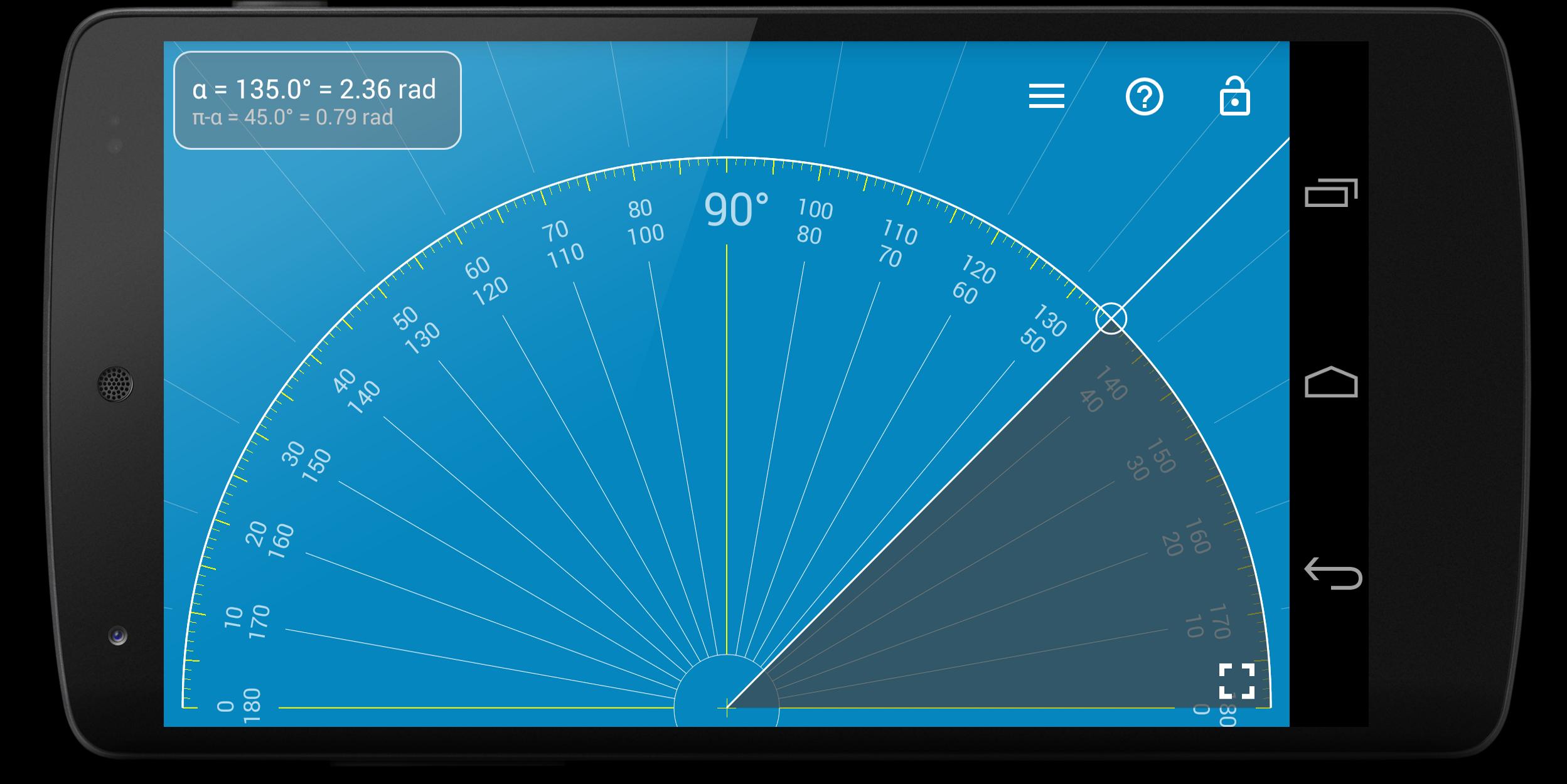
- Protractor / Goniometer Mode - measure angles
- Lock / Unlock rulers in any mode for better usability (🔒)
- Fine grid (1mm for millimeter units) 👍
- Fractions for inch units.
- Snap to fractions when moving sliders
- Decimal scale for inch units
- Variable sliders/rulers speed: top or right side of the screen - fast,
bottom and left - slow.
- Use full-screen mode for better user experience
- Set exact size, length, diameter, number of parts manually with keyboard input (⌨)
- Change background to BW night mode for power saving (🔋) and better visualization (🌓)
Use this screen ruler in different areas to measure small objects that fit your phone or tablet screen: jewelry, jewels, rings 💍 , stones, screws, bolts, buttons diameter, nuts, knitting needles, knitting patterns, washers, insects, mosaic tile, hooks, thread, frame wrap angle, etc.
Supported languages:
- English, German, Russian, Japanese, and French languages.
📖 More about the app: http://goo.gl/304nJB
☎ If you have any problems with the app on your device, please contact [email protected] first, and we will help you. Thank you.
VisTech.Projects Team.
Last updated on Oct 23, 2025
v2.3.6
- fixes and improvements for new versions of Android
- snap to fractions option (paid) in Pro
- variable slide speed option (fast: top or right, slow: bottom or left) (paid) in Pro
- decimal grid in inches(paid) in Pro
v2.3 New features:
- new Level feature available in Pro
v2.2:
- Fine grid
- lock screen
- 2D ruler
- multi-touch support (for easy measurements when the object touches the screen)
v2.1: Protractor Mode( paid) in Pro: https://goo.gl/wquu2s
Latest Version
 2.3.6
2.3.6
Uploaded by
Misa Bruno
Requires Android
Android 9.0+
Available on

Category
Report






Discover what you want easier, faster and safer.

Millimeter
screen ruler app2.3.6 by vistech.projects
Oct 23, 2025