


Use APKPure App
Get Microsoft SwiftKey AI Keyboard old version APK for Android
Microsoft SwiftKey AI Keyboard is a keyboard app that adapts to your typing and adds built-in AI assistance.
Microsoft SwiftKey AI Keyboard helps when you need quick, accurate text entry across chats, emails, and social posts. It adapts to the way you write and stays available wherever a keyboard appears. As you move between work and personal conversations, it keeps your style consistent and reduces edits. In addition, it supports flexible setup so you can make it fit your screen and preferences. For users looking to try it on Android, Microsoft SwiftKey AI Keyboard APK provides a straightforward way to get started.
AI assistance with Copilot
Microsoft SwiftKey AI Keyboard brings Copilot into the keyboard so you can ask questions, get quick answers, rewrite text in different tones, and compose short drafts without switching apps. Its predictions and autocorrect learn from how you write, which helps suggest the next word and reduce mistakes over time. This combination keeps message edits brief while keeping your voice intact.
Fast and accurate typing
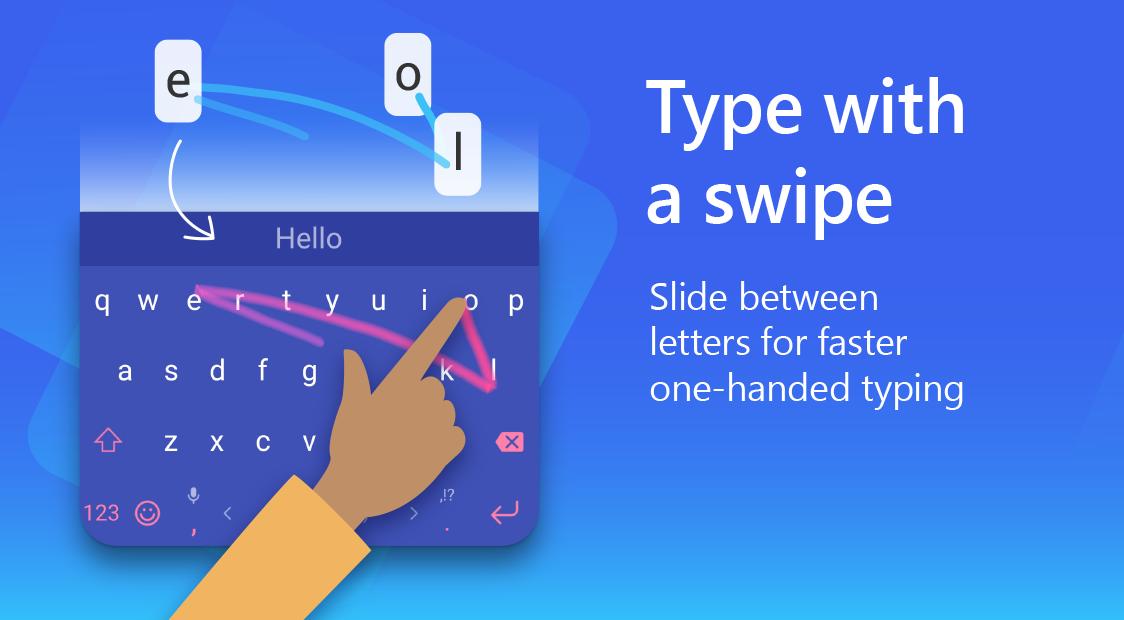
You can swipe with SwiftKey Flow or tap to type, depending on what feels faster in the moment. The keyboard checks spelling and fixes missed spaces or letters as you go. As a result, common typos are handled automatically, and you can keep your focus on the message instead of the backspace key.
Tools for quick expression
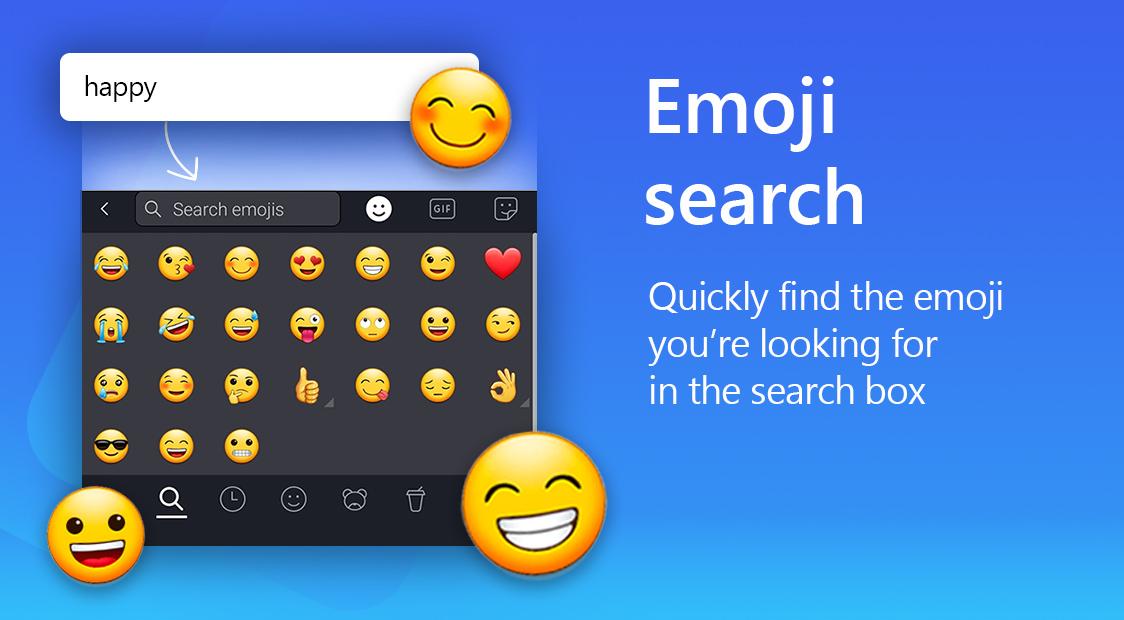
Microsoft SwiftKey AI Keyboard suggests emojis that match your text and lets you search a large library of emojis and GIFs. You can also send stickers to add context to a chat. When you need something more specific, you can create simple AI-generated images and memes directly from the keyboard. This saves time since you do not have to leave the conversation to find or create visuals.
Personalize layout and controls
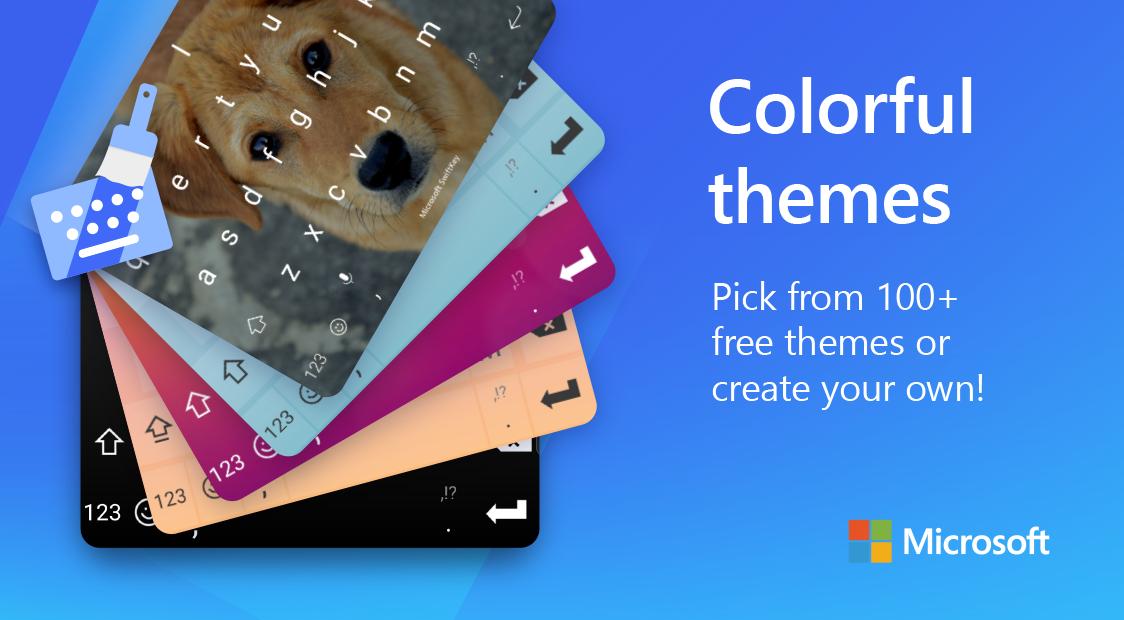
The keyboard offers more than a hundred free themes and also lets you design your own look. You can resize the keyboard, change layouts, and adjust key positions to match your device and typing style. The Toolbar is customizable, so you can pin Clipboard, Translator, GIFs, Stickers, and other tools you use often for faster access.
Work across languages and devices
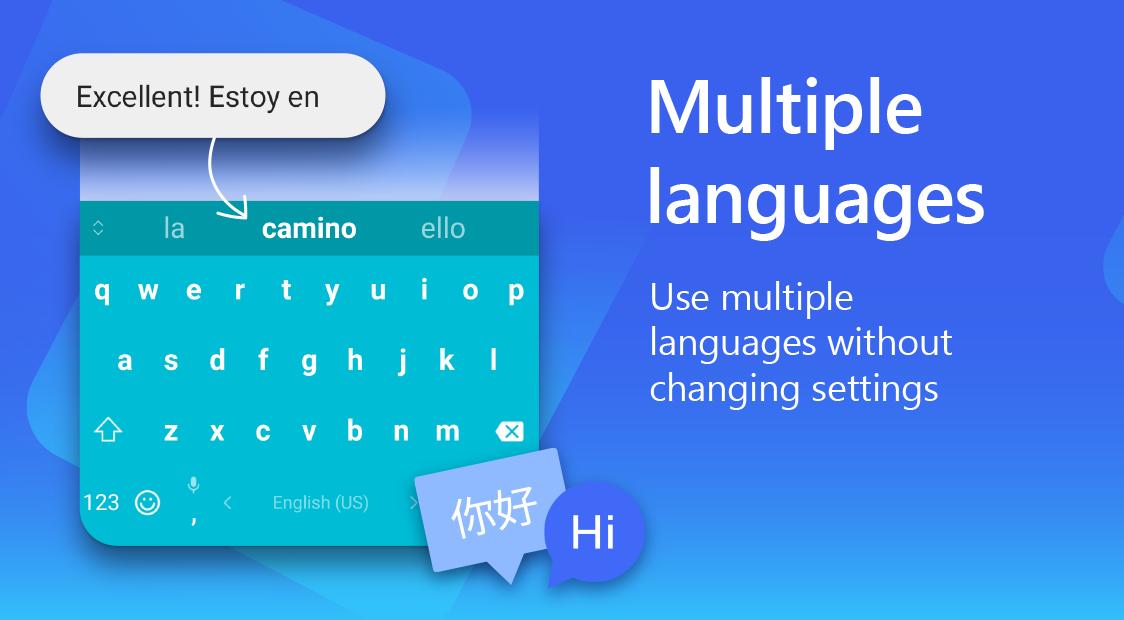
Microsoft SwiftKey AI Keyboard supports up to five languages at the same time, chosen from a catalog of more than seven hundred. You can switch or mix languages in one conversation without manually changing settings. For cross-device work, Cloud Clipboard lets you copy on your phone and paste on Windows PCs, which helps with links, codes, or short notes. You can also capture tasks from the keyboard into Microsoft To Do so action items do not get lost in chats.
The app may request a few optional permissions that support specific features. You can grant or skip them based on your needs.
To get started, download Microsoft SwiftKey AI Keyboard and open it on your Android phone. The setup takes a few minutes and guides you through selection and basic preferences. After that, the keyboard appears wherever you type.
Microsoft SwiftKey AI Keyboard combines adaptable typing, helpful corrections, and Copilot tools in one place. For the most up-to-date experience, check Microsoft SwiftKey AI Keyboard latest version and begin customizing it to fit your routine.
For official details and support, visit the website below.
Last updated on Jun 2, 2026
General improvements to ensure your Microsoft SwiftKey Keyboard runs smoothly.
Latest Version
 9.12.30.6
Uploaded by
이준석
Requires Android
Android 8.0+
Available on

Category
Report





Discover what you want easier, faster and safer.
