


Use APKPure App
Get LinkedIn old version APK for Android

LinkedIn is a professional networking app that connects your career profile with jobs and industry news.
LinkedIn helps you build a credible profile, connect with relevant people, and stay informed about your field. It fits common situations such as looking for a new role, keeping up with company updates, or showcasing projects to potential partners. As your activity grows, your profile becomes easier to discover, which supports ongoing career goals. For quick access on Android, you can download LinkedIn and start exploring opportunities in minutes while keeping your professional presence consistent across devices.
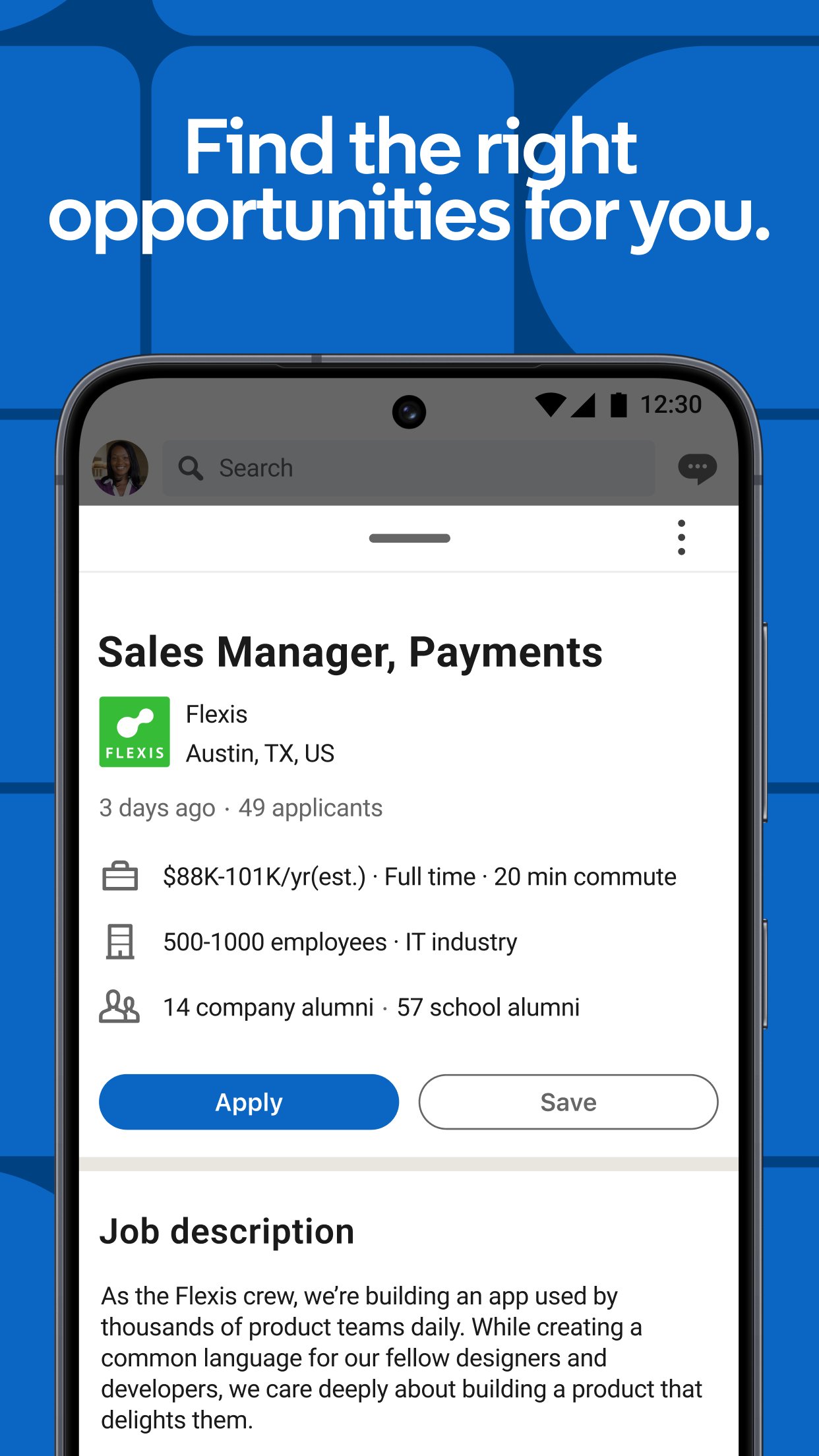
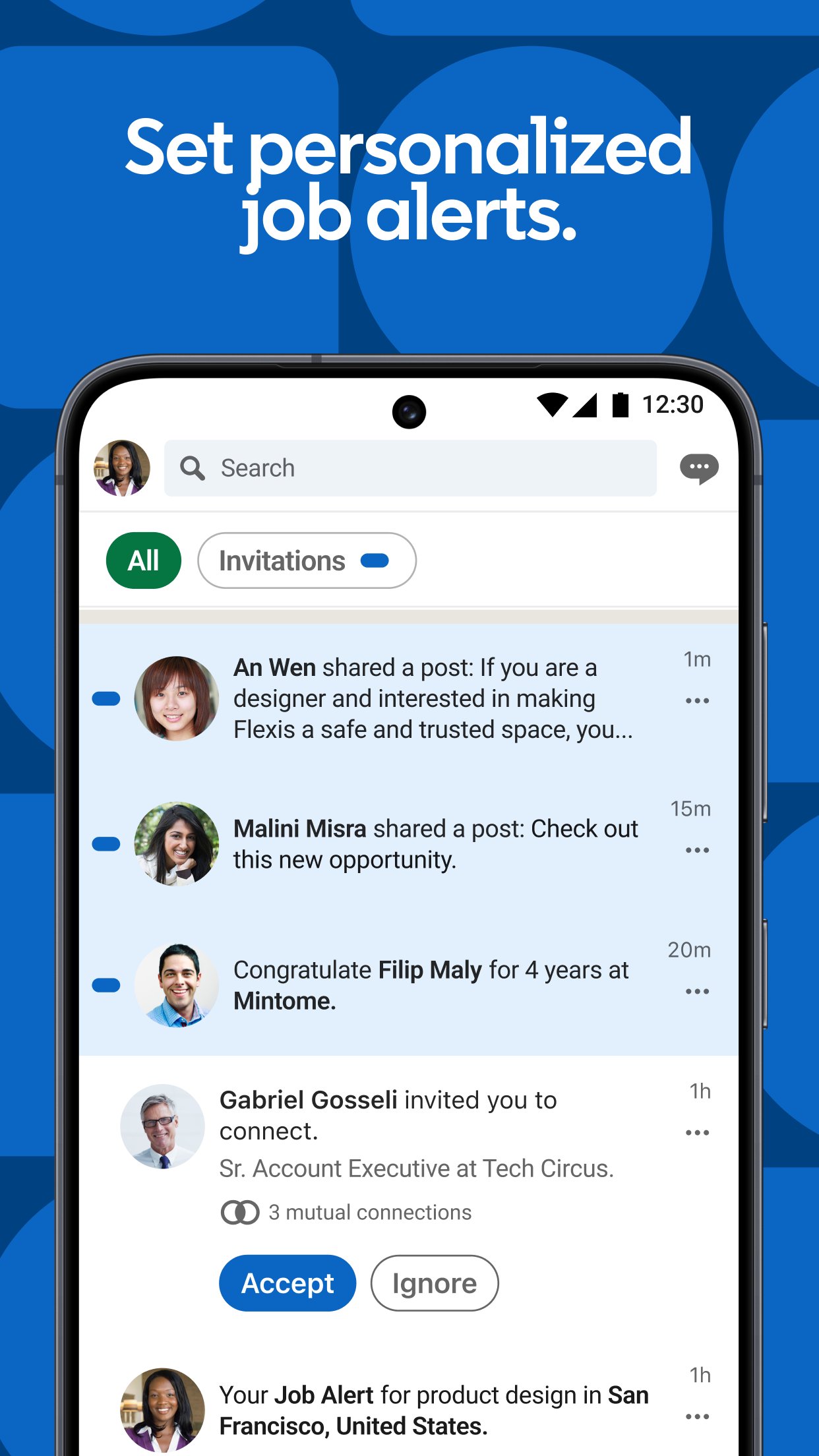
LinkedIn suggests openings based on your skills and interests, which helps you see relevant opportunities faster. You can set job alerts to get notified when new roles appear. When ready, use Quick Apply to submit applications with your profile or resume, reducing extra steps and saving time.
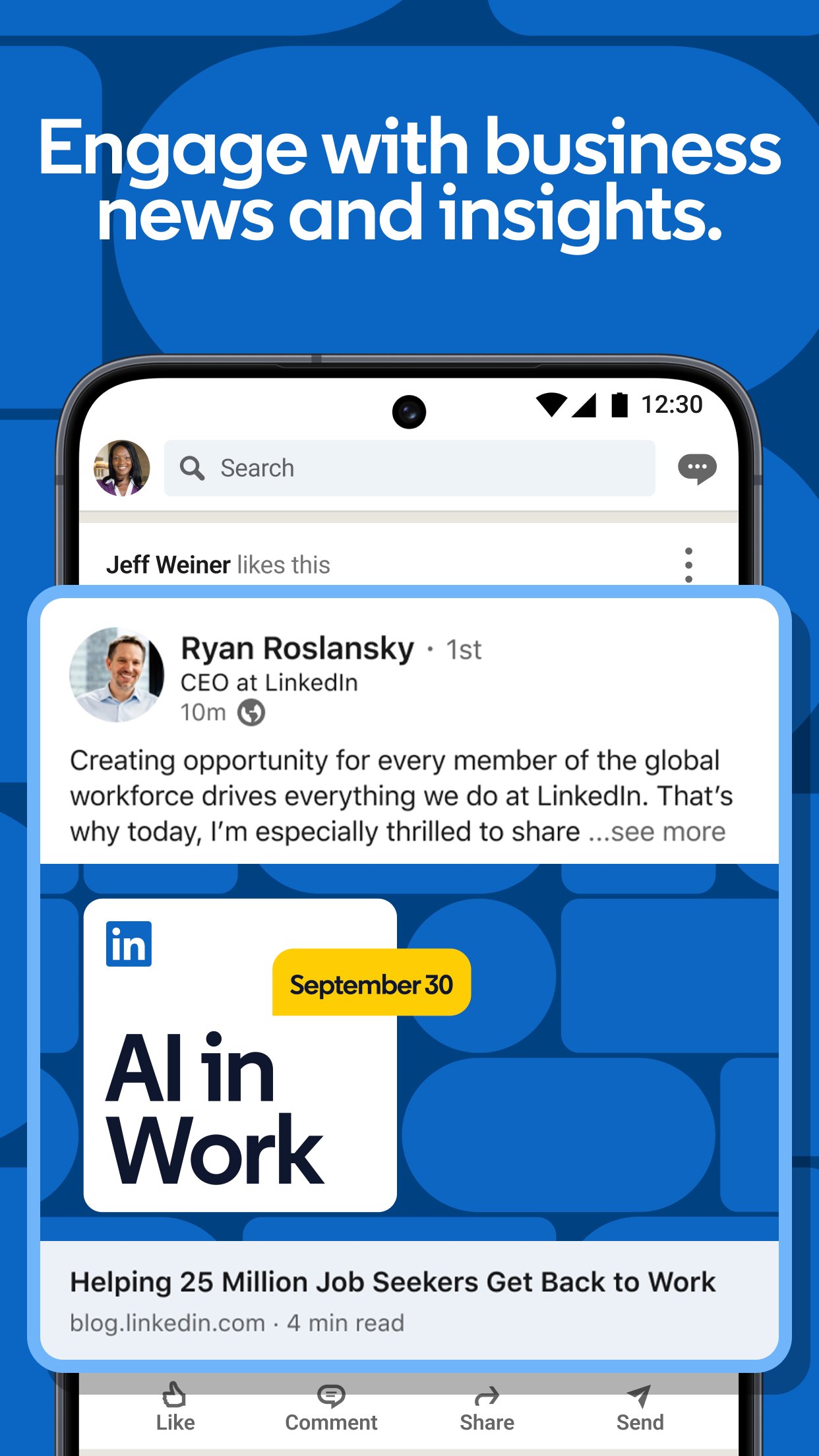
Stay informed on companies and industriesFollow companies and industry leaders to see updates, earnings posts, and hiring news. Explore collaborative articles to learn from community insights on key topics. Comment or react to join the conversation, then use what you learn to guide your next move.
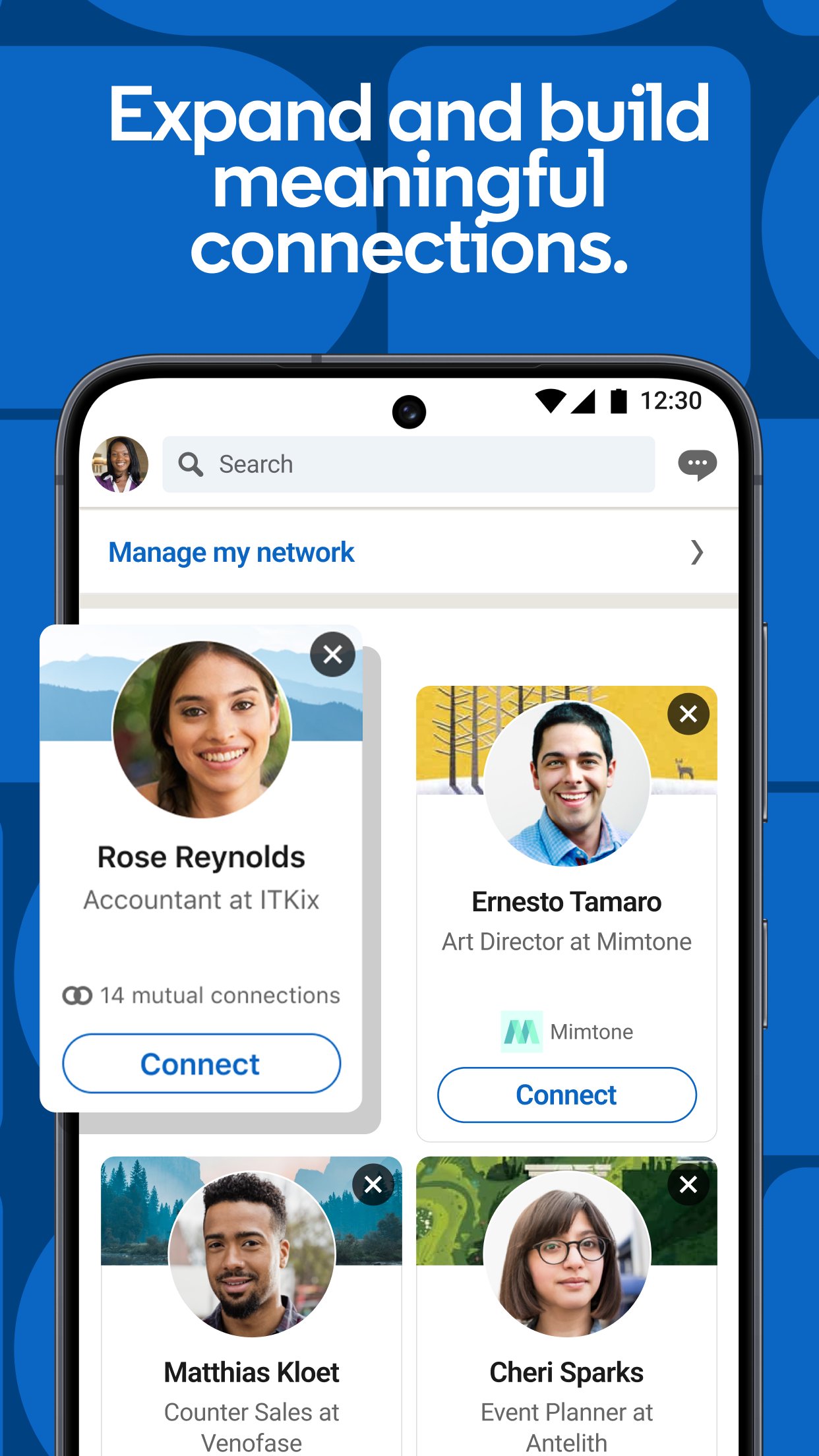
Build relevant connectionsConnect with colleagues, peers, recruiters, and industry experts to keep useful contacts in one place. Join groups aligned to your role or interests to meet people who share similar goals. Over time, your network makes it easier to discover opportunities and get introductions when you need them.
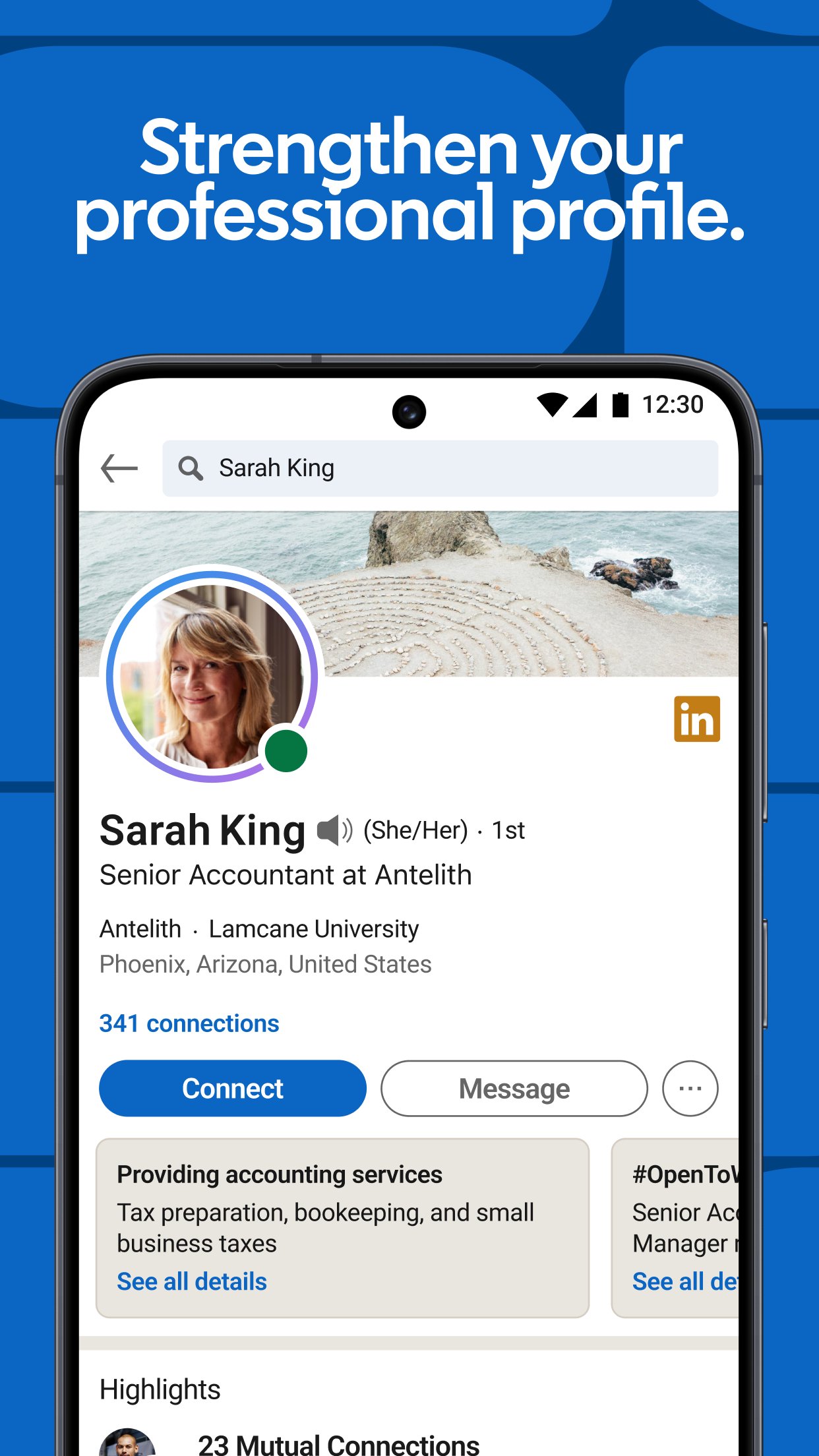
Showcase skills and workHighlight skills, achievements, and projects on your profile so others can understand your strengths quickly. Share posts and updates to keep your activity visible on the feed. Regular sharing can increase profile views, which helps more people find your work and learn about your experience.
Signal authenticity with verificationAdd verification badges and validate workplace or education credentials to show that your profile details are accurate. Verified members typically see higher profile visibility in a more secure environment. This helps others trust your information and engage with confidence.
Premium adds tools that give deeper insight and outreach options when you need them. Features include seeing who viewed your profile, messaging with InMail, and access to learning and salary insights. Consider this upgrade if you want more data and direct messaging for targeted outreach, especially when you are actively seeking new roles.
LinkedIn serves a global community with a large member base, which means users can reach professionals across many industries. The experience stays consistent across devices, and Android users can access the same network, posts, and company pages on mobile. If you prefer installing the LinkedIn APK, your profile and connections sync to your account once you sign in, and features work as expected with the LinkedIn latest version.
Getting started is straightforward. After you download LinkedIn, set up your profile and begin engaging with jobs, news, and people who match your goals.
LinkedIn helps you search for roles, follow industry updates, and connect with people who can support your career. For fast access on Android, try a LinkedIn app download and begin building a profile that reflects your goals.
For official information, visit:
Last updated on Apr 22, 2026
Minor bug fixes and improvements. Install or update to the newest version to check it out!
Latest Version
 6.1.1
6.1.1
Uploaded by
Requires Android
Android 5.0+
Available on

Category
Report

Discover what you want easier, faster and safer.
