


Use APKPure App
Get Lexis Audio Editor old version APK for Android

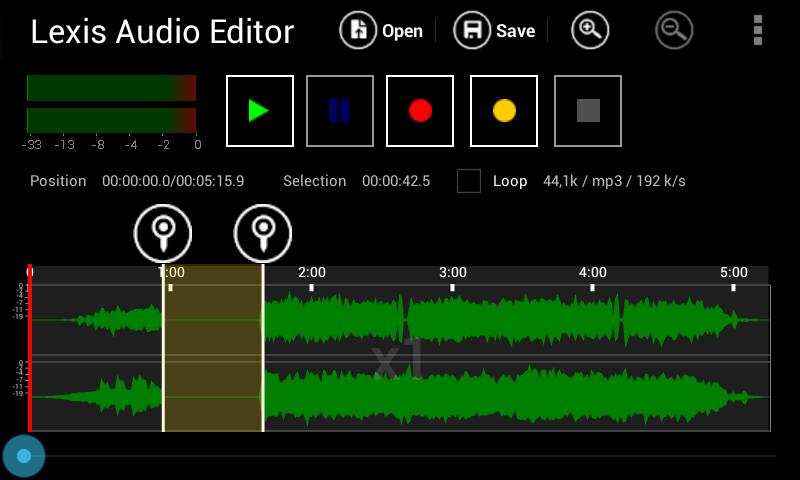
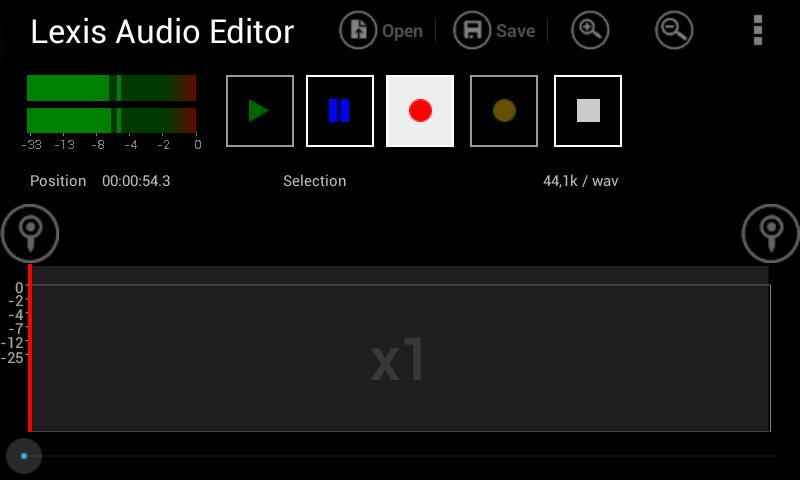
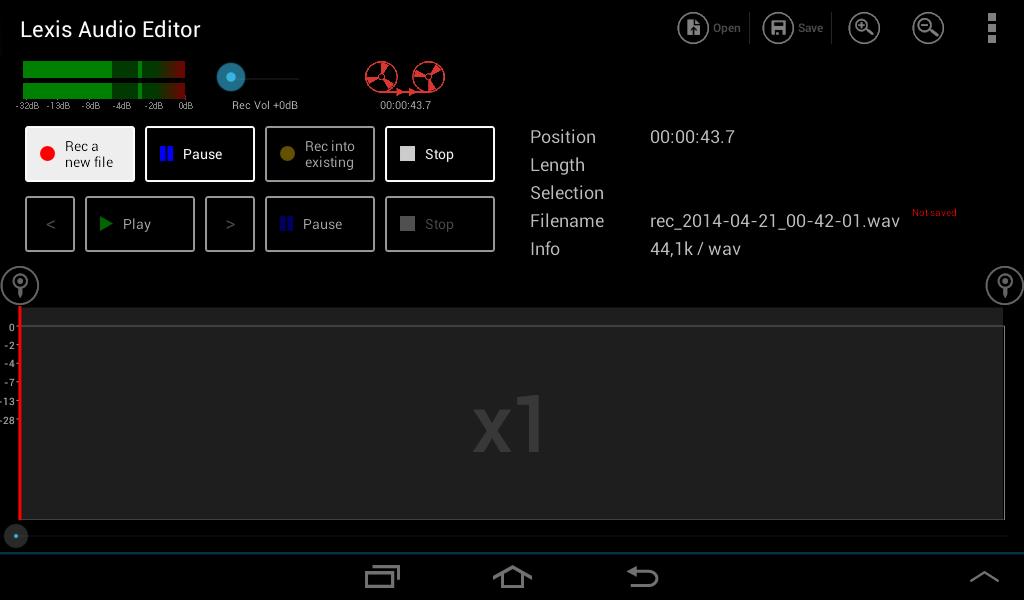
Lexis Audio Editor is an audio editing app that lets you record and edit sound files.
Lexis Audio Editor suits moments when you need to capture audio, tidy a recording, or prepare a clip for sharing. It focuses on practical tasks and keeps controls straightforward, so you can make changes without a steep learning curve. Files open directly from local storage and save back to your device. To get started, download Lexis Audio Editor and begin with a new recording or an existing file.
Recording and basic edits
Start with clean takes and make precise adjustments using familiar tools.
Sound improvement and tuning
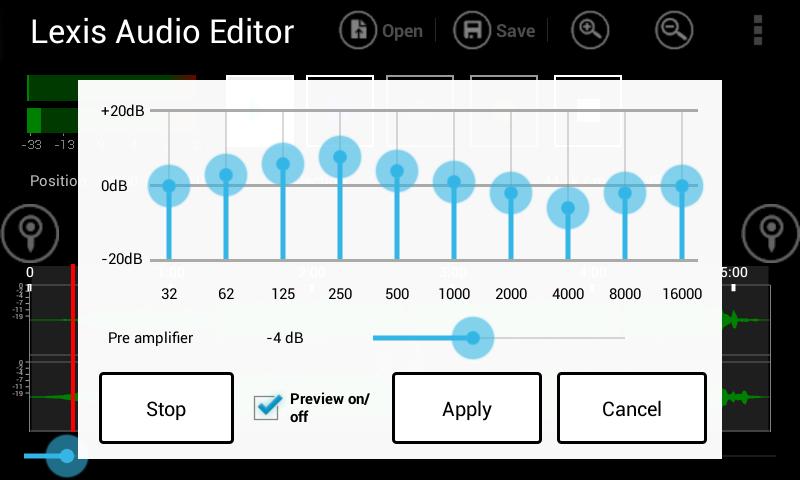
After basic edits, refine the audio. Use normalizing and noise reduction to balance levels and reduce background sounds. Adjust tone with a 10 band equalizer and a compressor for more controlled dynamics. Change tempo, speed, or pitch when timing or key needs correction.
Combine tracks and split vocals
When your project needs multiple sources, Lexis Audio Editor helps you build the result you want.
Format support and import
Save and work with common audio formats including mp3, wav, flac, m4a, aac, and wma. Import audio from video files in mp4, 3gp, and 3g2. The trial version supports saving in wav, m4a, aac, flac, and wma, while saving in mp3 is available only in the paid version. Ensure enough free space before editing. For 10 minutes of 48 k stereo audio, at least 500 MB free memory is recommended.
This app covers recording, editing, mixing, and format support for everyday audio tasks. Install the Lexis Audio Editor latest version to manage recordings and files directly on your device.
Last updated on Mar 22, 2026
Bugfix
Latest Version
 1.3.209
Uploaded by
Nicole Lausmann
Requires Android
Android 6.0+
Available on

Category
Report





Discover what you want easier, faster and safer.
