


Use APKPure App
Get Kodi old version APK for Android
Kodi is a media center app that organizes and plays your videos, music, photos, and podcasts.
Kodi suits users who want simple control of personal media on a TV or phone, without extra bloat. It focuses on the living room experience and works well with remote controls, so you can browse from the couch. The project is community driven and open source, which keeps the experience flexible and privacy friendly. For Android devices, you can manage content from your own sources and choose how it looks, and the Kodi APK helps you get set up quickly.
TV friendly interface
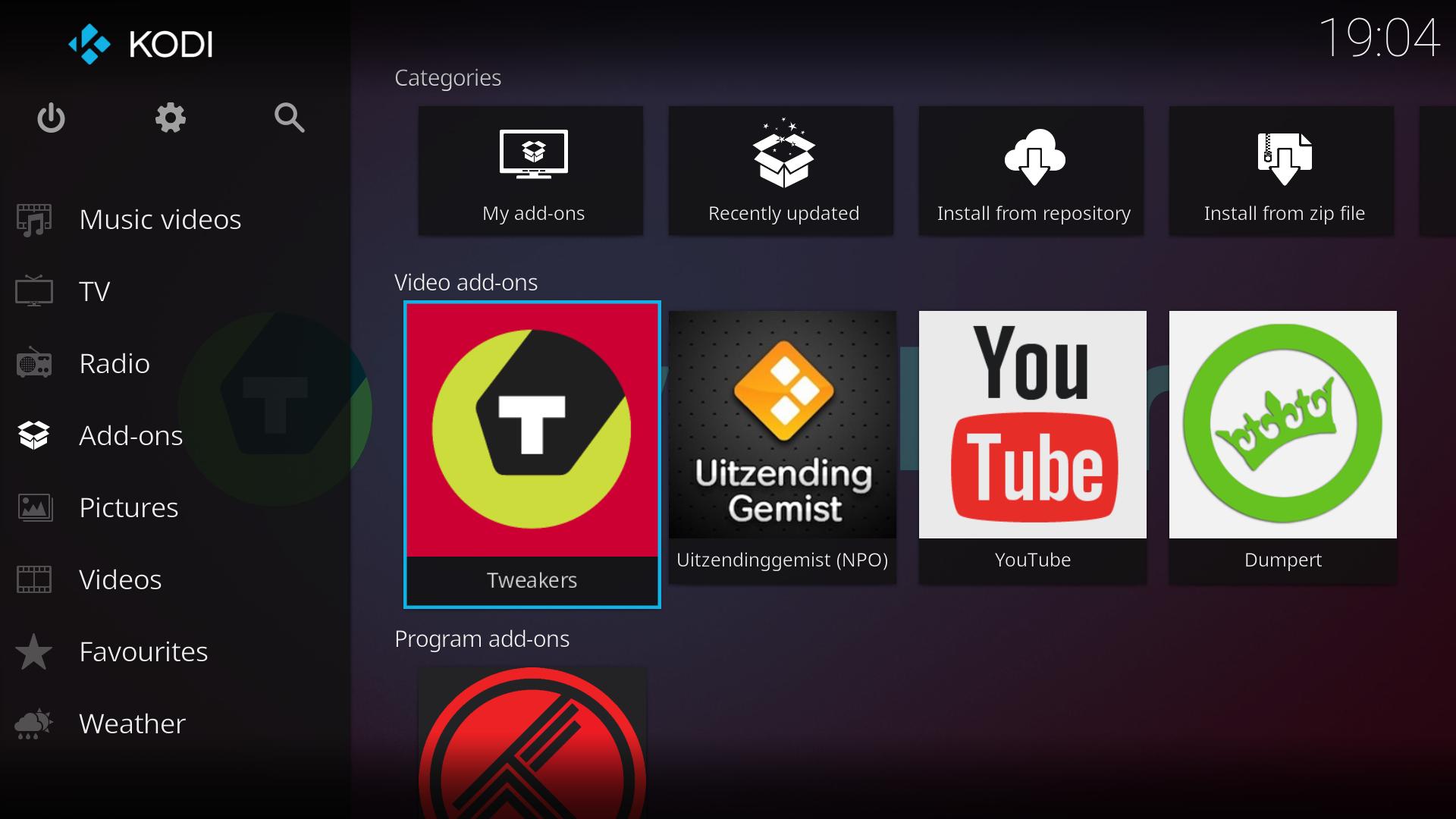
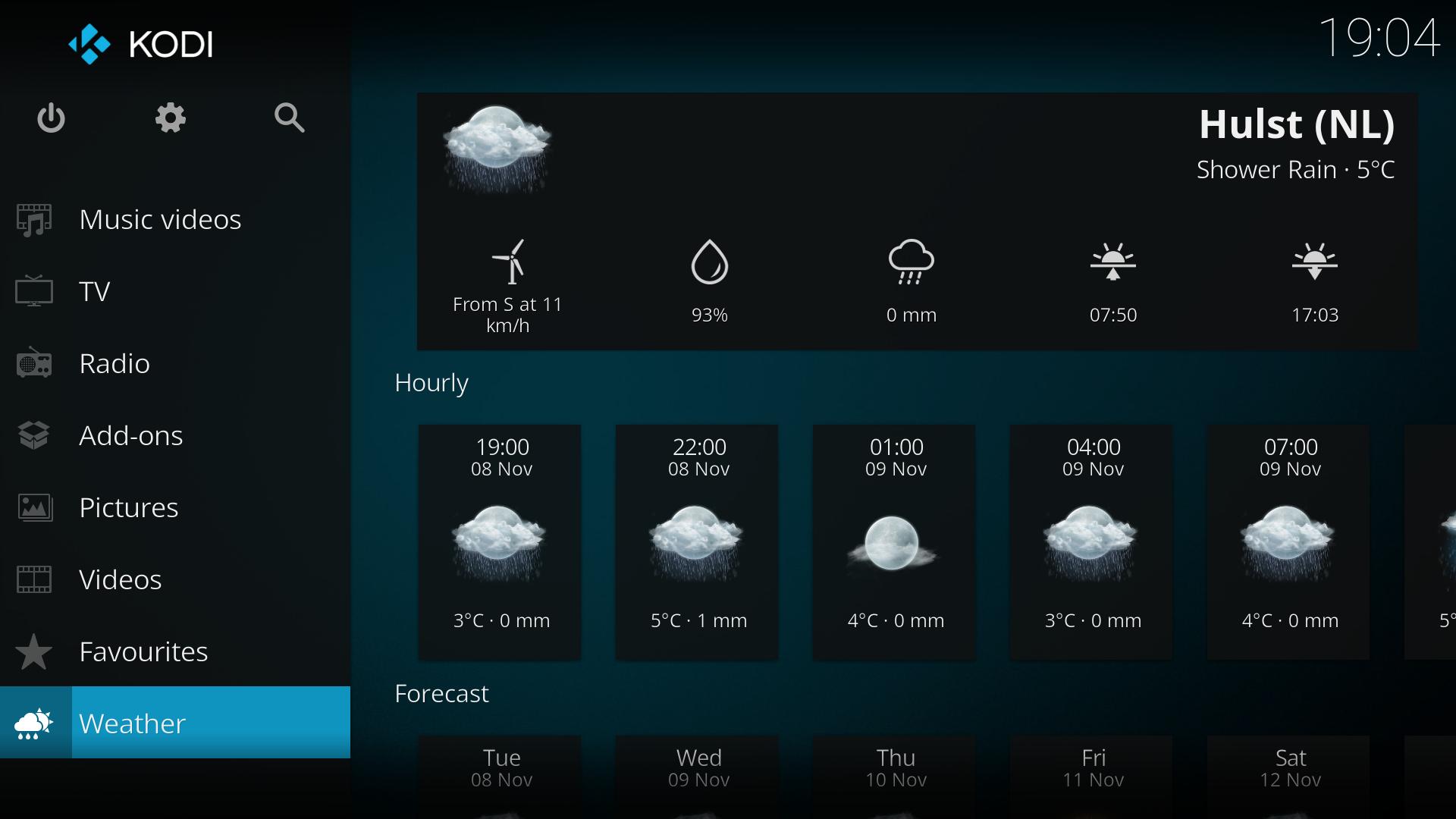
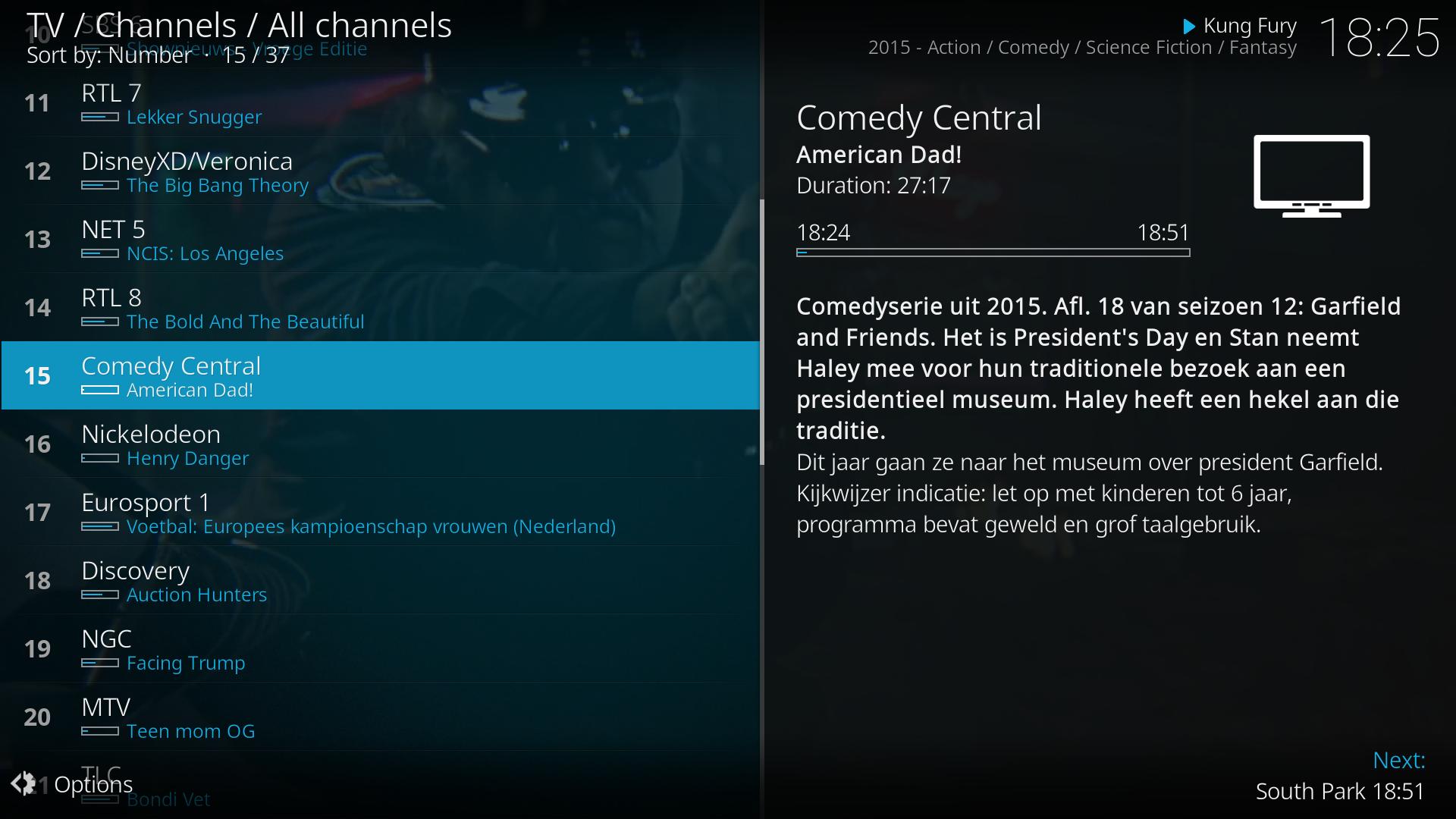
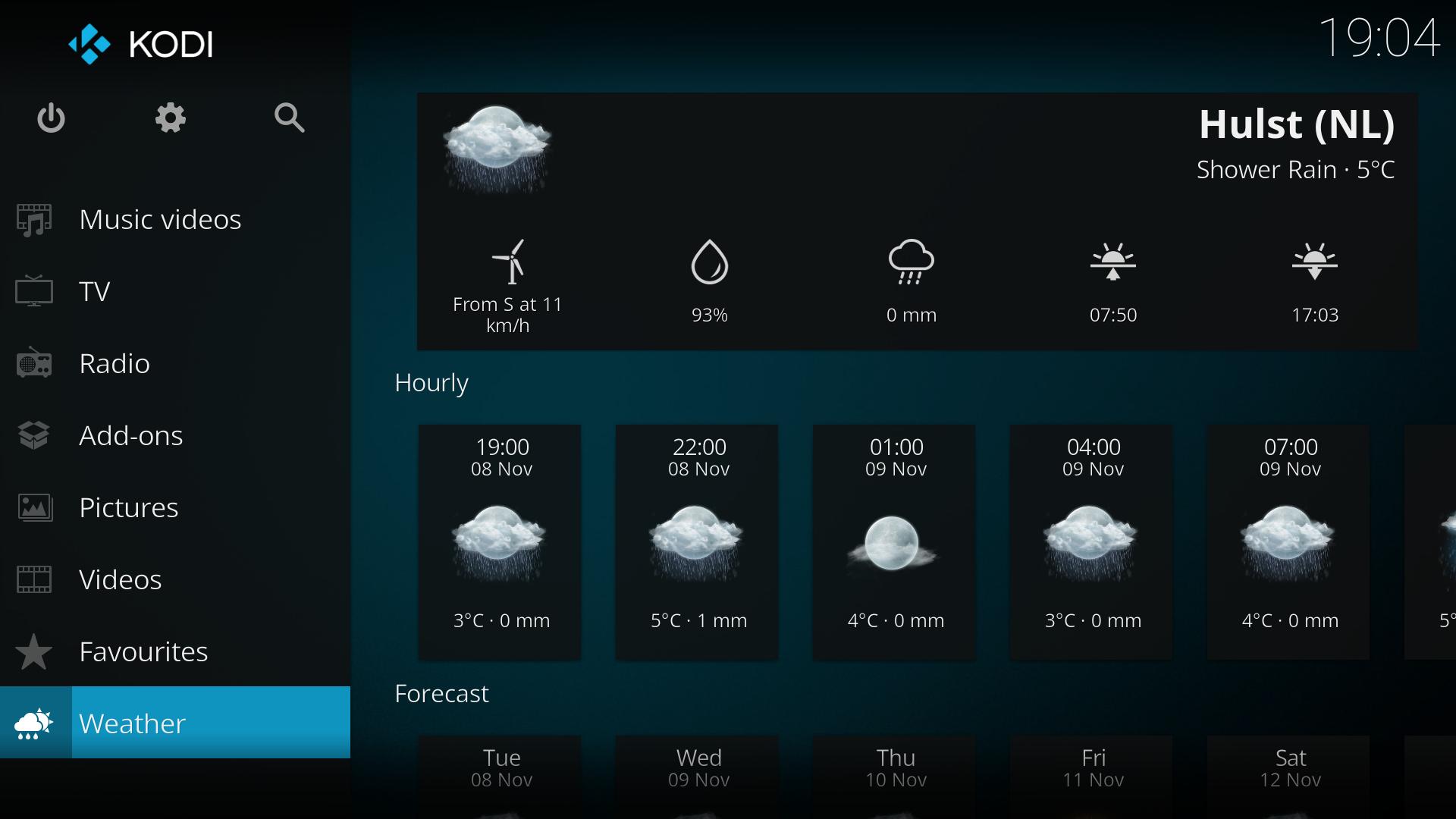
Kodi presents a clean ten foot interface designed for big screens and remote navigation. Large tiles, clear labels, and simple menus make it easy to browse from across the room. If you use a TV or home theater PC, Kodi keeps controls predictable and consistent.
Plays your media from many sources
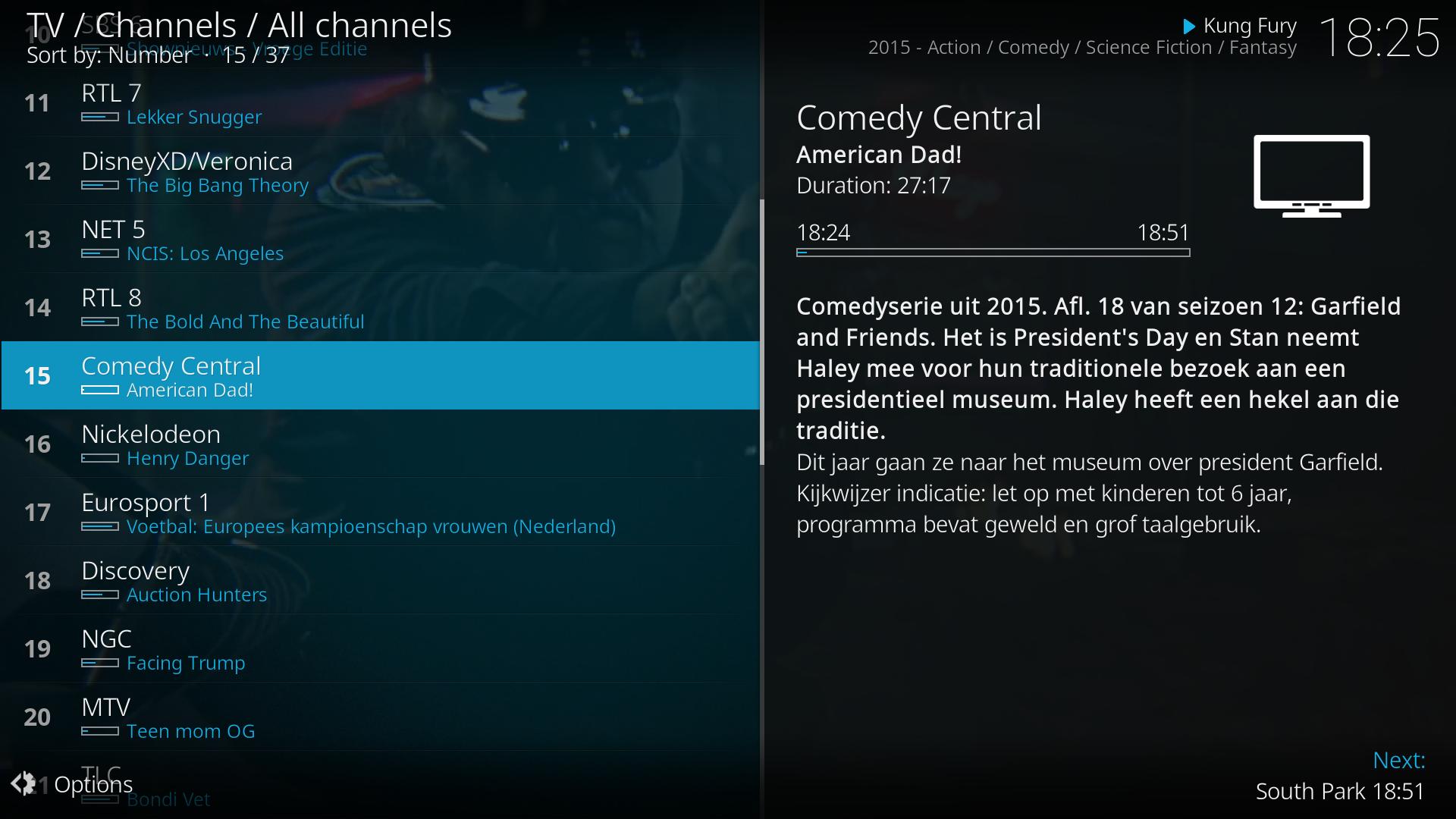
Kodi supports videos, music, photos, and podcasts from device storage, shared folders on your home network, and official internet services. You decide what to add, so your library reflects your own files and subscriptions. This flexible input approach lets you keep everything in one place for simple playback.
Skins and add ons you control
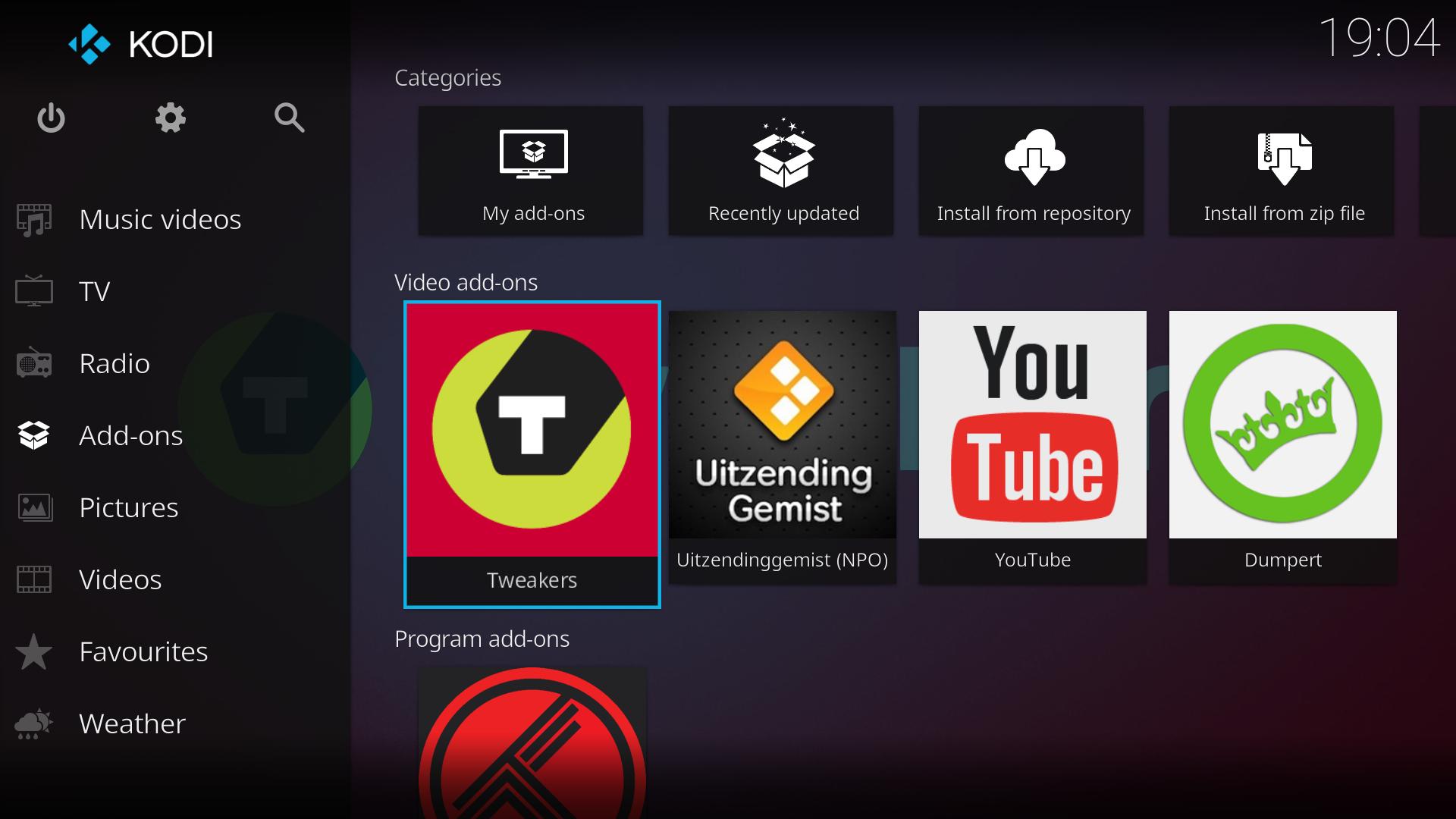
Kodi lets you change the look with skins such as Estuary and Estouchy, and extend features with add ons from official repositories. Kodi ships with no content, so you provide your own media and can install add ons that fetch content from official provider websites. This structure helps separate the player from the sources and keeps usage focused on lawful access.
Rich library data and artwork
After you add sources, Kodi can scan and match titles to pull posters, fan art, and details from services like TheMovieDB, TheTVDB, and MusicBrainz. Artwork and metadata organize your library into seasons, albums, and categories. As a result, browsing feels clear and consistent across your collection.
Control options and multi platform support
Kodi runs on Android, Windows, macOS, Linux, iOS, tvOS, Raspberry Pi, and webOS, which helps users standardize the same experience across devices. For remote control, Kore on Android and the Official Kodi Remote on iOS offer quick navigation, play and pause, and library browsing. With these apps, you can control a TV setup from your phone without extra hardware.
Kodi is a free, volunteer run project that focuses on being a player and manager, not a content provider. The app contains no media and does not ship with channels or services. You add your own files and can install official add ons for legitimate content from provider websites. If you prefer a steady setup, choose the stable build rather than development builds, especially for a living room TV, and check the Kodi latest version notes on the official website before updating.
Kodi evolves through community contributions, including forums, translations, testing, and code on GitHub. Users can report issues, help with localization, or join quality assurance to improve releases. Optional donations and merchandise support ongoing volunteer work. For news, guides, and build information, visit the official site for authoritative updates.
This quick start covers the basics for organizing personal media on an Android phone. To begin, install the Kodi APK and open the app to prepare your library.
Kodi offers a clear way to manage and play personal media across devices. If you want a remote friendly TV experience with flexible add ons and skins, download Kodi and set up your library.
For official resources and project information, visit:
Last updated on Nov 8, 2025
Minor bug fixes and improvements. Install or update to the newest version to check it out!
Latest Version
 21.3
21.3
Uploaded by
Kodi Foundation
Requires Android
Android 5.0+
Available on

Category
Report



Discover what you want easier, faster and safer.
