


Use APKPure App
Get J2ME Loader old version APK for Android

J2ME Loader is a J2ME emulator app that runs classic Java mobile games and apps on Android.
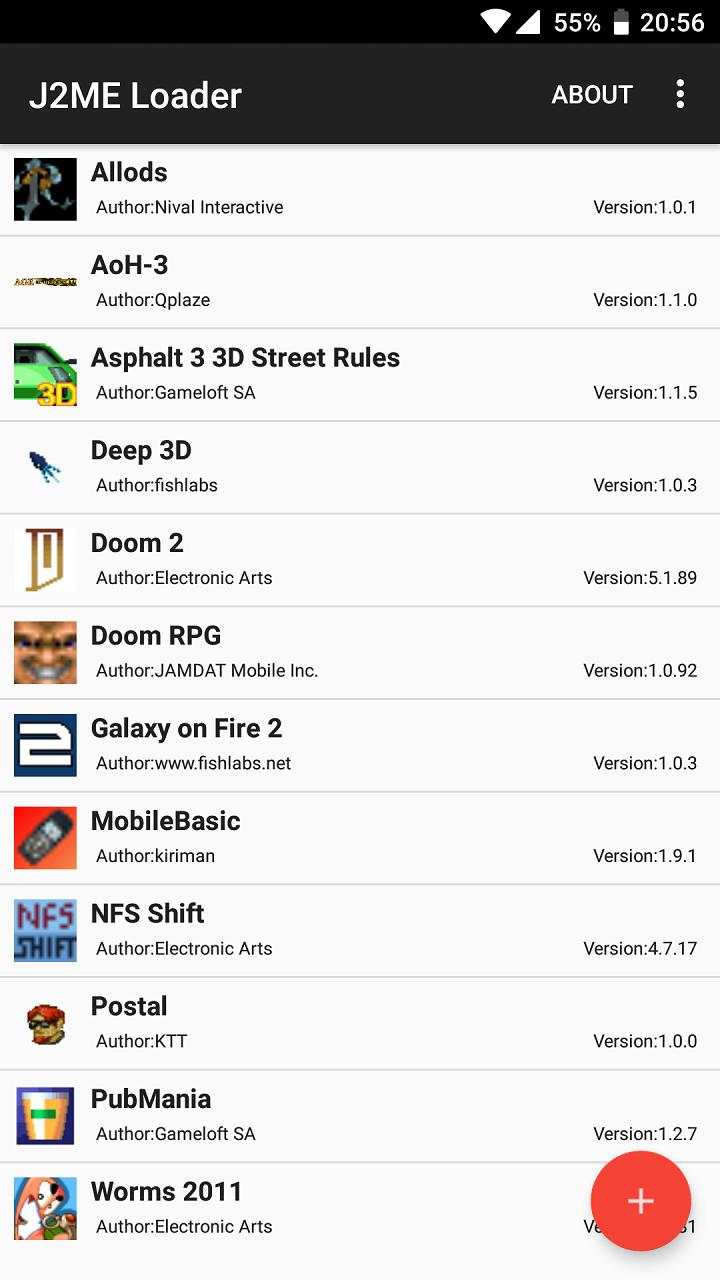
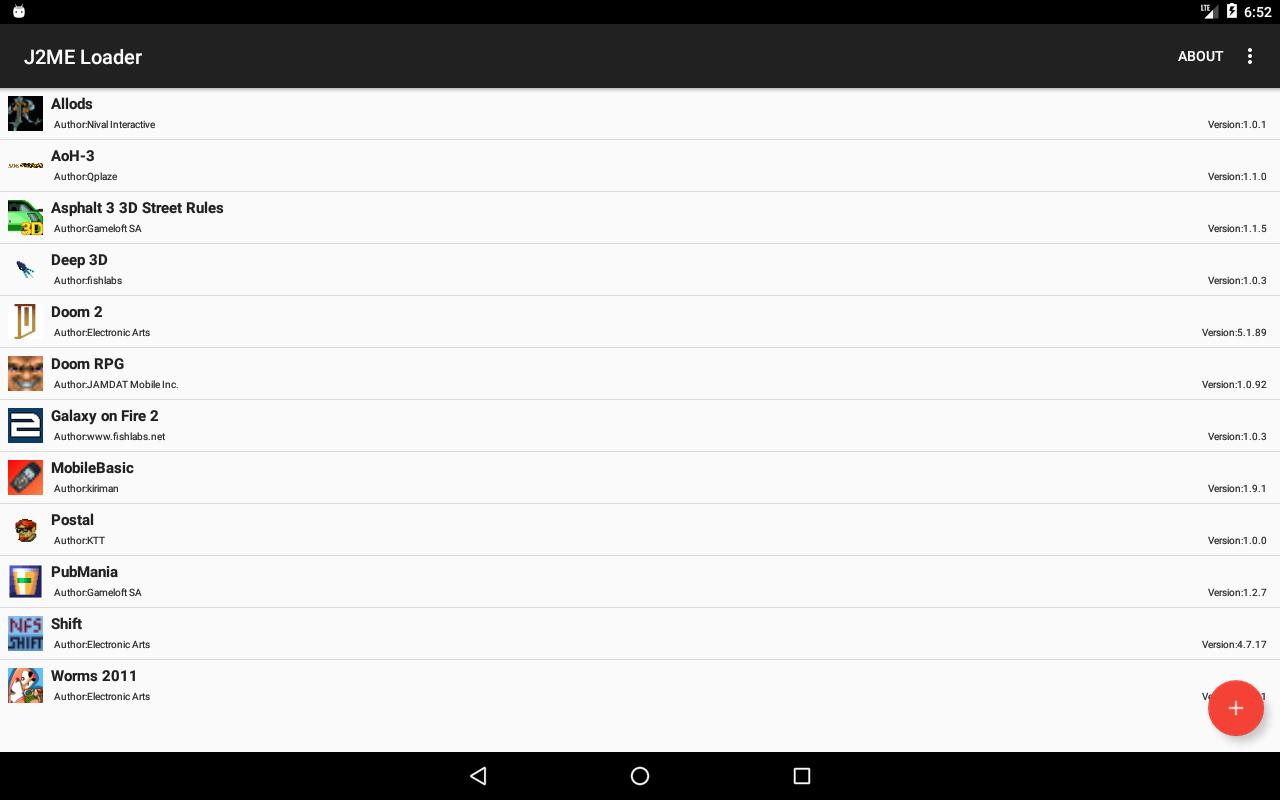
J2ME Loader helps you bring old Java phone games and apps back to a modern Android device when the original handset is long gone. It focuses on a simple, direct experience so you can open your JAR or JAD files and run them without extra tools. Many 2D titles work well, and several 3D games are playable too, although results can vary by title. If you prefer a quick setup, installing the J2ME Loader APK lets you get started with minimal steps.
Wide game compatibility
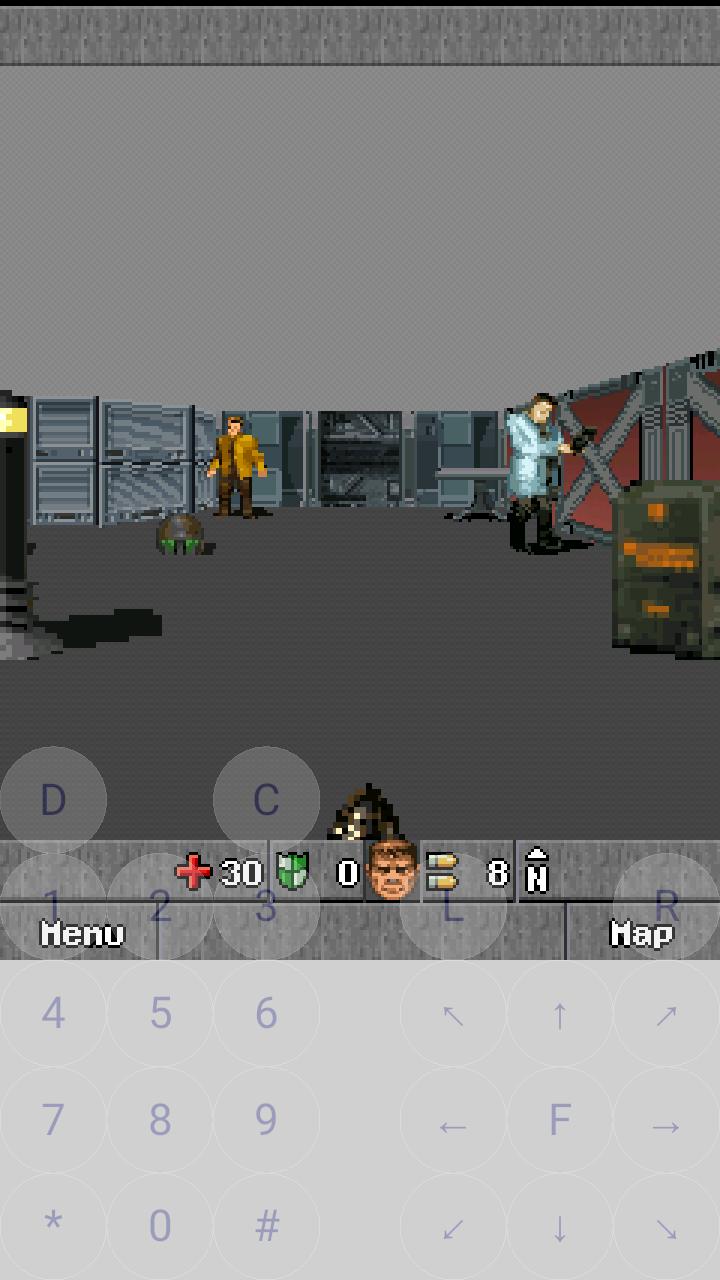
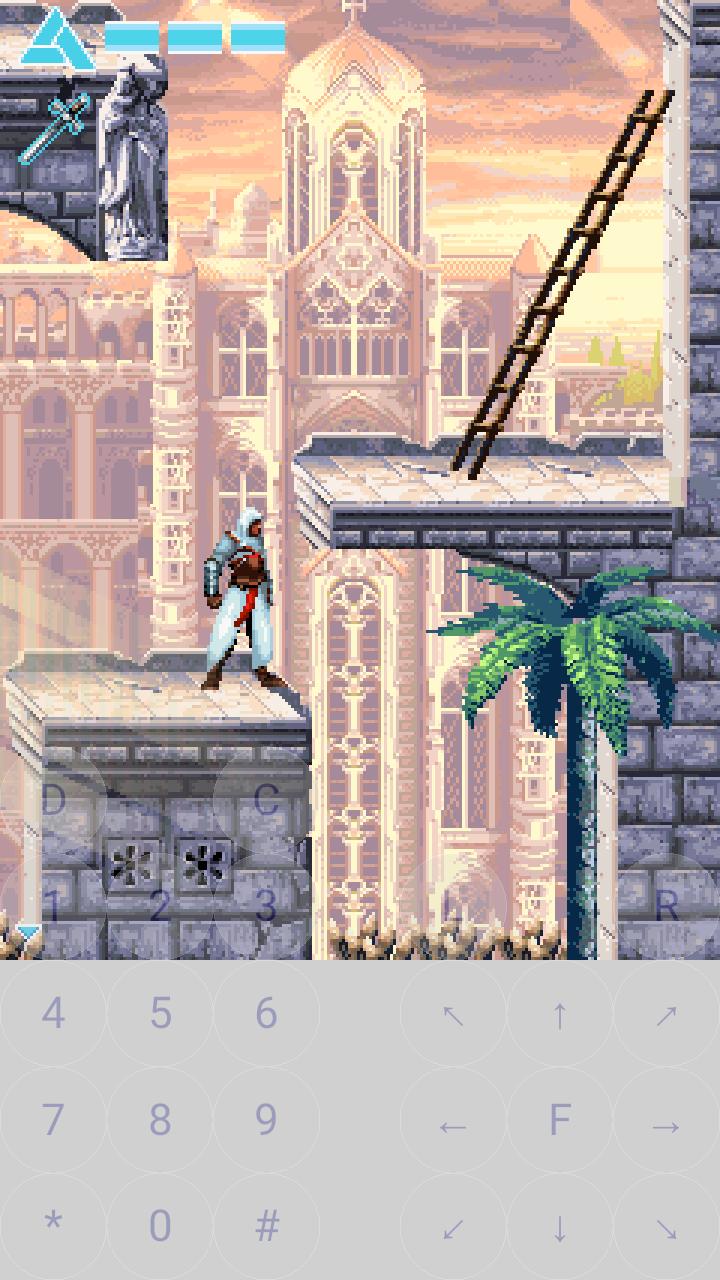
J2ME Loader supports most 2D J2ME titles and many 3D games, giving you access to a broad library of legacy content. Mascot Capsule 3D is handled through an open source implementation, and some games may show visual or performance quirks. Compatibility depends on the specific title and your device, so small differences are normal with this type of J2ME emulator.
Virtual keyboard for keypad games
The emulator provides an on screen keyboard so you can play non touch and keypad based games on phones without physical keys. You can show or hide the keyboard when needed, which helps with games that expect number keys or soft buttons. This makes older control schemes accessible on current devices.
Per app settings and display scaling
Each MIDlet has its own configuration so you can fine tune how it runs without affecting other apps. Display scaling and aspect options help fit different screen sizes, making older content readable and usable. These controls are useful when moving between phones and tablets.
Touch and non touch game lists
To save time, J2ME Loader includes curated lists of tested touchscreen and non touchscreen titles. You can browse these references to find games that work best with your device and preferred input. This guidance helps set clear expectations before you start playing.
Open source and community resources
The project is open source under the Apache 2.0 license, and the code is available on the J2ME Loader GitHub repository. Community discussions and user reports provide tips, fixes, and ongoing updates. This open approach makes it easier to track progress and look up answers when you encounter a specific title issue.
Results vary by game, especially for 3D titles or those that rely on special engines. The project maintains compatibility lists for touchscreen games, non touchscreen games, and games with known issues, which is helpful for planning what to run. Core functionality is free to use, and any in app purchase options are set up as voluntary donations. Enthusiasts can also find automated test builds shared by the community for trying early changes.
Active threads and chats on community platforms such as XDA Developers, 4PDA, and Discord provide configuration advice and troubleshooting steps. You can learn from other users about device specific setups and title specific workarounds. For source code, issue tracking, and documentation, the J2ME Loader GitHub page is the primary project hub.
If a game feels slow or stutters, disabling filtering in the graphics options can improve performance. When you see image flickering, enabling the Immediate processing mode can stabilize visuals in many cases. These small adjustments often make a noticeable difference across various titles.
Getting started is simple if you already have your JAR or JAD files ready. After you download J2ME Loader, you can add your files and launch them directly. A few quick adjustments usually help each title run more smoothly.
J2ME Loader runs many Java mobile games and apps on Android with practical controls and per app options. To explore new fixes and improvements, try the J2ME Loader latest version when it becomes available.
For project details and source code, see the official repository below.
Last updated on Aug 8, 2024
- Bugfixes
Latest Version
 1.8.2-play
Uploaded by
عثمان شاكر
Requires Android
Android 4.0+
Available on

Category
Report





Discover what you want easier, faster and safer.
