


Use APKPure App
Get ISO Extractor old version APK for Android

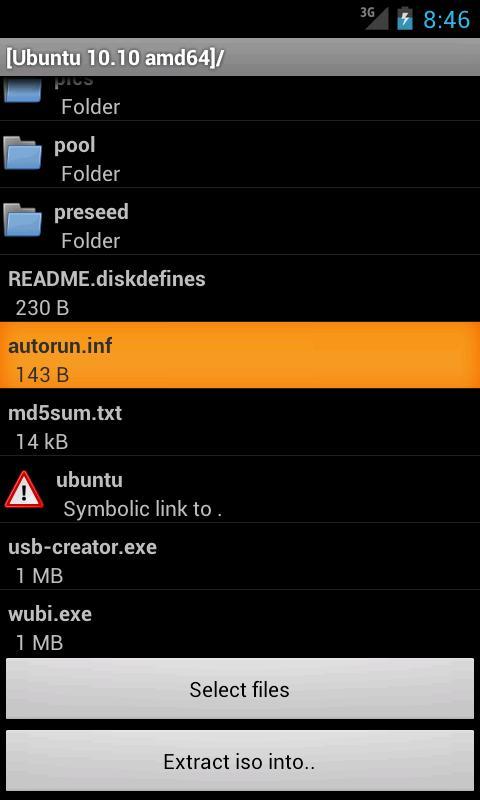
ISO Extractor is a file management app that lets you browse and extract disc image contents.
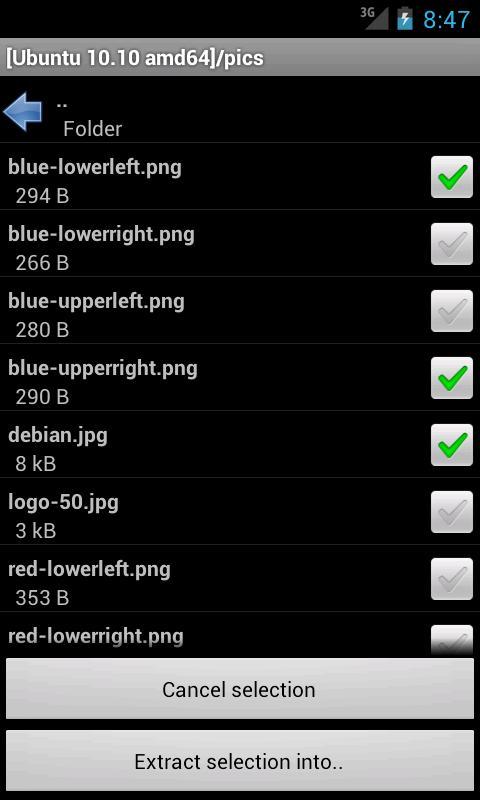
ISO Extractor helps when you find old CD image files on your phone or SD card and only need a few items. It opens supported images on your device so you can browse folders and copy out the files you need. The focus is on reading common disc structures, which keeps navigation simple and predictable. It also works for checking backups, installers, and documents from legacy media. If you prefer a lightweight tool for this task, ISO Extractor APK offers a direct way to handle disc images without a computer.
Browse and extract contents
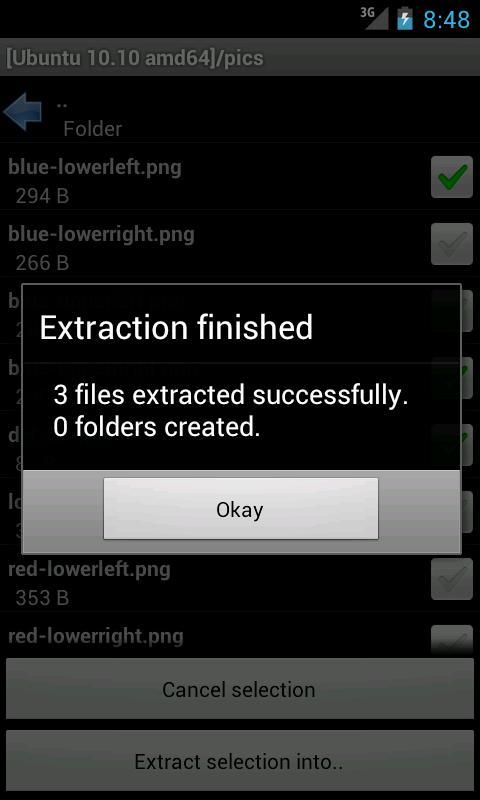
ISO Extractor lets you open a supported image, view its directory tree, and extract files to local storage. This suits quick access to assets from old software backups or disc archives.
Format and filesystem support
Conversion and CUE BIN merging
You can convert some supported images to ISO. ISO Extractor also merges a CUE sheet with multiple BIN tracks into a single BIN file when needed. Conversion support is limited and certain images are not eligible.
Important limitations
ISO Extractor focuses on opening common disc images and pulling out needed files with minimal steps. For users who handle legacy archives, it provides clear format support and transparent limits. To try these tools on your device, download ISO Extractor and begin with a small test image.
Last updated on Sep 4, 2018
- Experimental support for merging a .bin/.cue with multiple tracks in separate .bin files into a single .bin file
Latest Version
 1.4
1.4
Uploaded by
Mahmoud Ahmed
Requires Android
Android 4.0+
Category
Report

Discover what you want easier, faster and safer.
