


Use APKPure App
Get iScreen old version APK for Android

iScreen is a personalization app that refreshes your phone with widgets, themes, wallpapers, and interactive tools.
iScreen helps when your Home or Lock Screen feels cluttered or dull. It gives you simple ways to organize information, add playful elements, and match your phone to your style without complex setup. The app focuses on everyday use, so you can check time, weather, or tasks at a glance while also adding creative touches. For users who prefer an APK install path, searching for iScreen APK is common, though the experience stays the same once installed.
500+ widgets for Home and Lock Screen
iScreen offers clocks, calendars, countdowns, weather, battery, photo walls, to-dos, and notes, along with digital clock and X Panel widgets. You can also add lighthearted elements like a fan, AC, Ferris wheel, or windmill. Widgets come in multiple sizes and support transparent styles. This range makes it easier to build a layout that fits both daily tasks and quick glances.
Dynamic Island and quick tools
iScreen supports Dynamic Island experiences with pets or plants and themed islands for animations, weather, calendar, or app launching. Control Center customization adds handy tools like Counter, Water Reminder, Dice, Book of Answers, and Quick Launch. You can set custom icons inside these panels for a consistent look. The result is a compact space where you can check status or act quickly without opening full apps.
Themes, wallpapers, and icon packs
iScreen updates styles every day, including minimalist, Ins style, pink or black themes, paper cut looks, and AI art options. There are more than one thousand 3D space wallpapers for a vivid background library. You can apply matching icons for over 70 apps with a single tap. This helps tie the whole screen together with minimal effort.
DIY creation tools for static and dynamic looks
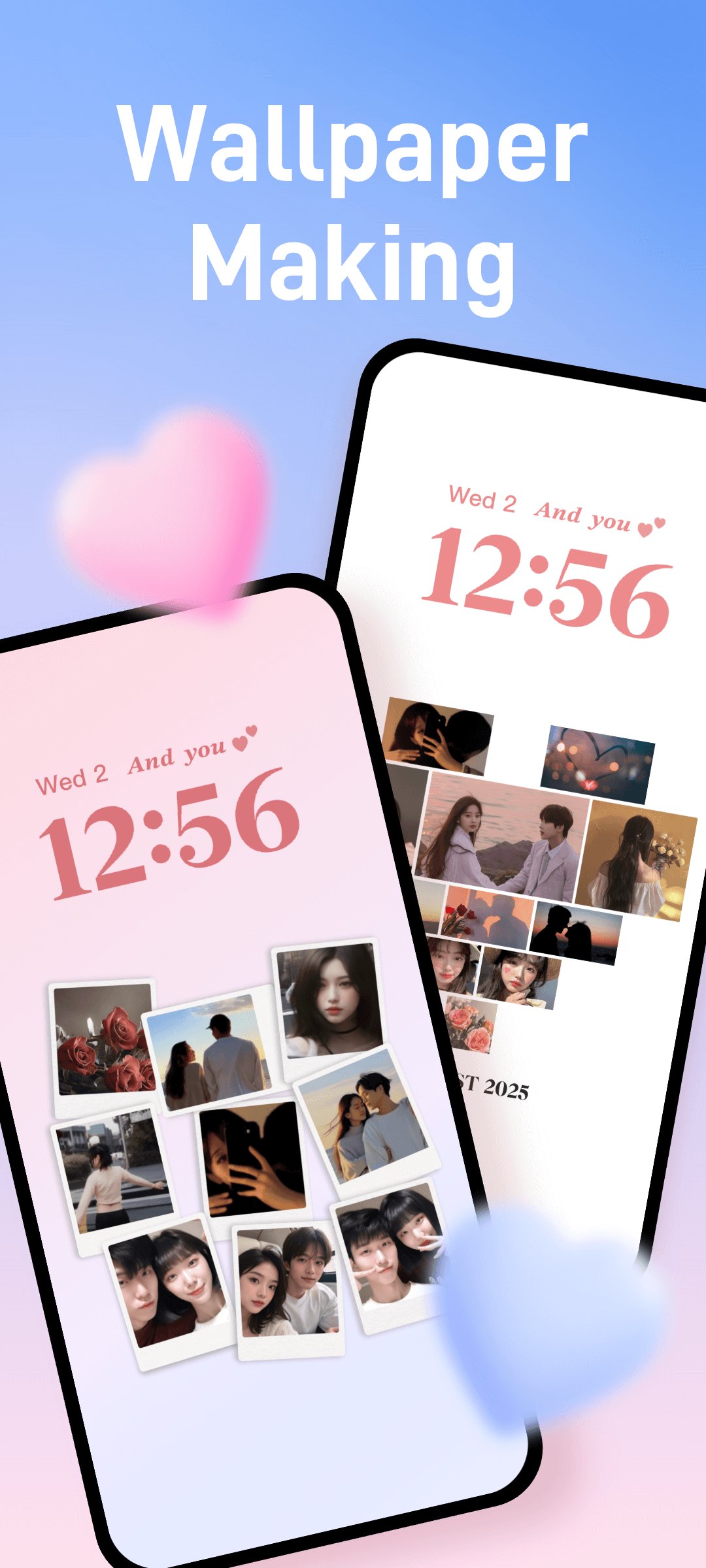
iScreen lets you design wallpapers with templates such as Polaroid frames, heart puzzles, and flip cards. For motion effects, you can use animated marquee and ticker styles. These tools allow quick edits, so you can swap photos, change text, and adjust layouts in minutes. It is useful when you want a custom touch without learning a full editor.
Social, interactive, and extra personalization
Couple and Close Friend widgets let you exchange messages or photos and check distance right on the Home Screen. Interactive widgets support quick check-ins and small mini games for short breaks during the day. You can also add charging animations, status bar stickers, and place unlimited widgets across pages. Virtual pets and plant growth add a small sense of progress as you use the phone.
iScreen includes many free widgets and styles. Some content and themes are marked as VIP and require an optional purchase to unlock. You can use the core experience without paying, then decide if extra styles are needed later. This helps set expectations before installing.
On Android, iScreen uses Accessibility Service for floating pop ups and dynamic pendants. According to the app, this service is used only to enable those visual features and does not collect data through the service. Location access powers weather widgets so the forecast matches your area. Package query permission supports icon selection and quick launch by identifying installed apps. You can manage these permissions in Android settings at any time.
This page refers to iScreen Widgets and Themes, also known as iScreen Widgets and Wallpaper. It is not related to the Bangla streaming site named iScreen Movies, Series and TV. If you search broadly, similar names may appear, so confirm the focus on widgets, themes, and wallpapers before installing.
Yes, this page covers the Android version of iScreen. Users may encounter mentions of the app on other platforms, but features described here refer to the Android experience. For the best results, keep the app updated to the iScreen latest version when available.
Queries about iScreen mod APK often refer to modified packages. These may change how the app works or affect future updates. For stable performance, use the official build and avoid modified files that alter features or unlock paid content without authorization.
After you download iScreen and open it, the app guides you through setup. The basic flow is straightforward, and you can adjust or remove changes at any time if you want to try a different layout.
iScreen combines practical widgets, creative themes, and interactive tools in one place. If you want flexible layouts and quick utilities on your phone, this app makes setup simple. To keep features current, update to the iScreen latest version when prompted.
Official information
Last updated on Apr 2, 2026
fix bug
Latest Version
 2.2.41
Uploaded by
عشاق الحسين عشاق الحسين
Requires Android
Android 7.0+
Available on

Category
Report




Discover what you want easier, faster and safer.
