


Use APKPure App
Get Install Button Unlocker old version APK for Android

Install Button Unlocker is a utility app that enables disabled system buttons blocked by screen overlay security.
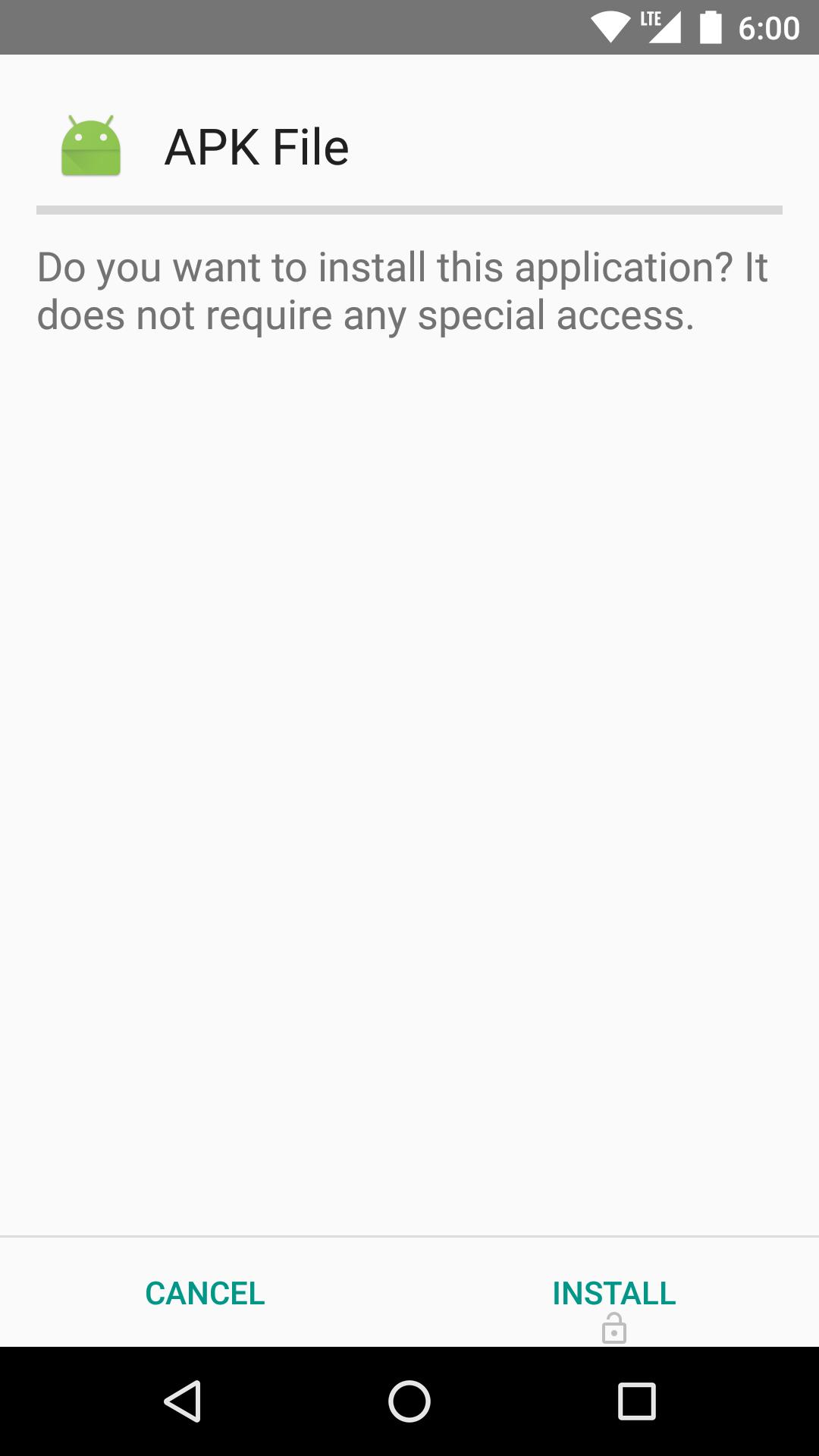
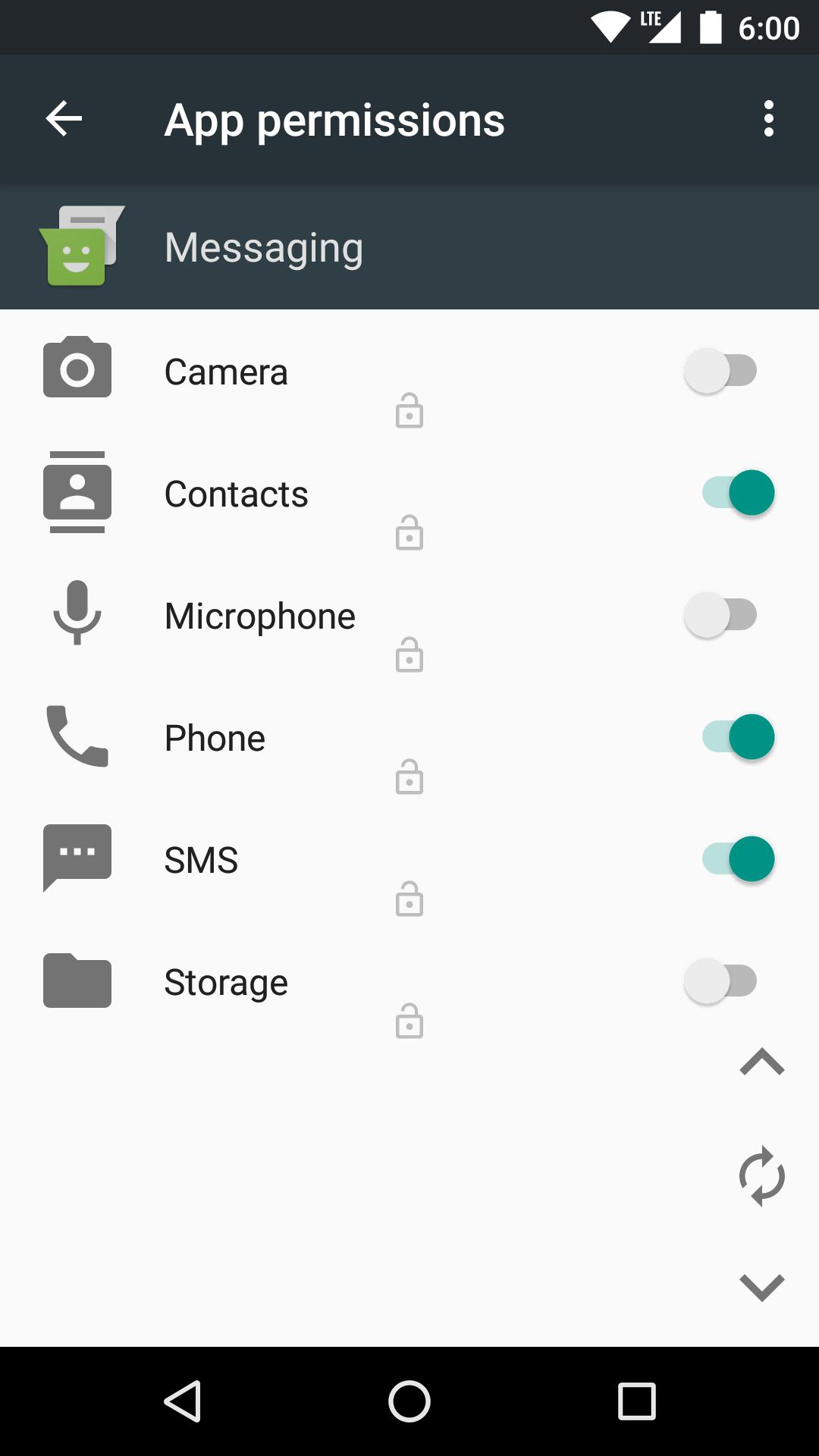
Install Button Unlocker helps when the Install or Allow button does not respond because an overlay window is on top. This often happens during APK installation, permission prompts, VPN setup, or enabling accessibility and device features. The app uses an accessibility service to lift the block so you can confirm the action after checking the screen. Additionally, it is meant for situations where closing overlay apps does not fix the problem on supported Android versions. Use Install Button Unlocker APK only when necessary and with caution.
Unlocks blocked system buttons
Simple activation via Accessibility
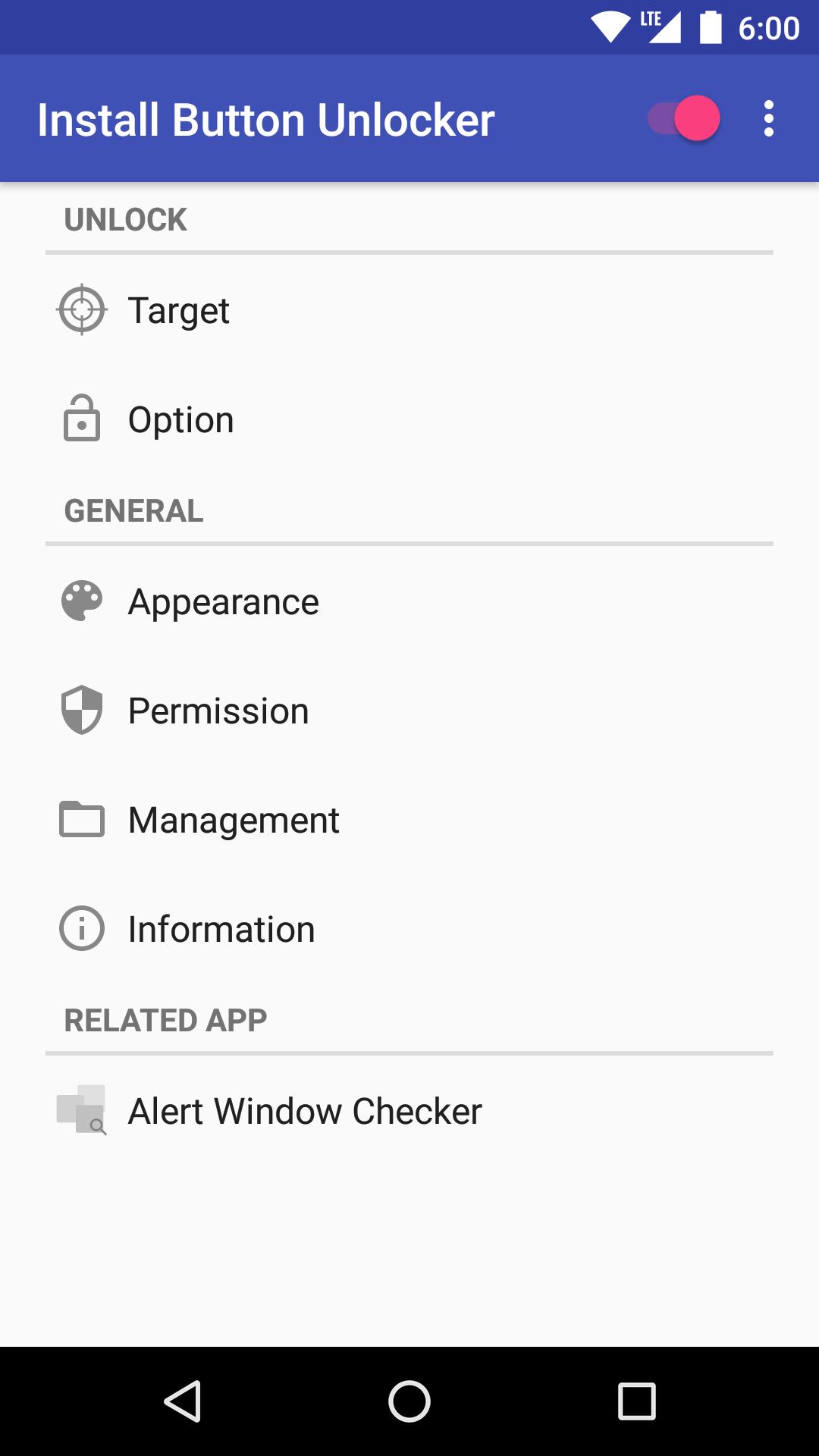
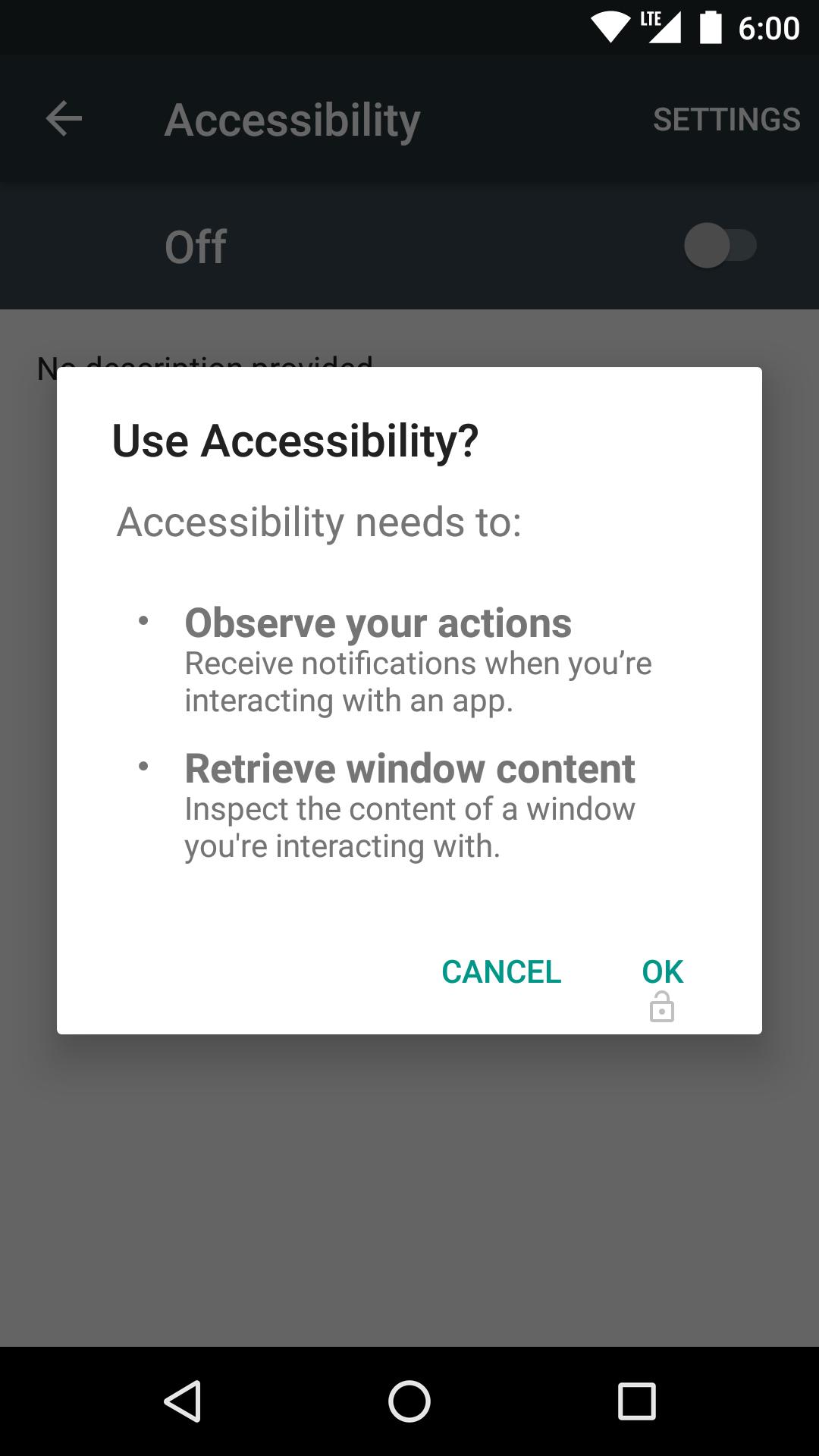
You can enable the service from inside the app. Turn on the top right switch, open Accessibility, select Install Button Unlocker, switch it on, then confirm in the dialog. The service can be turned off at any time after use.
Security context and limitations
Android locks these buttons to prevent tapjacking when another app is drawing over the screen. This tool temporarily avoids that lock, which may increase risk if misused. Try closing overlay apps first. On Android 6.0 or later you may see messages like “Screen overlay detected.” For reliable behavior, keep Install Button Unlocker latest version installed and stop active overlay apps before enabling the service.
This tool assists when important confirmation buttons are unresponsive due to overlays during installs or permission prompts. Review the notes above, enable the accessibility service only when needed, and proceed carefully. To test it on your device, download Install Button Unlocker and follow the on screen steps.
Last updated on Dec 22, 2019
・Update libraries.
Latest Version
 4.2
4.2
Uploaded by
Jame Kehe
Requires Android
Android 4.1+
Category
Report




Discover what you want easier, faster and safer.
