


Use APKPure App
Get imo beta old version APK for Android

imo beta is a communication app that gives early access to new calling and messaging features.
imo beta suits users who want stable international communication and to try upcoming changes before general release. It is the early access channel of the imo app, trusted by a large global community across many countries and languages. You can stay connected across devices while new capabilities arrive here first, so feedback from early testers helps polish future updates. If you prefer exploring new builds ahead of time, the imo beta APK offers a direct way to test and share your thoughts.
imo beta delivers new features and improvements before they roll out widely. You can explore experimental changes and provide feedback to help refine the experience. This approach lets you see how the app evolves and understand what is coming next. It is designed for users who want to test first.
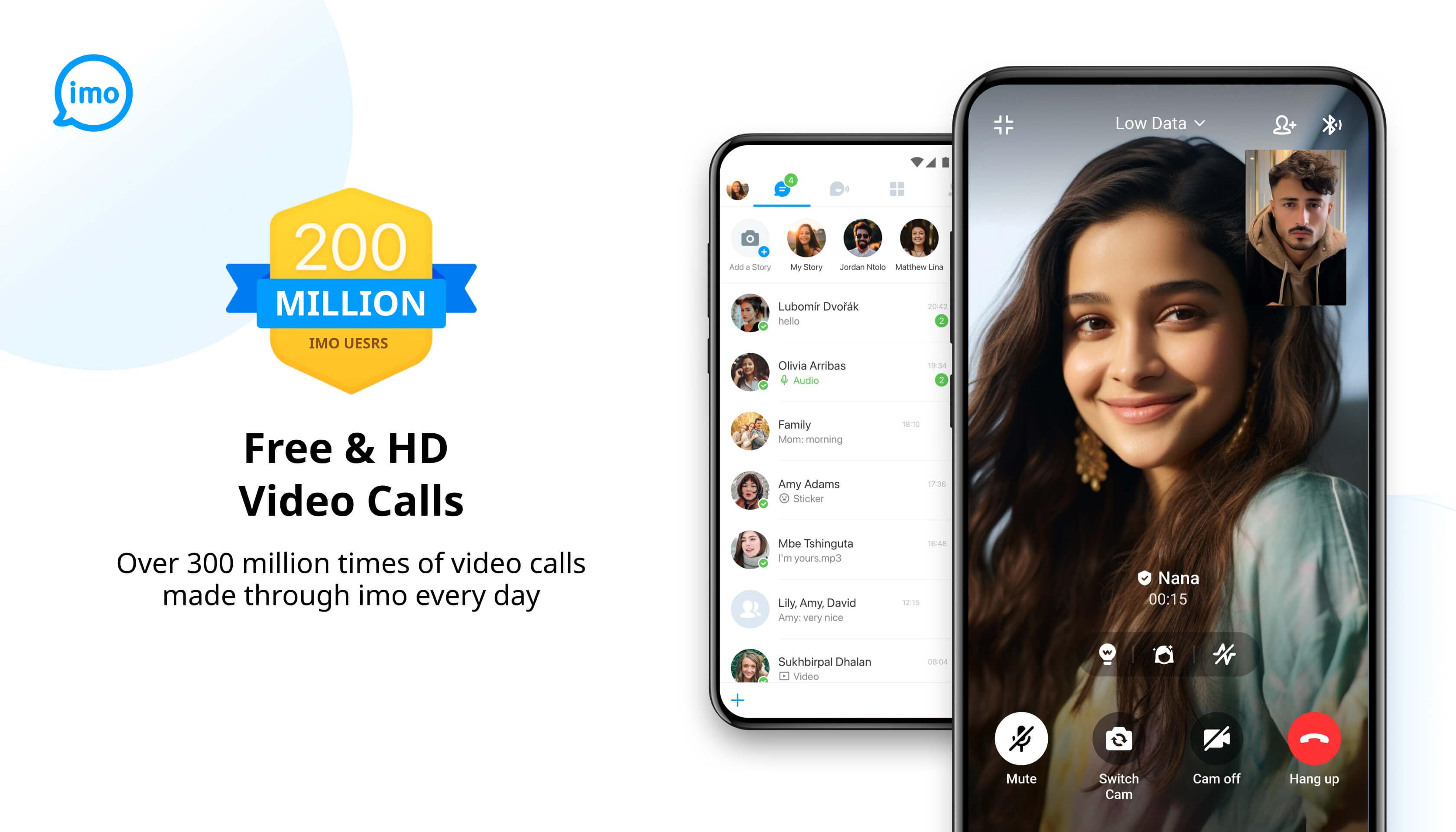
HD voice and video calls with group chatsYou can place free HD voice and video calls with friends and family, and set up group chats for quick coordination. Messages and calls avoid traditional SMS and phone charges, which helps keep communication simple. The app focuses on clear audio and video, so imo video calls feel natural for everyday use.
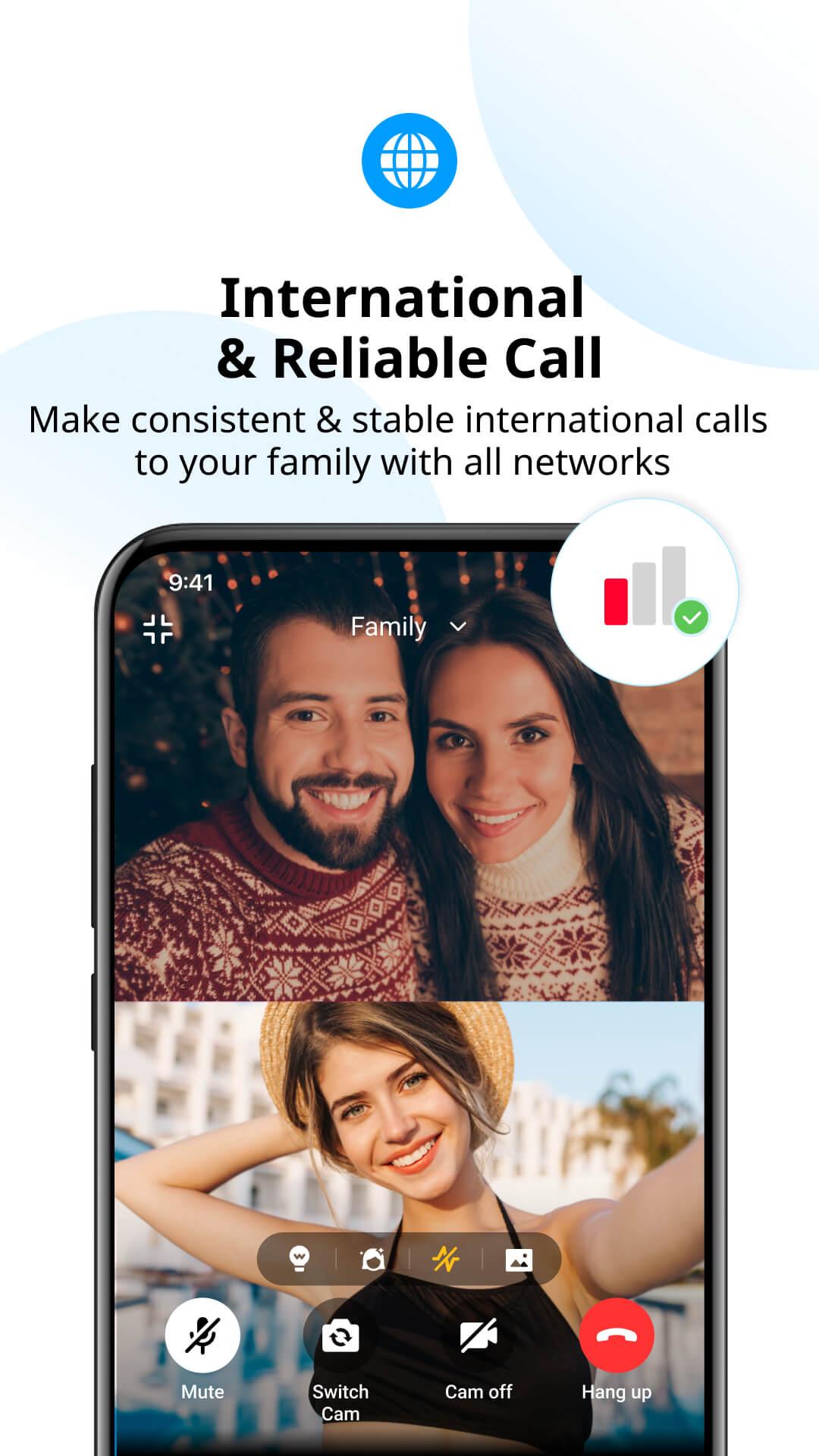
Reliable calling on weak networksimo beta keeps calls and messages working across 2G, 3G, 4G, 5G, and Wi Fi. Even when the signal is poor, the app aims to maintain a stable connection so conversations continue. This reliability helps when you move between areas or network types during the day.
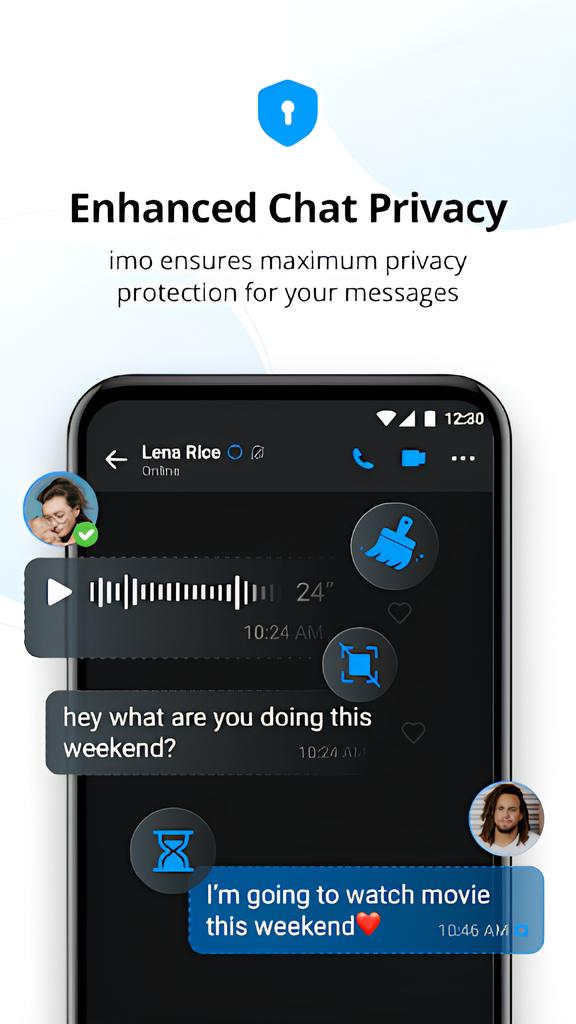
Privacy tools and controlsimo beta supports end to end encryption for private chats, along with features like Disappearing Message and SecretChat. You can enable Screenshot Block in sensitive conversations and use Time Machine to review past content as designed by the developer. These controls add practical layers to everyday messaging without making it complicated.
Cloud access, file sharing, and multilingual supportWith imo Cloud, you can access your chats and files across devices and share photos, videos, voice messages, and documents including DOC, MP3, ZIP, and PDF. Files keep their original quality, and auto sorting helps you find items easily. Instant message translation supports 62 languages, which is useful in international conversations. You can also join VoiceClub rooms for live social audio events when you want group interaction.
This version is designed for early testing, so new features and builds may change quickly. Stability can vary from update to update, and user feedback is considered during development. If consistency is your main priority, keep in mind that beta software focuses on trying features first.
The developer states that no data is shared with third parties. Data is encrypted in transit, and account holders can request deletion of their data. These declarations aim to give users clear expectations about data handling.
imo beta contains ads. A premium membership option can remove ads according to the developer. If ads are a concern, this choice may help create a quieter chat and calling experience.
imo beta supports Android and also works with the wider imo ecosystem on iOS, Windows, and Mac. Some users look for variants such as imo Lite or imo HD for different device needs. imo beta focuses on trying upcoming features ahead of general release.
To get started, download imo beta and open the app on your Android phone. The setup is direct and helps you begin chatting or calling quickly.
imo beta lets you test new messaging and calling features in real conditions. Users who want early access and practical privacy controls can try the imo beta latest version to see what is new before general release.
For official information and support, use the details below.
Last updated on May 15, 2026
[Privacy Chat] Your privacy and security matter to imo. Elevate your chat privacy with various new features (e.g. Screenshot Block, Time Machine, Disappearing Message).
[Invisible Friend] Hide your imo invisible friends effortlessly with a simple shake of your phone.
[Optimal Light] Struggling with nighttime video calls? Turn on Optimal Light for better lighting.
- Other Enhancements
- Bug fixes
Latest Version
 2026.04.1032
Uploaded by
ជីវិតកូនបួស ព្រោះមានពុកម៉ែ
Requires Android
Android 5.0+
Available on

Category
Report



Discover what you want easier, faster and safer.
