


Use APKPure App
Get HEX Editor old version APK for Android

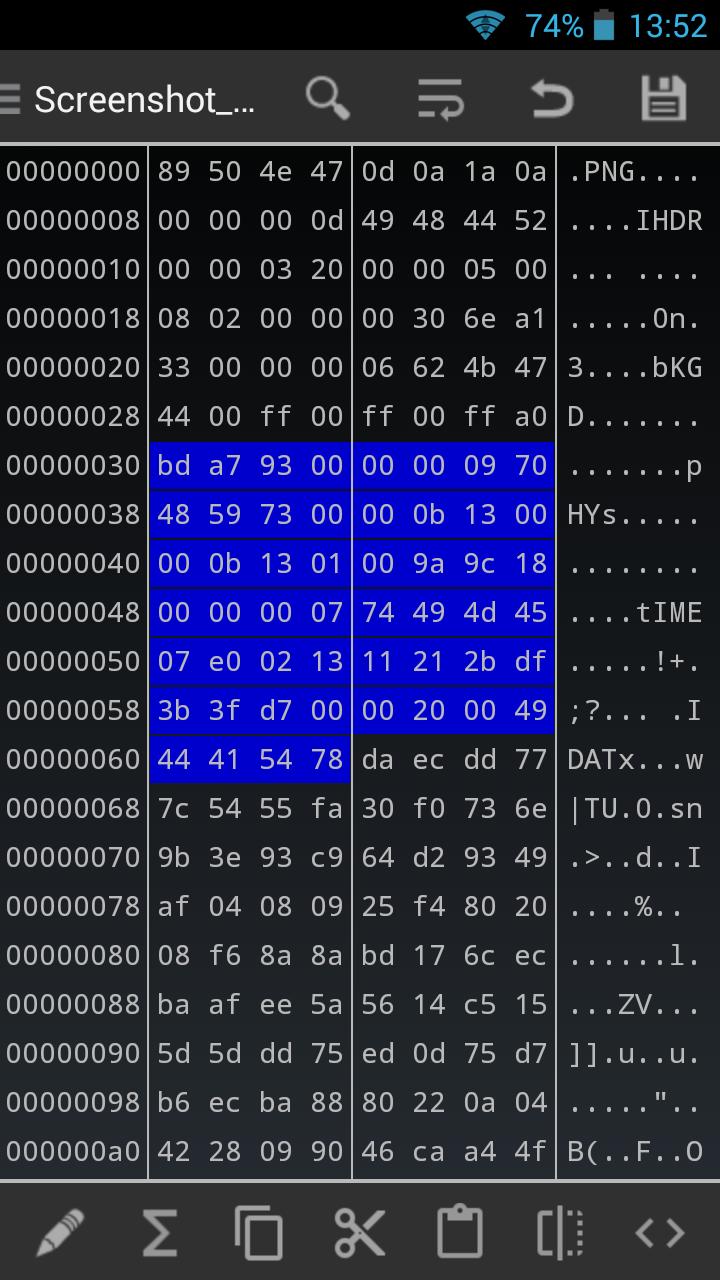
HEX Editor is a utility app that edits binary files at the byte level.
HEX Editor helps when you need to inspect or change raw data directly on your Android device. It suits moments when you must check a file header or apply a small patch during mobile work. You can open files, view bytes, and make careful edits with clear control. As you move between tasks, the interface keeps your focus on the data through simple navigation. For easier access later, search for HEX Editor APK when you want to install it.
HEX Editor lets you build macros with custom actions to handle repeat changes. You can define a sequence, add conditions, and run it on one file or across a set of files. This removes manual steps and keeps edits consistent when dealing with patterns or offsets.
Multi file workspace with search and compareYou can open several files and switch between them without closing your session. Built in search helps you find bytes or strings quickly, and the compare tool shows differences between two binaries in a clear view. This setup supports careful review before you confirm changes, which is useful for HEX Editor for Android workflows.
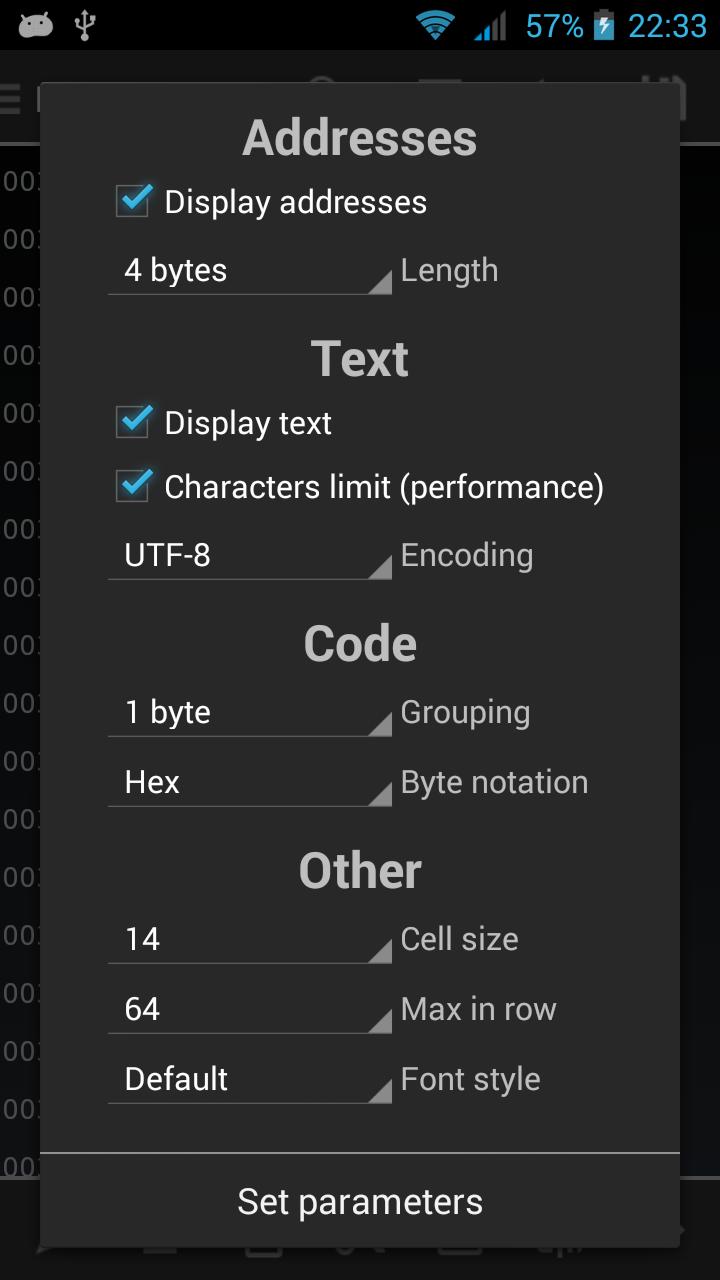
Flexible viewing modes and address controlHEX Editor displays data in hexadecimal, decimal, or octal to match your task. You can adjust address length to align offsets and make positions easy to read. This flexibility helps when moving between different formats or checking specific structures.
String tools with eight encodingsYou can view, search, and edit strings using encodings like ASCII, UTF 8, UTF 16 LE, UTF 16 BE, and Windows 1251. The app handles these differences so you find the right text and modify it safely. This is helpful when a file stores labels, paths, or metadata in varied formats.
Built in terminal emulator and in app HelpA terminal emulator supports low level workflows directly on your device. If you need guidance, the in app Help explains features and usage with practical detail. Together, these tools keep your process clear from setup to final checks and reduce guesswork during complex tasks.
Hex editing changes raw bytes and can affect how a file works. If you are considering a HEX Editor app download, make a backup before any edit, especially for system files or save data. Confirm macro actions and compare results to avoid unwanted changes. If you are new to hex editing, start with small test files to learn the basics without risk.
Common tasks include inspecting file headers to verify format, editing save game values, and patching small binaries for quick fixes. You can also scan strings to trace resources in apps, or check offsets when troubleshooting data issues. These scenarios show how hex editing fits everyday mobile work and help you decide if this tool suits your needs.
Choose the encoding that matches your file so text displays correctly. Test a search with ASCII and then with UTF 8 if you do not see expected results, and review matches before editing. When comparing two binaries, look at highlighted ranges closely and track addresses. This habit reduces mistakes and keeps changes targeted.
This quick guide shows how to open files, switch views, and run basic edits on your phone. It also covers comparing two binaries and using macros for simple automation. If you plan to download HEX Editor, review these steps before starting.
HEX Editor brings byte level viewing, string tools, macro automation, and binary compare to mobile work. It suits tasks that require careful control and clear review on the device. To stay current, look for HEX Editor latest version when you update.
Last updated on Aug 3, 2022
-Bugfixes
Latest Version
 2.8.5
2.8.5
Uploaded by
Anthony Oliveira
Requires Android
Android 4.3+
Available on

Category
Report




Discover what you want easier, faster and safer.
