


Use APKPure App
Get GSE SMART IPTV old version APK for Android

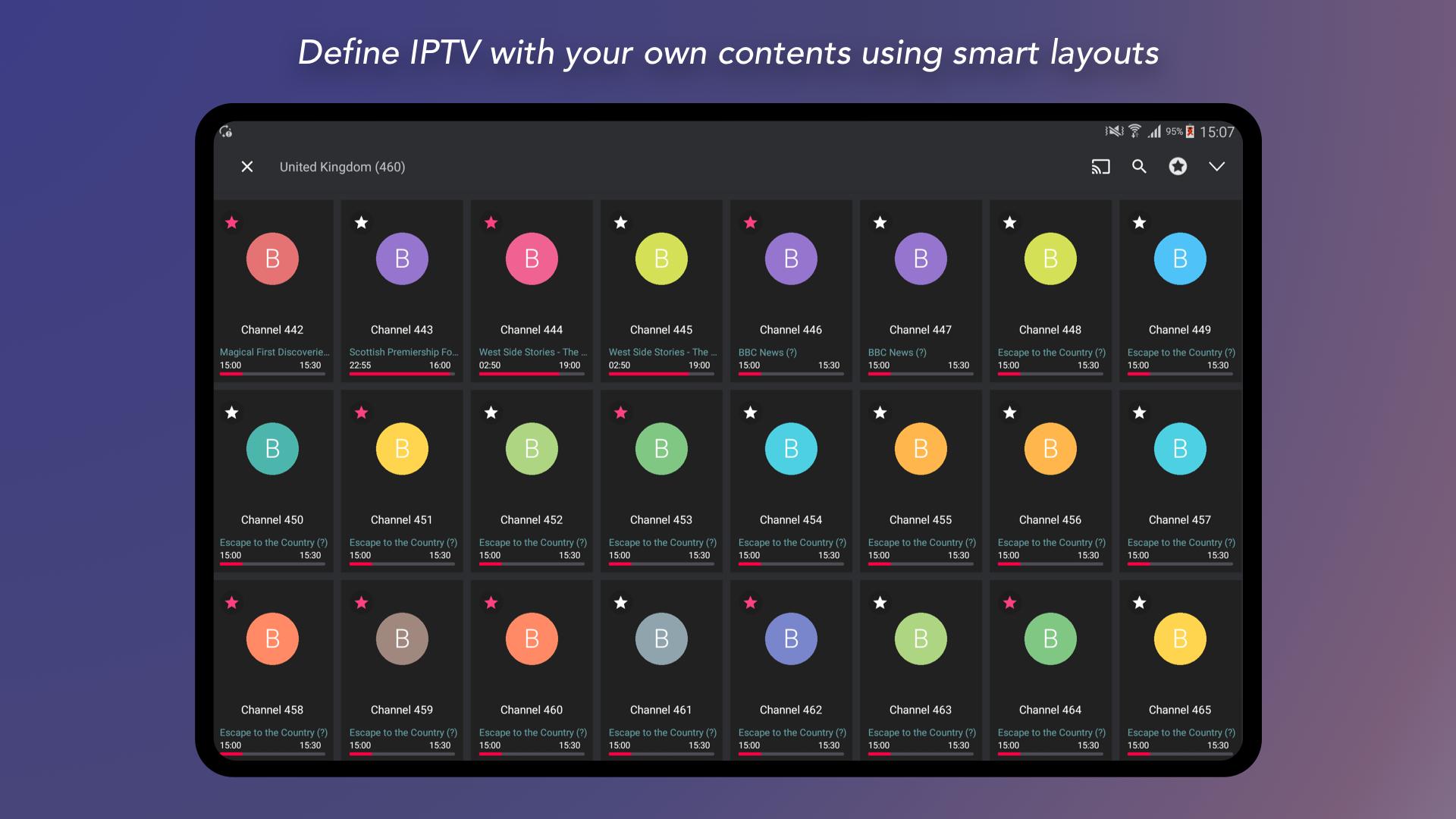
GSE SMART IPTV is a user defined IPTV player app that organizes and plays your own TV streams.
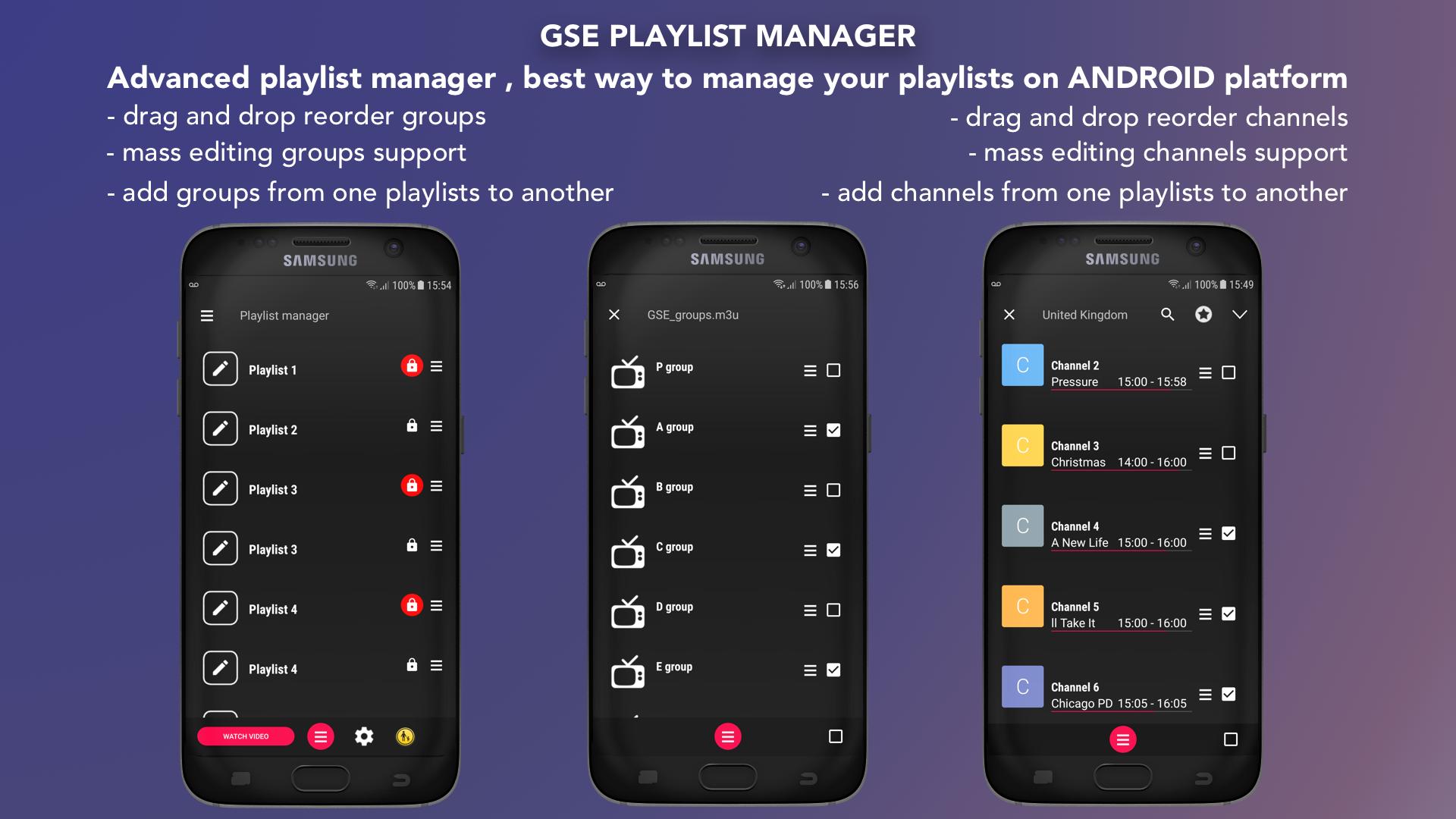
GSE SMART IPTV helps users who already have IPTV playlists or server details manage live and on demand content in one place. It focuses on flexible import options and a reliable playback experience, so you can set up your sources and start watching without extra steps. The app handles common playlist and guide formats, while the built in player supports many stream types. For quick access on Android devices, many users look for GSE SMART IPTV APK to install and update easily.
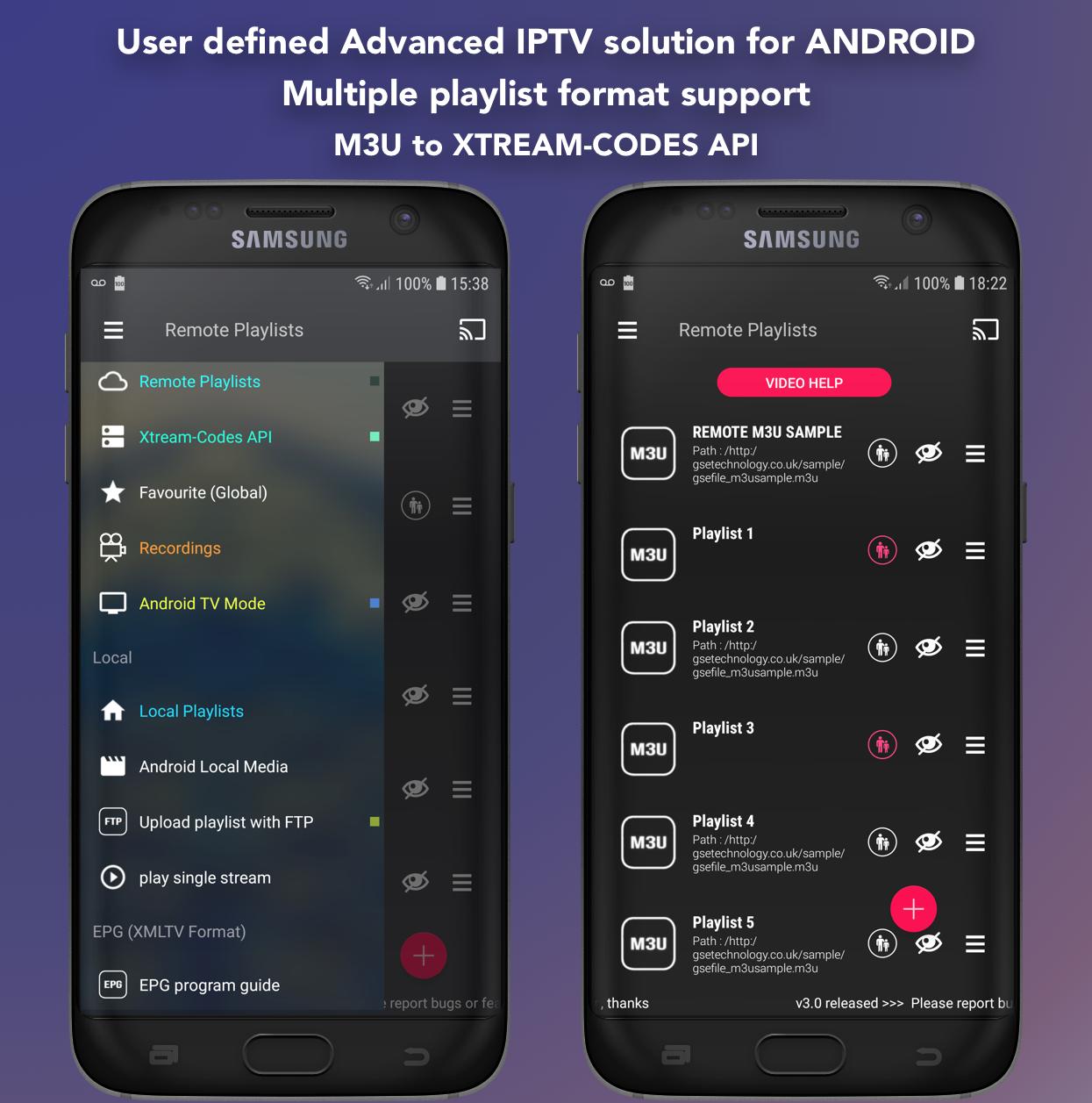
GSE SMART IPTV lets you sign in with Xtream Codes lines to load live channels and video on demand automatically. The app reads your provider data to fetch playlists, EPG, and movie details in one action. This reduces manual setup and keeps your library organized as your provider updates content.
M3U import and remote playlist controlYou can import M3U playlists by pasting a URL or by copy and paste. After you add a source, GSE SMART IPTV allows remote playlist updates so you do not need to reenter details each time. This makes it easier to manage multiple sources and keep them tidy.
Built in player with broad protocol supportThe built in player handles common video formats and streaming protocols for both live and on demand playback. It includes support for RTMP streams with secure tokens, which some providers require for access control. Playback controls are clear, and you can switch between sources without leaving the player.
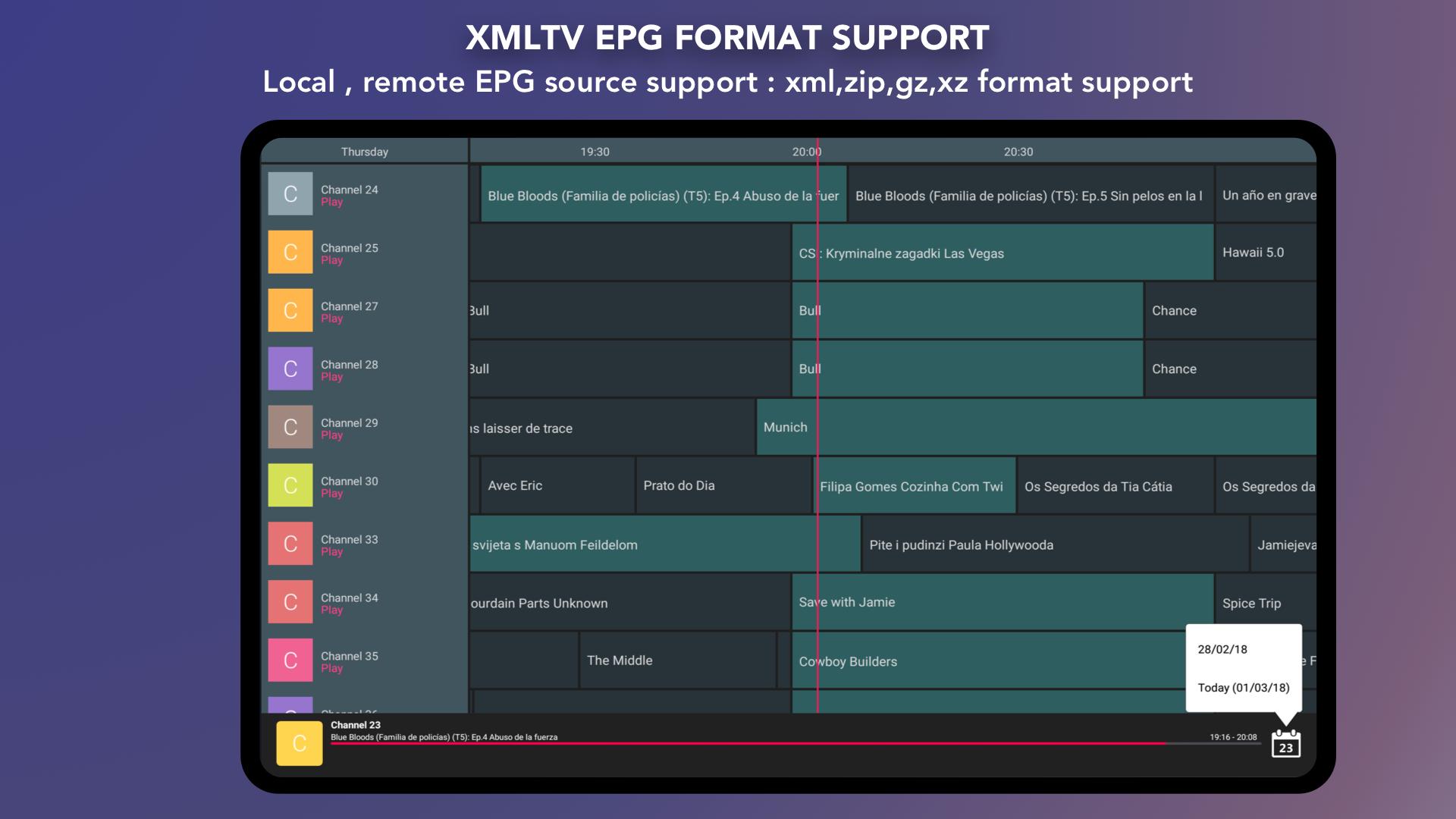
Subtitle and EPG optionsGSE SMART IPTV supports embedded and external subtitles, including SRT, ASS, SSA, PGS, and DVB Teletext. It also reads XMLTV EPG from local files or remote links, with xml, zip, and gz formats supported. Live streams benefit from automatic reconnection to reduce interruptions if a source drops.
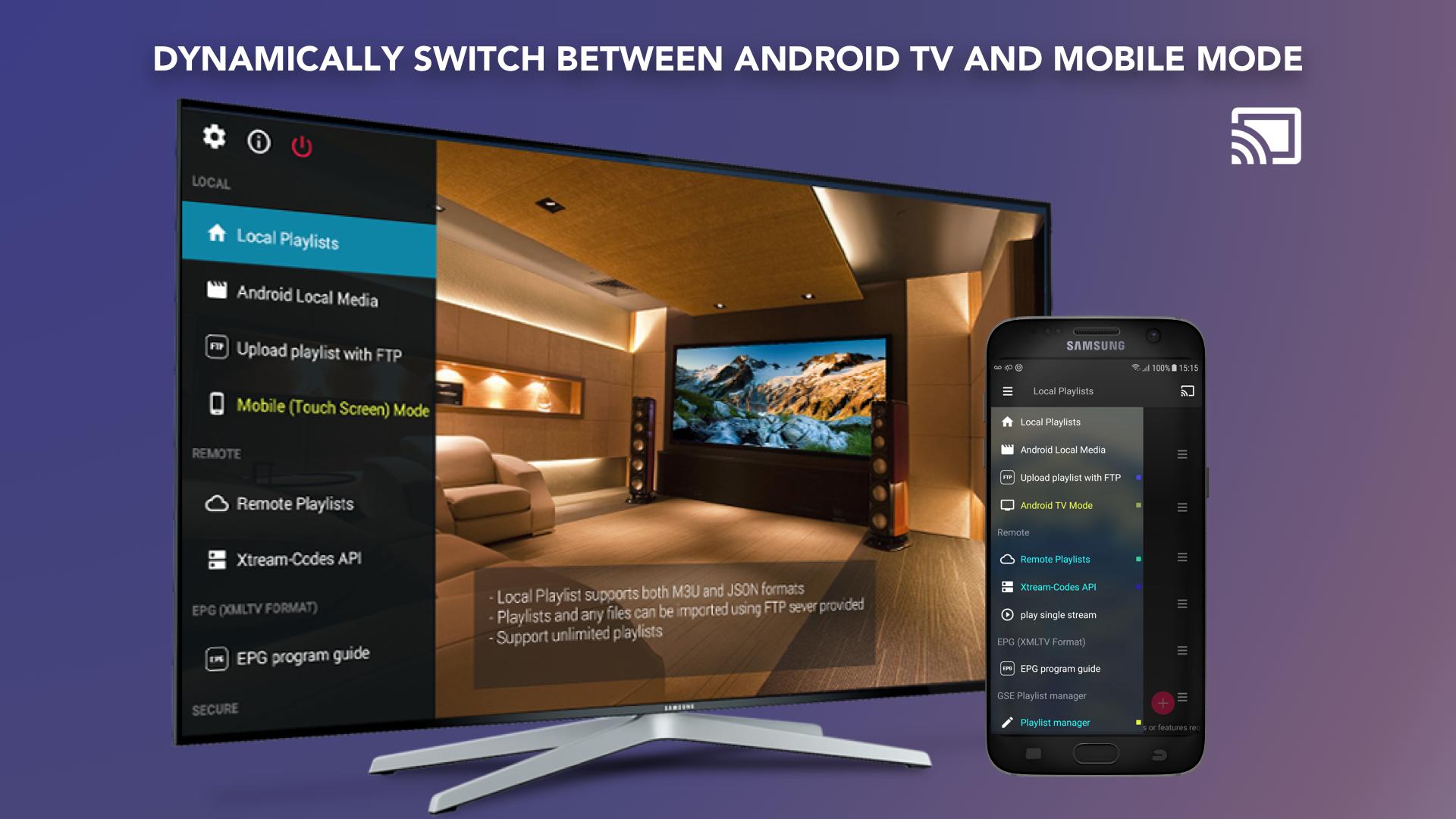
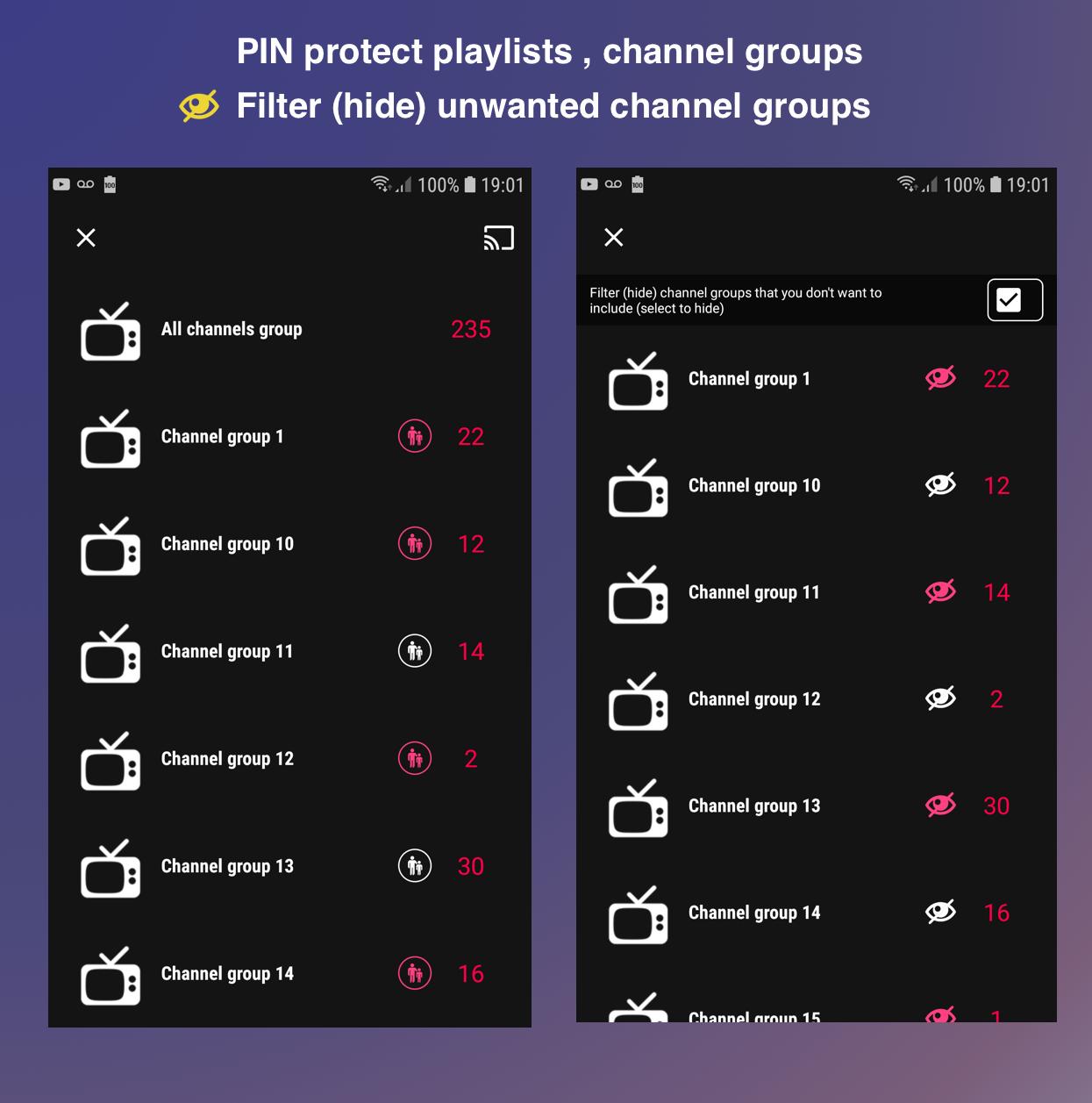
Convenience and control for daily useYou can cast to a TV with Chromecast when you want a larger screen. Parental control helps restrict access to selected content. Dynamic language switching and multiple themes let you adjust the interface to your preference, and the app is designed to work across common Android device architectures.
GSE SMART IPTV does not provide channels or media. You must supply your own playlists or server details from your content source. The app is not affiliated with any IPTV provider, service, or third party, and it only acts as a player for user provided content. For setup, have your M3U link, Xtream Codes login, or XMLTV guide ready.
GSE SMART IPTV is different from the app called Smart IPTV, also known as SIPTV. Any activation fees you may see mentioned online usually relate to other apps such as SIPTV, not this one. If you also use Apple devices, note that on iOS the related app appears as GSE Smart IPTV Player Live TV, which helps users identify it across platforms.
To get started, download GSE SMART IPTV and prepare your playlist or provider details. Setup takes a few minutes and you can manage live channels and on demand content from one interface. The steps below outline a typical first time setup on an Android phone.
GSE SMART IPTV is a configurable player for users who bring their own IPTV playlists and guides. It supports common input formats, a capable player, and practical tools for casting and control. To keep up to date, many users choose the GSE SMART IPTV latest version for stability and compatibility.
Last updated on Oct 21, 2019
V7.4
- Fix minor bugs
Latest Version
 7.4
7.4
Uploaded by
Jackson Graciano
Requires Android
Android 4.1+
Category
Report



Discover what you want easier, faster and safer.
