


Use APKPure App
Get GCash old version APK for Android

GCash is a finance app that enables cashless payments, money transfers, bills, credit, and investments.
GCash fits everyday situations where you need to move money, pay in stores, or manage finances on your phone. It brings payments and financial services together so you can handle routine tasks quickly and securely. When traveling or shopping online, it keeps spending organized in one app. Users who prefer sideloading can install the GCash APK on Android devices to start using the service.
GCash lets you send money instantly. You can transfer free from GCash to GCash, use Send to Many for group payments, or send to banks and ewallets like BPI, BDO, UnionBank, and Maya. GCash Padala supports remittances to unregistered recipients, and you can save frequent contacts to make repeat transfers faster.
Pay with QR and card worldwideGCash supports QRPh scanning in local stores and Alipay Plus acceptance abroad. For online checkout, Online Shopping Protect adds coverage up to ₱20,000 against qualified scams. You can also pay in over 200 countries with the GCash Card and use Tap to Pay where Mastercard contactless is accepted.
Bills and load in one placeGCash centralizes bill payments across more than 400 billers. Set reminders or recurring schedules so due dates do not slip. You can also buy load for all networks and manage app store, game, and movie subscriptions inside the app.
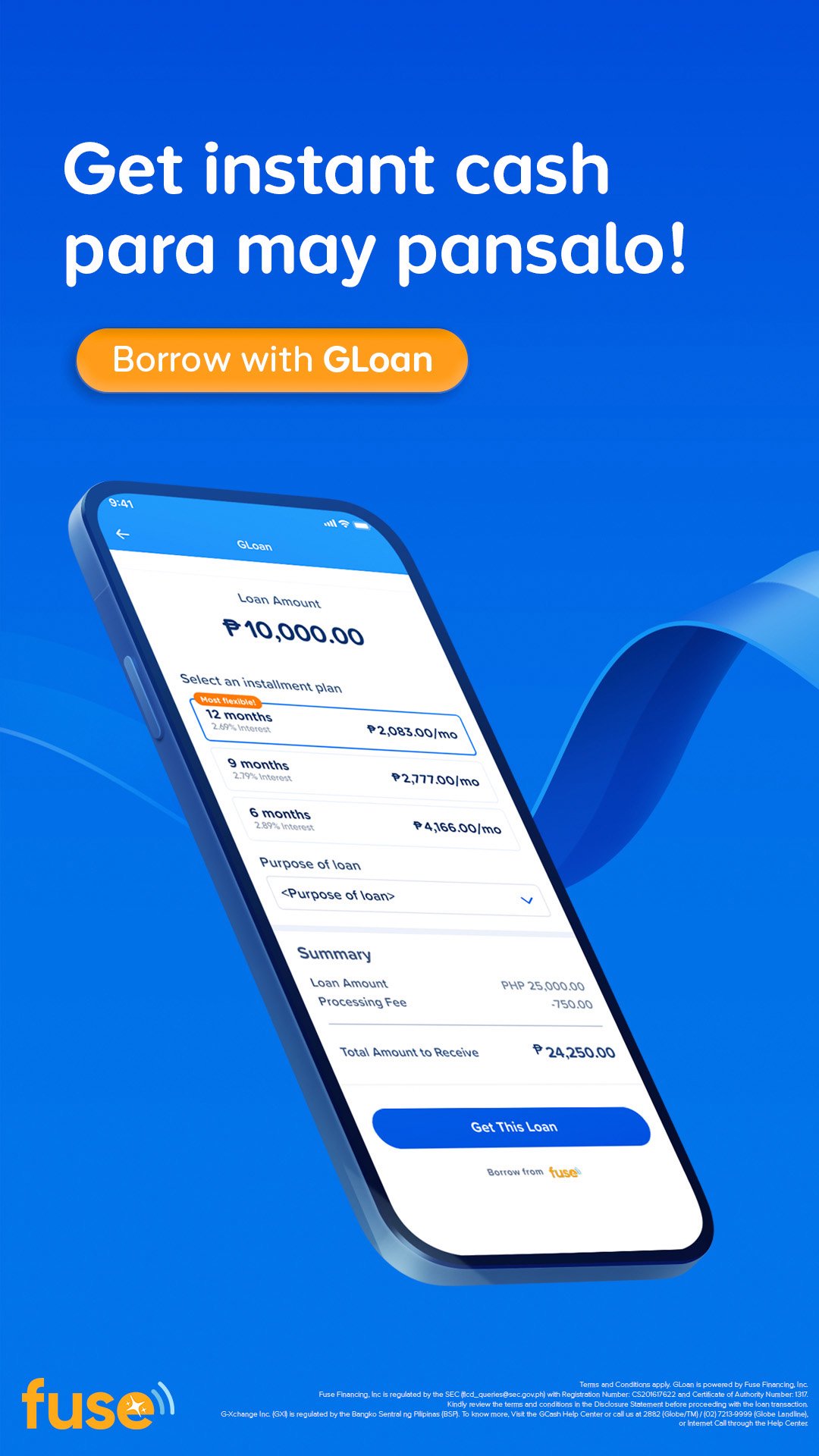
Borrow and split purchasesGCredit offers a revolving credit line with flexible payments for daily needs. For larger amounts, GLoan provides cash disbursements, while GGives lets you split purchases into installments that fit your budget. Borrow Load is available for short term promos when you need mobile connectivity fast.
Grow, protect, and go greenGCash helps you grow money through GSave marketplace accounts with no minimums, plus GFunds, GStocks PH, GBonds, and GCrypto with low starting amounts and instant approvals. GInsure covers hospitalization, accident, and travel needs. Scam protection supports safer transfers such as Express Send, and extensive cash in and cash out partners simplify moving money. GForest engages users in tree planting to support sustainability.
Before you download GCash, check if you have a registered Filipino mobile number, which is typically required for account creation. GCash works overseas for spending with Alipay Plus acceptance and the GCash Card, though some in app services are Philippines focused. Availability may vary by country and partner coverage. The GCash Android experience remains consistent across markets, but eligibility for certain features depends on local rules.
G-Xchange, Inc. is regulated by the Bangko Sentral ng Pilipinas. Lending products including GCredit, GLoan, and GGives are provided by Fuse Financing Inc., which is authorized by the Securities and Exchange Commission. This structure supports responsible access to credit and consumer protections within the app. Locally, some users refer to the service as Globe GCash, which points to its telecom roots.
Complete your GCash app download on your Android phone to start cashless payments and transfers. The setup process is guided in the app and takes only a few steps.
GCash brings payments, transfers, bills, credit, investments, insurance, and eco actions into one mobile app. For a stable experience and the newest features, update to the GCash latest version before you start.
For official information and support, visit:
Last updated on Apr 14, 2026
Introducing cashless commutes! No need to line up at the MRT or struggle with bills and change. You now have three ways to pay via GCash:
Tap your phone
Scan your QR
Tap your GCash Visa card
Also, looking for extra safe and secure investments? GBonds is here! Access it straight from the GInvest icon today.
Latest Version
 5.98.0
Uploaded by
Mynt Inc.
Requires Android
Android 6.0+
Available on

Category
Report





Discover what you want easier, faster and safer.
