


Use APKPure App
Get Gallery old version APK for Android

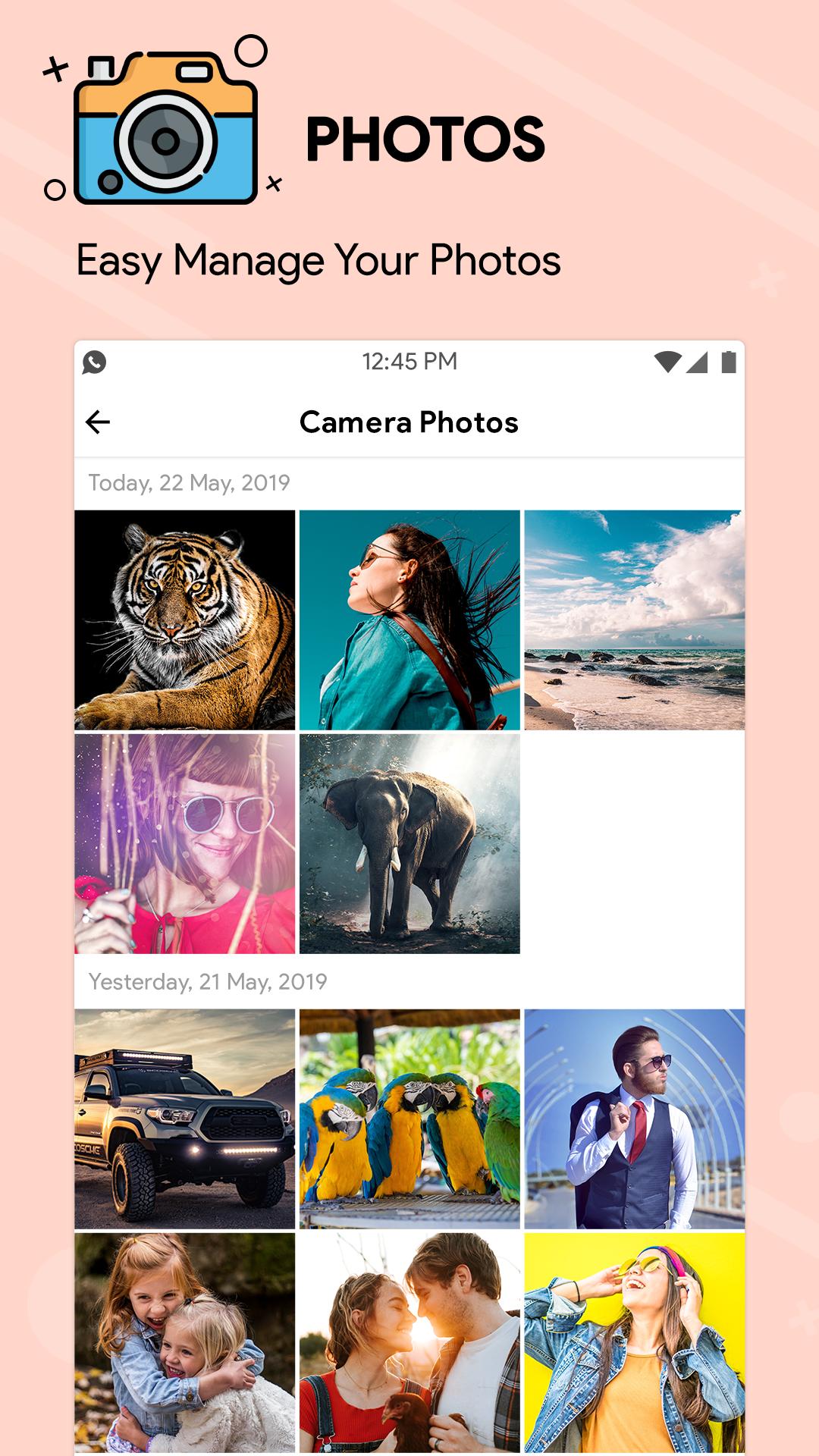
Gallery is a photo and video manager that organizes, edits, and helps you share your media.
Gallery suits users who want a clean, dependable way to handle photos and videos on their phone. It focuses on quick access to memories, clear controls, and local reliability even when you have limited data. Additionally, the interface stays simple, which helps you find and manage items without distractions. If you need a lightweight tool for everyday use, download Gallery to keep your media sorted and ready when you need it.
Gallery groups your photos and clips into helpful categories such as People, Selfies, Nature, Animals, Documents, Videos, and Movies. This saves time when you are searching for a specific shot or trying to revisit an event. You can jump into a category and scan similar items together, which reduces scrolling. It is a practical way to keep large libraries usable.
Reliable offline performanceGallery is designed to work fully offline, so your media stays accessible even without a network. The small app size and low memory usage help your device remain responsive during browsing and edits. This matters if you are on a limited data plan or using an entry-level phone. You can continue organizing and viewing anytime without waiting for connectivity.
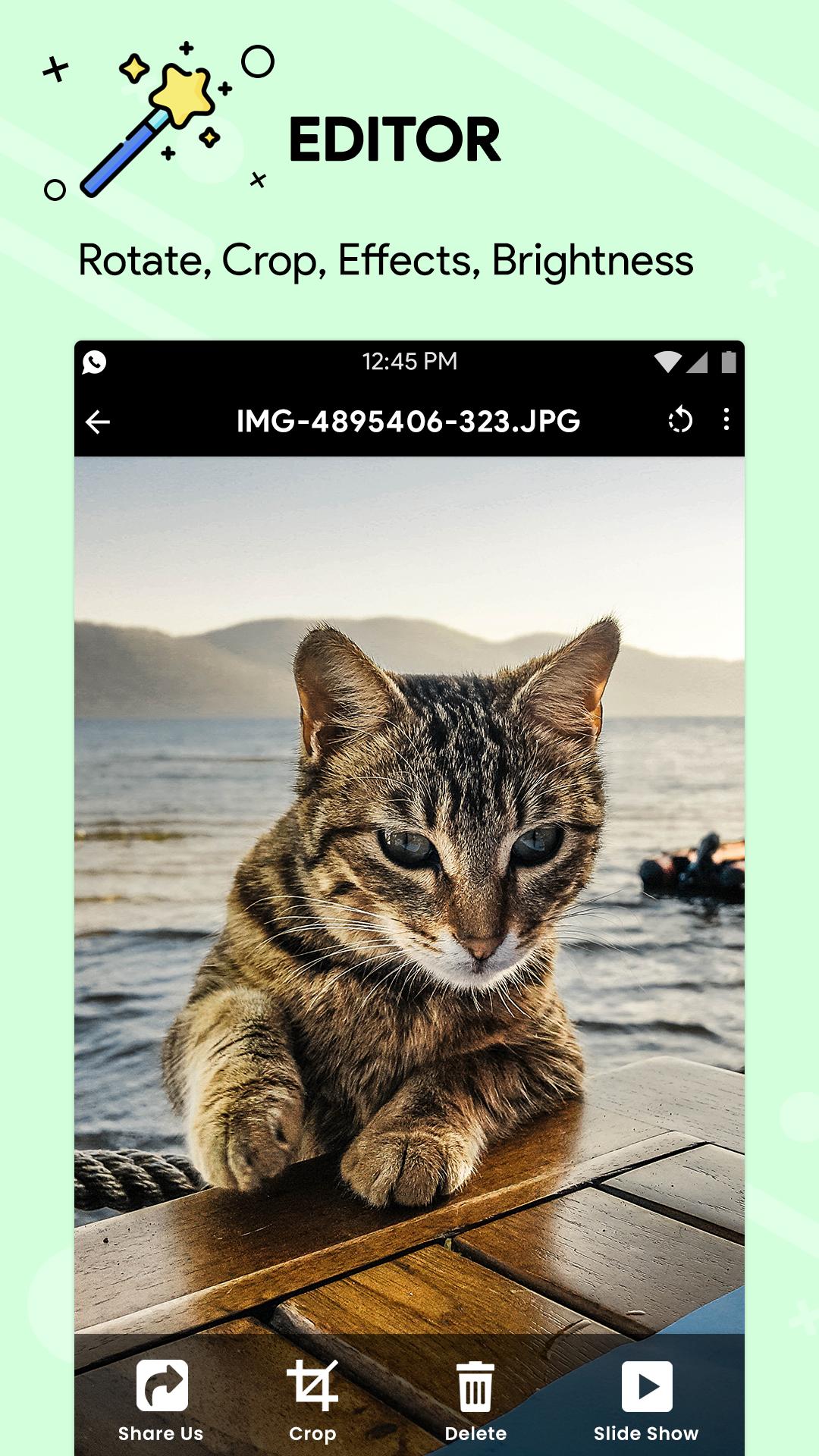
Editing, viewing, and sharing toolsGallery includes one tap auto enhance for quick fixes, plus essentials like crop, rotate, brightness, and effects. You can make fast adjustments to improve a photo and then view it in smooth HD playback alongside your other media. When ready, sharing to social apps is straightforward, and important details like timestamps and location data are preserved. This lets you keep context when you post or send images.
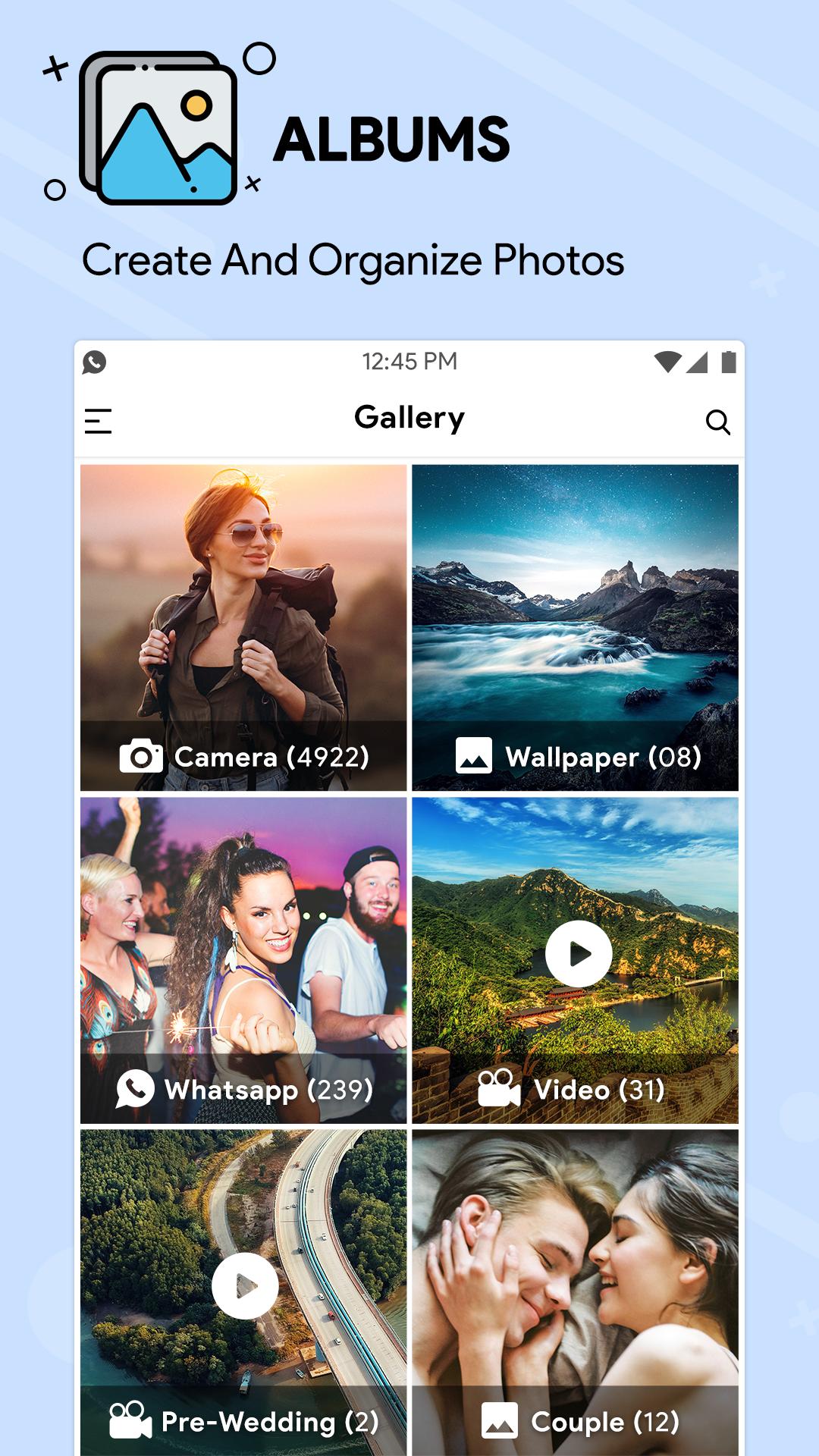
Albums and SD card supportGallery lets you create and manage albums so related items stay together. You can view, copy, and transfer files to and from an SD card, which is helpful for backups or moving media between devices. It also supports customizing album order, allowing you to keep important albums near the top. This brings structure to larger collections and makes navigation faster.
Privacy controls with a secure vaultGallery provides a PIN protected private vault for sensitive photos and videos. You decide which items to hide, and they will not appear in regular views. This simple layer of control helps protect personal content during casual browsing or when you hand your phone to someone else. It keeps private moments separate from your everyday library.
Gallery focuses on local management and offline reliability, so cloud access is not required for daily use. Availability of face grouping may vary by country, and some category labels may take time to appear while your library is scanned on device. If you prefer a more orderly view, customize album order to place your most used albums first. These options help set expectations before you start organizing a large collection.
For smoother transfers, insert your SD card and open Albums to select media you want to move or copy. If prompted for storage access, grant permission so the app can read and write files on the card. After moving items, use your device’s safe eject option before removing the SD card to avoid file errors. This approach helps prevent missing thumbnails and keeps your folders intact.
After installation, open Gallery and let it scan your media so everything shows up in categories and albums. If you prefer manual installation, use a trusted source for the Gallery APK and confirm storage permissions before first use.
Gallery offers a straightforward way to organize, edit, protect, and share your photos and videos. To stay up to date, check for the Gallery latest version when you plan new installs or device upgrades.
For official resources and support, use the links below.
Last updated on Mar 7, 2026
Minor bug fixes and improvements. Install or update to the newest version to check it out!
Latest Version
 2.5.82
Uploaded by
gallery
Requires Android
Android 5.0+
Available on

Category
Report



Discover what you want easier, faster and safer.
