


Use APKPure App
Get facebook lite old version APK for Android

Facebook Lite is a social networking app that keeps core Facebook features while using fewer resources.
Facebook Lite helps users who have limited storage, older Android phones, or slow and unstable connections. It keeps the essential Facebook experience so you can stay connected without heavy downloads. Because it is built for efficiency, the app installs quickly and runs smoothly on many devices. Whether you browse at home or on the move, it focuses on reliable access and low data use to reduce strain on your plan. If you prefer a compact package, the Facebook Lite APK offers a lightweight way to stay in touch.
Fast install and small footprint
Facebook Lite installs quickly and uses minimal storage. That helps your phone keep free space for photos and other apps. You can get started in less time, and updates are also lighter. This suits users who manage tight device storage.
Optimized for older devices
The app is built to run on a wide range of Android phones, including older models. It keeps performance stable even when hardware is limited. As a result, you can access core features like viewing your feed and managing your profile without needing the standard Facebook app.
Lower data usage
The Facebook Lite app is designed to use less mobile data while you scroll, view photos, and share updates. This reduces data costs over time, especially on limited plans. You can browse more often with fewer surprises on your bill.
Faster loading and photo uploads
Pages, profiles, and the feed load quickly so you spend less time waiting. Photo uploads start fast and finish reliably, even during busy hours. This helps you post moments promptly and keep conversations moving.
Reliable on slow connections
Facebook Lite is tuned for all network types, including 2G and areas with unstable service. When signals drop or speeds vary, the app keeps core functions available. You can receive updates and send posts with fewer connection interruptions.
Select Facebook Lite if your device has limited storage, uses older hardware, or often connects on slow or unstable networks. The app focuses on speed, small install size, and lower data use, while keeping the main Facebook experience. If your phone has ample storage and a stable high speed connection, the standard Facebook app may offer a richer interface, though it requires more resources. When comparing options, check the Facebook Lite latest version details to see recent stability and performance improvements.
Facebook Lite for Android is simple to get started with, even on older phones. After installation, you can log in, browse your feed, and share updates. The steps below outline the basics.
Facebook Lite keeps essential Facebook functions in a compact app designed for lower data use and broader device support. To begin, download Facebook Lite and sign in to stay connected on slower networks.
Last updated on Sep 7, 2021
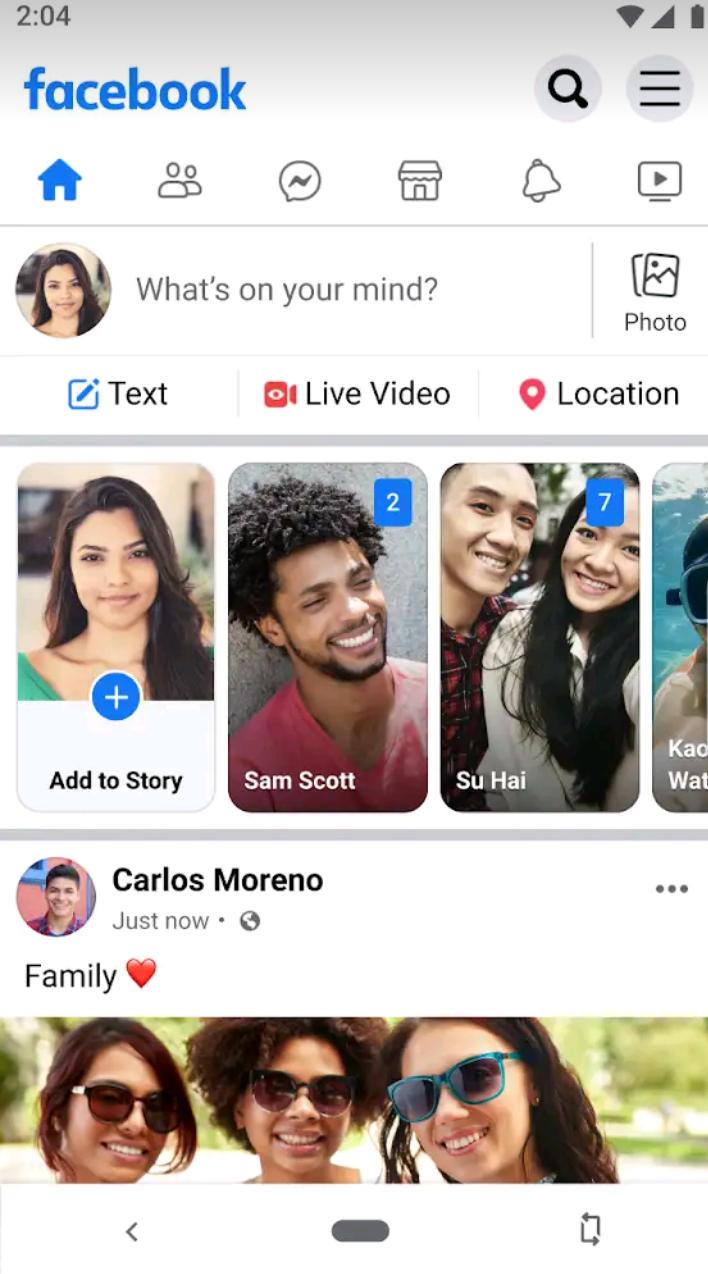
this is new facebook lite app
Latest Version
 9.8
9.8
Uploaded by
Noman awan
Requires Android
Android 4.4+
Available on
Category
Report



Discover what you want easier, faster and safer.
