


Usar la aplicación APKPure
Obtener Assistive Touch versión histórica en Android
Toque de asistencia, Manual de iPhone, Ayuda de iPhone, Botón de inicio, Menú de asistente, Toque
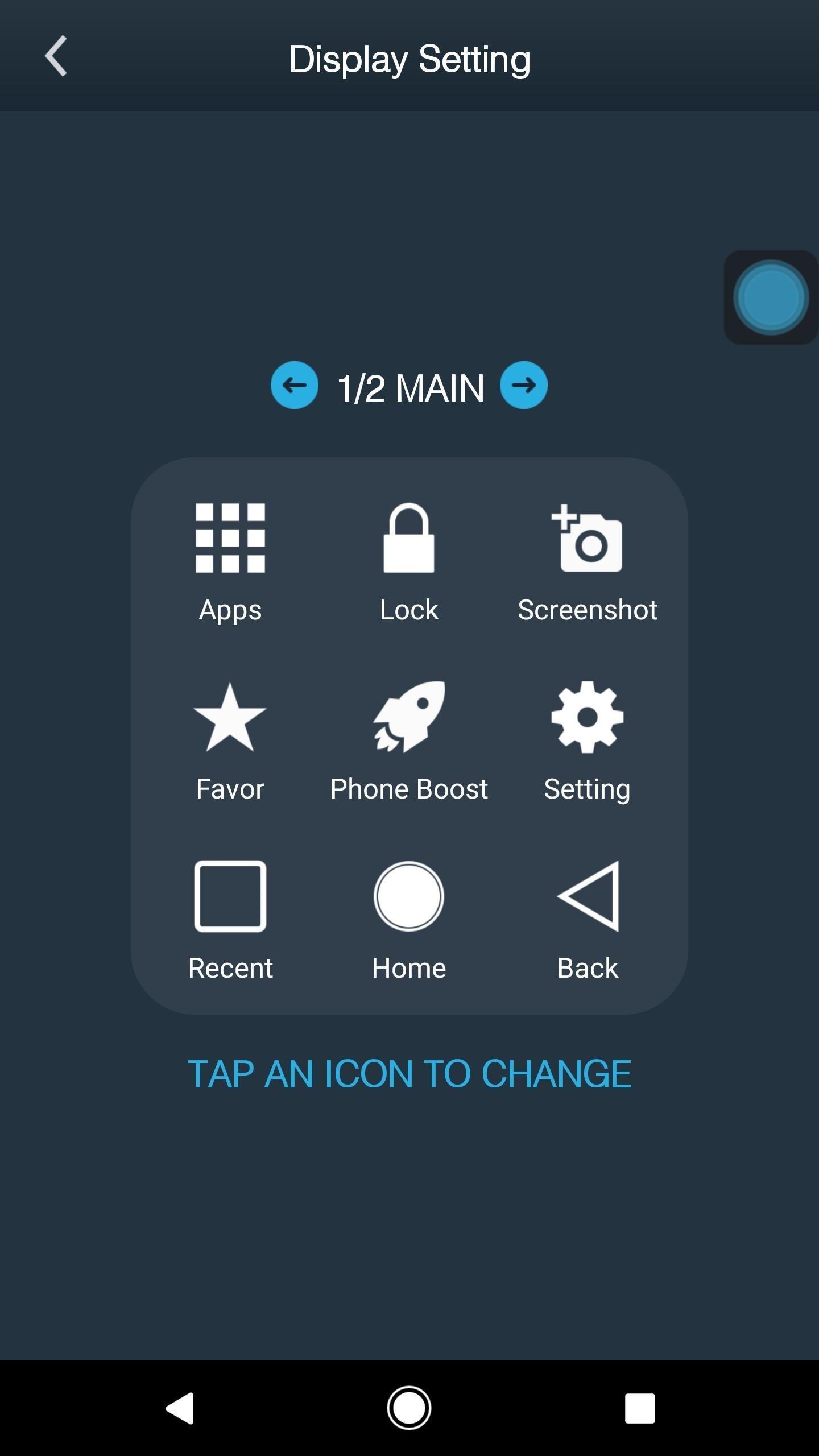
You can use AssistiveTouch to adjust volume, lock your screen, use multi-finger gestures, restart your device, or replace pressing buttons with just a tap.
To access your Notifications, open the AssistiveTouch menu and tap Notification. To get to the control, open the AssistiveTouch menu. From here, you'll be able to do things like turn Bluetooth on and off, use Wifi on and off, take screenshots, and more.
Access menus and controls that require onscreen gestures like:
Control Center
Notification Center
Spotlight
Home
App Switcher
Speak Screen
The menu gives you access to functions that would otherwise be controlled by pressing physical buttons or moving the device. Here's some of what you can do:
Activate the Accessibility Shortcut
Lock the screen
Adjust the volume
Summon Siri
Restart the device
Capture a screenshot
Simulate shaking the device
"This app uses the Device Administrator permission." It is necessary and used only for locking the device when you use feature turn off the screen. You need to enable Administration before it can be used that feature. To uninstall the app, please open my app and click the "Uninstall" button.
"This app uses Accessibility services." It is necessary and used only to perform a global action. For example going back, going home, opening recent, power dialog, notification etc. You need grant this permission to use that action.
- CAMERA to turn on Flashlight, not take a photo.
- READ_PHONE_STATE only listen state of phone to make app work properly.
- BIND_DEVICE_ADMIN only use for lock the screen function. App does not use the permission for any other purpose.
- We never publicly disclose any personal or sensitive user data related to financial or payment activities or any government identification numbers, photos and contacts, etc.
Last updated on 25/03/2020
Minor bug fixes and improvements. Install or update to the newest version to check it out!
Última Versión
 1.0
1.0
Presentado por
Ch Ahsan
Requisitos
Android 4.1+
Categoría
Reportar




Discover what you want easier, faster and safer.

Assistive Touch
Home Button - Touch id1.0 by Mods Addons Maker
25/03/2020