


Use APKPure App
Get DroidFish old version APK for Android

DroidFish is a chess analysis app that brings the Stockfish engine to Android.
DroidFish helps you study positions, review games, and play chess on one device when you want clear feedback and control. It suits quick checks after a club game, longer home analysis, or casual play against an adjustable engine. Because it is open source, users can explore a transparent tool that emphasizes flexibility and accuracy. With a clean board view and practical controls, the app focuses on doing the chess basics well while still supporting advanced study. For direct installation needs, some users look for the DroidFish APK.
Stockfish inside with adjustable strength
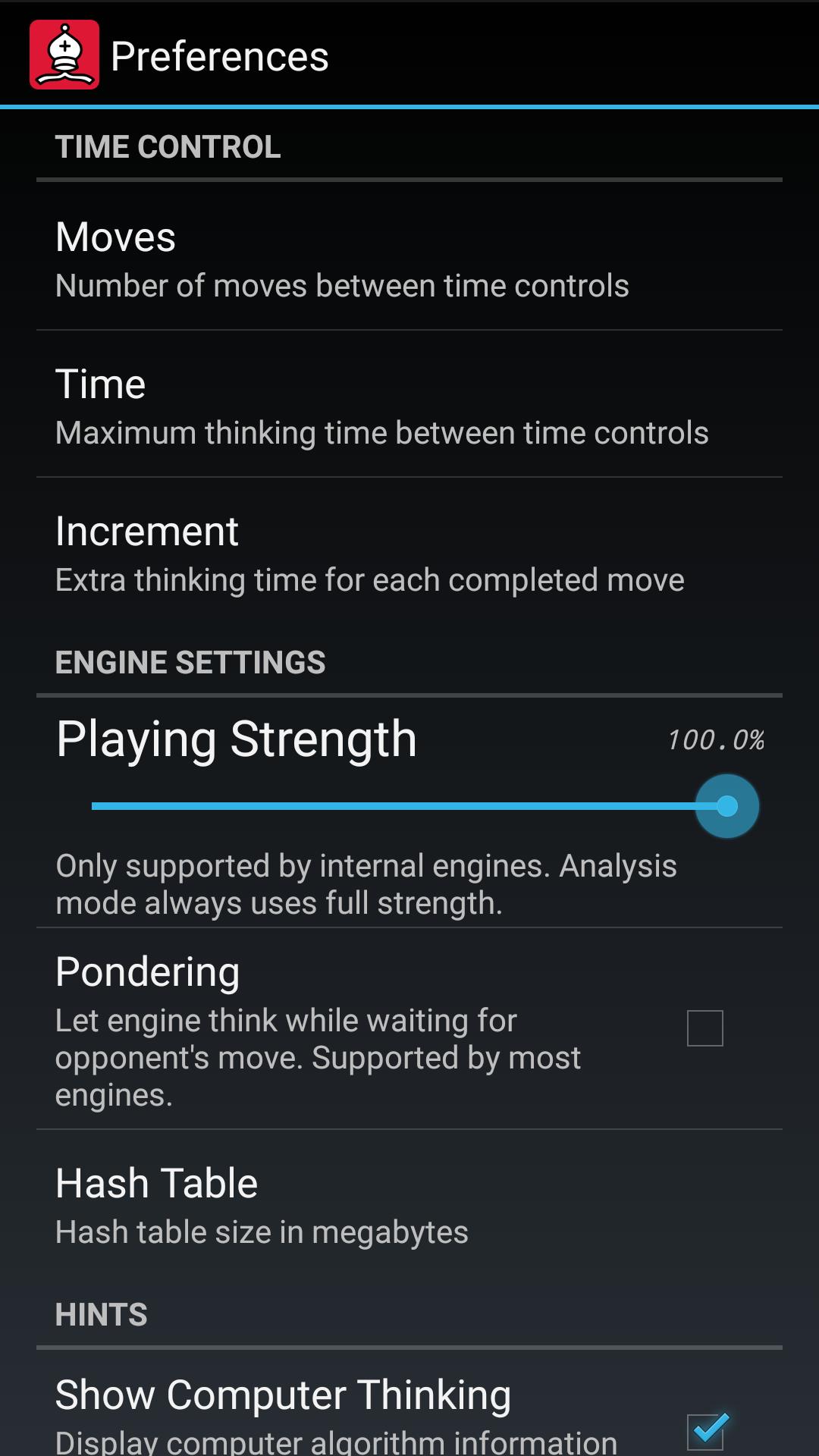
DroidFish includes the Stockfish engine for grandmaster strength analysis and play. You can adjust engine strength to match your level, which helps with training and fair games. For beginners, the app also offers CuckooChess as a gentler opponent. This range makes it easy to move from practice to serious analysis.
Analysis that shows lines, scores, and opening names
When you analyze a position, DroidFish can show multiple principal variations, evaluation scores, and mate distances. Arrows on the board and ECO opening names give quick context without leaving the main view. If you want to document ideas, a one tap Add analysis action records the current evaluation and lines into your notes.
Game and position tools for everyday study
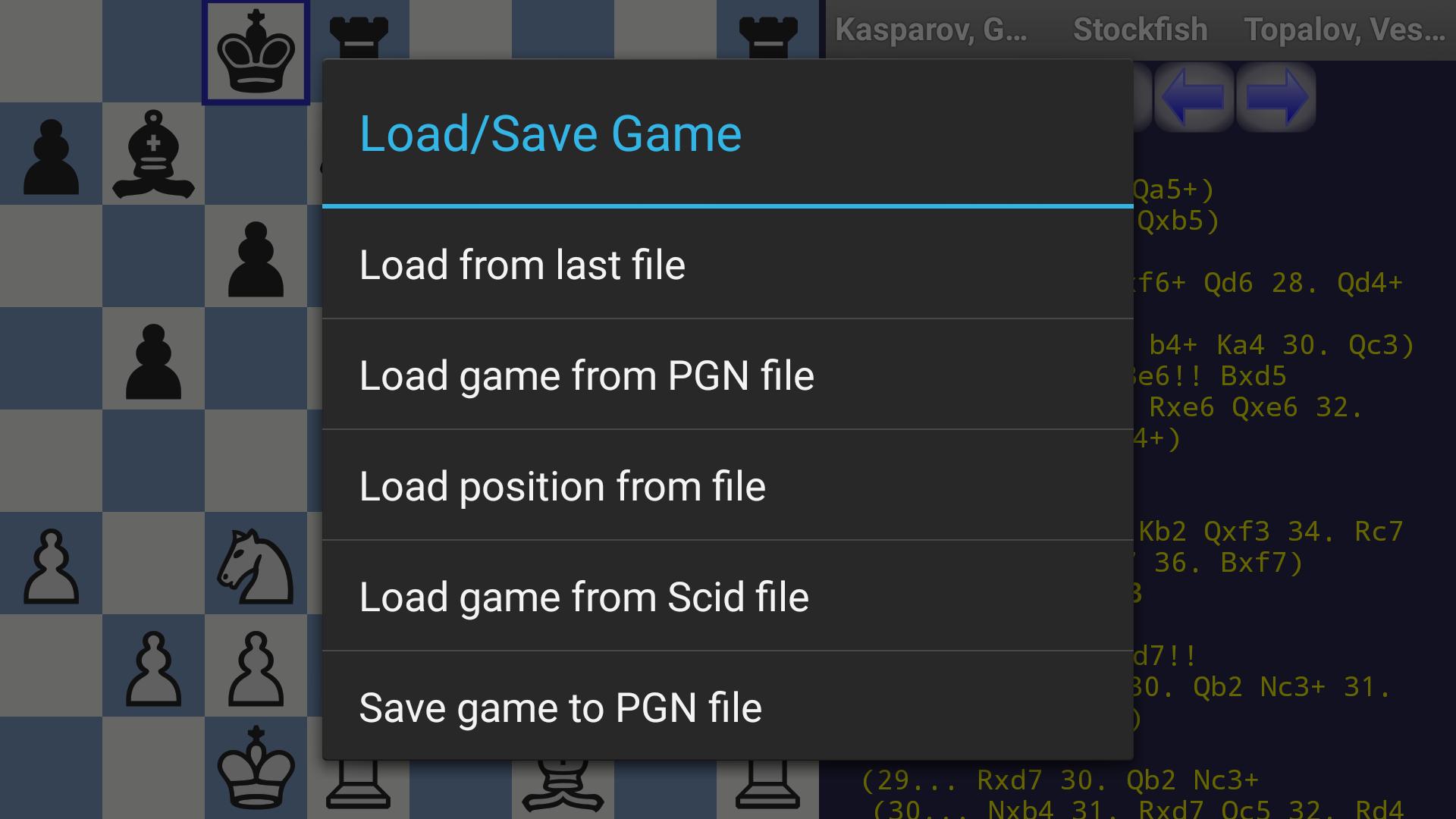
You can import, edit, and export PGN, or bring in FEN and EPD for single positions. The board editor lets you set up tactical puzzles, endgames, or custom studies with a few taps. A two player mode, chess clocks, blindfold options, themes, and simple animations support casual play and focused practice. These tools make it straightforward to manage both full games and quick position checks.
Opening books and tablebases for deeper accuracy
DroidFish can use built in and external opening books in formats such as polyglot, CTG, and ABK. During endgames, Syzygy and Gaviota tablebases provide exact outcomes and on board hints. This combination helps you verify book moves in the opening and find correct technique in simplified endgames.
Engines and integrations for power users
If you need more options, you can load third party UCI engines or connect to remote engines over a network. DroidFish also supports open exchange engine apps to streamline setup. For study workflows, the app works with Scid on the go to open games from databases, and with ChessOcr to scan positions from print. You can share PGN, text, or images to other apps, and many settings are configurable to fit your routine.
DroidFish is free and open source under the GPLv3 license. The source code is available on GitHub, which allows users and developers to review, build, or contribute. This transparency helps confirm how engines, books, and tablebases are used inside the app. It also supports long term maintenance through community involvement.
Storage access is used for the app’s own DroidFish directory where games, books, and engine files can be saved. Internet access is optional and is mainly needed when you choose to connect to remote or network engines. Vibration is optional and can be toggled in settings if you prefer quiet feedback. These controls help you manage what the app accesses on your device.
Beginners can start with a lower engine level or use CuckooChess to build confidence. Intermediate players can study multiple lines, check ECO names, and annotate games for club play. Advanced analysts can load third party engines, consult Syzygy tablebases, and integrate external databases for deeper work. This range keeps the same interface useful as your strength and study habits change.
Getting started is quick, and the app is flexible for both play and analysis. After you download DroidFish, the first launch shows a clean board so you can begin with a new game or load a file. The steps below outline a simple flow from setup to saving your work.
DroidFish brings Stockfish analysis, practical game tools, and advanced engine options into one Android app. It supports casual play, serious study, and integration with databases and tablebases. To stay current, users often look for the DroidFish latest version when setting up new study workflows.
Last updated on Dec 8, 2024
Minor bug fixes and improvements. Install or update to the newest version to check it out!
Latest Version
 1.86
1.86
Uploaded by
Peter Österlund
Requires Android
Android 4.1+
Category
Report




Discover what you want easier, faster and safer.
