


Use APKPure App
Get Device Emulator old version APK for Android

Device Emulator is a system utility app that masks selected device identifiers.
Device Emulator helps when you need to test apps or limit how your device details are reported. It works by serving user‑defined values to other apps while keeping the original identifiers untouched. Root access and the Xposed Framework are required, and setup must be done carefully. Changes often apply without a reboot, although some devices may need one. For safer use, back up your data and ROM before making changes to the Device Emulator APK.
ID masking for common parameters
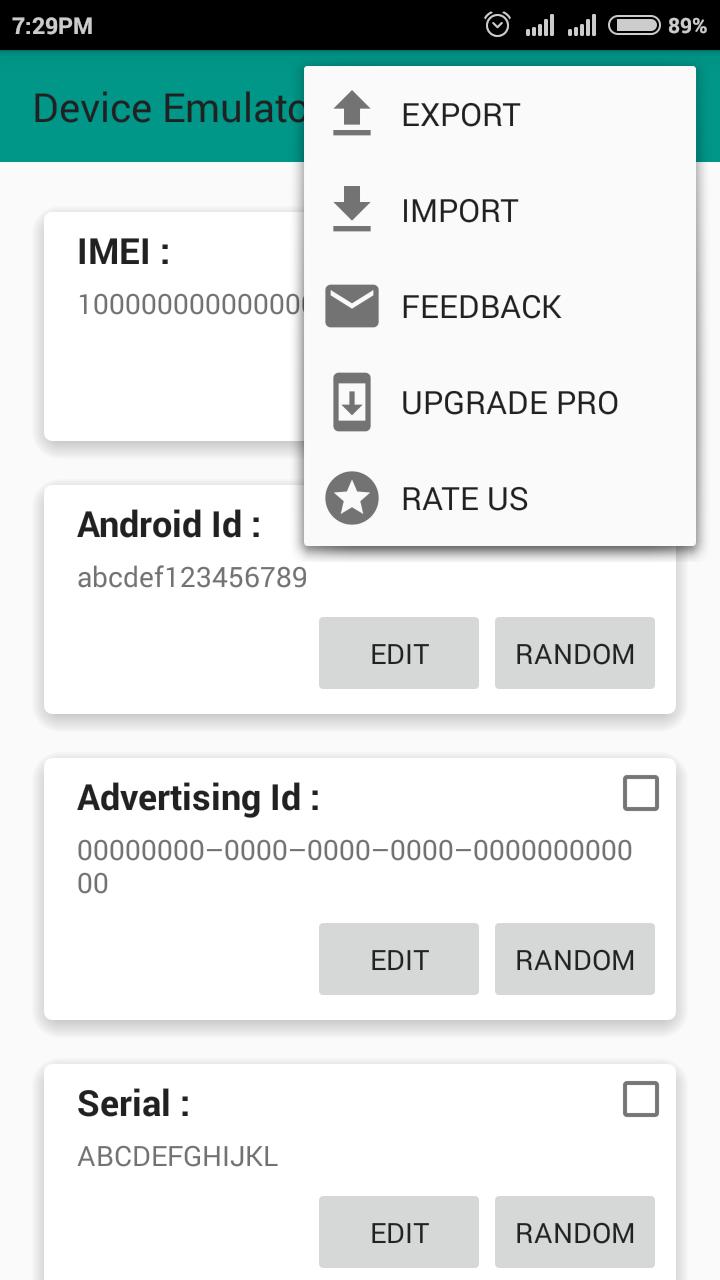
You can override what other apps read for key identifiers. Supported items include IMEI, device ID, serial, Bluetooth MAC, Wi‑Fi MAC, Wi‑Fi SSID, network operator country and name, MCC and MNC codes, Google account, and Google Advertising ID. Some identifiers such as mobile number, SIM card serial, and SIM subscriber ID are available in the pro version. Original values on the device remain intact.
Configuration and control
For changes to take effect, close running apps and clear the recent list before checking results.
Requirements and setup
Root and the Xposed Framework are mandatory. If you are unfamiliar with Xposed, do not use this app. To enable it, install the app, activate the module in Xposed, restart the phone, then open the app to adjust settings. Provide the target app’s package name when masking a Google account. Only proceed to download Device Emulator if these conditions are met.
This tool focuses on controlled ID masking for testing and privacy scenarios. Ensure backups are in place, and apply changes with care. Check device compatibility and follow the setup steps before using the Device Emulator latest version.
Last updated on Jul 21, 2025
Minor bug fixes and improvements. Install or update to the newest version to check it out!
Latest Version
 3.6
3.6
Uploaded by
Astrazen Labs
Requires Android
Android 4.1+
Category
Report


Discover what you want easier, faster and safer.
