


Use APKPure App
Get Quick File Manager old version APK for Android
Quick File Manager voll ausgerüstete Dateiverwaltung - My Files Tool Partitionen
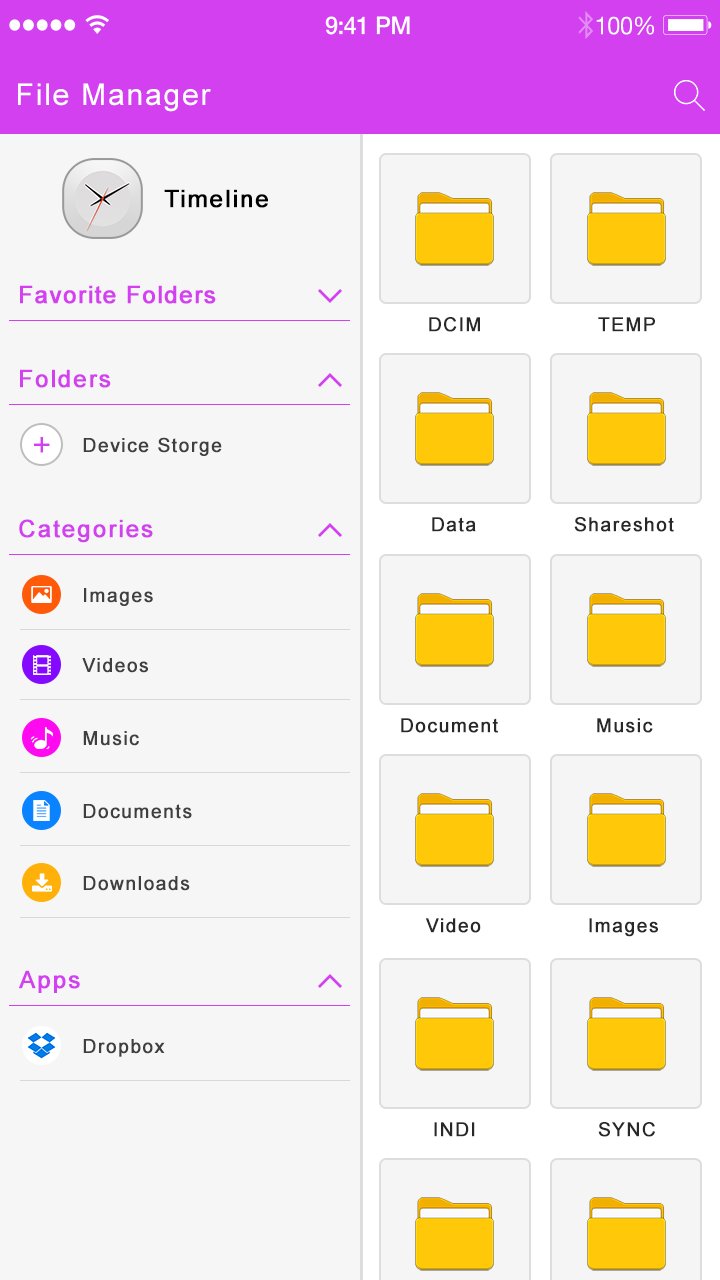
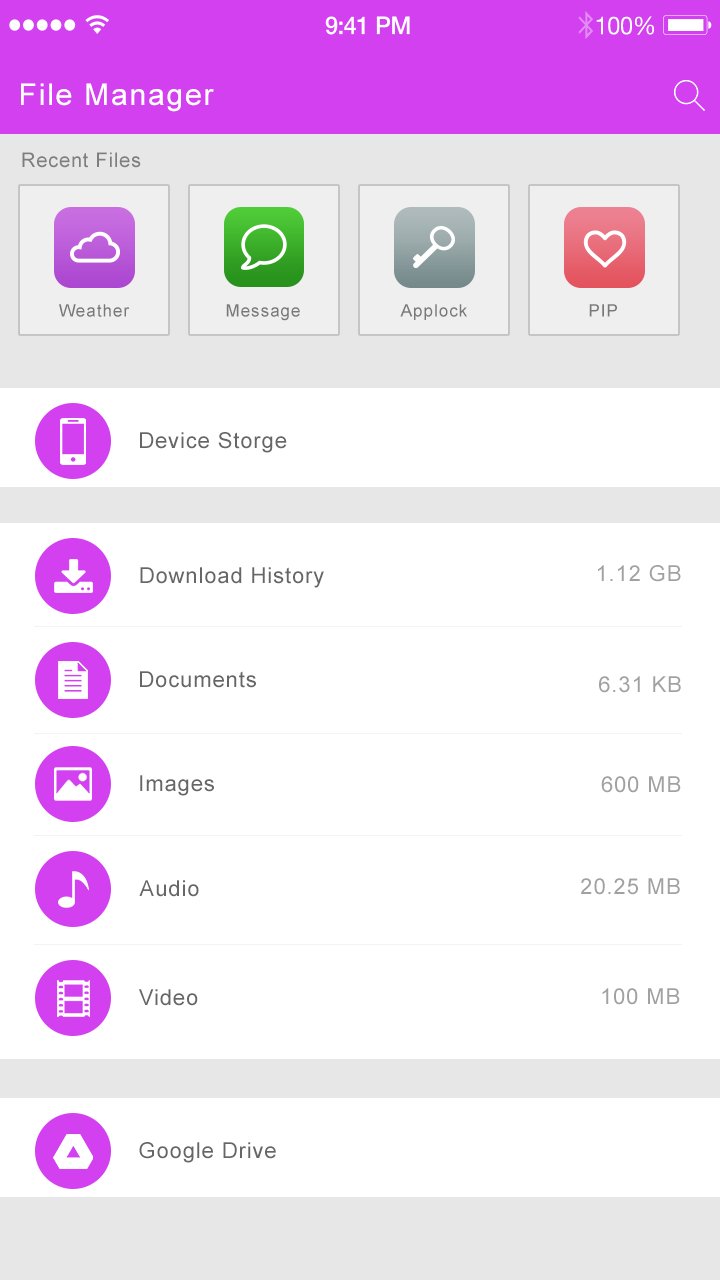
Quick File Manager File Manager allows you to copy, move, rename, delete or share files to and from any of your storage. It also lets you browse and access your files by category.
Quick File Manager is best and popular file manager in play store. This file manager have latest features and facility provide in this file manager. Ultimate File Manager is easy and powerful file explorer for Android. It’s free, fast and full-featured. Because of its simple UI, it’s extremely easy to use. With Quick File Manager , you can easily manage your files and folders in your device, Network-attached storage and cloud storages.
Fully Featured File Management - My Files Tool! Quick File Manager Manager is the best File Explorer on Android. It allows you to browse your SD card, create directories, rename, copy, move, and delete files.
Free, Safe, Simple, Manage your files efficiently and easily with My File Explorer HD (File Manager HD)!
Key Features
- Quick File Manager Basic Options : Cut, Copy, Paste, Delete, Move, Extract, Zip, Share, Rename, New Folder etc.
- Media Partitions : From drawer to you can make it separate best media storage.
Partitions: Photos, Videos, Audio, Documents, APK Files.
- Internal & External Partitions : Handle internal or external file manager from the app. if external memory cards available
Then it will shows based on grid design.
- App Manager : Easy to find phone app manager & get appropriate operations like
Operations: Open Apk, Backup, Uninstall, Share, Properties etc
- Hide & Unhide Media : Its main feature of the app, you can hide or unhide media file & create secret collection for file explorer.
- Custom Grid Design: Select gride for your photos, videos, documents, audios etc. you can change it also from setting.
- Full-featured File Explorer (Manager)
My Files Android file manager (Explorer) provides full-featured file management, including cut, copy, paste, move, delete, rename, check detail, share files, etc. for internal memory, External Memory and SD card. It works perfectly as file renamer and viewer as can open any file format. Stream multimedia files such as music or videos or open documents, pictures, or photos stored in any of your Cloud storage accounts.
-Reaching: Its very smooth & easy to search any folders, files, or any type of collections around the phone.
- Sort : life become easy if sorting is there, Can sort Ascending or Descending Orders
Sorts : Sort by Name, Sort by Type, Sort by Last Modified, Sorting by Size
Last updated on May 18, 2017
Minor bug fixes and improvements. Install or update to the newest version to check it out!
Aktuelle Version
 1.3
1.3
Von hochgeladen
李侃欣
Erforderliche Android-Version
Android 3.1+
Kategorie
Bericht





Discover what you want easier, faster and safer.

Quick File Manager
1.3 by com.amazing.kincan
May 18, 2017