


Use APKPure App
Get Crackle old version APK for Android
Crackle is a free, ad supported streaming app that offers on demand movies, TV shows, and originals.
Crackle suits users who want to watch without monthly fees and still find familiar and new titles easily. It focuses on simple discovery through collections and regular refreshes, so browsing stays straightforward across the app. Availability and catalog can vary by region, and access may change over time. The service includes a strong mix of classic hits and cult favorites alongside notable British TV. Users can install the Crackle APK on Android and start watching in supported areas.
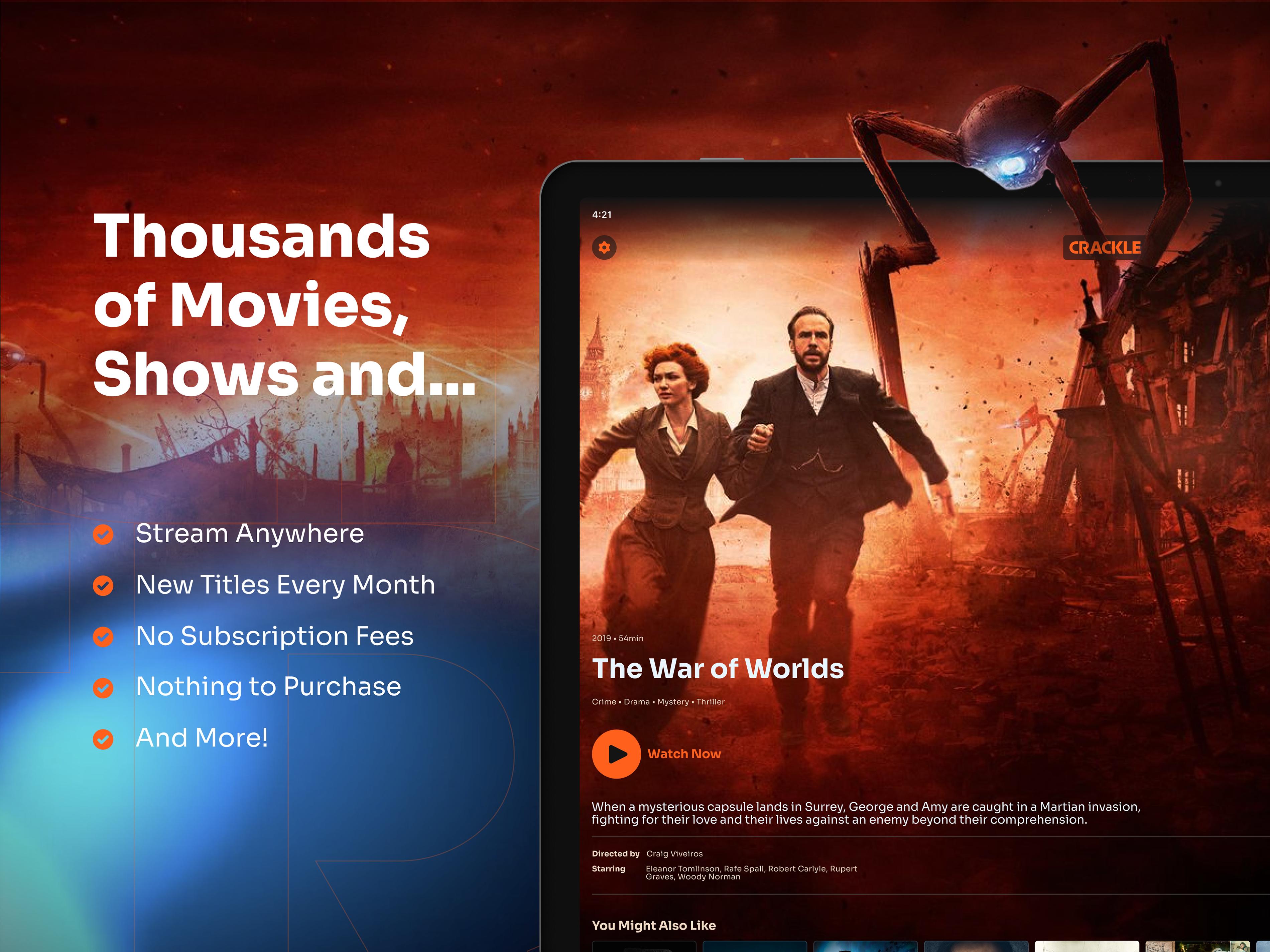
Crackle lets you watch movies, TV shows, and originals without paying for a membership. Viewing is supported by ads, so there are no recurring charges to keep track of. This model makes it easy to jump in, watch, and leave when you are done.
Browse a wide range of genresYou can explore action, comedy, crime, drama, horror, thrillers, black entertainment, westerns, and classic TV. Genres help you narrow choices quickly, then move through collections that group related titles. This setup keeps decisions simple when you only have a few minutes to pick something.
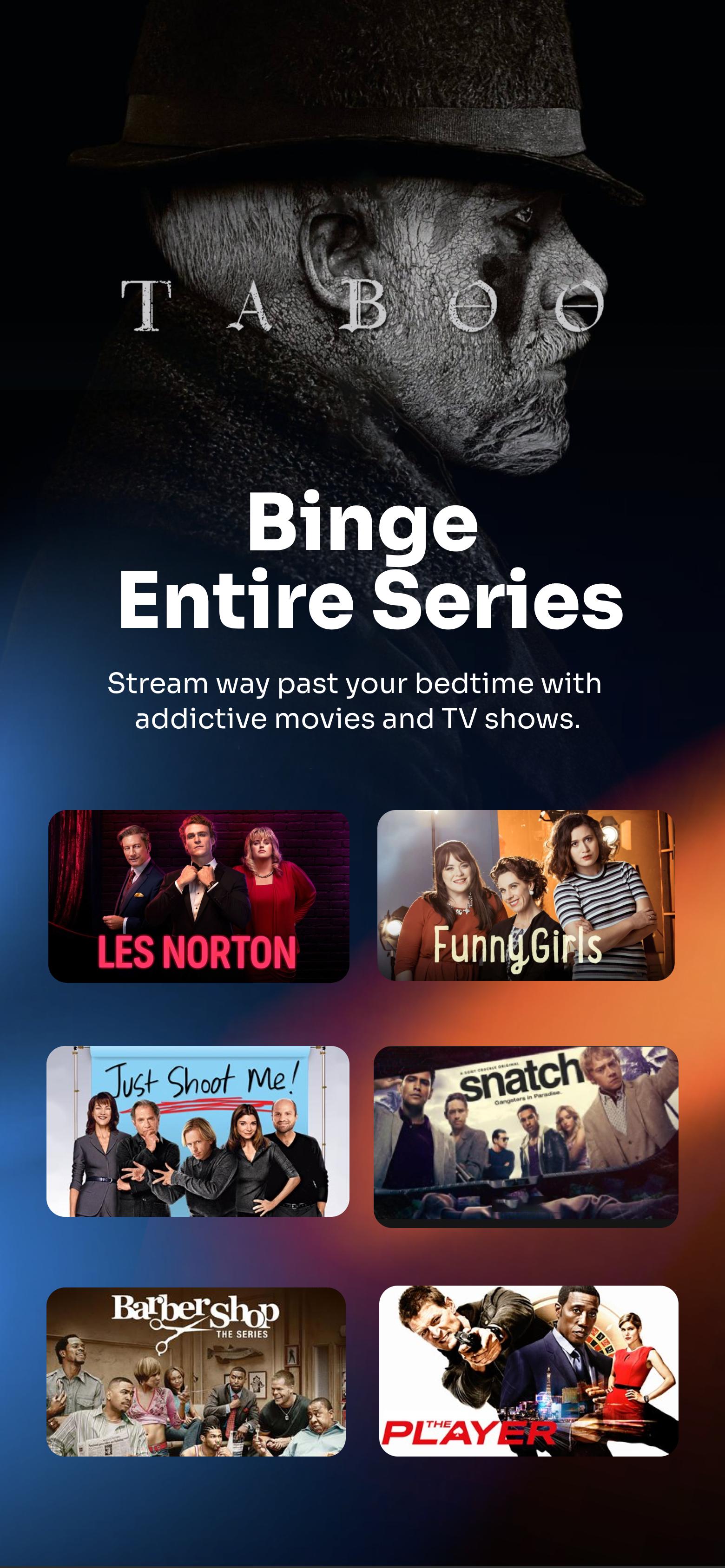
British TV highlightsCrackle features a strong catalog of British series, including fan favorites such as Sherlock, Taboo, and Ripper Street. Titles surface in curated rows so you notice them during regular browsing. As with any streaming service, specific availability can vary by region.
Simple navigation and weekly SpotlightCrackle organizes content into Movies and TV sections with clear genre filters to guide you. Weekly Spotlight selections present handpicked picks from the team, which helps you find new releases and iconic shows without long searches. This curation keeps the app feeling fresh week to week.
In app playback with subtitles and alternate audioCrackle plays videos directly in the app, so there is no need for an external player. You can enable subtitles and choose alternate audio tracks, such as English or Spanish, inside the video controls. These options help match playback to your language preference.
Access to Crackle depends on your location. Some users may see a “not in a supported region” message if the service is not available where they live. Catalogs also differ by country, so specific titles can change when you travel or move.
The service continues to operate as a free, ad supported streaming platform in supported regions. Crackle has a legacy association with Sony, which reflects its content history and brand recognition. Service details can evolve, so check the app for current access in your area.
What happened with the Crackle app? The app’s focus remains free, ad supported streaming with weekly curated updates. Content and access are adjusted over time to match regional licensing and availability.
Was Crackle shut down? The app is still available in supported regions. If you receive a region not supported notice, playback may be restricted in your location.
Crackle app not working? First confirm regional support in the app. Then check your network, close and reopen the app, and update to the Crackle latest version to ensure you have current fixes and content.
After installation, open the app to start browsing movies and shows. The layout helps you move between sections and find something quickly. You can download Crackle and follow these steps in supported regions.
Crackle provides free, ad supported streaming with easy navigation, curated picks, and multi language playback controls. If this approach fits your viewing needs, install the Crackle latest version on your Android device and start exploring the catalog.
Last updated on Sep 25, 2023
Minor enhancement
Latest Version
 7.1.2
7.1.2
Uploaded by
عه لي عه بدولا
Requires Android
Android 6.0+
Category
Report





Discover what you want easier, faster and safer.
