


Use APKPure App
Get CLICK PLUS Provisioning old version APK for Android
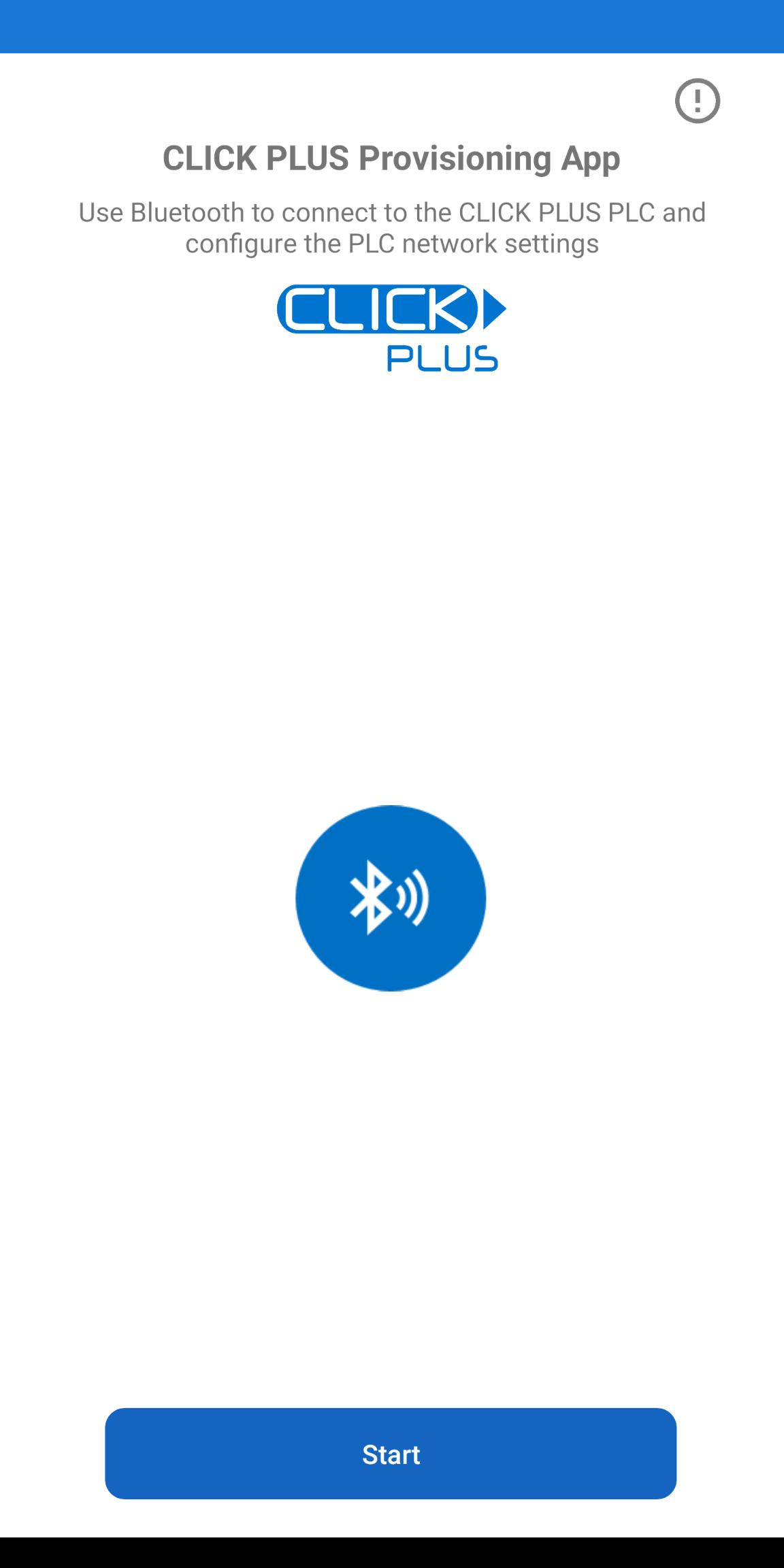
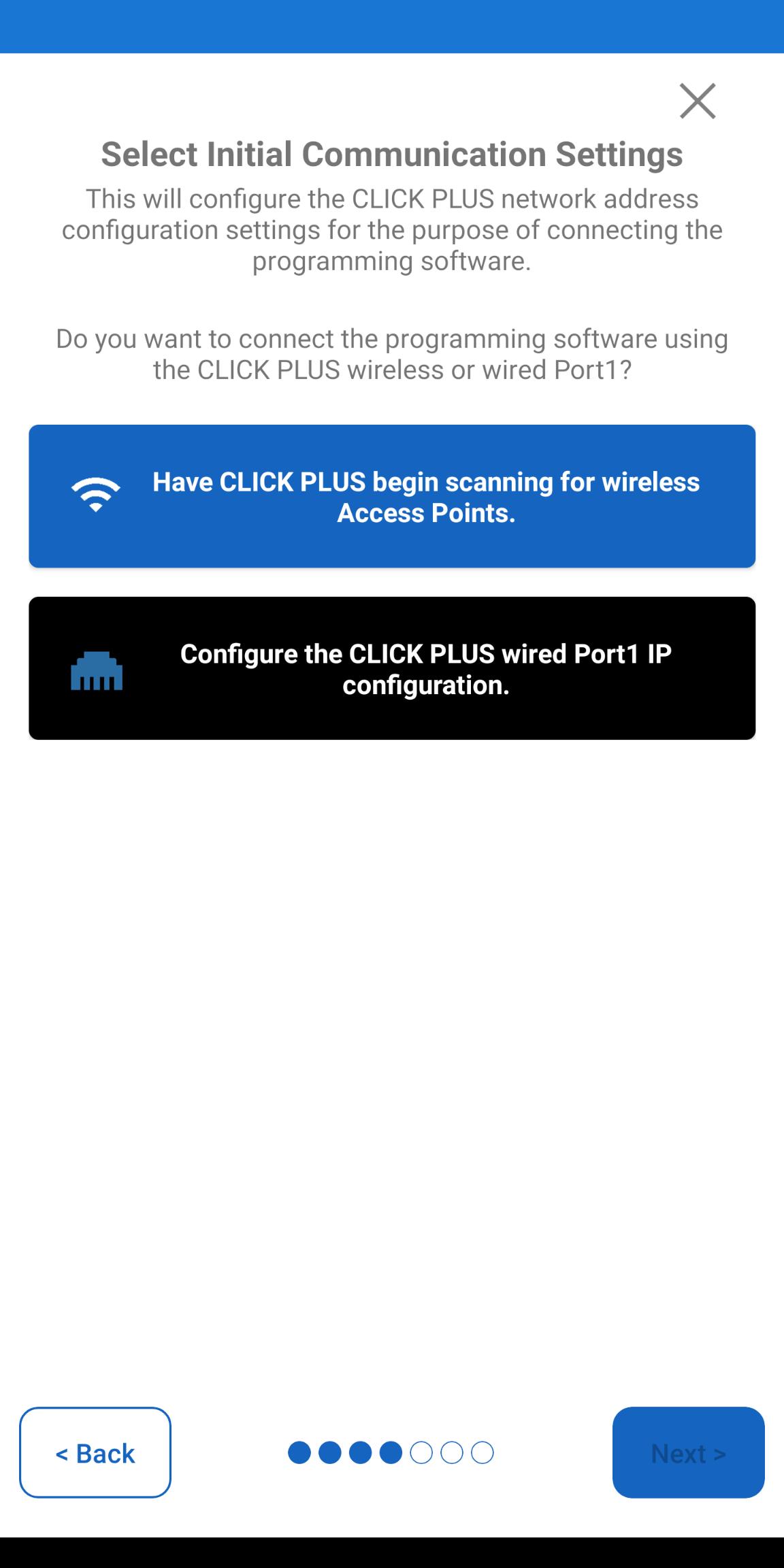
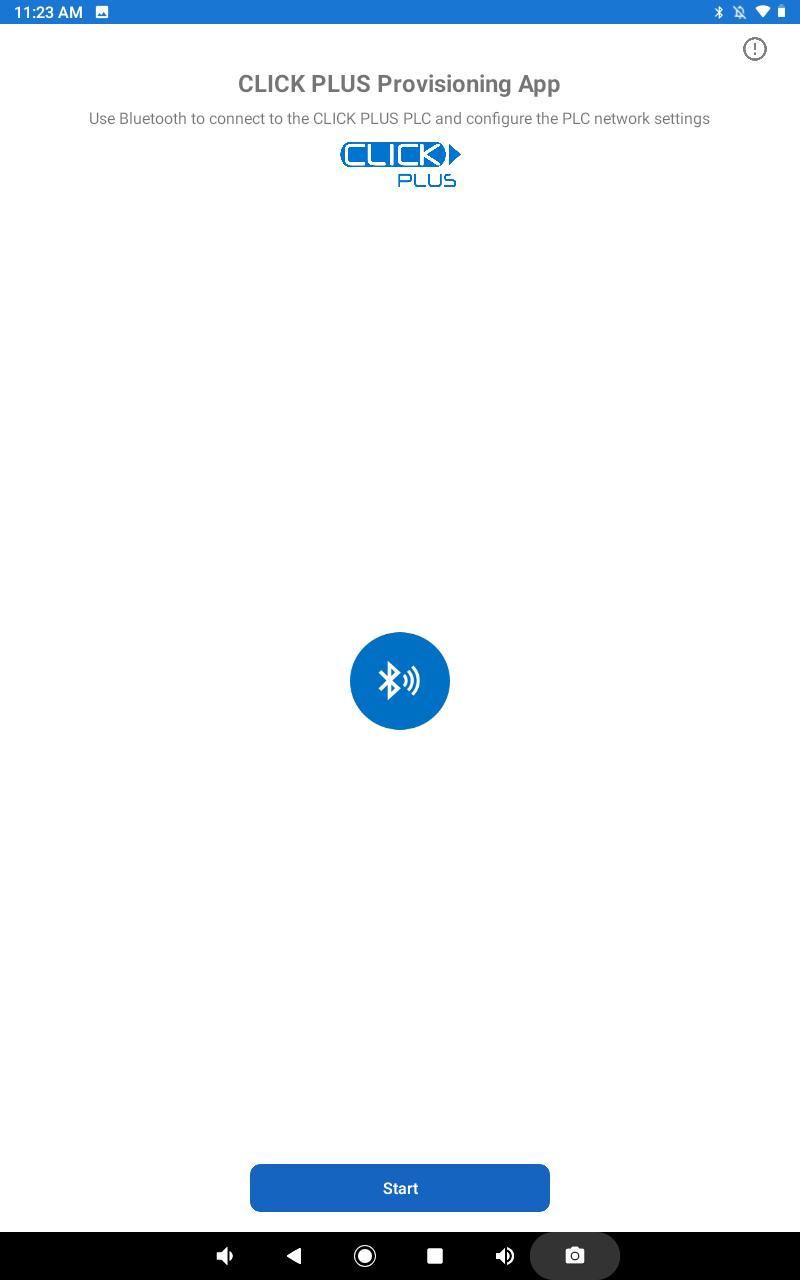
Fast and easy setup for the CLICK PLUS PLC Ethernet/Wi-Fi network settings
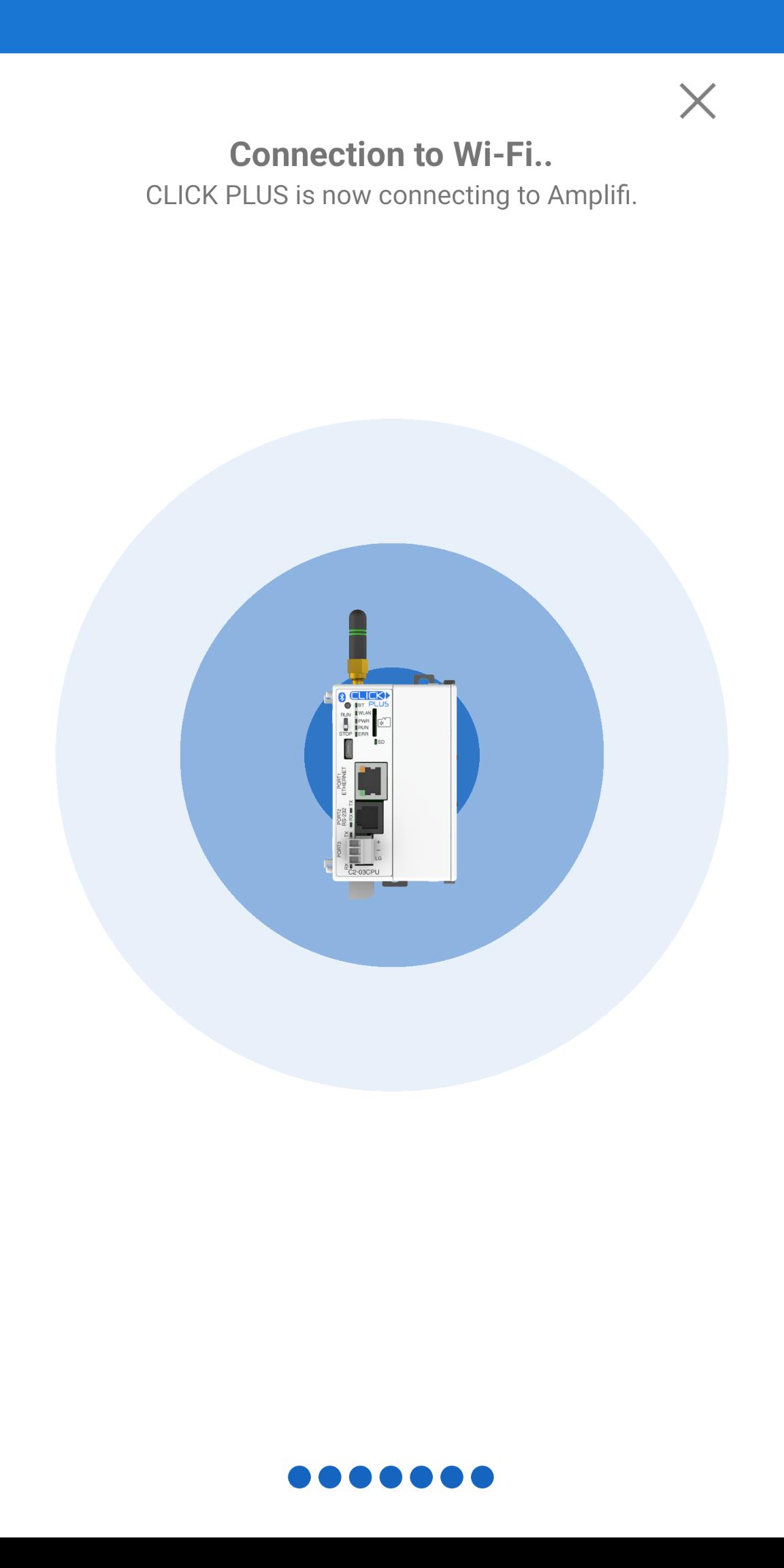
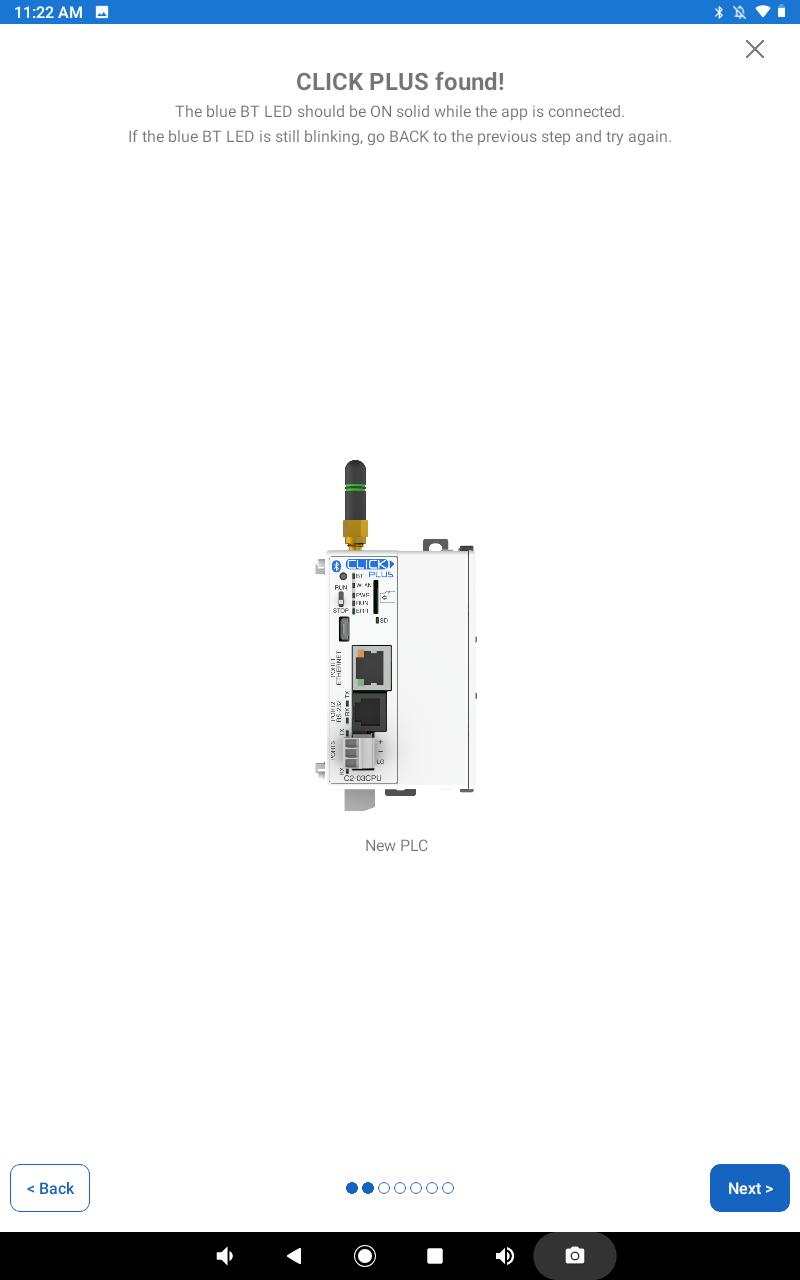
The CLICK PLUS Provisioning App is used to configure the AutomationDirect CLICK PLUS C2-02CPU and C2-03CPU controllers with Built-in Wi-Fi and Bluetooth. A Factory new CLICK PLUS has Bluetooth enabled by default which is used to allow the App to connect and quickly configure the needed Wi-Fi settings. Provisioning is usually done once and involves the process of preparing and equipping the CLICK PLUS PLC network settings to allow a wireless connection from the Click Programming Software until a project with permanent settings can be loaded.
This removes the need for network cables and the headaches involved with new cable runs. Not only do select CLICK PLUS CPUs provide Wi- Fi capability, but with Bluetooth provisioning your system/machine will be on the wireless network and communicating in minutes!
Last updated on Jan 4, 2026
Added support for Android 15
Latest Version
 1.5
1.5
Uploaded by
Irwan
Requires Android
Android 9.0+
Available on

Category
Report




Discover what you want easier, faster and safer.

CLICK PLUS Provisioning
1.5 by Automationdirect.com
Jan 4, 2026