


Usar o APKPure APP
Obter o APK da versão antiga de Share2any para Android
É uma maneira fácil de enviar ou receber arquivos do seu Android para qualquer PC nas proximidades
It's an easy way to send or get files, documents, or pictures from your Android to any PC nearby. Data cable is not required. You need just an internet connection and WiFi.
* Simple and easy, just scan QR-code via this app.
* Send and receive files, documents, pictures
* Once installed app - transfer files to anyone
* No USB cable
* No login and passwords during transferring
* No required to configure
* No required extra programs on PC
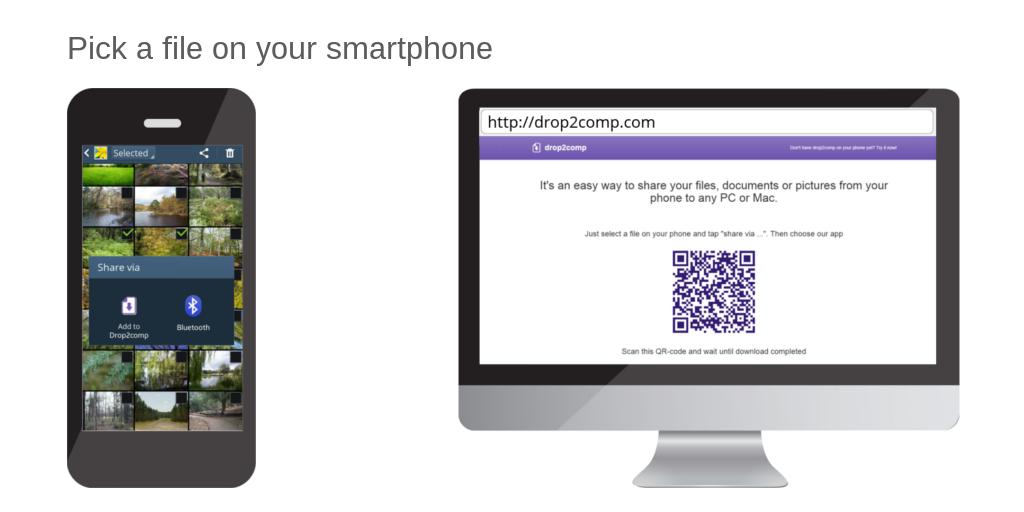
Launch an internet browser on your computer and open share2any.com
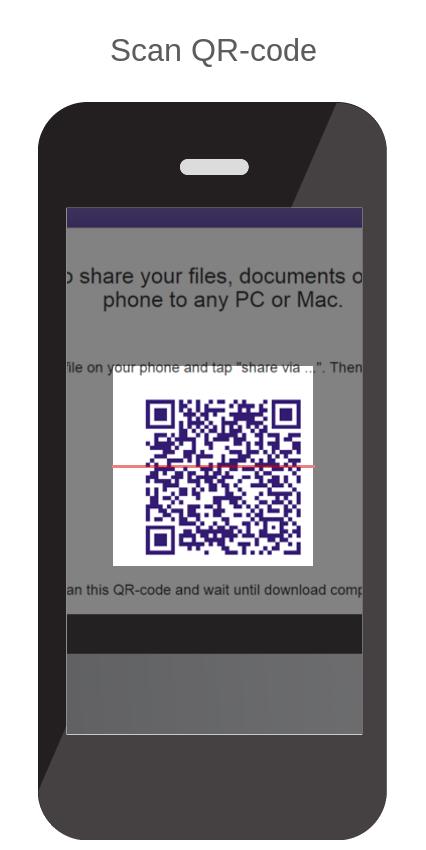
Then choose a file on your phone in any convenient way (using gallery or file manager) and tap on "Share via …". Choose "Share2any" in the opened list. Then scan QR-code from the web page you have opened yet. Wait until download will complete.
Or, launch app Share2any, tap on the "browse" button, and choose the file. Scan QR-code and wait until download will complete.
Similarly, you can get any file from your computer.
If your phone and computer included in the same local network then the size of transferring files not taken into account.
Last updated on Jul 14, 2020
Changed main site address
Última versão
 2.1.9
2.1.9
Enviado por
Reinaldo Santos
Requer Android
Android 4.4+
Categoria
Relatório





Discover what you want easier, faster and safer.

Share2any
2.1.9 by AnTeeX
Jul 14, 2020