


Use APKPure App
Get Blitzer.de old version APK for Android

Blitzer.de is a speed camera alert app that provides real-time warnings for mobile and fixed speedcams.
Blitzer.de helps drivers stay aware of speed checks during everyday trips, long drives, or commutes in unfamiliar areas. It provides live alerts and clear warnings, so you can focus on the road while staying informed about upcoming speed cameras. The community-backed approach improves coverage across regions, and the app supports different driving scenarios. To begin, download Blitzer.de and set it up before heading out. Allow location access and GPS so alerts match your route.
Real-time mobile alerts
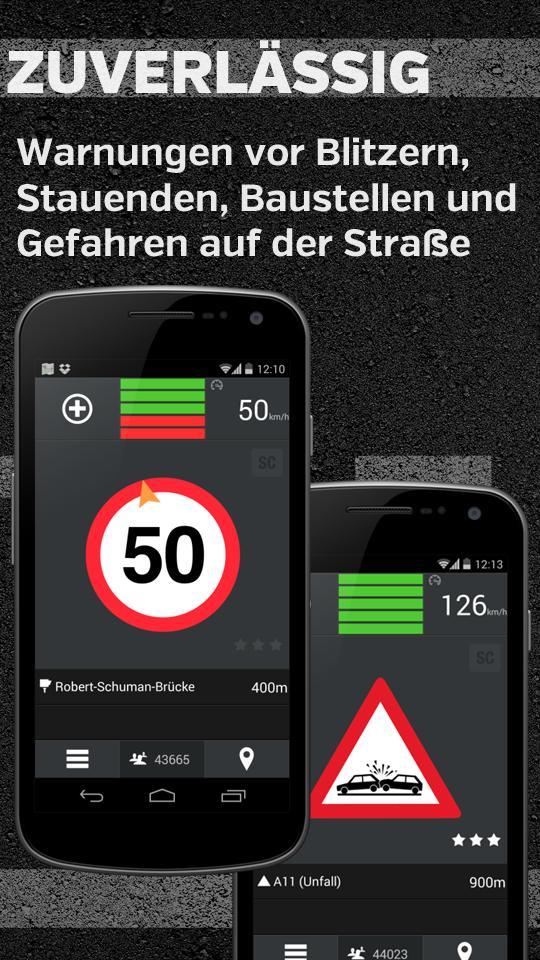
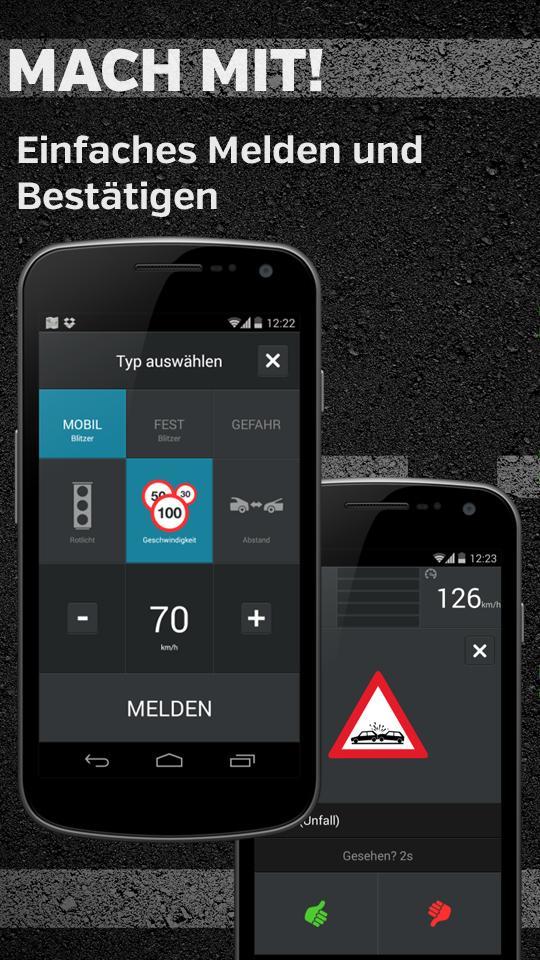
Blitzer.de delivers real-time alerts for mobile radar traps while you drive. Updates appear promptly to help you adjust speed in time without distraction. Alerts are simple to understand, and the interface keeps key information visible so you can respond safely and continue your journey.
Global fixed speedcams with direction
Beyond instant alerts, Blitzer.de uses a worldwide database of more than 47,000 fixed speed cameras from SCDB.info. You receive directional alerts that show whether the camera affects your lane, with distance and direction indicated for clarity. This helps avoid unnecessary warnings when the device targets the opposite lane.
Visual and acoustic warnings
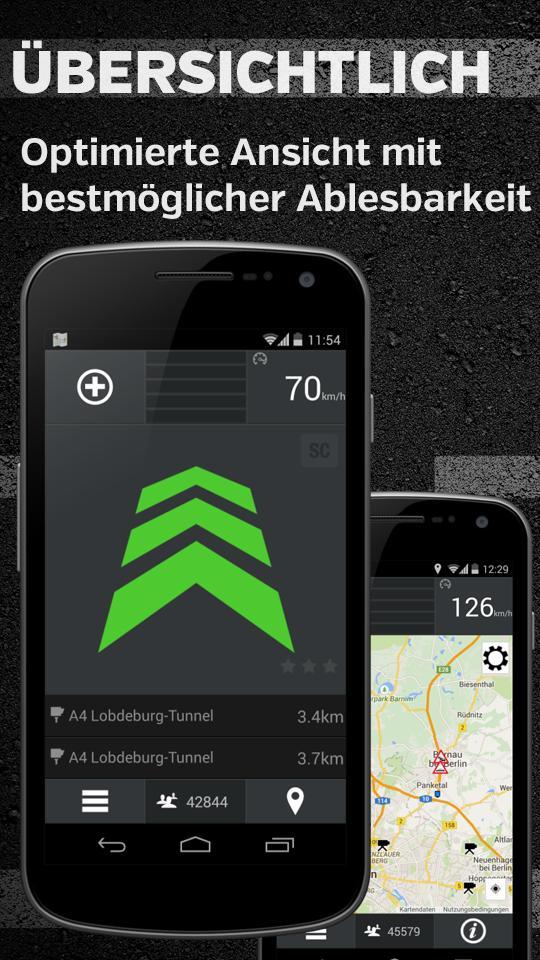
To keep warnings practical, you get clear visual and acoustic signals. The app indicates the device type and the legal speed limit, and offers listening and radar views so you can choose the display that suits your route. Important details remain readable at a glance for quick decisions.
Regular updates and offline support
Finally, for reliability on the road, Blitzer.de refreshes data automatically every five minutes. When connectivity is limited, you can use offline mode, and locations of fixed speed cameras are checked on site to improve accuracy. All features are available in the Blitzer.de APK without extra setup.
Blitzer.de focuses on clear speed camera alerts and practical guidance while you drive. Review the on-screen warnings, keep GPS active, and check updates regularly for the best results. To get current data and improvements, install the Blitzer.de latest version and open it before starting your trip. Adjust sound and display preferences as needed.
Last updated on Oct 31, 2025
Minor bug fixes and improvements. Install or update to the newest version to check it out!
Latest Version
 3.9.7
3.9.7
Uploaded by
Eifrig Media GmbH
Requires Android
Android 8.0+
Available on

Category
Report




Discover what you want easier, faster and safer.
