


Use APKPure App
Get Assistive Touch old version APK for Android

Assistive Touch is a utility app that gives one-tap access to controls and apps.
Assistive Touch helps users handle large screens and everyday actions with a floating panel that keeps key controls near the thumb. It reduces wear on physical buttons by offering virtual alternatives, and it provides an experience that feels familiar to anyone who has seen similar tools on other platforms. As a result, navigation and quick tasks become simpler without reaching across the display. If you plan to try new tools on Android, downloading an Assistive Touch APK is a practical option.
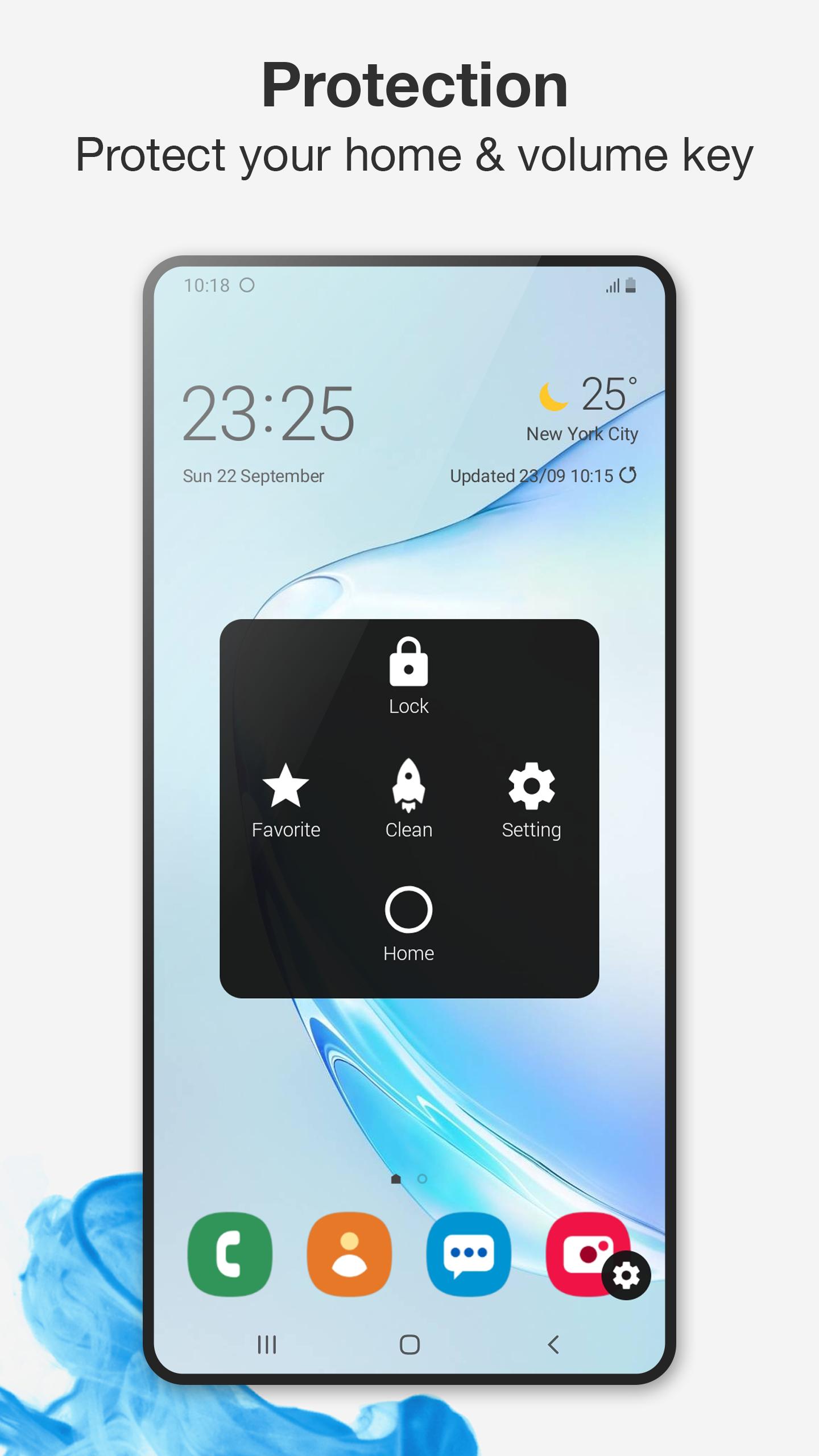
Assistive Touch places a small floating button on the screen that is always accessible. You can use virtual Home, Back, and Volume keys to navigate without pressing hardware buttons. This setup helps on big devices and can extend the life of physical controls.
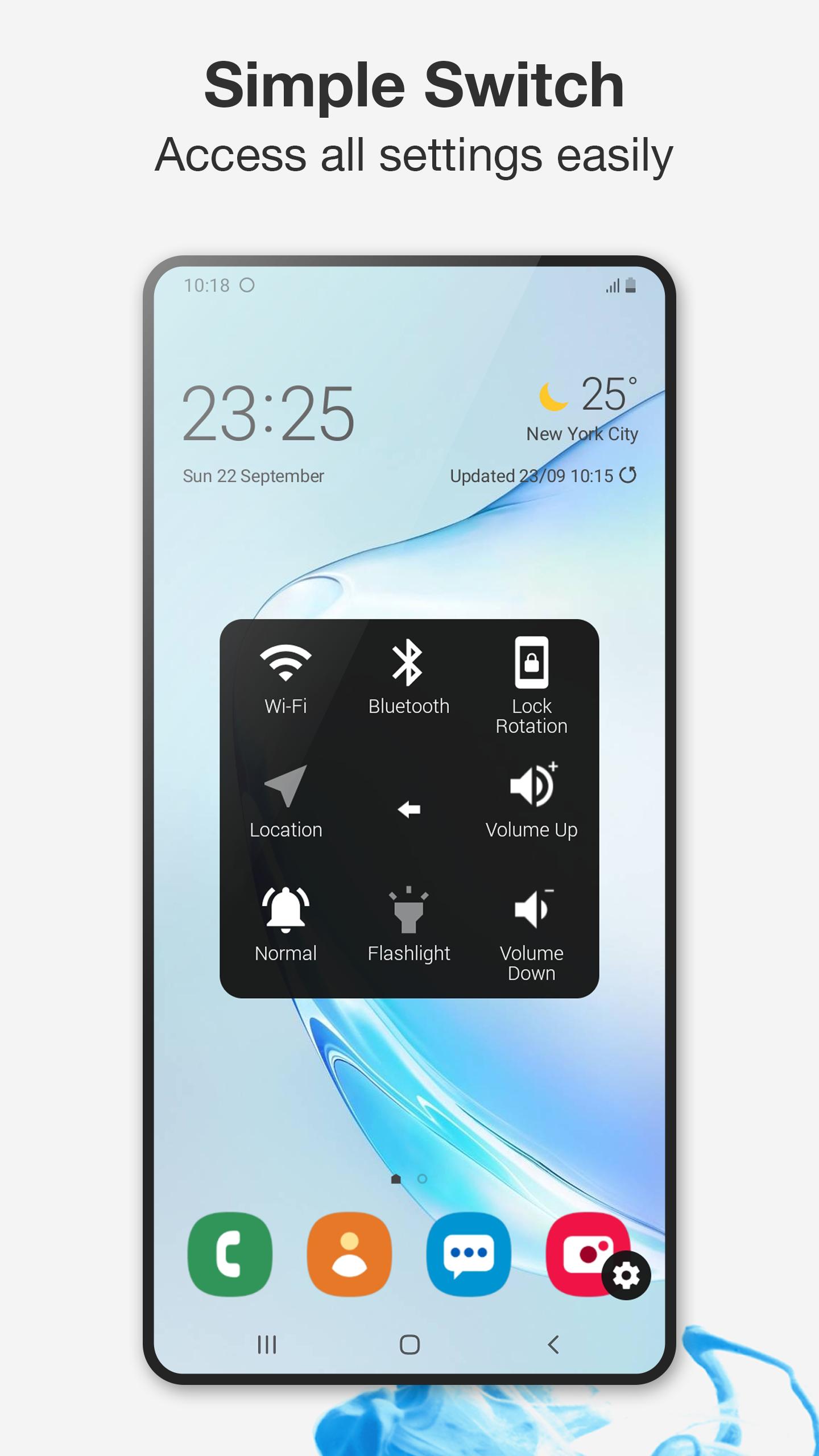
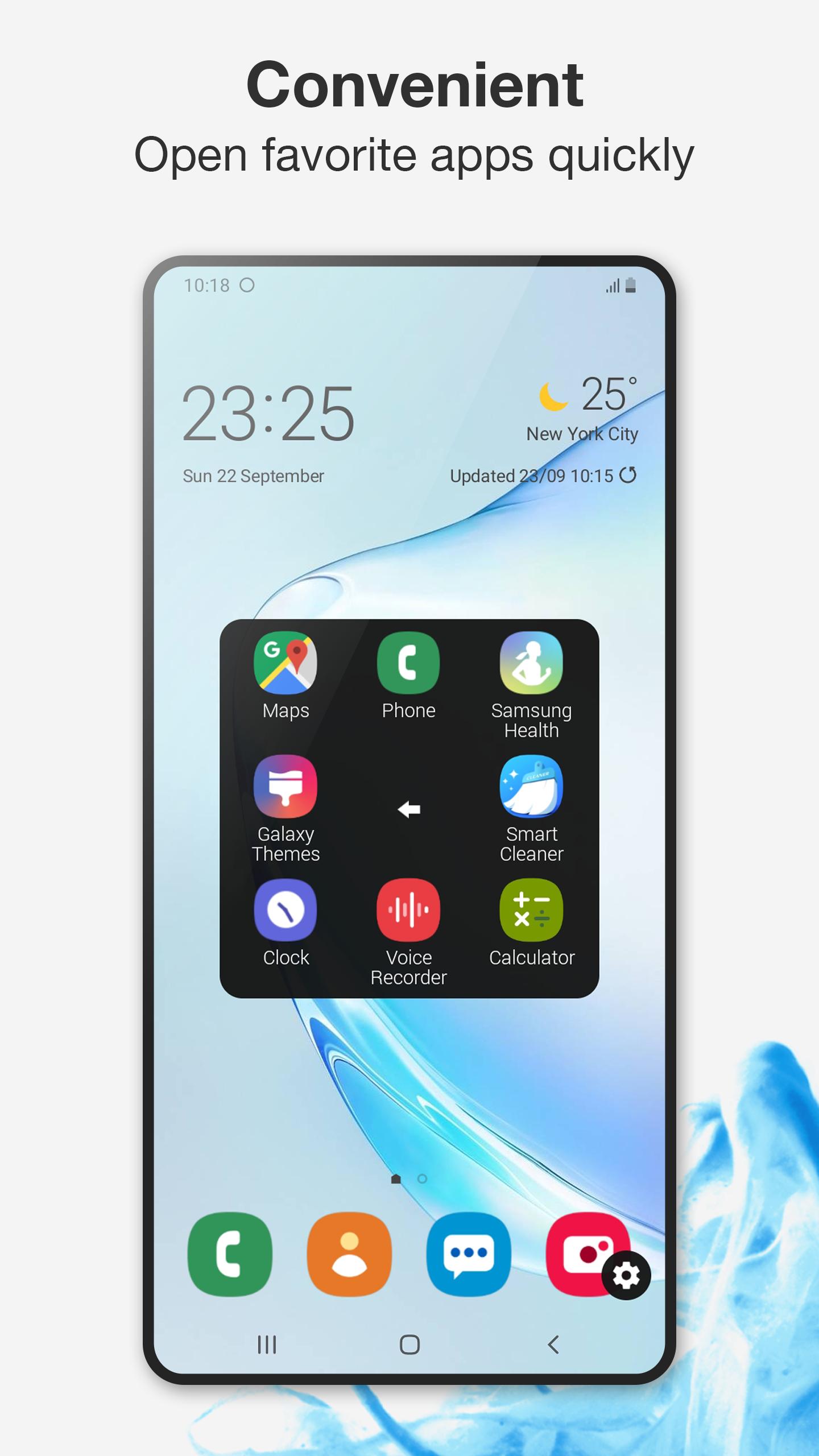
Quick toggles and one-tap toolsYou can open common settings and tools with one tap. Available actions include Screenshot, Power popup, Notifications, Wi Fi, Bluetooth, GPS, Ring modes, Rotation, Airplane mode, and Flashlight. You can also launch favorite apps and games from the panel, which keeps frequent actions in one place.
Built in screen recorderAssistive Touch includes a screen recorder that works without root. There is no time limit and no watermark on recordings. You can capture video in HD or Full HD and choose to record mic audio when needed, which is useful for tutorials or gameplay clips.
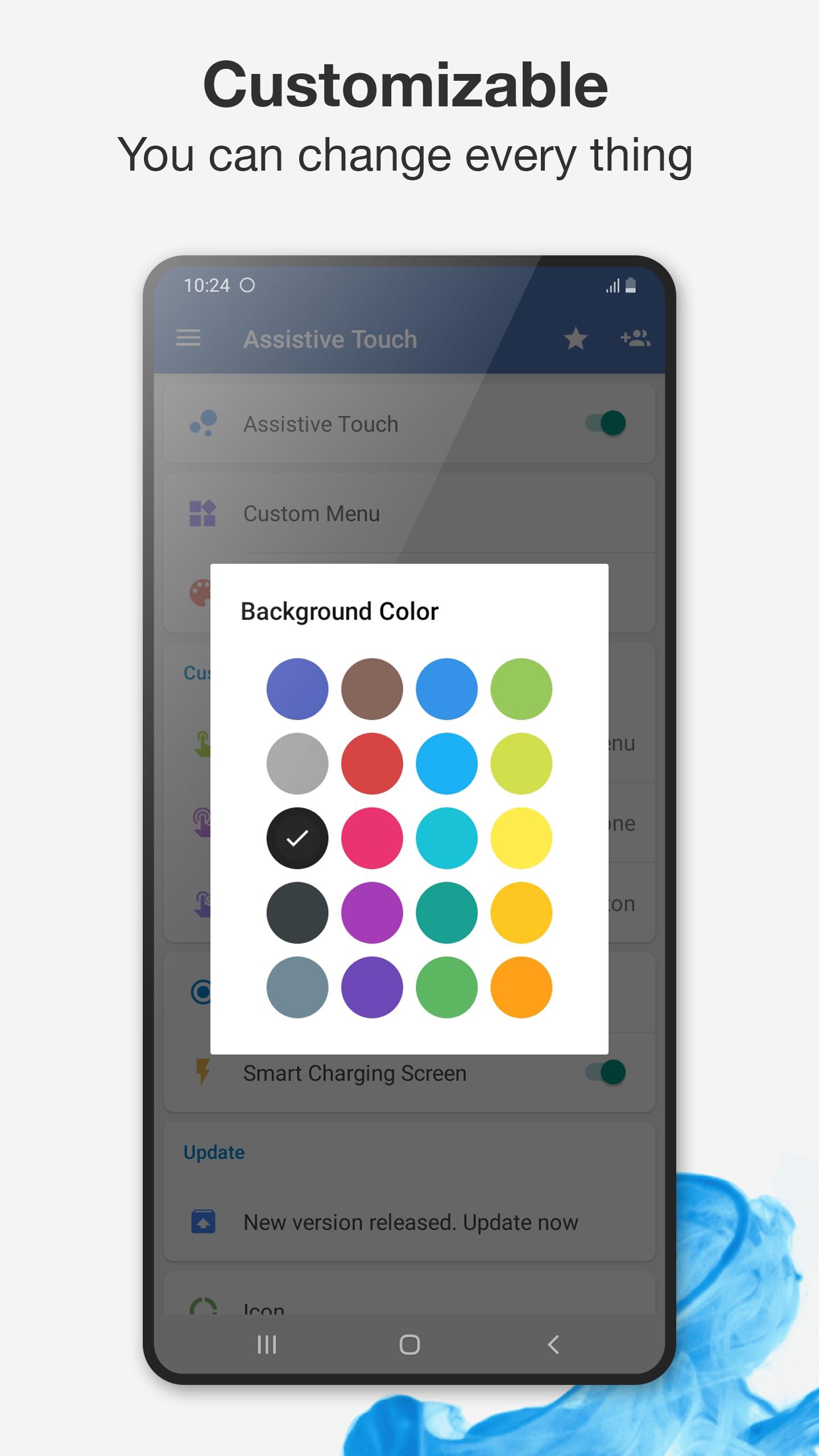
Customization for look and behaviorYou can change background colors and icon styles to match your home screen. Gestures are configurable for single tap, double tap, and long press, so the panel reacts the way you prefer. This level of control makes it easy to create a layout that fits your routine.
Ergonomics for big screensAssistive Touch places key actions closer to your thumb, which helps when reaching the top of tall displays. It is also helpful if physical buttons are hard to press or starting to wear out. Important controls stay visible, and you can move the button to avoid blocking content.
Assistive Touch relies on two Android services to deliver its features. Device Administrator permission is used for lock screen and certain power related actions. Accessibility services enable virtual Home and Back, the control center overlay, and screenshots. These permissions are requested only to provide the functions you choose to use, and you can adjust them at any time in the app settings.
If Device Administrator is enabled, uninstalling requires a quick extra step. Open Assistive Touch settings, turn off Device Administrator inside the app, then proceed with uninstall. This avoids errors during removal. For the best experience, check that you have the Assistive Touch latest version when you install updates.
Getting started is straightforward, and most options are inside the floating panel and settings. To keep everything current, download Assistive Touch APK and open it once setup completes to grant necessary permissions.
Assistive Touch keeps navigation and everyday tools within easy reach and helps protect physical buttons. If this fits your needs, download Assistive Touch and set up the floating panel to match your habits.
For support or official details, use the links below.
Last updated on Jun 20, 2025
Minor bug fixes and improvements. Install or update to the newest version to check it out!
Latest Version
 4.0.23
Uploaded by
Gabriel Dias
Requires Android
Android 6.0+
Available on

Category
Report





Discover what you want easier, faster and safer.
