


Use APKPure App
Get SOS Add-on: Google AOSP old version APK for Android
Turn on remote control capability for your Google AOSP device
Turn on remote control capability for your Google AOSP signed device.
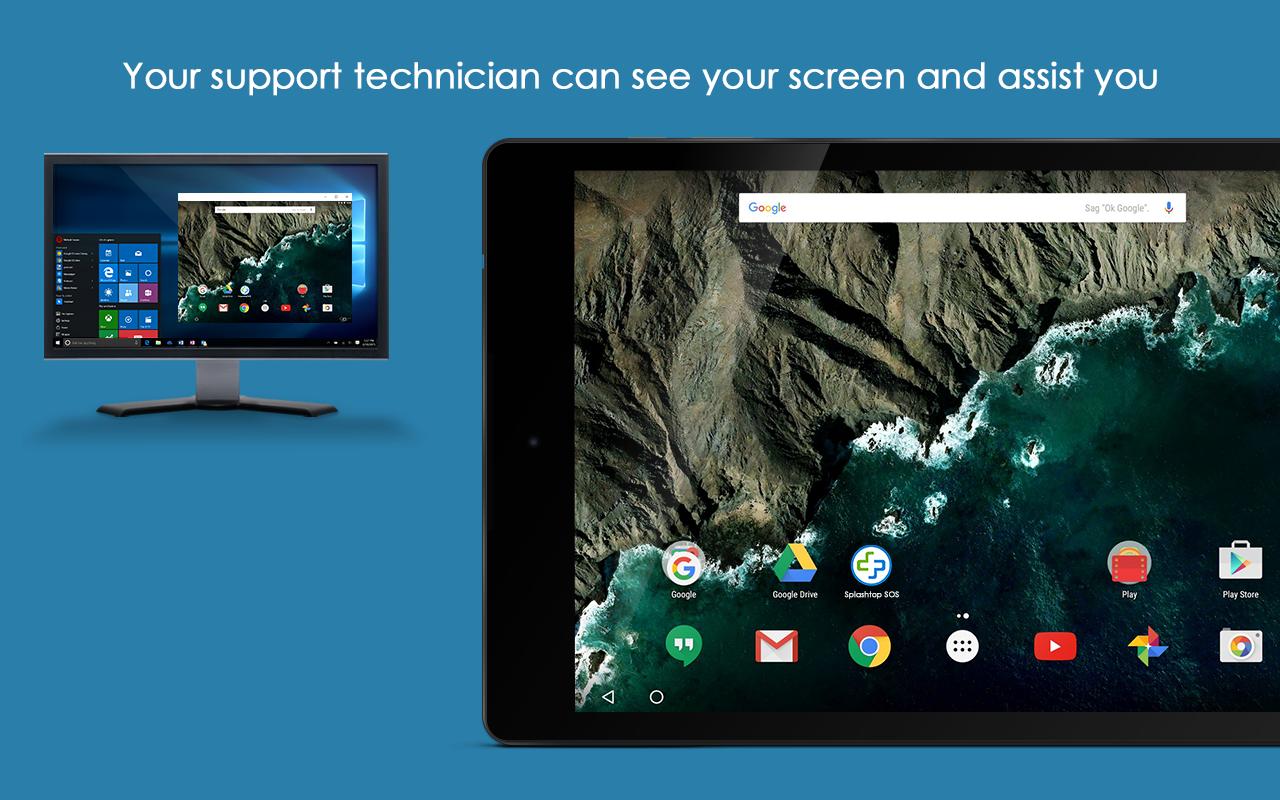
Splashtop On-Demand Support (SOS) enables you to receive remote support of your mobile device from any computer (Windows, Mac, Linux, Chromebook) with Splashtop On-Demand Support (SOS) account. User can real-time screen share to remote technician. Session connection is encrypted using 256-bit AES / TLS .
With this add-on, Google AOSP devices remote control will be turned on.
Quick Guide:
1. Download and launch Splashtop On-Demand Support (SOS) app on your mobile device (https://play.google.com/store/apps/details?id=com.splashtop.sos)
2. Install appropriate Add-on per the instructions in the SOS app
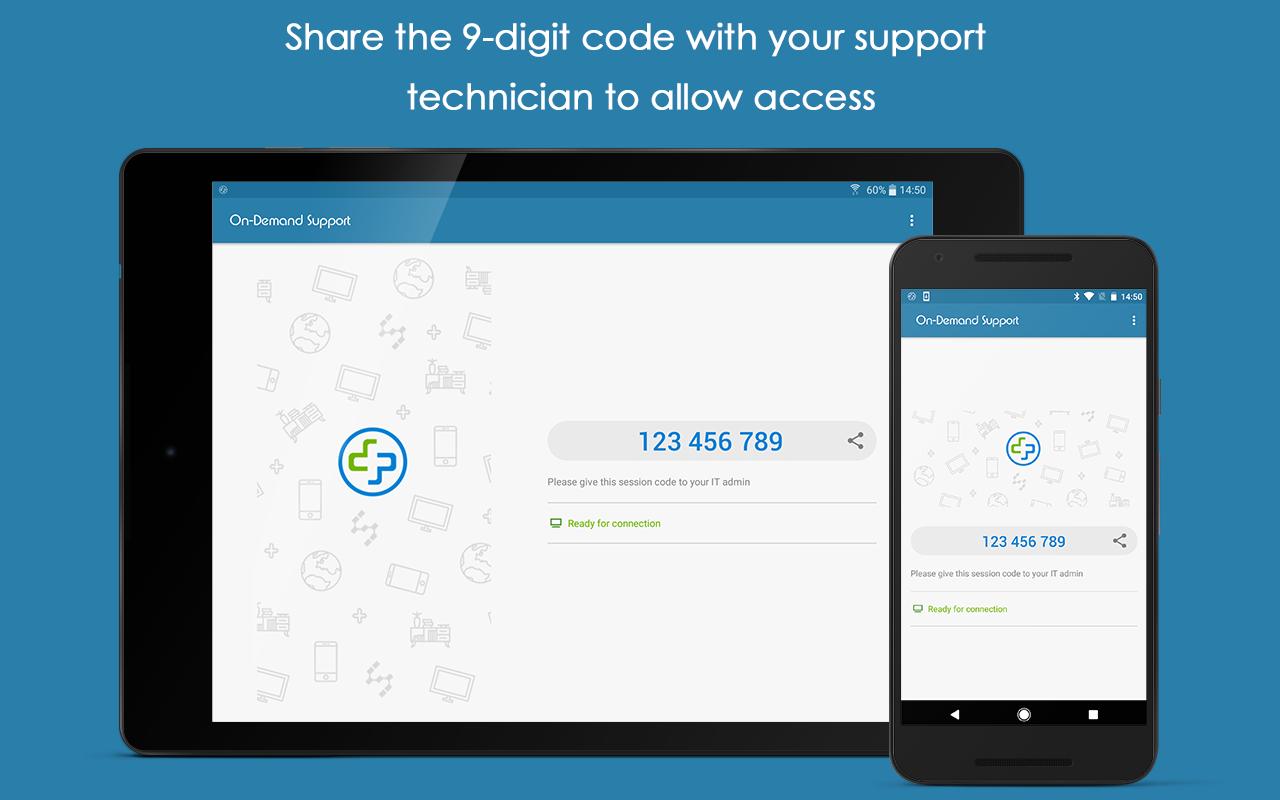
3. Share the session ID to your remote technician who has Splashtop On-Demand Support (SOS) account
Last updated on 09/07/2017
Initial release
احدث اصدار
 2.0.0
2.0.0
محمل
Suresh Kumar
Android متطلبات النظام
Android 4.4+
الفئة
الإبلاغ

Discover what you want easier, faster and safer.

SOS Add-on: Google AOSP
2.0.0 by Splashtop
09/07/2017