


Use APKPure App
Get AppLock (No Ads) old version APK for Android

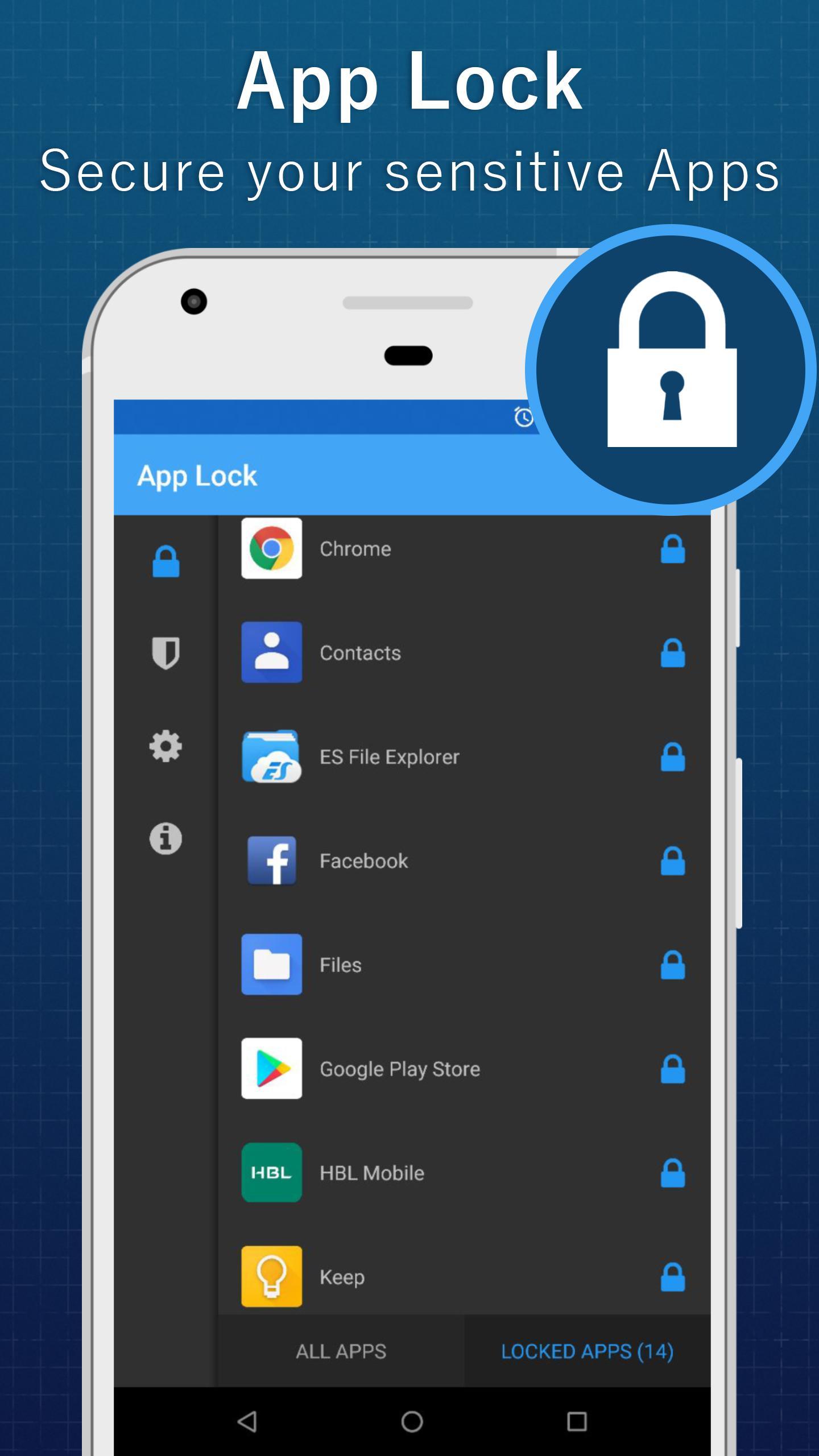
AppLock (No Ads) is a security app that locks apps to protect privacy.
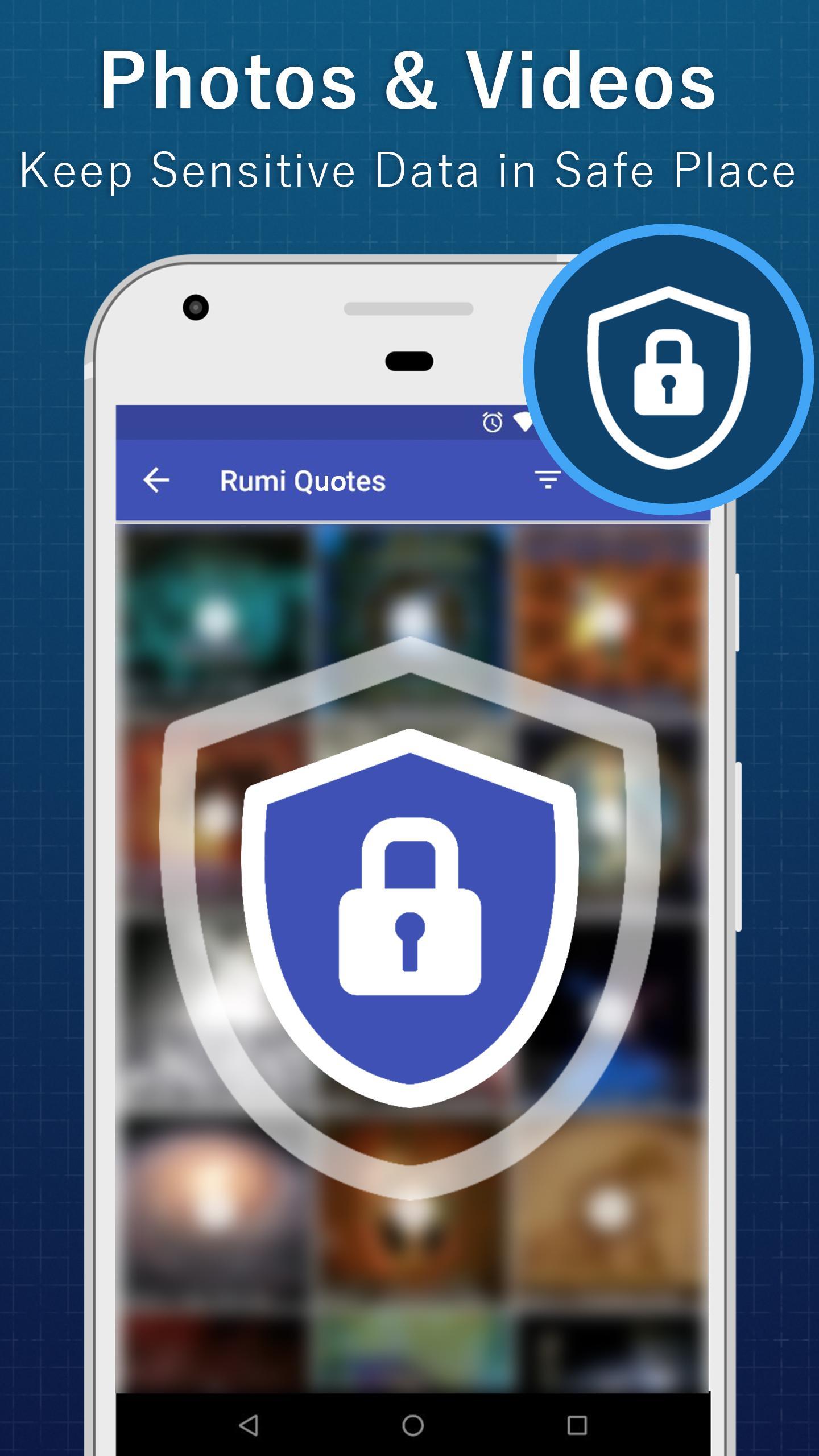
AppLock (No Ads) helps when you share your phone or want to keep personal apps private. It can block access to social, messaging, photos, email, contacts, and settings so only you can open them. This reduces worries about friends, coworkers, or kids using sensitive apps without your consent. Also, it is straightforward to set up and manage for everyday use. If you need a lightweight privacy tool on Android, consider AppLock (No Ads) APK.
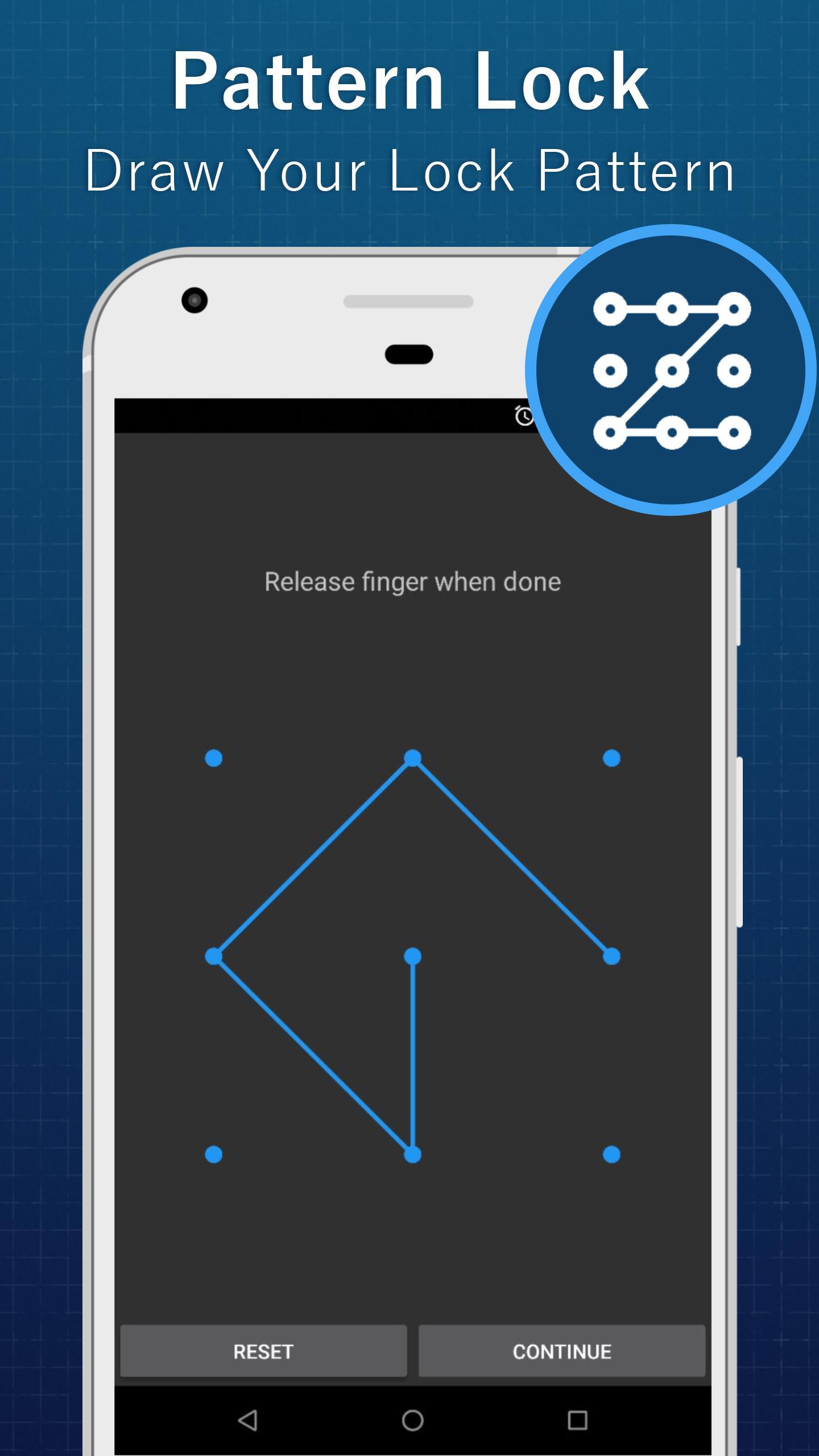
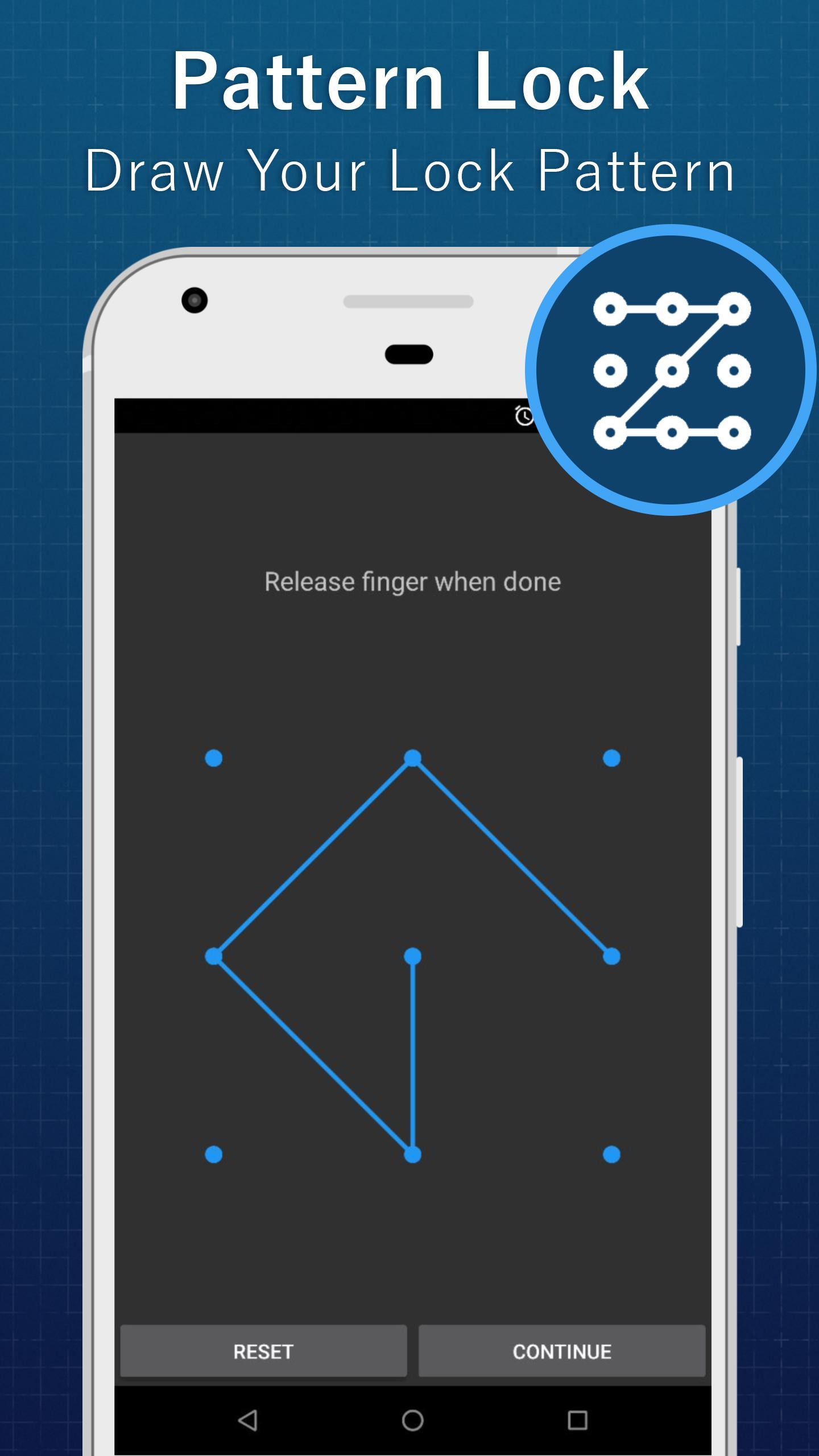
Lock apps with password or pattern
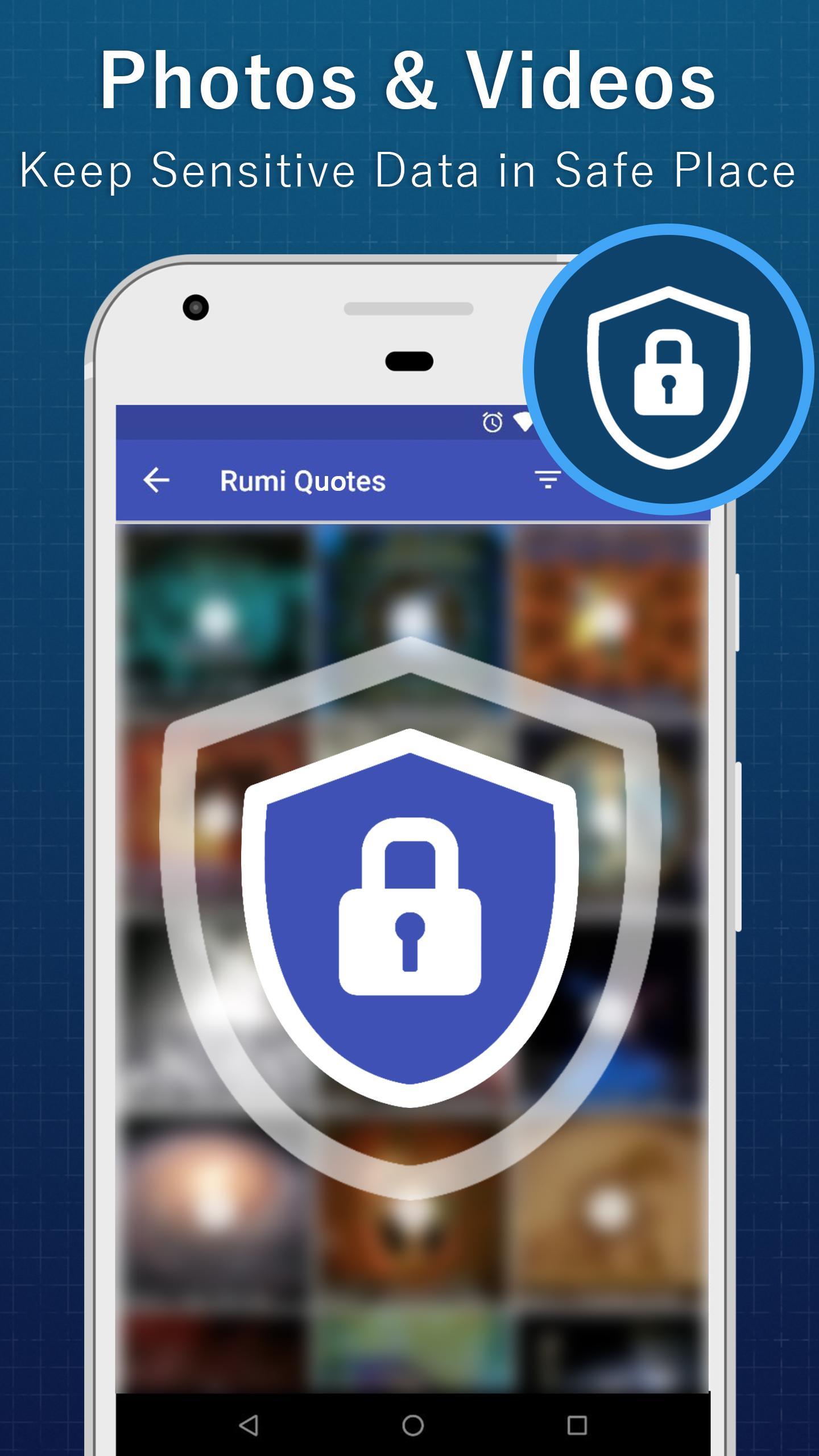
Choose a password or pattern and select the apps you want to protect. AppLock (No Ads) can cover social, messaging, gallery, email, contacts, and settings. After setup, protected apps require your unlock before they open.
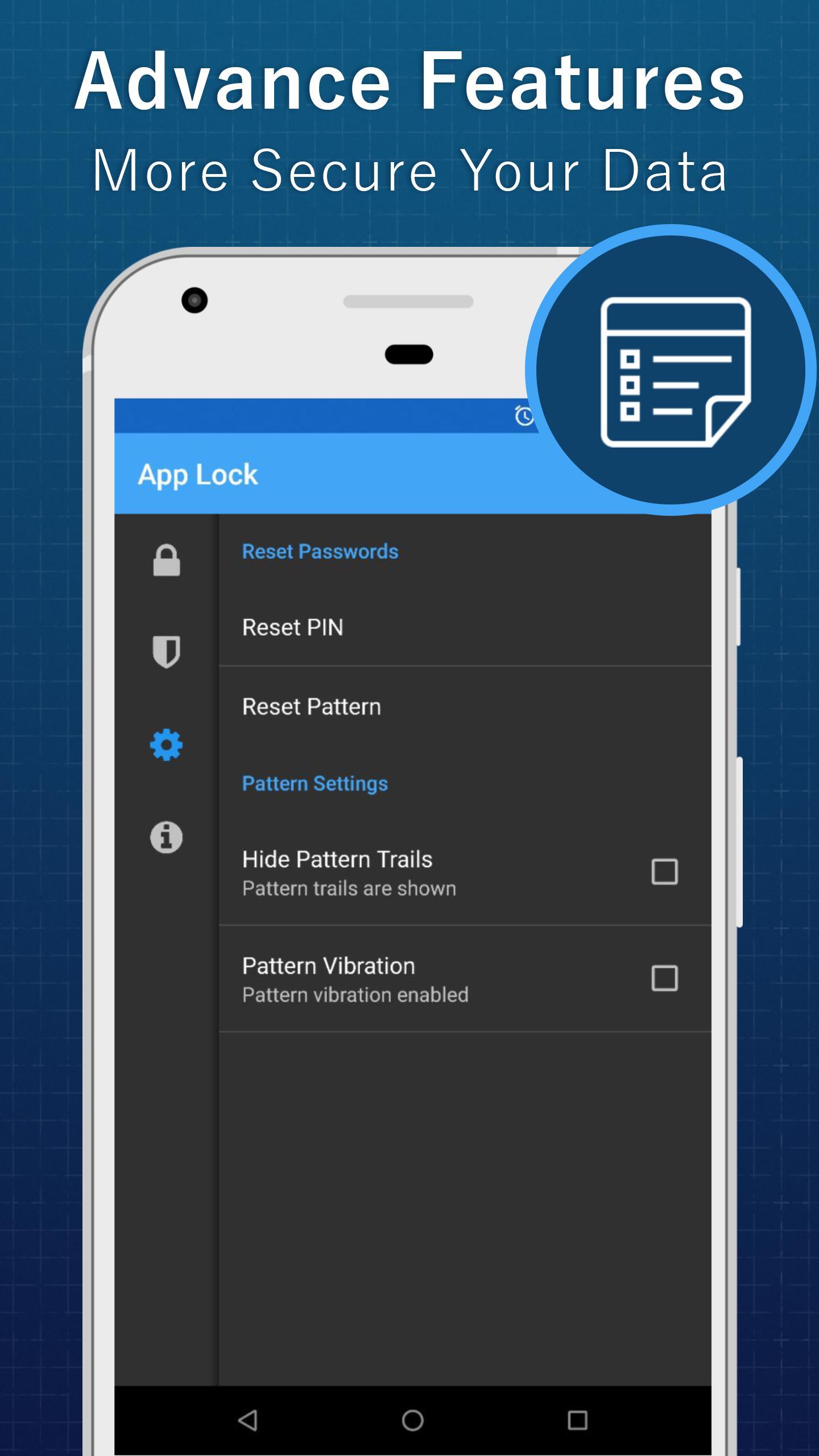
Advanced Protection using device administrator
To keep locks intact, enable device administrator to prevent intruders from uninstalling AppLock. This option adds control so protection stays active even if someone tries to remove the app.
Overlay lock screen and accessibility service
These permissions are focused on protection and are not used to access personal data as stated by the app.
Low memory usage
The app is designed to use little memory, which helps keep your device responsive while protection is active. Behavior may differ slightly by AppLock (No Ads) latest version.
AppLock lets you control access to selected apps with a simple lock and required permissions. Choose your lock method, pick the apps to secure, and enable Advanced Protection if needed. For quick setup, download AppLock (No Ads) and review permission prompts before finishing. This helps reduce unwanted use of social, messaging, and settings on your device.
Last updated on Nov 5, 2018
Remove unnecessary permissions.
Add privacy info
Latest Version
 1.0.6
1.0.6
Uploaded by
Jana Backbones
Requires Android
Android 4.0+
Category
Report



Discover what you want easier, faster and safer.
