


Use APKPure App
Get Apex Launcher Classic old version APK for Android

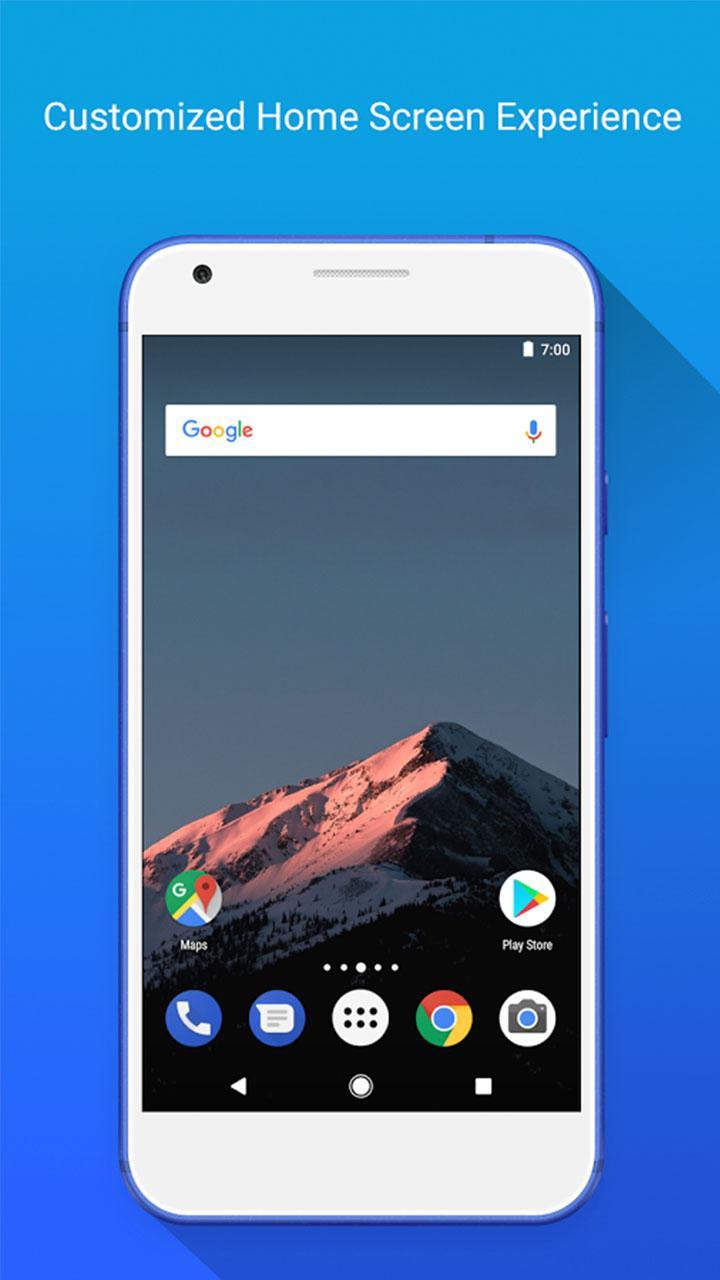
Apex Launcher Classic is a personalization app that lets you customize a fast, clean home screen on Android.
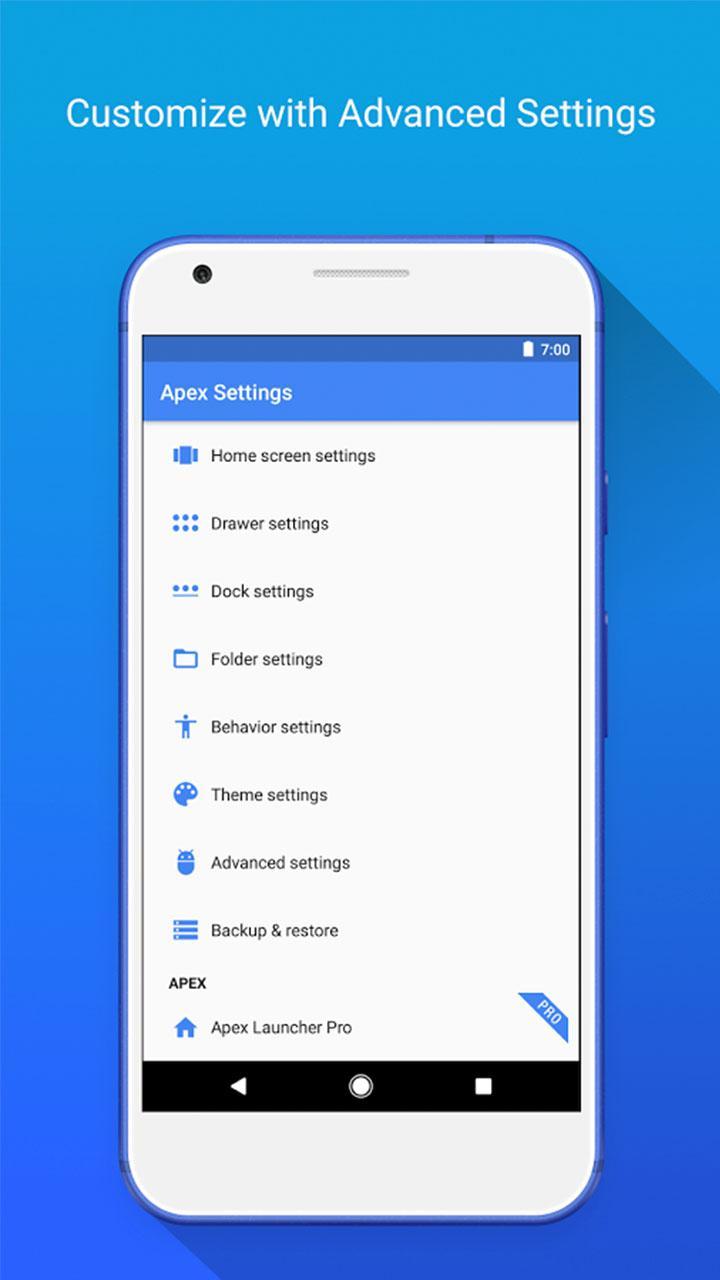
Apex Launcher Classic suits users who want a familiar launcher that stays quick and easy to manage day to day. It replaces the default home experience with simple controls that help you organize pages and keep apps reachable. Settings are grouped clearly, so you can make layout choices without digging through complex menus. Animations remain light for smooth swipes on phones and tablets. Installing the Apex Launcher Classic APK updates only your launcher, while your existing apps and data remain in place.
Flexible home screen and drawer layouts
Apex Launcher Classic gives you control over how many items fit on each screen.
Dock and navigation control
Once the layout is set, navigation can be tuned to your preference.
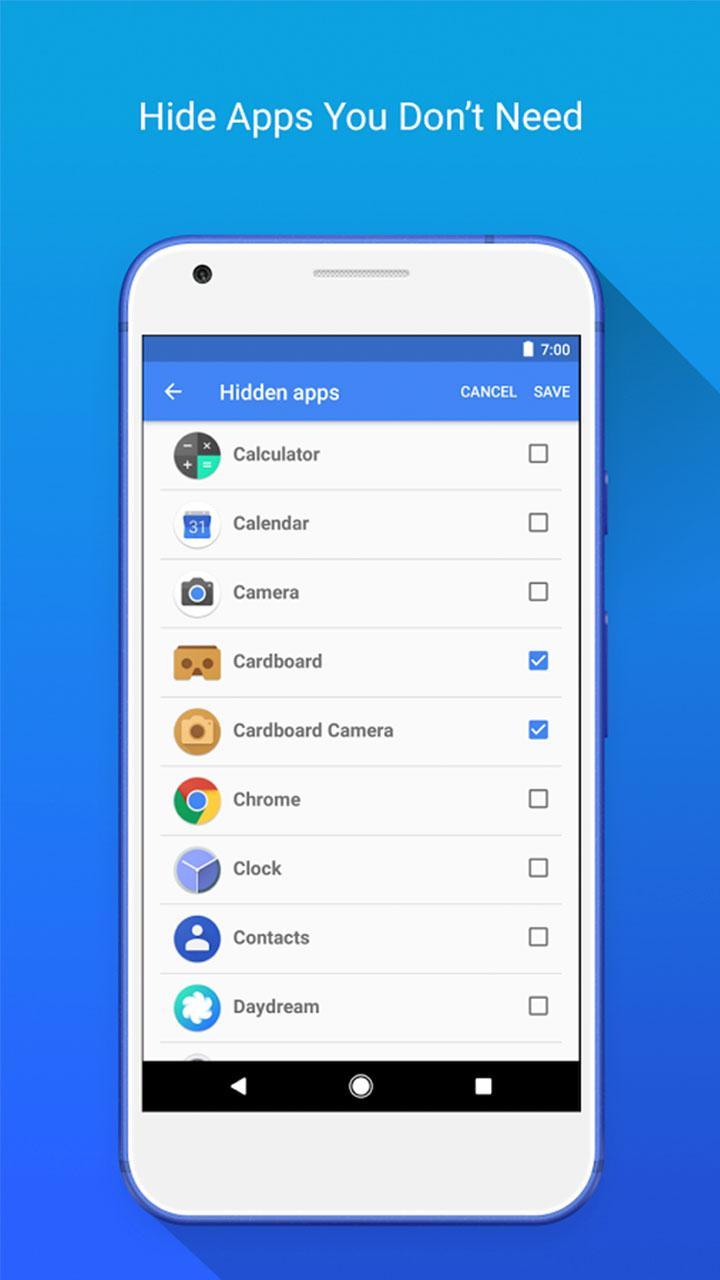
App and folder organization
Keeping apps tidy is straightforward.
Themes, gestures, and backups
For quick access and consistent setup, tools are available beyond layout.
Apex Launcher Classic focuses on clear controls, reliable performance, and practical customization for everyday use. Set your grid, arrange the dock, and save a backup before experimenting. When ready, download Apex Launcher Classic to replace the stock launcher and fine tune your home screen without changing your installed apps.
Last updated on Mar 25, 2021
Minor bug fixes and improvements. Install or update to the newest version to check it out!
Latest Version
 3.4.5
3.4.5
Uploaded by
Blend Qais
Requires Android
Android 4.4+
Category
Report




Discover what you want easier, faster and safer.
