



Use APKPure App
Get Animefire old version APK for Android
Animefire is a streaming app that lets you watch and download Arabic-subtitled anime easily.
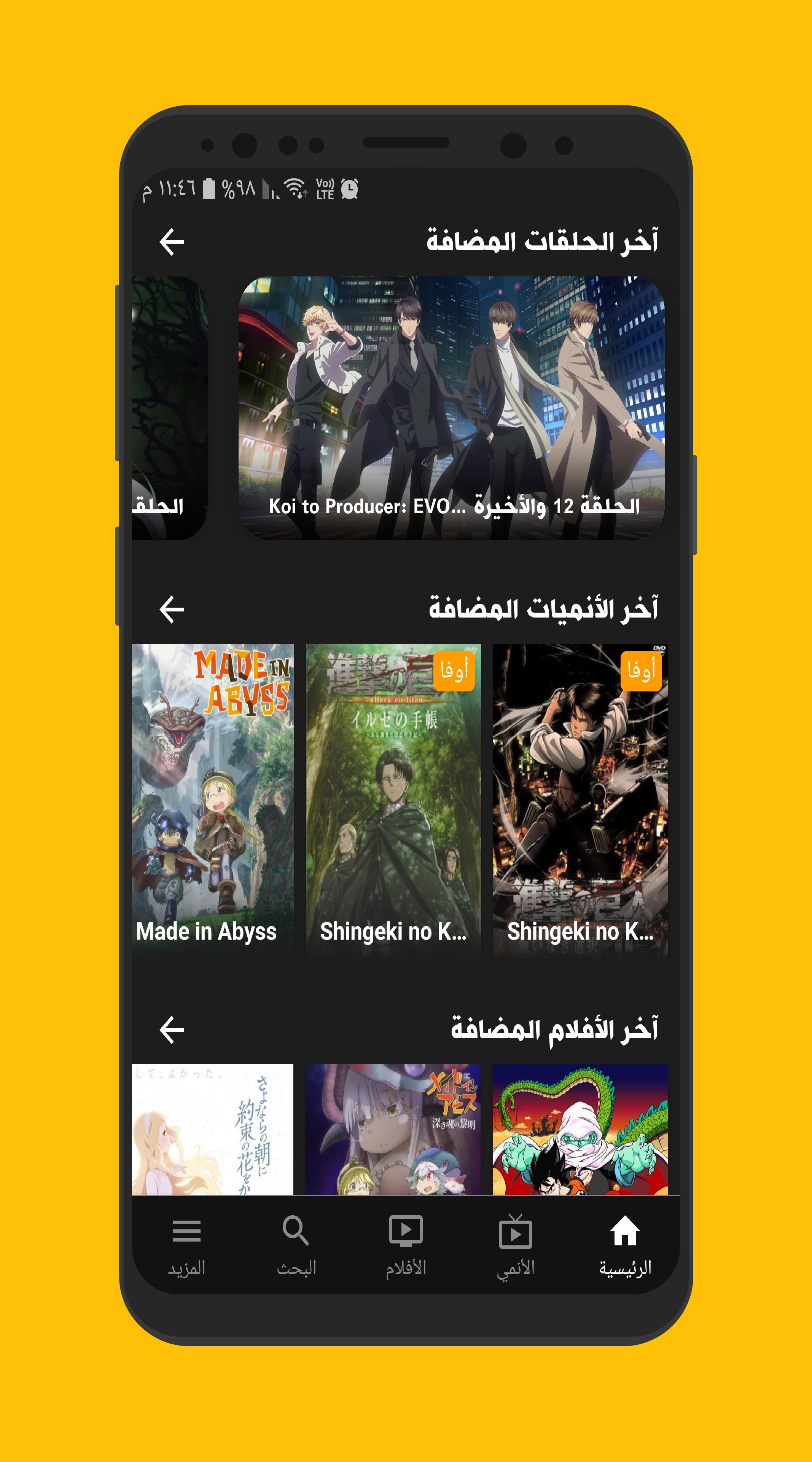
Animefire helps users who follow Arabic-subtitled series keep up with both ongoing and completed shows in one place. It is also known locally as “انمي فاير,” and it focuses on straightforward browsing for episodes and movies. The layout keeps navigation clear, so you can move from discovery to viewing without confusion. In daily use, Animefire reduces the time spent searching for new episodes and organizes what you plan to watch next. If you prefer a direct install, Animefire APK is available for Android phones.
Arabic-subtitled streaming and downloads
Animefire focuses on Arabic-subtitled anime. You can start watching an episode immediately or save it to your device for later. This helps when you want to continue offline or when your connection varies throughout the day.
Clean browsing across series and movies
The interface organizes content by shows and films, so you can quickly scan what interests you. Categories and clear sections make it easier to move from one title to another. As a result, you spend less time navigating and more time watching.
Detailed anime pages and quick search
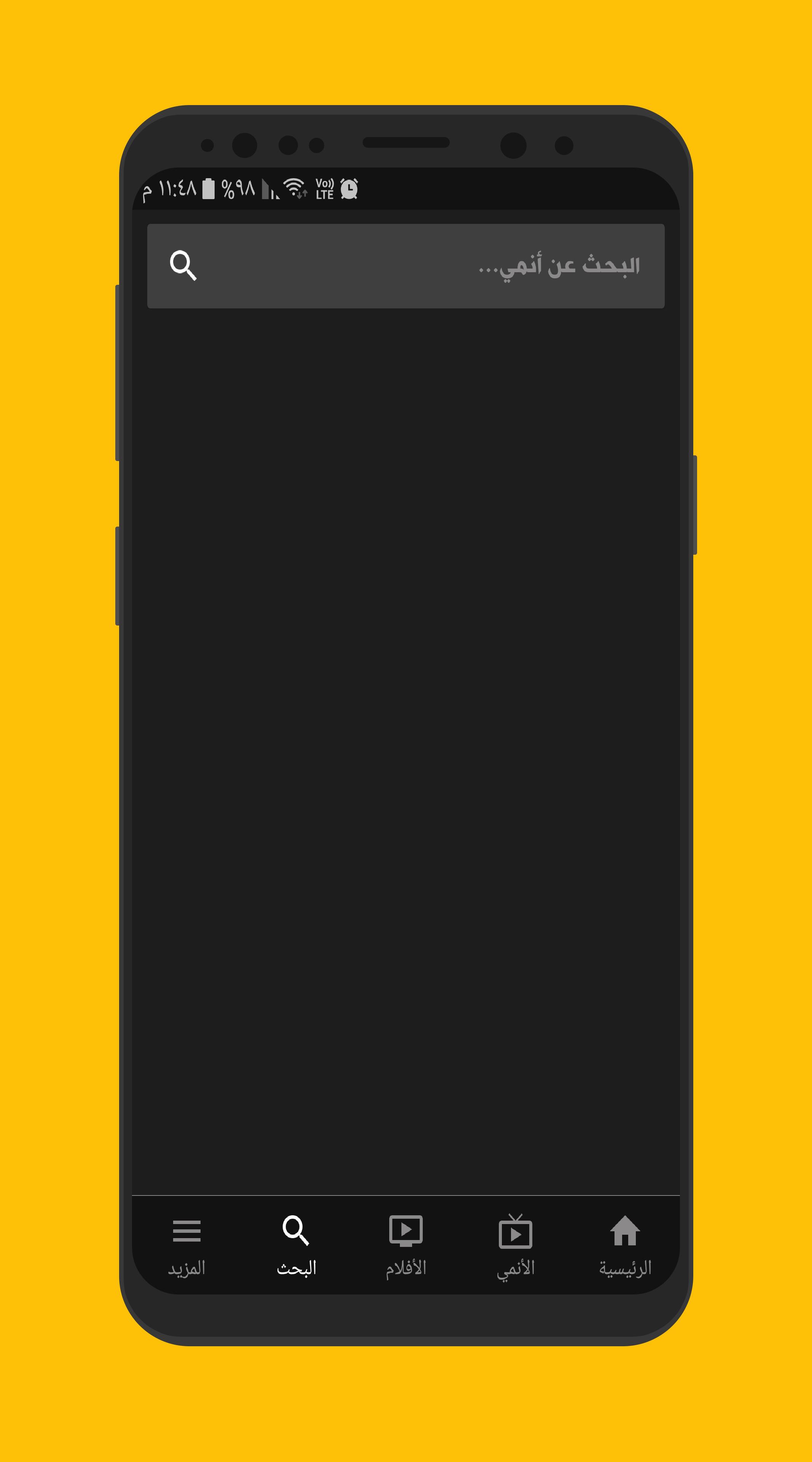
Each anime has an information page that brings key details together in one view. You can see status, basic info, and episodes without jumping around. When you need a specific title, the fast search gets you to the right page with minimal typing.
Account sync and My List
With an account, you can save what you watch and pick up the same list on any Android phone you use. My List keeps titles you plan to watch later in one place. You can also share a title with friends directly from the app to help them find the same show.
Episode schedule and daily updates
Animefire updates new episodes every day for ongoing series. The built-in schedule shows upcoming episode times, so you can plan viewing and avoid missing releases. This schedule works well with My List when you want reminders to return to a show.
Animefire focuses on Arabic-subtitled content, so it suits users who prefer Arabic translation on episodes and movies. Streaming needs a stable internet connection, while downloads require enough free storage on your device. Creating an account is optional, yet it is needed if you want to sync favorites and history across phones. If you are looking for direct installation, both Animefire download and تحميل Animefire are common search terms for the Android APK file.
To get started, download Animefire and install it on your Android phone. After installation, you can browse titles, watch episodes, and save them for later. You can also create an account to sync your activity across devices.
Animefire offers Arabic-subtitled streaming, downloads for offline viewing, daily episode updates, and simple tools to keep your watchlist organized. For the most stable experience and fixes, install the Animefire latest version before you begin.
Last updated on Oct 16, 2022
Minor bug fixes and improvements. Install or update to the newest version to check it out!
Latest Version
 1.8.6
1.8.6
Uploaded by
Hussam Sheikh
Requires Android
Android 5.0+
Category
Report






Discover what you want easier, faster and safer.
