


Use APKPure App
Get Aloha old version APK for Android

Aloha Browser is a privacy-focused browser app that includes a free built-in VPN.
Aloha Browser is designed for users who want private browsing and simple control over data. It helps you navigate websites, save content, and manage files in one place, while keeping everyday actions straightforward. In many situations, you may prefer quick privacy features over separate apps, and this browser focuses on that flow. If you are looking for a trusted mobile package, consider the Aloha Browser APK when choosing a solution.
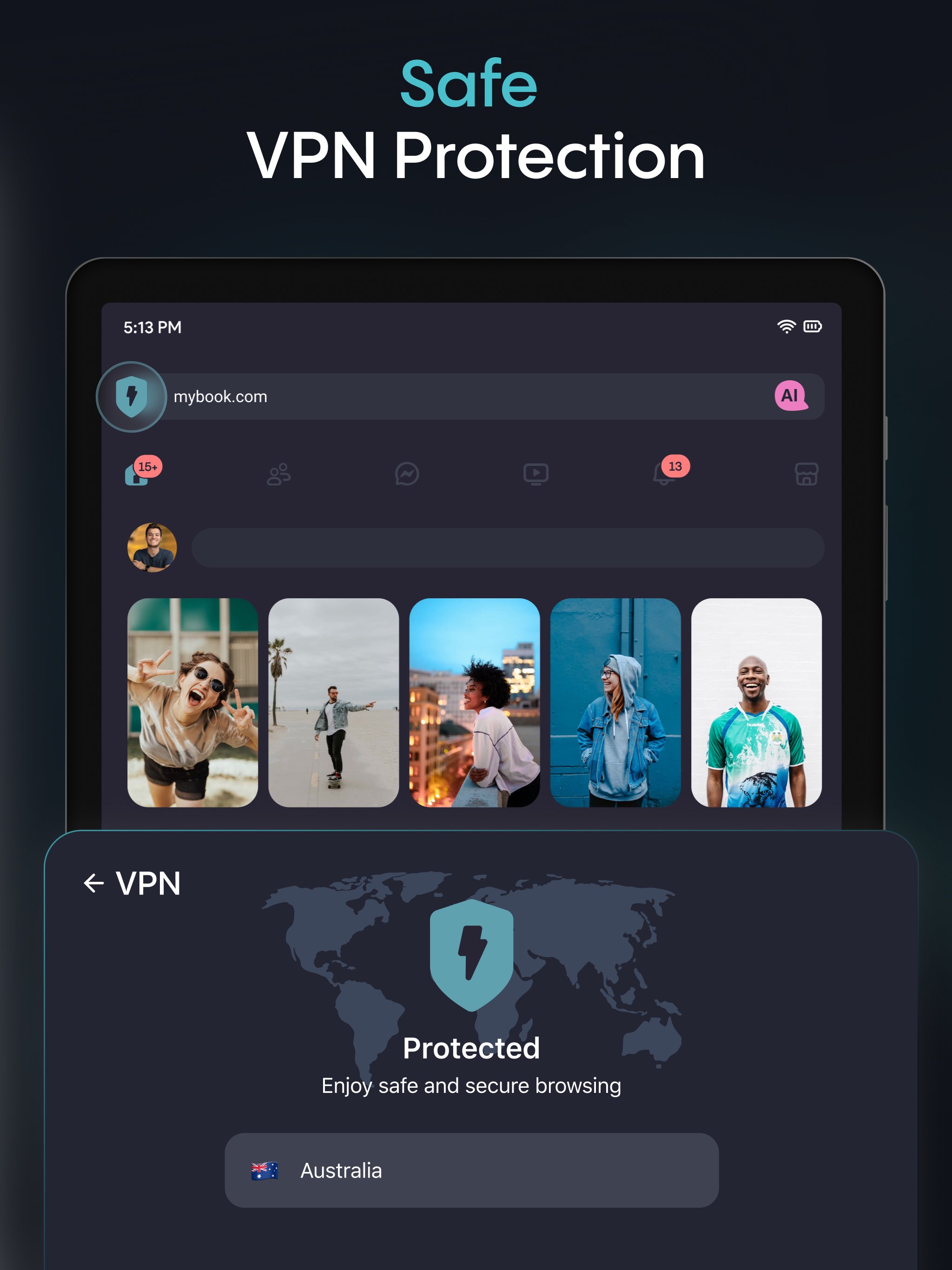
Aloha Browser Private VPN encrypts your traffic, hides your IP, helps bypass geo restrictions, and adds protection on public WiFi. You can turn it on when browsing or streaming to add a private layer without extra setup. It runs inside the browser for convenience, so your activity moves through a protected tunnel while the feature is active.
Built-in ad block and anti-trackingAloha blocks intrusive ads, pop ups, and redirects to help pages load faster and reduce data use. You can browse with fewer interruptions, which keeps reading and scrolling smooth from page to page. Anti tracking limits common third party scripts from following your activity across sites.
Privacy by designAloha is built to avoid tracking and logging, and it provides a real time privacy report you can review at any time. The HTTPS lock helps keep connections secure, and you can add a passcode, Face ID, or Touch ID to lock tabs or the app. A secure vault stores private files locally for added control. The privacy policy has been audited by Leviathan Security Group for independent review.
Downloads and file managerAloha lets you save videos, music, and files, then play them with integrated audio and video players. Gesture controls make media navigation simple during playback. Premium adds secret folders, ZIP compression, and multi thread or parallel downloads for faster handling. These tools help keep downloads organized inside the app.
Sharing and helpful toolsAloha supports WiFi file sharing across devices and data sync, so you can move files or keep content consistent between phone and other devices. In browser page translation helps you read sites in your language without leaving the tab. For advanced options, Aloha Premium includes device wide VPN with autostart, faster servers across 80 plus locations, and Premium Private AI with higher limits and AI powered ad blocking.
Aloha states that it does not collect or log user activity and presents this through a privacy report available in the app. The privacy policy has been audited by Leviathan Security Group, which offers an independent review of the approach. This information helps users who need clear signals before deciding on Aloha APK installation.
The VPN is free and unlimited inside the browser, while Premium adds device wide VPN with autostart, faster servers, and 80 plus locations. Premium also unlocks secret folders, ZIP compression, and multi thread or parallel downloads in the file manager. If you expect heavy media use, these additions may guide your Aloha Browser download decision.
Many users look for simple ways to download video or music for offline use. Aloha includes a native downloader and players that work inside the app, which keeps the process contained. WiFi sharing makes moving files between devices straightforward, so you can review content later without extra steps.
This quick guide helps you start private browsing, media downloads, and file management in Aloha Browser. To download Aloha, install the app on your Android phone and open it to begin.
Aloha Browser focuses on private browsing with a free VPN, strong privacy controls, and practical media tools. If you need quick access to these functions, install the Aloha latest version and follow the guide to set up core features.
For support and official information, use the links below.
Last updated on Apr 23, 2026
- Block distracting elements on any webpage manually — find "Hide distracting item" in the site menu.
- Add third-party adblock filter lists in Adblock settings for more control over your browsing experience.
Latest Version
 8.3.1
8.3.1
Uploaded by
ปราณี เจริญยิ่ง
Requires Android
Android 10.0+
Available on

Category
Report



Discover what you want easier, faster and safer.
