


Use APKPure App
Get ADB OTG - Shell old version APK for Android
ADB to OTG (Shell Command)
To run ADB Shell Commands over OTG on remote device (no root required)
Setup Steps -
1. Plug OTG to your phone and connect another phone via Data cable.
2. Enable developer option and USB Debugging on remote phone.
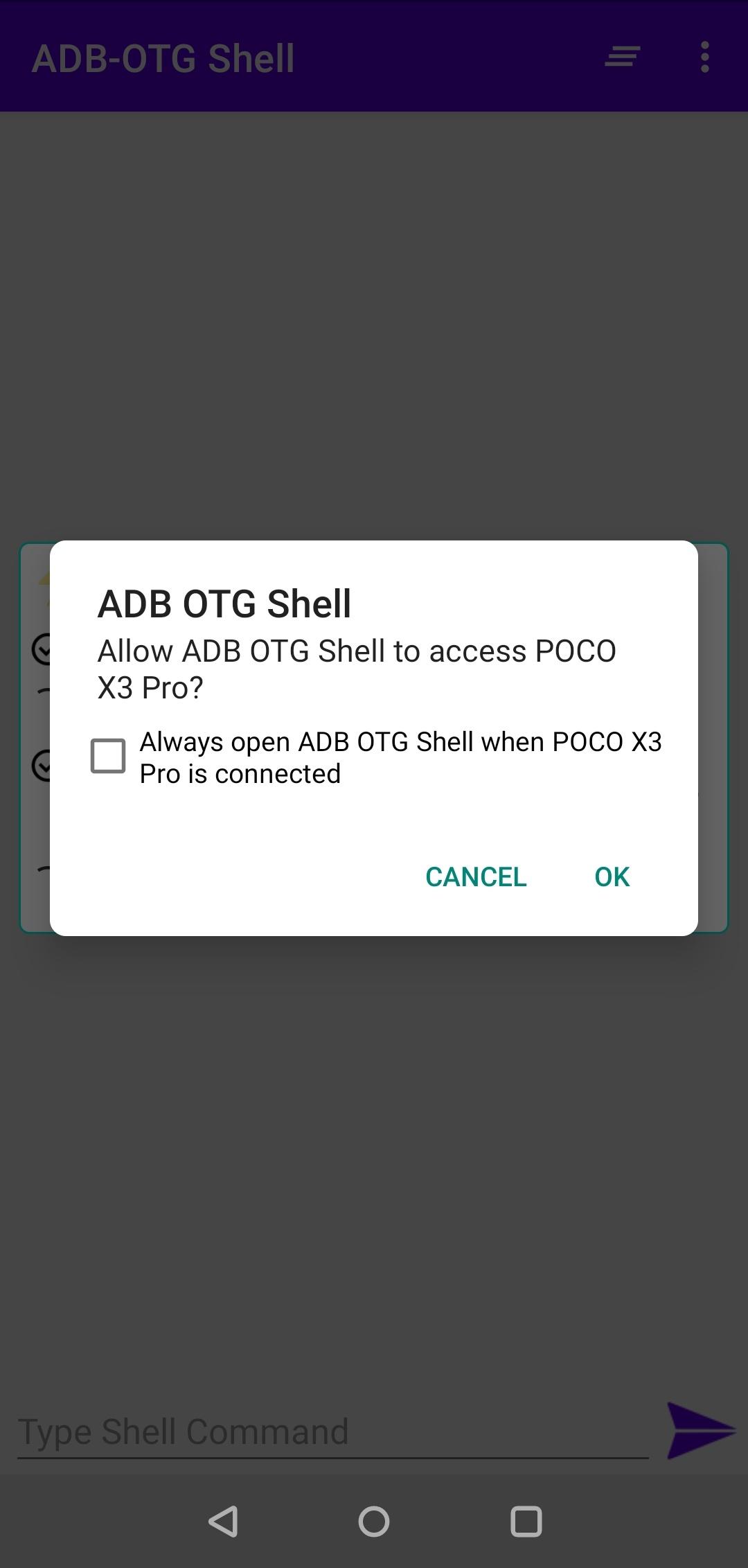
3. Accept all the prompt on your phone as well as remote phone
Your are all set !! to run shell commands on remote phone (no need to add "adb shell" at starting of commands)
Happy Shelling -:)
Last updated on Jul 26, 2025
-- Option to share full output and remove ads for a cleaner experience
-- Added more common suggestions
-- Android 15 support added
-- Bug fixes and overall performance improvements
Latest Version
 2.5
2.5
Uploaded by
Pedro Rodriguez
Requires Android
Android 6.0+
Available on

Category
Report





Discover what you want easier, faster and safer.

ADB OTG - Shell
2.5 by Gaming Tech Ventures
Jul 26, 2025